Desk Setup Essentials: The Six Upgrades Worth Making
The key upgrades for a better home office or desk setup, with official prices and specs: the Orbitkey Desk Mat Pro, BenQ ScreenBar Halo 2 monitor light, Logitech MX Brio 4K webcam, Logitech MX Master 4 mouse, Herman Miller Aeron chair and UPLIFT V3 standing desk.
We may earn a commission when you buy through links on this page. Learn more

Quick answer
The six desk upgrades worth making: a desk mat like the Orbitkey Desk Mat Pro ($99.90) to tidy and protect your desk; a monitor light like the BenQ ScreenBar Halo 2 to light your desk without screen glare; the Logitech MX Brio ($199.99) 4K webcam for calls; the Logitech MX Master 4 ($119.99) mouse; the Herman Miller Aeron chair ($1,613.50 on sale, from $2,305) with a 12-year warranty; and the UPLIFT V3 standing desk (from $599), which adjusts from 22.6 to 48.7 inches.
If you work from home, or spend hours at a desk for any reason, the right gear makes a bigger difference than almost any other upgrade: better light, better posture, clearer calls and less clutter.
I picked one item in each of six categories, with prices and specs from each maker's official US site as of November 2026. You don't need all six. Start with whatever bothers you most, whether that's back pain, a dim desk or a grainy webcam. For Mac-specific add-ons, see our best USB-C hubs for MacBook, best laptop stands and best monitors for MacBook.
Our picks at a glance
1. Best desk mat
Orbitkey Desk Mat Pro

A desk mat protects your desk, gives your mouse a consistent surface and makes a setup look finished. Orbitkey's Desk Mat Pro adds a hideaway pocket for loose papers and a magnetic cable holder for your charging cable.
Pros
- 01Pocket and cable holder
- 02Large size
- 03Looks polished
Cons
- 01Pricey for a mat
| Size (Large) | 896 x 423 x 4.9 mm |
|---|---|
| Materials | Vegan leather, 100% recycled PET felt |
| Features | Hideaway pocket, magnetic cable holder |
2. Best monitor light
BenQ ScreenBar Halo 2
A monitor light sits on top of your screen and lights your desk without shining on the screen itself. BenQ says the Halo 2's 18° cut-off angle prevents glare, and it adds a tri-zone backlight behind the monitor to reduce eye strain from contrast. A wireless controller adjusts brightness and color temperature from warm 2700K to cool 6500K.
Pros
- 01No screen glare
- 02Adjustable color temperature
- 03Fits curved monitors
Cons
- 01Price not shown to us
| Brightness | >1,000 lux at center (50 cm) |
|---|---|
| Color temperature | 2700K–6500K |
| Color rendering | CRI Ra ≥95 |
| Controller | Wireless, up to 3 months per charge |
| Fits | Flat or curved monitors, 0.43–6 cm thick |
3. Best webcam
Logitech MX Brio
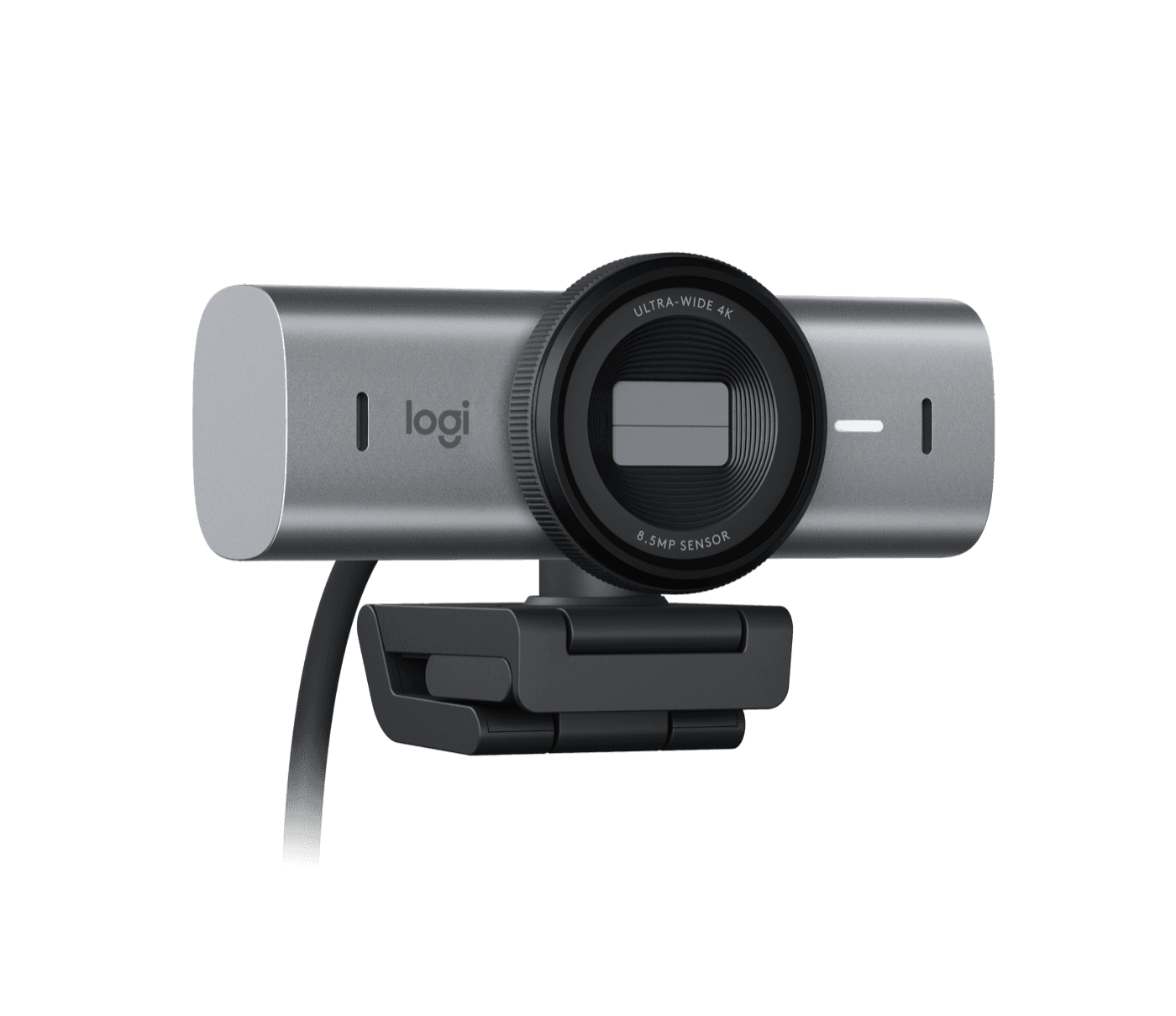
Laptop webcams are often the weakest part of a video call. The MX Brio records in 4K with an 8.5MP Sony STARVIS sensor, has a built-in privacy shutter, and is certified for Teams, Zoom and Google Meet. Its Show Mode lets you tilt it down to show something on your desk.
Pros
- 014K with a large sensor
- 02Privacy shutter
- 03Certified for major apps
Cons
- 01Needs a USB 3.0 port
- 02$199.99
| Resolution | 4K/30fps or 1080p/60fps |
|---|---|
| Sensor | 8.5MP Sony STARVIS |
| Field of view | 90°/78°/65° |
| Mics | Dual beamforming |
| Extras | Privacy shutter, Show Mode, HDR |
4. Best mouse
Logitech MX Master 4
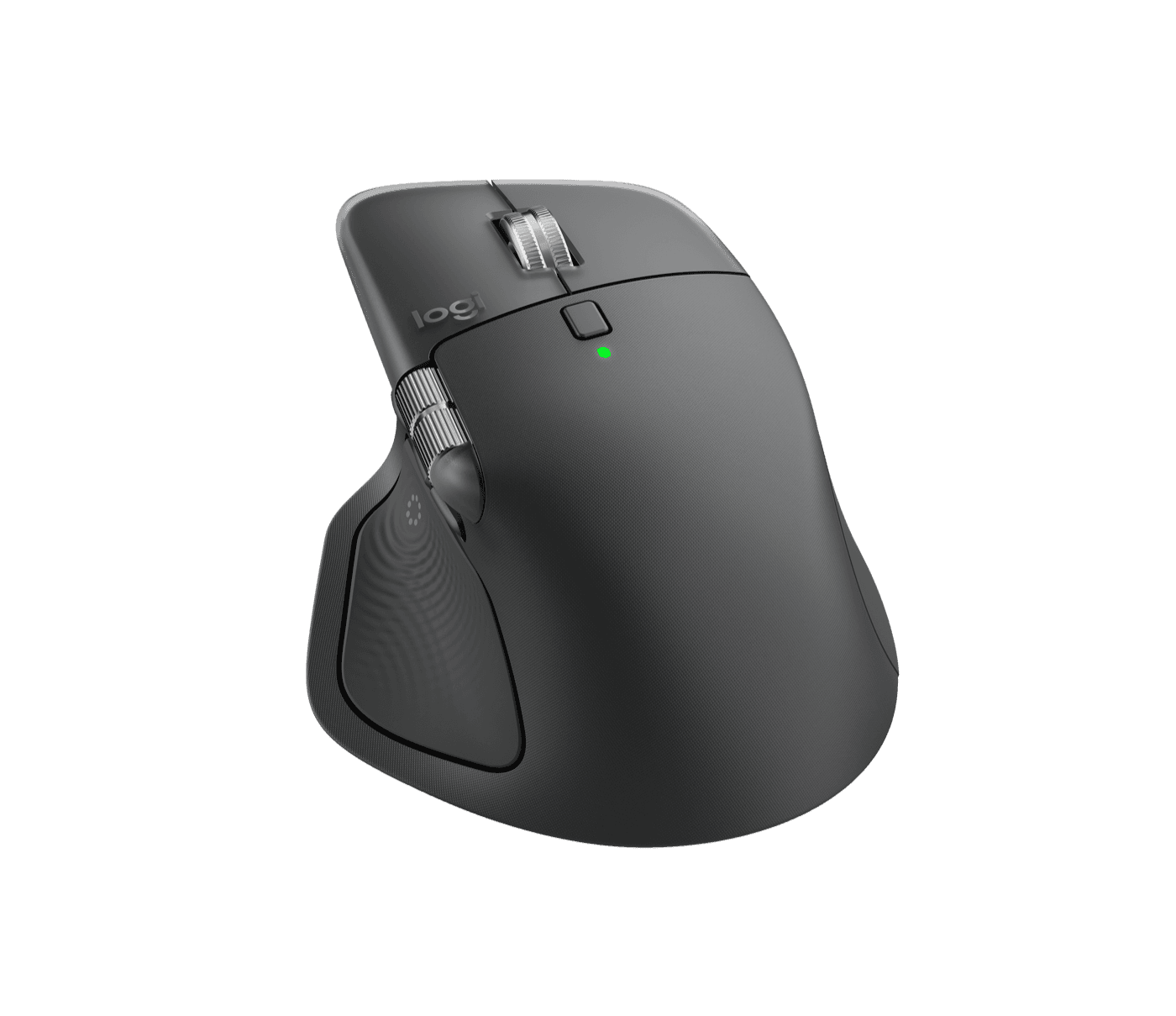
The MX Master line is the go-to productivity mouse, and the MX Master 4 adds a Haptic Sense Panel and Actions Ring for shortcuts. Its MagSpeed wheel scrolls 1,000 lines a second, it tracks even on glass, and it lasts up to 70 days per charge. The MX Master 3S Bluetooth Edition was $89.99 on sale if you want to save.
Pros
- 01Fast MagSpeed scroll
- 02Tracks on glass
- 0370-day battery
Cons
- 01Right-handed only
- 02Large for small hands
| Sensor | Darkfield, 200–8,000 DPI, tracks on glass |
|---|---|
| Buttons | 8 |
| Scroll | MagSpeed, 1,000 lines/sec |
| Battery | Up to 70 days |
| Connection | Bluetooth or Logi Bolt |
5. Best office chair
Herman Miller Aeron Chair
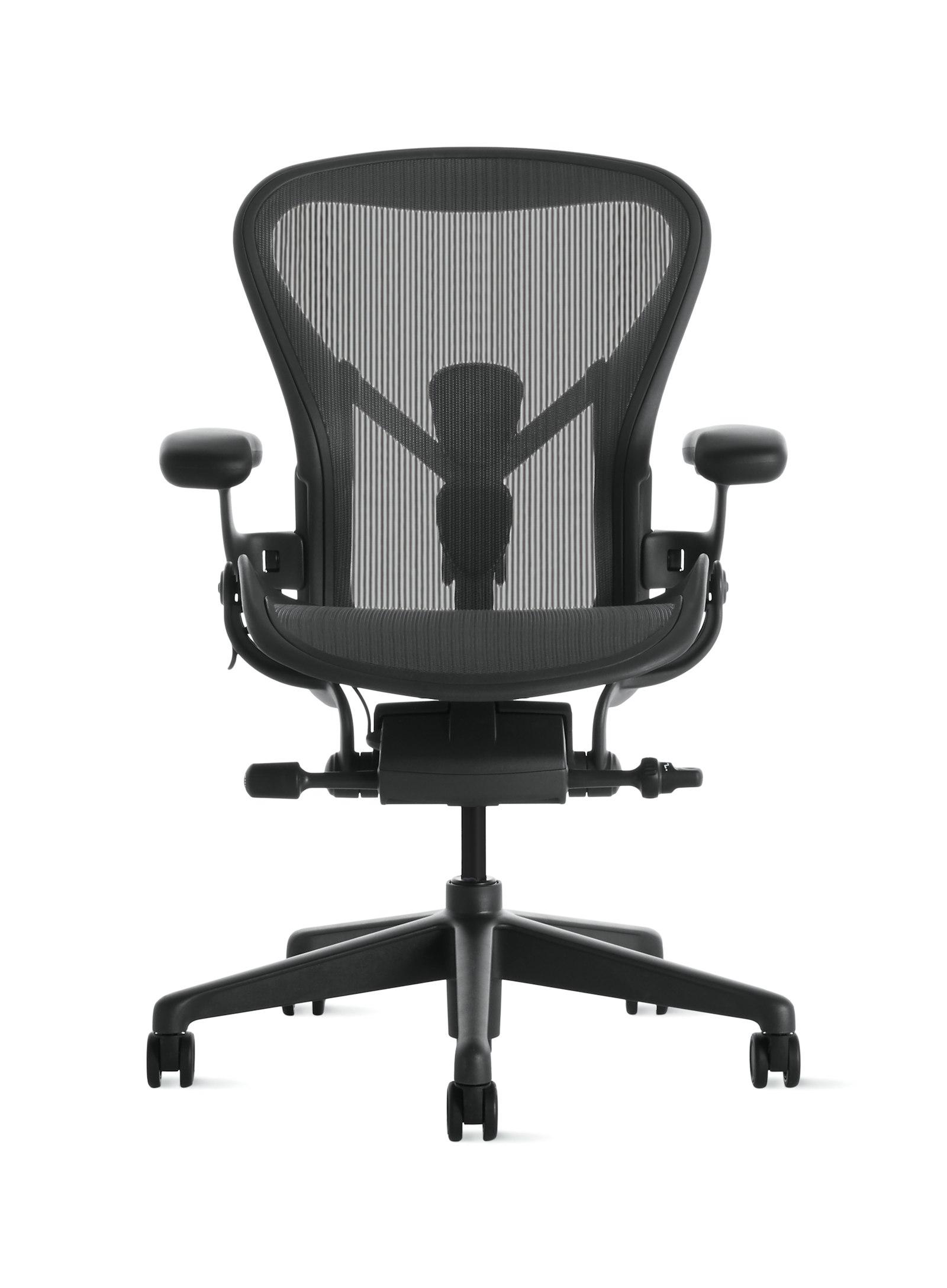
If you sit for hours every day, a good chair is the most important thing on this list. The Aeron comes in three sizes, uses breathable mesh, adds PostureFit SL back support and carries a 12-year warranty. It's a big expense, but spread over 12 years it works out to about $134 a year at the sale price.
Pros
- 01Three sizes
- 0212-year warranty
- 03Breathable mesh
Cons
- 01Expensive
- 02No padded seat option
| Sizes | A, B, C (up to 300, 350, 400 lb) |
|---|---|
| Seat and back | 8Z Pellicle mesh suspension |
| Back support | PostureFit SL |
| Recline | Harmonic Tilt |
| Warranty | 12 years |
6. Best standing desk
UPLIFT V3 Standing Desk
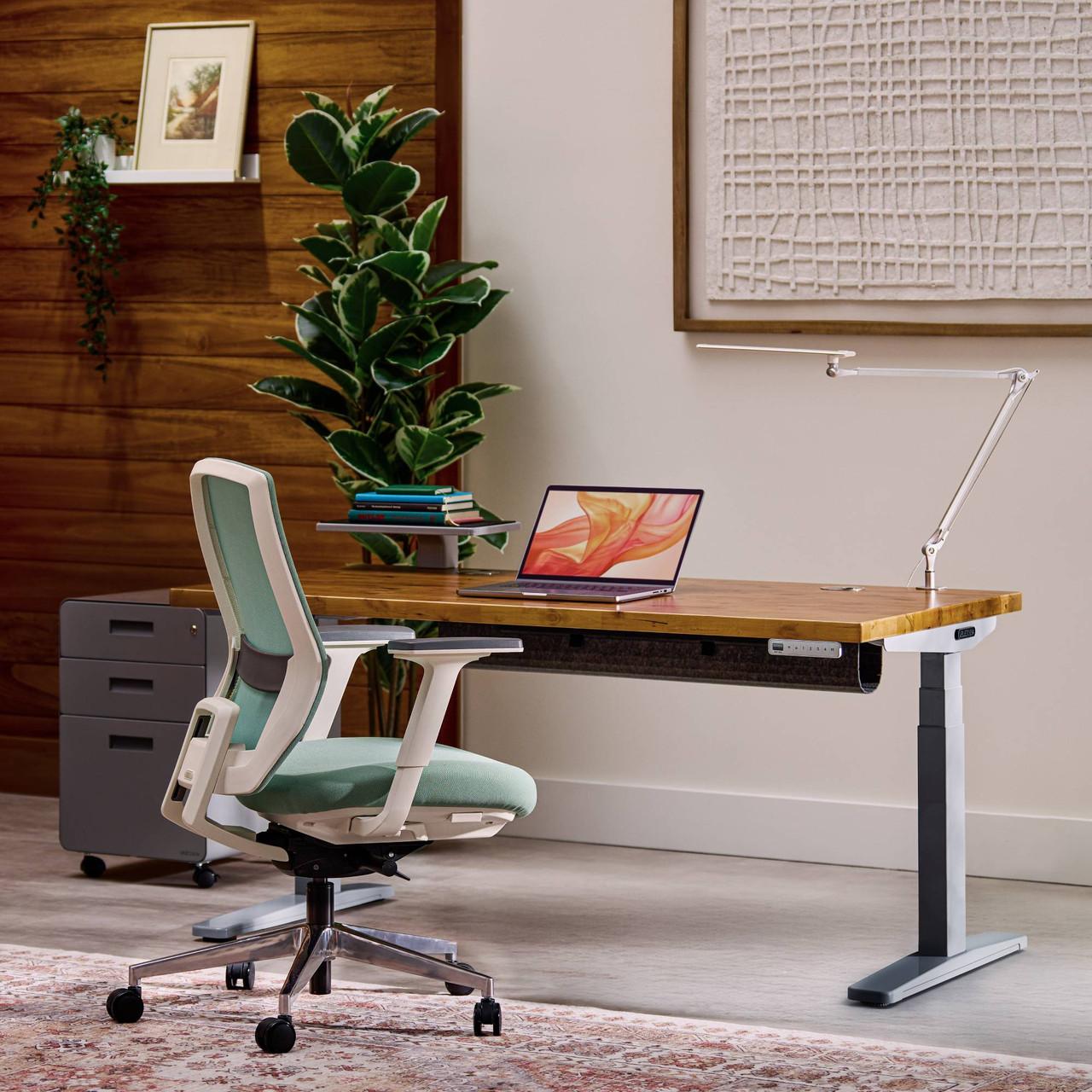
A standing desk lets you switch positions through the day. UPLIFT's V3 adjusts from 22.6 to 48.7 inches, which UPLIFT says fits 95% of users, and comes with a 15-year warranty and cable management. Desktop choices add from $10 to $790 to the starting price.
Pros
- 01Wide height range
- 0215-year warranty
- 03Cable management included
Cons
- 01Price rises with desktop options
| Height range | 22.6–48.7 in |
|---|---|
| Standard | Meets ANSI/BIFMA G1-2013 |
| Warranty | 15 years |
| Included | FlexMount cable manager, 10 cable wraps |
Where to start, by budget
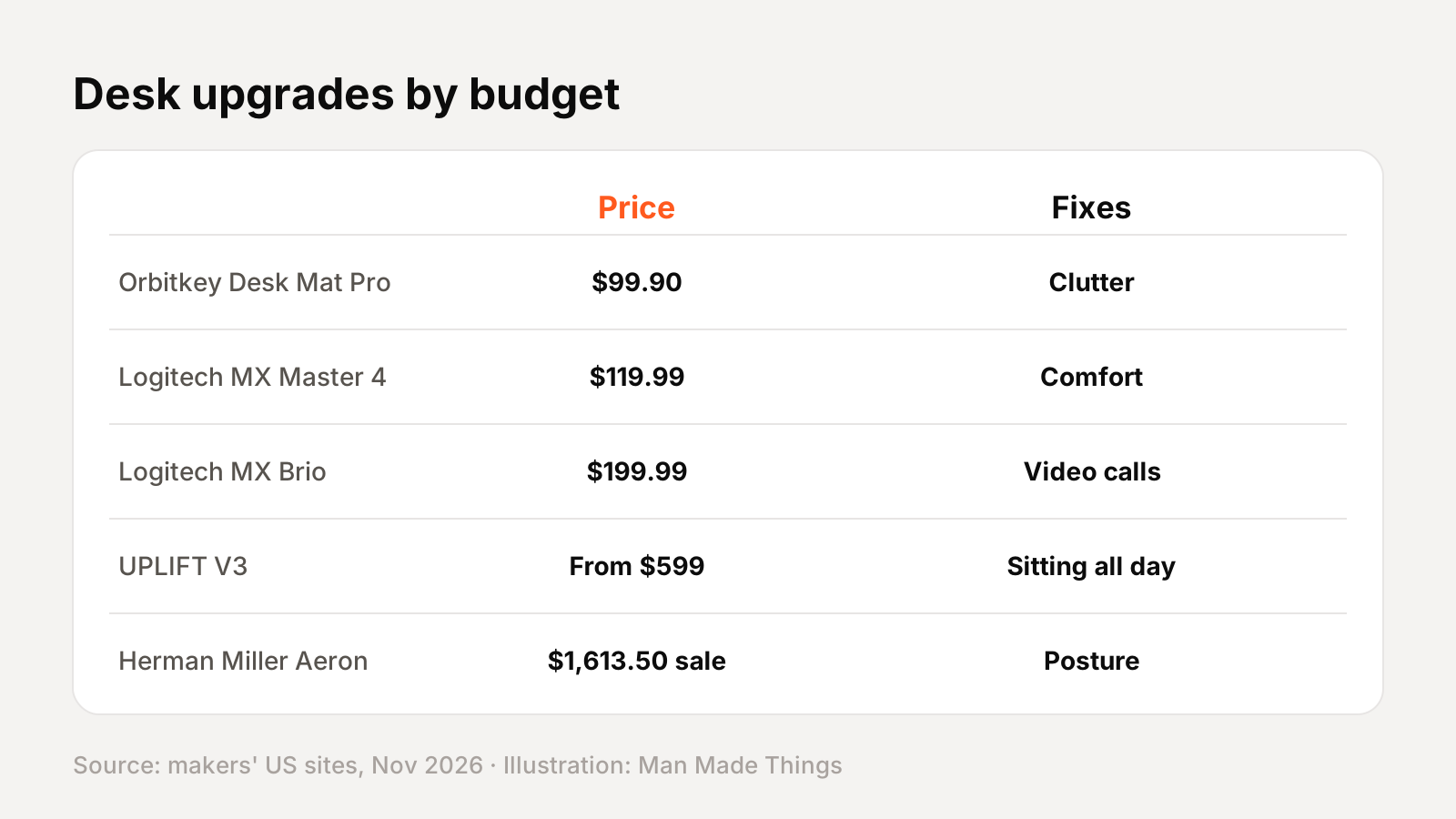
| Budget | Upgrade | Fixes |
|---|---|---|
| ~$100 | Orbitkey Desk Mat Pro ($99.90) | Clutter, desk scratches |
| ~$120 | Logitech MX Master 4 ($119.99) | Wrist comfort, productivity |
| ~$200 | Logitech MX Brio ($199.99) | Grainy video calls |
| ~$600 | UPLIFT V3 (from $599) | Sitting all day |
| ~$1,600+ | Herman Miller Aeron | Back pain, posture |
Where to start: if you sit more than a few hours a day, put the chair or desk first. If your setup works but feels cluttered or dim, a mat and a monitor light are quick, affordable wins.
Ergonomics basics
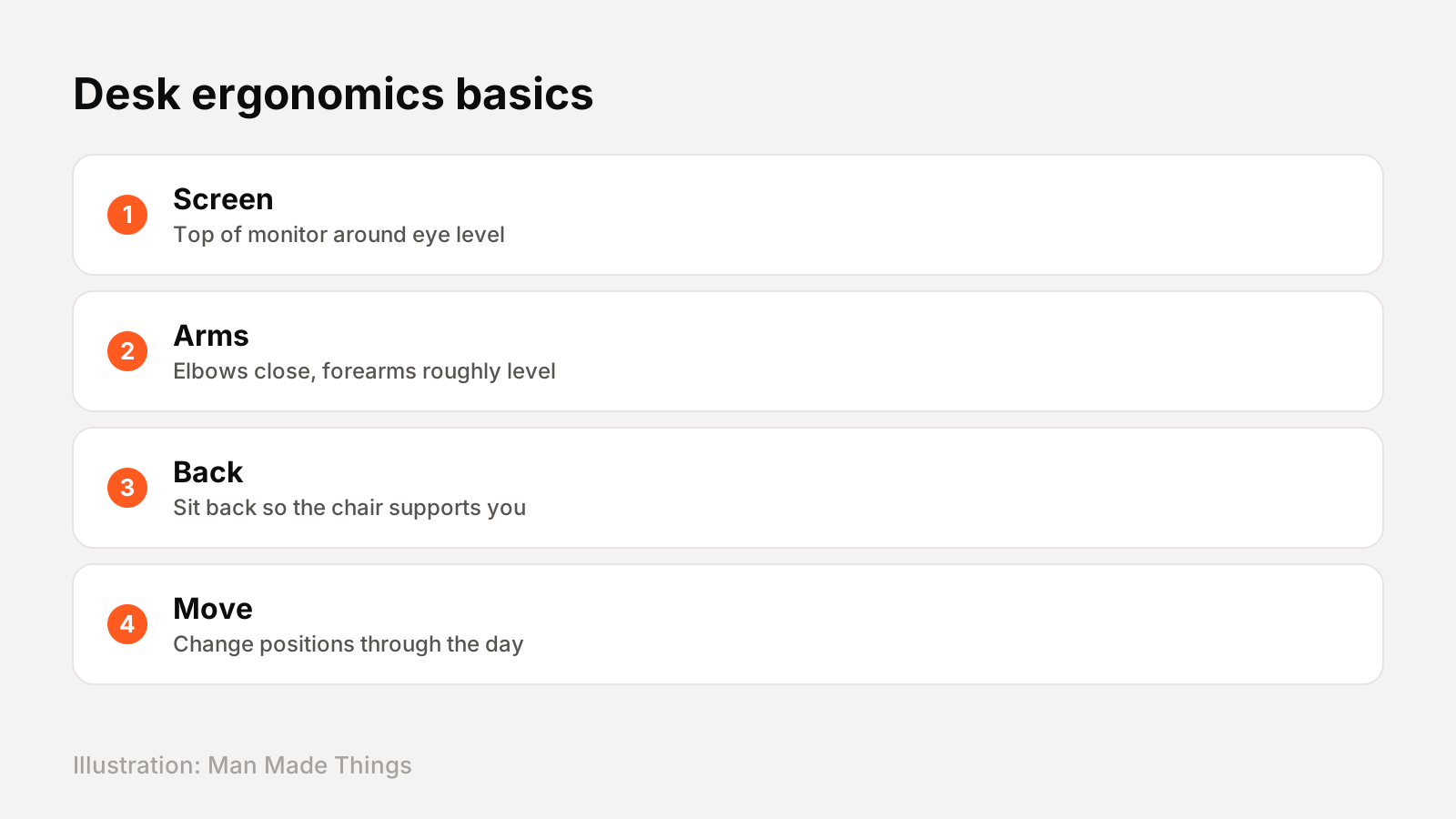
A few general setup tips help no matter what gear you buy:
- Screen height: put the top of your monitor around eye level, so you're not looking down all day. A laptop stand helps if you work on a laptop.
- Arms: keep your elbows close to your body and your keyboard and mouse at a height where your forearms are roughly level.
- Support: sit back in your chair so it supports your lower back.
- Move: change position regularly; a standing desk makes that easy.
- Light: light your desk evenly and avoid glare on the screen, which is exactly what a monitor light is designed for.
If you have pain that doesn't go away, talk to a doctor or physical therapist.
Finishing touches
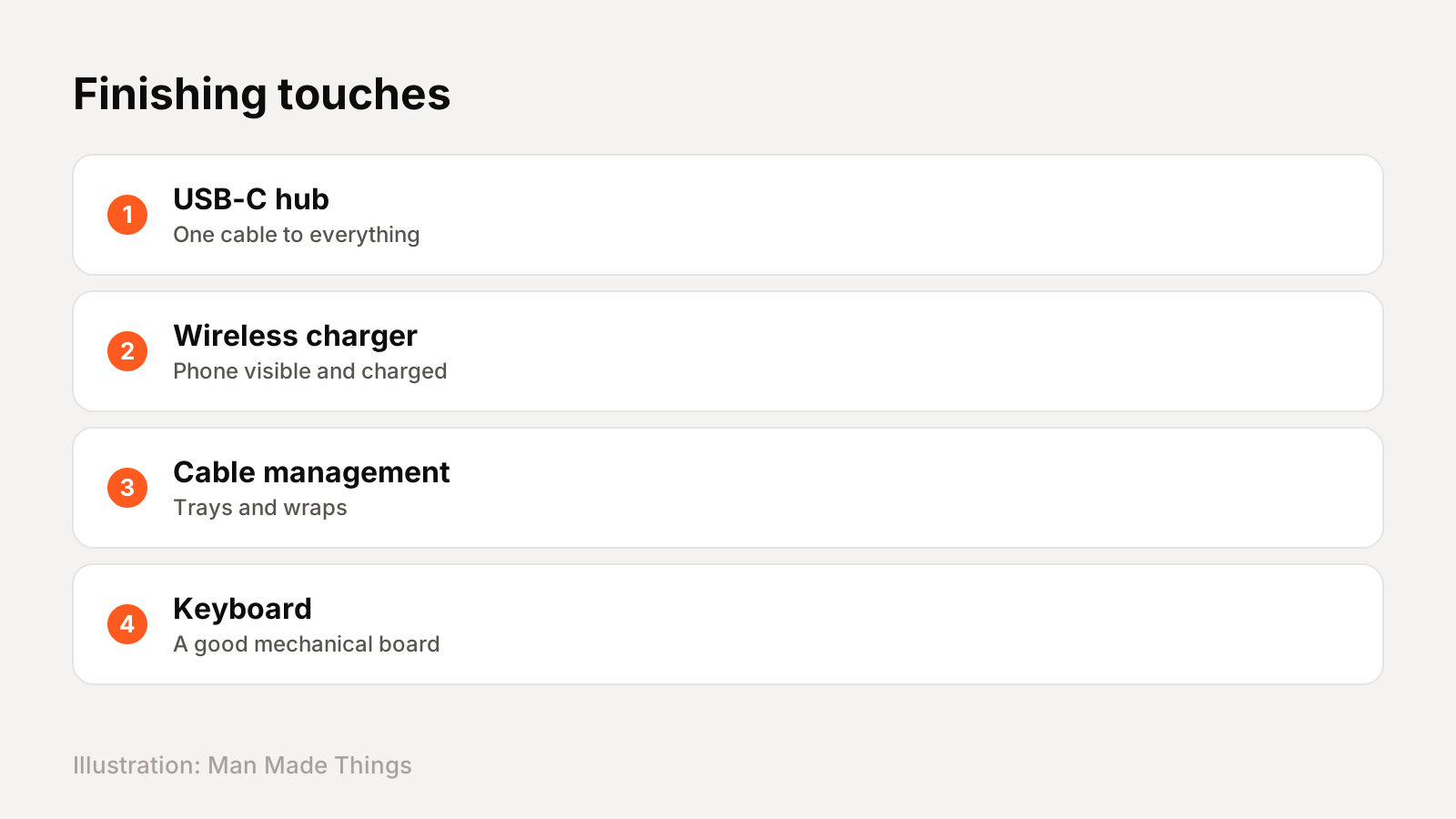
Once the big pieces are in place, small additions finish the setup:
- One-cable connection: a USB-C hub or dock connects your laptop to everything at once. See our best USB-C hubs.
- Phone charging: a magnetic stand keeps your phone visible and charged. See our best wireless chargers.
- Cable management: use the cable tray and wraps included with desks like the UPLIFT V3.
- Keyboard: a good mechanical keyboard makes typing more pleasant; see our best mechanical keyboards.
The value math
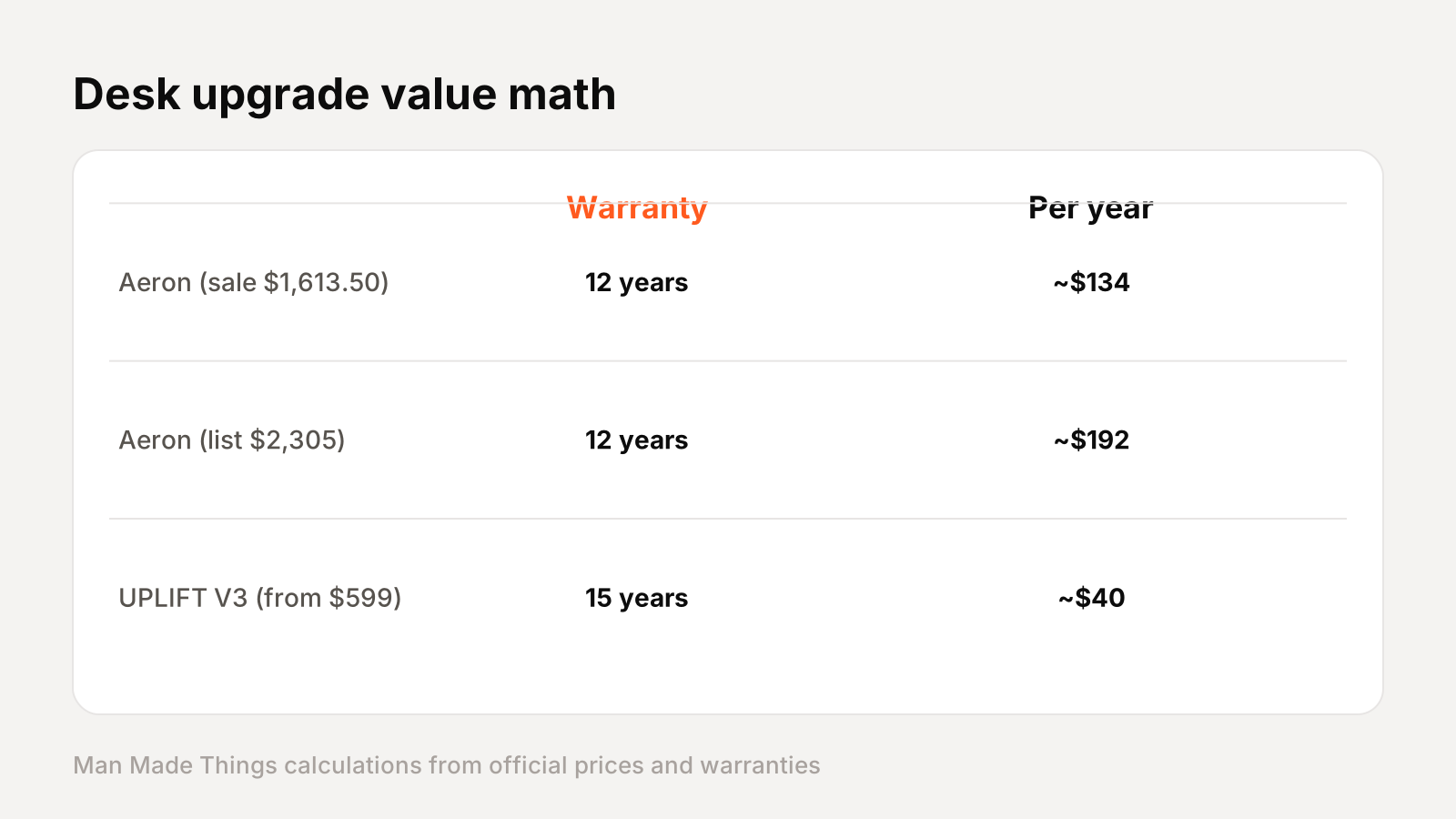
Expensive desk furniture looks better when you divide the price by how long it's covered. Using the makers' warranties (my calculations):
| Item | Price | Warranty | Cost per warranty year |
|---|---|---|---|
| Herman Miller Aeron | $1,613.50 (sale) | 12 years | ~$134 |
| Herman Miller Aeron | $2,305 (list) | 12 years | ~$192 |
| UPLIFT V3 standing desk | From $599 | 15 years | ~$40 |
That's not a prediction of how long they'll last, just a way to compare. If you spend eight hours a day at a desk, about $134 a year for a chair with three sizes and adjustable support is easier to justify than the sticker price suggests.
Spend in this order: chair, desk, then the smaller items. A great webcam won't help if your back hurts by lunchtime.
Frequently asked questions
What are the essentials for a desk setup?
+
A comfortable chair, a desk at the right height (or a standing desk), good lighting, a quality mouse and keyboard, a webcam for calls and a desk mat to tidy everything.
Is the Herman Miller Aeron worth it?
+
For long daily use, its three sizes, adjustable support and 12-year warranty make it a strong long-term investment; at the sale price of $1,613.50, that's about $134 a year over the warranty.
What is a monitor light bar?
+
A light that clips to the top of your monitor and lights your desk without shining on the screen, such as the BenQ ScreenBar Halo 2.
Sources
Editor-in-Chief
Rahul has been writing about gadgets and software since 2013, first at Thetechhacker and now at Man Made Things. He edits every review on the site and signs off on every verdict.
More from Rahul →
