CHERRY XTRFY MX 10.1 Wireless Review: Specs, Price and How It Compares
A research-based review of the CHERRY XTRFY MX 10.1 Wireless: Cherry's official specs, features explained and how it compares with the rest of Cherry's gaming keyboards.
We may earn a commission when you buy through links on this page. Learn more
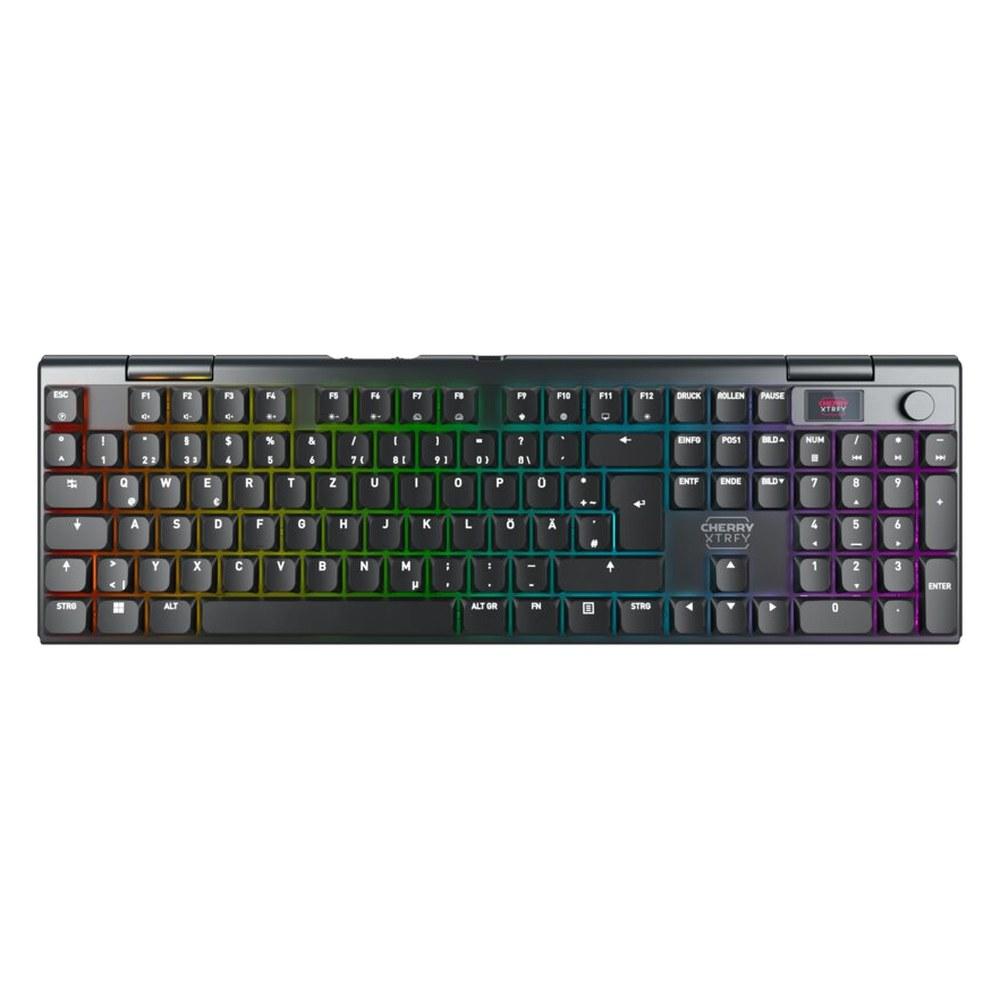
Quick answer
The CHERRY XTRFY MX 10.1 Wireless is a full-size wireless keyboard with CHERRY MX Low Profile 2.0 Ivory switches, with a 2-year warranty listed by Cherry. It's best for players who want a slim, full-size wireless board with fast polling.
Cherry is best known for the MX switches inside other brands' keyboards, but it also makes its own gaming keyboards under the CHERRY XTRFY and CHERRY MX names. The MX 10.1 Wireless is a full-size keyboard with CHERRY MX Low Profile 2.0 Ivory switches and wireless (2.4 GHz and Bluetooth) and wired connections. Cherry doesn't sell direct in the US or publish US prices, so check retailers such as Amazon for current pricing.
A note on how we review: I haven't completed a hands-on test of the MX 10.1 Wireless, so there's no star rating on this page. Everything below comes from Cherry's official US product page and properties table, with plain-English explanations and a comparison with the rest of Cherry's lineup. See every model in our Cherry keyboards guide, and for other brands, our best gaming keyboards.
Image: Cherry
Cherry
CHERRY XTRFY MX 10.1 Wireless
The MX 10.1 Wireless is a strong pick for players who want a slim, full-size wireless board with fast polling.
Best for: Players who want a slim, full-size wireless board with fast polling
Pros
- 014K wireless / 8K wired polling
- 02Slim aluminum full-size design
- 03LCD display and rotary knob
- 04PBT keycaps
Cons
- 01No US price from Cherry
- 02Not hot-swappable
- 03No battery life listed
What the MX 10.1 Wireless is
The CHERRY XTRFY MX 10.1 Wireless is Cherry's slim full-size wireless gaming keyboard. Cherry calls it "the perfect blend of speed, durability and comfort," with "4K wireless and 8K wired technology," improved CHERRY MX Low Profile 2.0 switches and "the slim aluminium design."
Cherry says the MX LP 2.0 switches have "a revised design and a precisely applied premium lubricant." It has PBT keycaps that Cherry calls "absolutely abrasion resistant," a rotary knob and LCD display for settings, a Win/Mac mode switch, and Bluetooth for up to three devices.
Cherry's low-profile boards use CHERRY MX Low Profile switches, from the flat wired MX 10.0N RGB to the Ultra-Wideband K63W Pro.
MX 10.1 Wireless specs
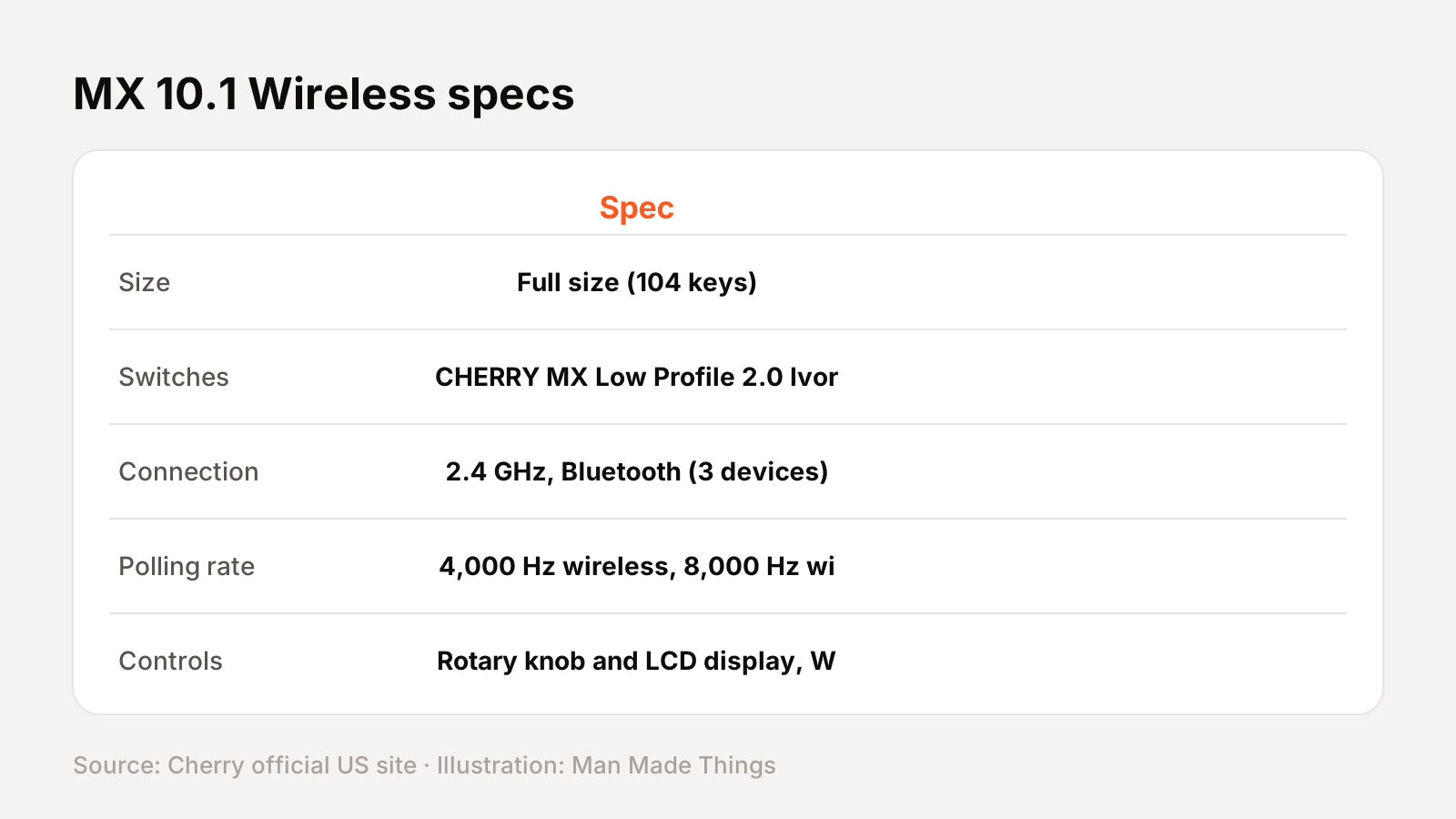
From Cherry's official US product page and properties table:
| Spec | MX 10.1 Wireless |
|---|---|
| Size | Full size (104 keys) |
| Switches | CHERRY MX Low Profile 2.0 Ivory |
| Connection | 2.4 GHz, Bluetooth (3 devices) or wired |
| Polling rate | 4,000 Hz wireless, 8,000 Hz wired |
| Controls | Rotary knob and LCD display, Win/Mac switch |
| Keycaps | PBT |
| Housing | Slim aluminum |
| Onboard memory | 256 kBit |
| OS | Windows, macOS |
| Dimensions | 427 x 134 x 27 mm |
| Warranty | 2 years |
| In the box | Keyboard, 4K dongle, USB-A to USB-C cable, manual |
Prices and versions
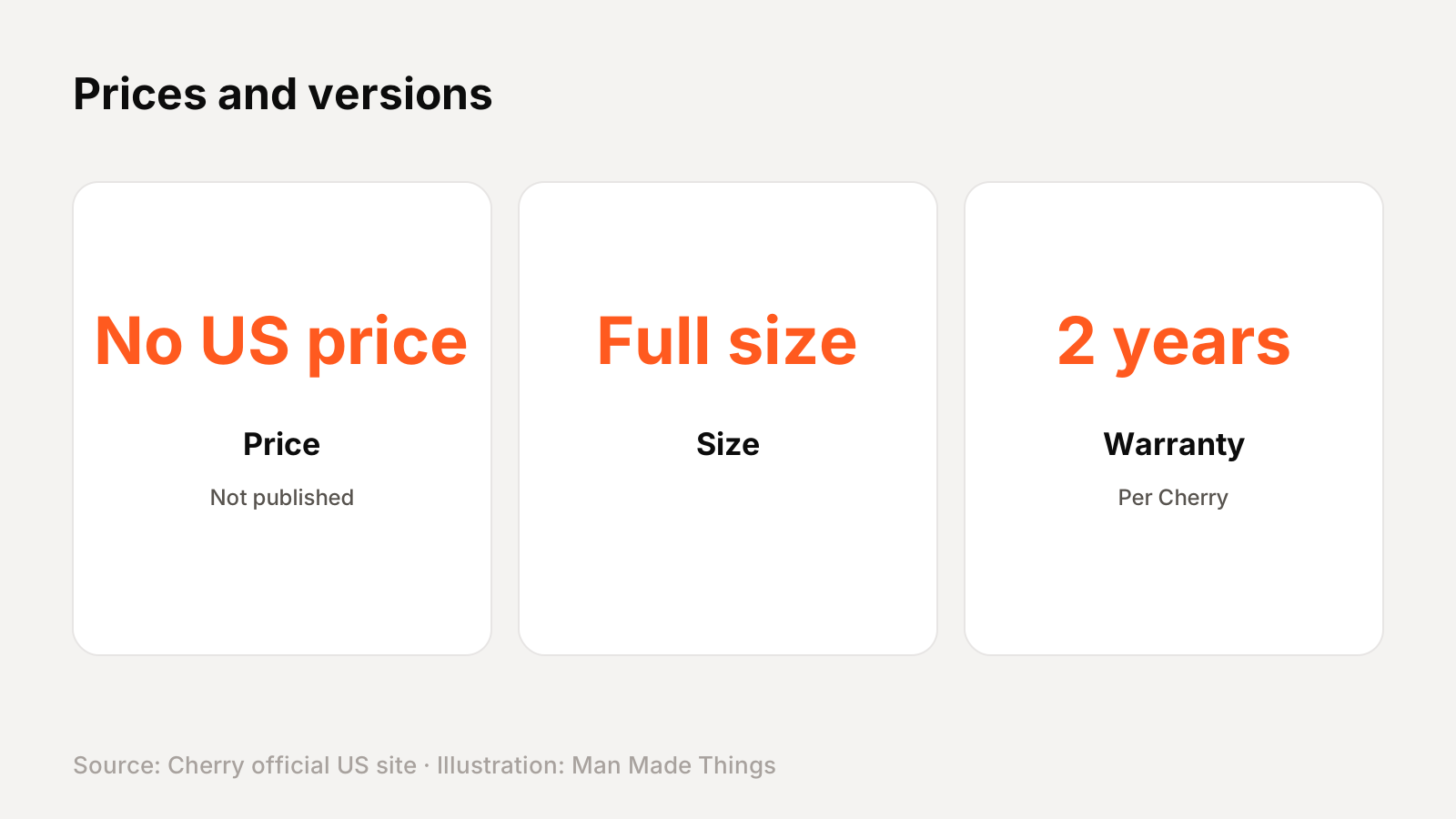
Cherry's US site lists the MX 10.1 Wireless in a US layout in black with MX Low Profile 2.0 Ivory switches. Cherry doesn't sell direct in the US or publish US prices.
The wired MX 10.0N RGB is Cherry's other full-size low-profile board.
Key features, explained
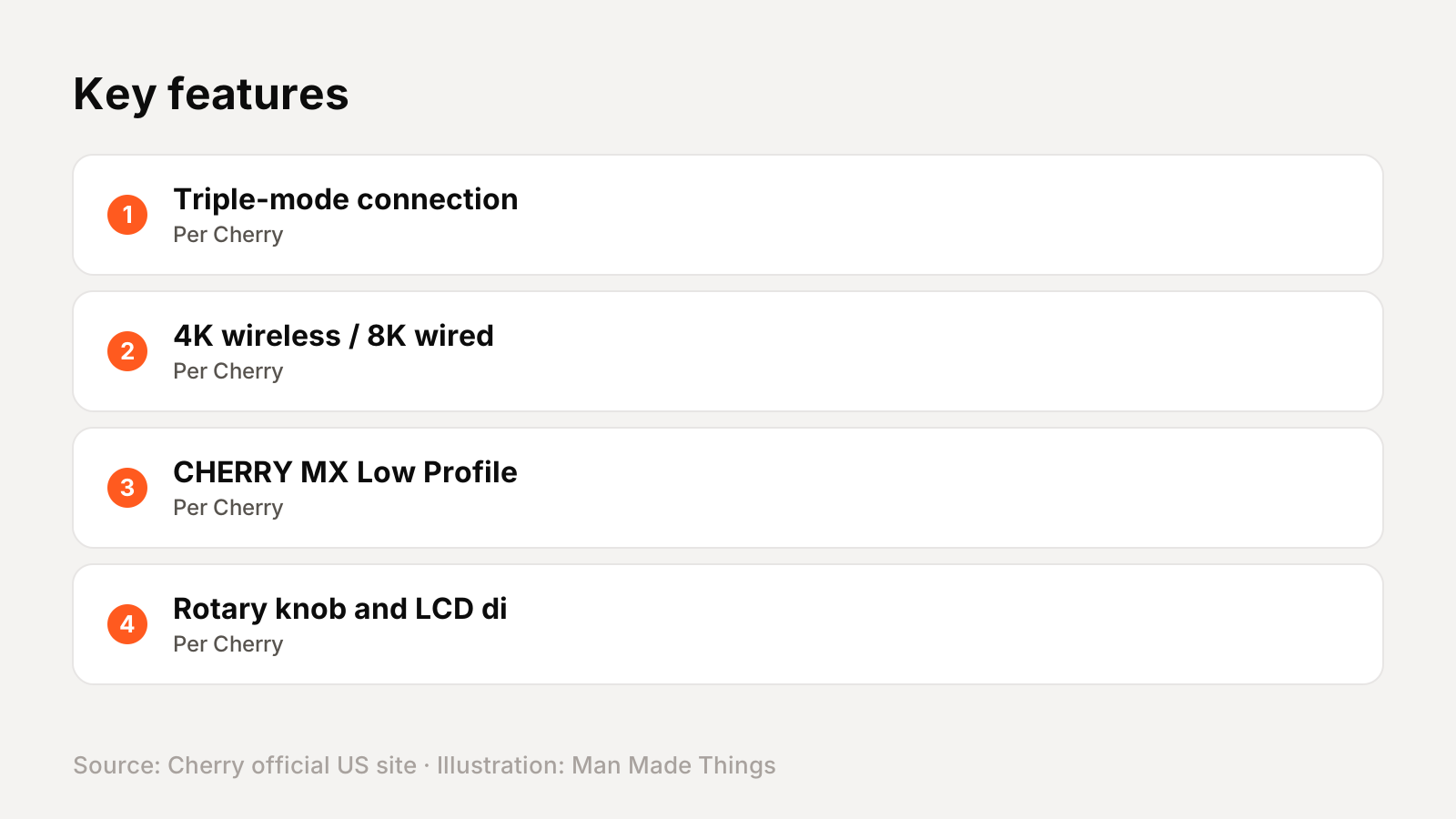
Here's what the main features on Cherry's product page actually do:
- Triple-mode connection: 2.4 GHz wireless with a dongle, Bluetooth for up to three devices, or USB cable. Cherry says you can switch Bluetooth devices with the rotary knob on models that have one.
- 4K wireless / 8K wired polling: Cherry lists 4,000 Hz in wireless mode and 8,000 Hz wired, far above the usual 1,000 Hz.
- CHERRY MX Low Profile 2.0: Cherry's revised low-profile mechanical switches, with what Cherry calls "a revised design and a precisely applied premium lubricant."
- Rotary knob and LCD display: Cherry says you "always have control over your settings" and can switch Bluetooth devices with the knob.
- PBT keycaps: hard-wearing keycaps that resist shine. Cherry calls them "absolutely abrasion resistant" on its premium boards.
- Aluminum housing: Cherry lists a high-quality aluminum case for durability and a premium look.
The switches, explained
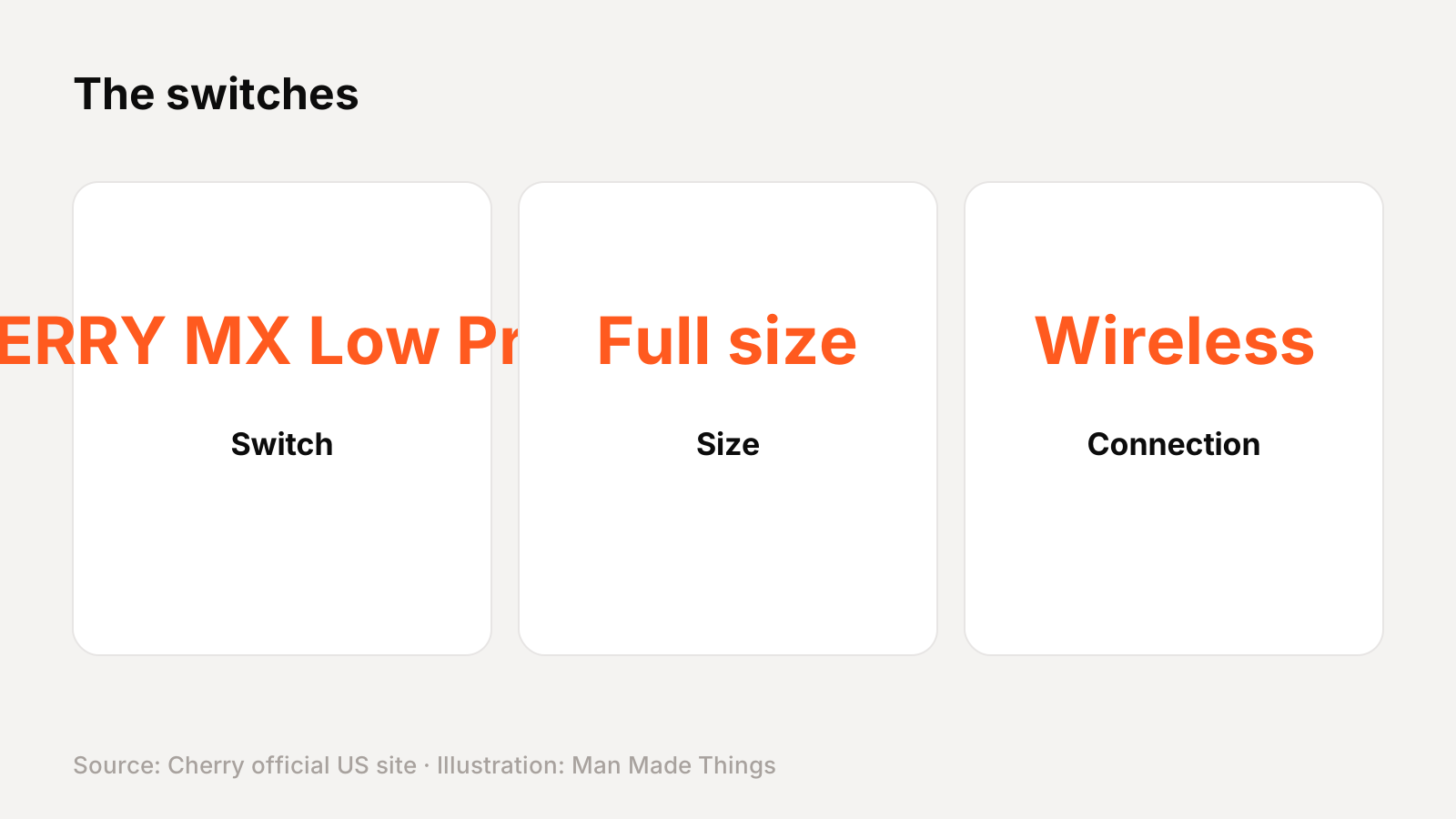
CHERRY MX Low Profile 2.0 switches are Cherry's updated low-profile mechanical switches. Cherry says they have "a revised design and a precisely applied premium lubricant" for a smoother feel. They register at a fixed point, so there's no adjustable actuation or Rapid Trigger.
How it compares with other Cherry gaming keyboards
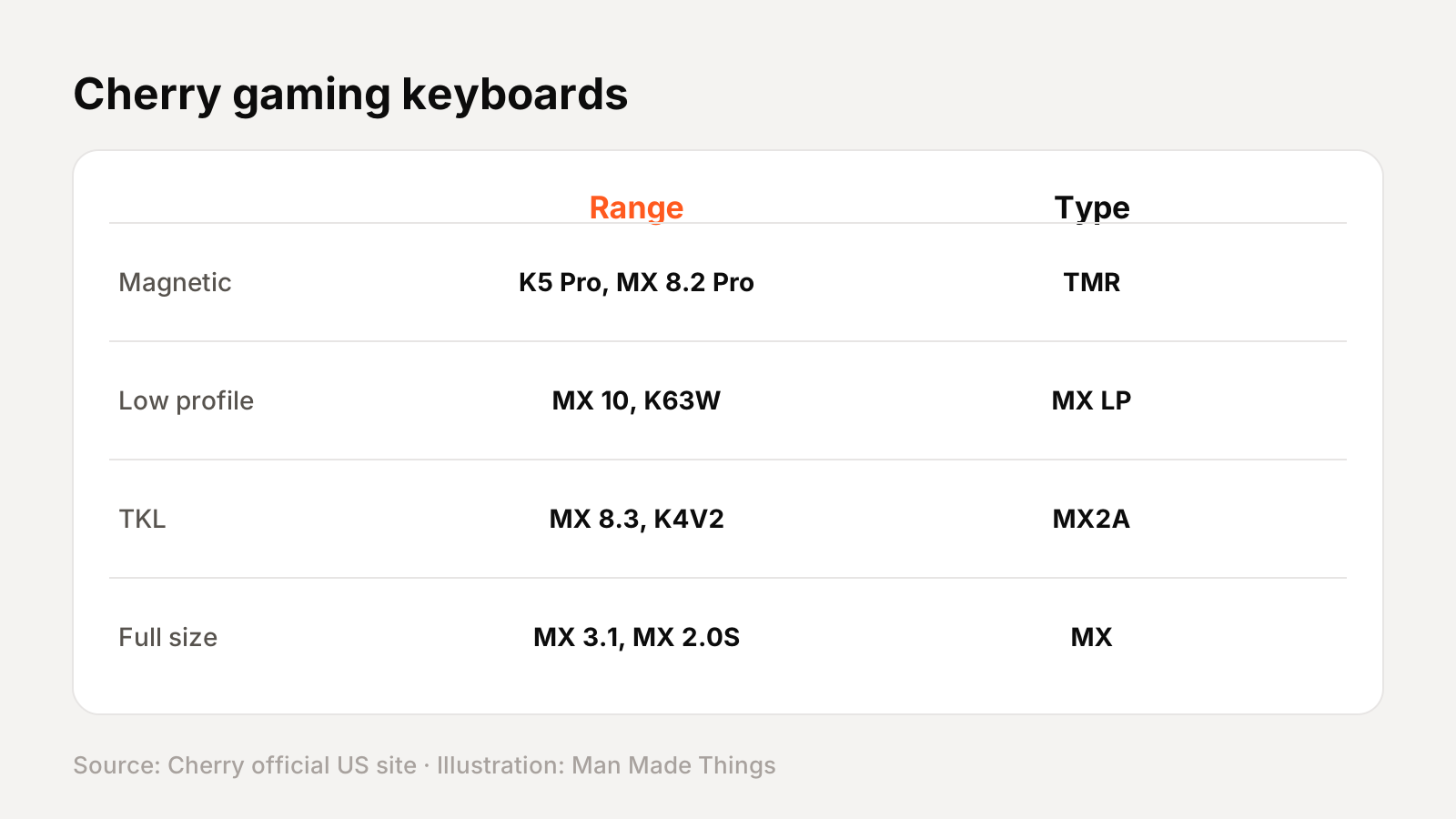
Cherry's current gaming keyboard lineup on its US site (Cherry doesn't publish US prices):
| Model | Size | Switches | Connection |
|---|---|---|---|
| K5 Pro TMR Compact | 65% | CHERRY MK Crystal magnetic | Wired |
| MX 8.2 Pro TMR Wireless | Tenkeyless (TKL) | CHERRY MK Crystal magnetic | Wireless |
| K63W Pro Compact Ultra-Wideband | 70% | CHERRY MX Low Profile 2.0 Red | Wireless |
| MX 10.1 Wireless | Full size | CHERRY MX Low Profile 2.0 Ivory | Wireless |
| MX 10.0N RGB | Full size | CHERRY MX Low Profile RGB Speed | Wired |
| MX-LP 2.1 Compact Wireless | 65% | CHERRY MX Low Profile | Wireless |
| MX 8.3 TKL Wireless | Tenkeyless (TKL) | CHERRY MX2A Red | Wireless |
| MX 8.2 TKL Wireless | Tenkeyless (TKL) | CHERRY MX2A or MX | Wireless |
| K4V2 RGB TKL | Tenkeyless (TKL) | CHERRY MX2A Red | Wired |
| K5V2 Compact | 65% | CHERRY MX2A Red | Wired |
| K33 Compact Wireless | 75% | Mem-chanical | Wireless |
| MX 3.1 | Full size | CHERRY MX2A | Wired |
| MX 3.0S Wireless | Full size | CHERRY MX2A or MX | Wireless |
| MX BOARD 3.0S | Full size | CHERRY MX | Wired |
| MX 2.0S | Full size | CHERRY MX or MX2A | Wired |
How to choose within Cherry's low-profile range
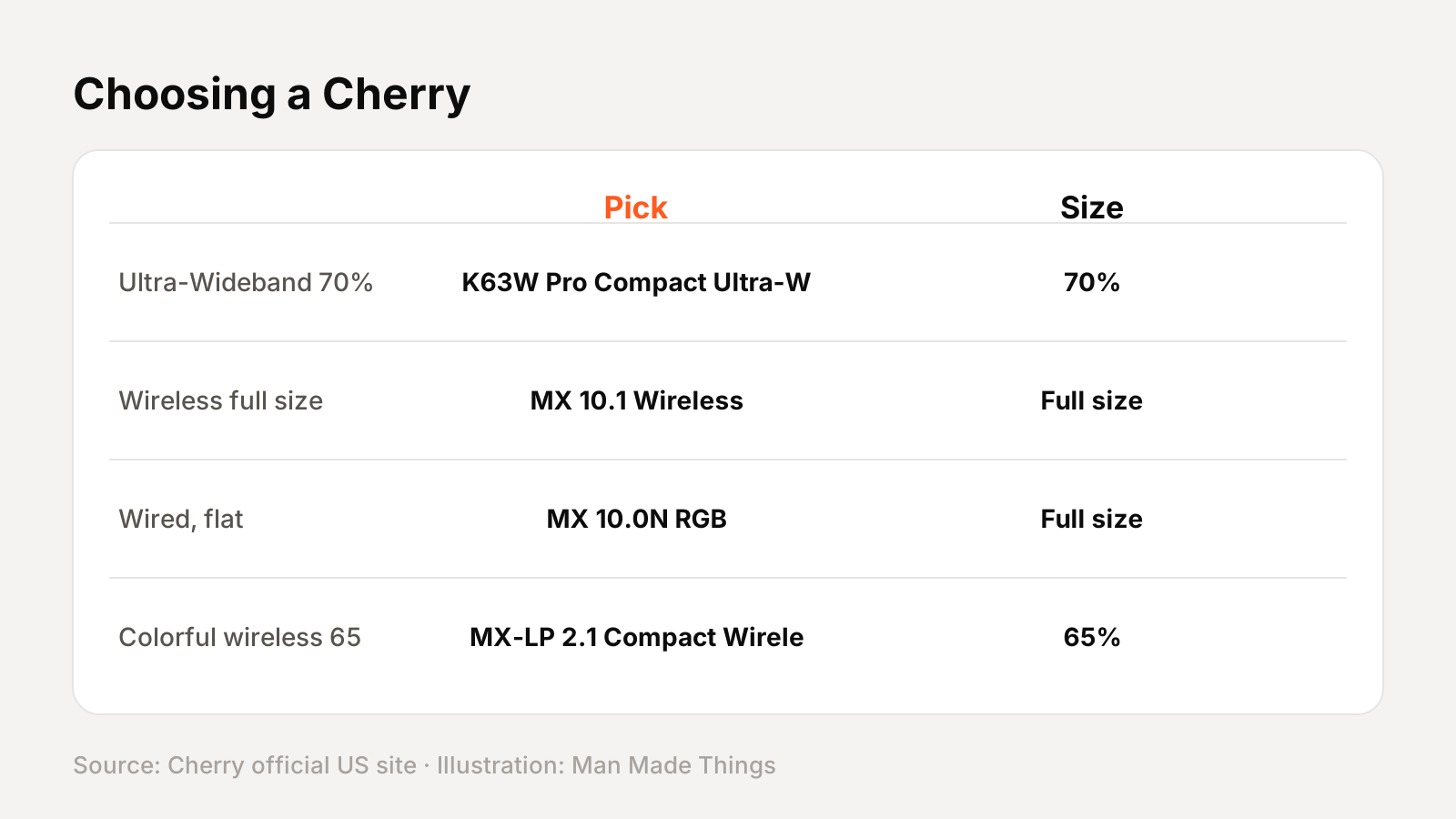
| If you want... | Consider |
|---|---|
| Ultra-Wideband 70% | K63W Pro Compact Ultra-Wideband (70%) |
| Wireless full size | MX 10.1 Wireless (Full size) |
| Wired, flat | MX 10.0N RGB (Full size) |
| Colorful wireless 65% | MX-LP 2.1 Compact Wireless (65%) |
CHERRY software, explained
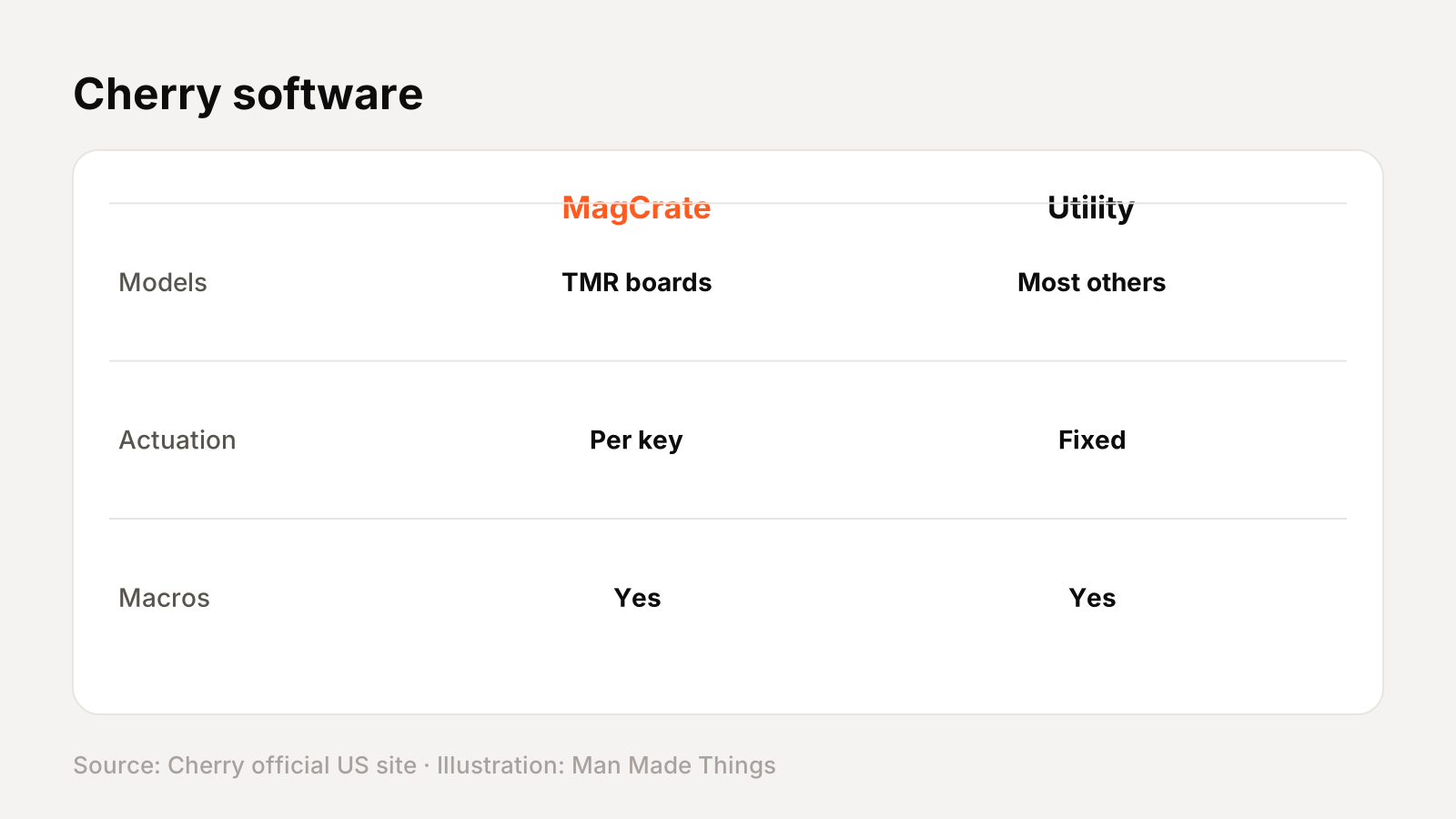
Cherry gaming keyboards use one of three Cherry programs, depending on the model:
- CHERRY MagCrate is for the magnetic TMR boards (K5 Pro TMR Compact and MX 8.2 Pro TMR). Cherry says it lets you "adjust actuation points per key, enable advanced features like RT, Mod Tap, Dynamic Key Travel (DKS) and SnapKey, assign macros" and set lighting.
- CHERRY Utility Software & Assistant handles key assignments and lighting on most other models, such as the MX 3.1, MX 8.3 and K63W Pro.
- CHERRY KEYS is Cherry's free key-assignment tool, listed for the MX 10.0N RGB.
Some boards, like the K4V2, let you adjust lighting without any software.
Keyboard terms, explained
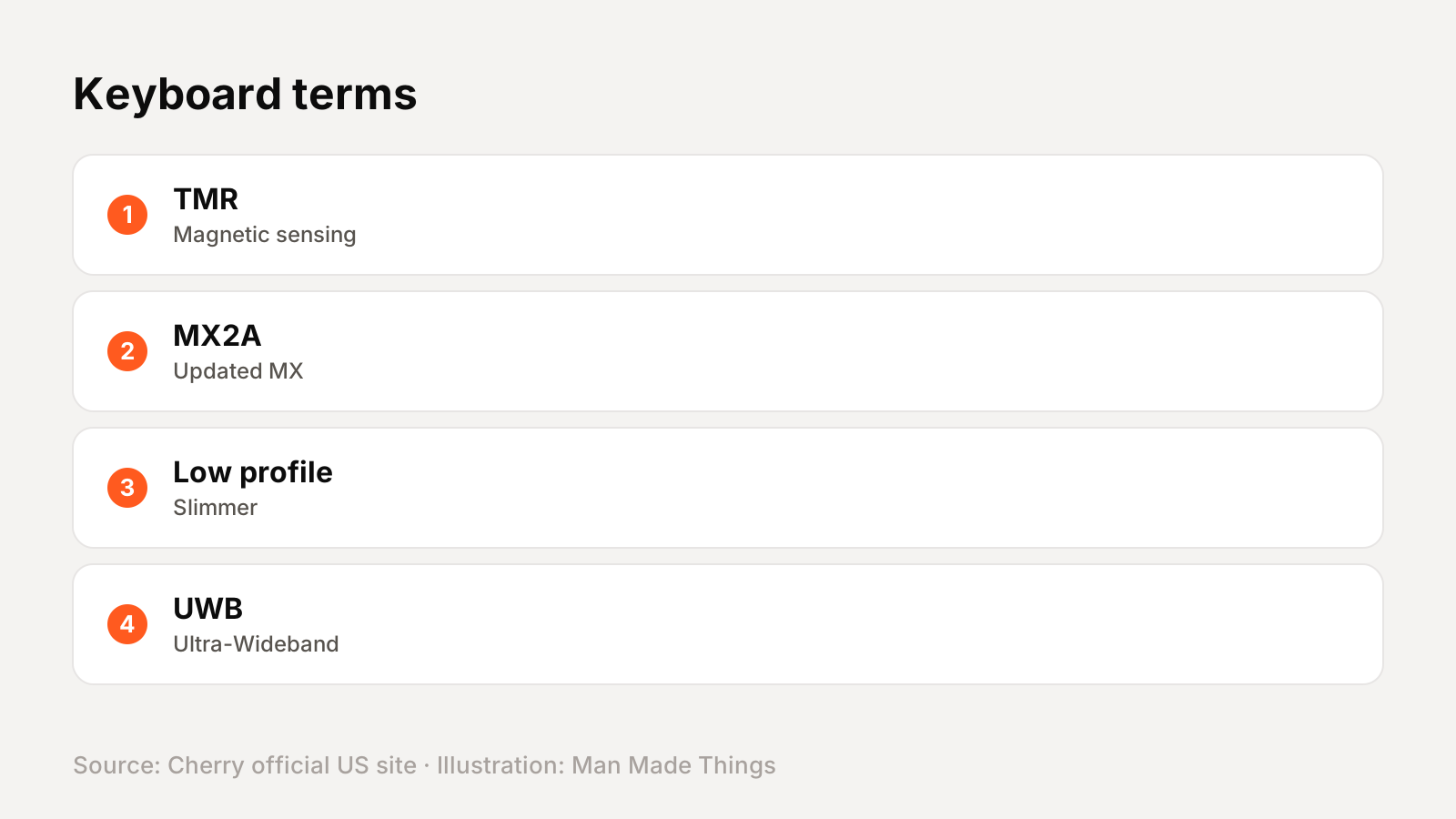
| Term | What it means |
|---|---|
| TMR | Tunnel Magnetoresistance, a magnetic sensor that measures key position |
| Rapid Trigger (RT) | The key resets as soon as it starts rising, for faster repeated presses |
| SnapKey | Cherry's handling of opposing key presses (SOCD) |
| MX2A | Cherry's updated MX switches with new lubrication and springs |
| Low profile | Shorter switches and keycaps for a slimmer keyboard |
| Hot-swappable | Switches can be pulled and replaced without soldering |
| UWB | Ultra-Wideband, a wireless technology Cherry uses on the K63W Pro |
| Polling rate | How often the keyboard reports to the PC; 8,000 Hz is eight times the usual 1,000 Hz |
Getting the best from the MX 10.1 Wireless
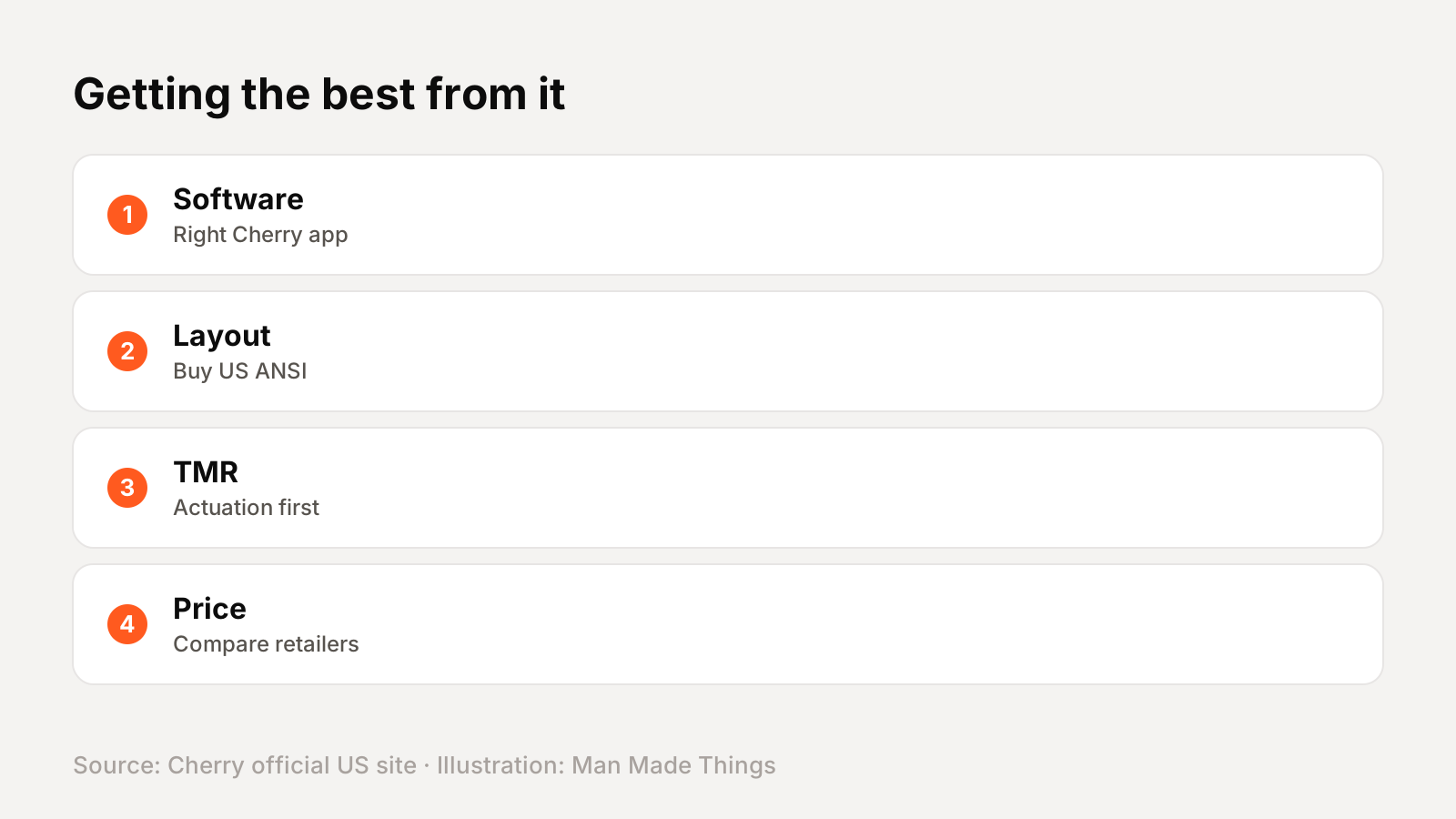
- Install the right Cherry software for your model: MagCrate, Utility Software or CHERRY KEYS.
- Check the US layout when buying; Cherry sells many regional layouts.
- Set actuation first, then Rapid Trigger on TMR boards.
- Use the included removal tool carefully on hot-swap boards.
- Compare retailer prices; Cherry doesn't publish US prices.
Buying and warranty
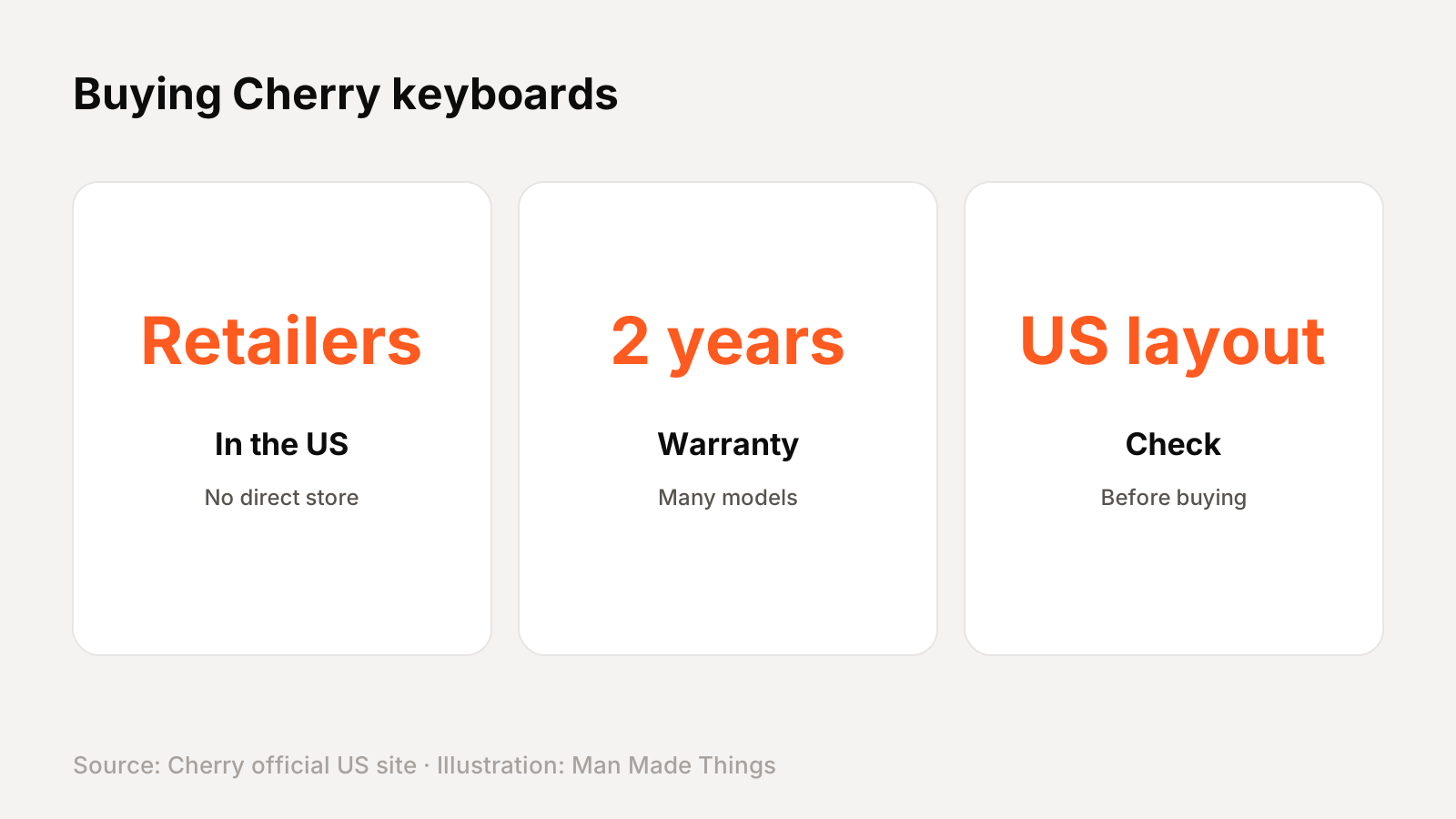
Cherry doesn't sell the MX 10.1 Wireless direct in the US or publish a US price; its US site points to retailers, and its own web shop serves Europe. Check retailers such as Amazon for current US pricing and make sure you're buying the US (ANSI) layout.
Cherry's product pages list a 2-year warranty for many of its gaming keyboards, but not every model's US page states it, so check with the retailer.
Should you buy the MX 10.1 Wireless?
Who it's for: Players who want a slim, full-size wireless board with fast polling.
What we like:
- 4K wireless / 8K wired polling
- Slim aluminum full-size design
- LCD display and rotary knob
- PBT keycaps
What to consider:
- No US price from Cherry
- Not hot-swappable
- No battery life listed
Who should skip it: The MX 10.0N RGB is the wired, flatter version with MX Low Profile Speed switches.
The bottom line: The MX 10.1 Wireless is a strong pick for players who want a slim, full-size wireless board with fast polling.
CHERRY XTRFY MX 10.1 Wireless specs
| Size | Full size (104 keys) |
|---|---|
| Switches | CHERRY MX Low Profile 2.0 Ivory |
| Connection | 2.4 GHz, Bluetooth (3 devices) or wired |
| Polling rate | 4,000 Hz wireless, 8,000 Hz wired |
| Controls | Rotary knob and LCD display, Win/Mac switch |
| Keycaps | PBT |
| Housing | Slim aluminum |
| Onboard memory | 256 kBit |
Test report
Hands-on test report: in progress
We don't publish scores or test results until a real unit has gone through our routine: battery rundown at 50% volume, call quality outdoors, noise cancellation on a commute, fit over a full workday, and connection stability across devices. This review will be updated with measured results and a star rating once testing is complete.
Frequently asked questions
How much is the CHERRY XTRFY MX 10.1 Wireless?
+
Cherry doesn't publish a US price or sell direct in the US, so check retailers such as Amazon for current pricing.
Is the MX 10.1 Wireless wireless?
+
Yes. Cherry lists 2.4 GHz, Bluetooth (3 devices) or wired.
What switches does the MX 10.1 Wireless use?
+
CHERRY MX Low Profile 2.0 Ivory.
What warranty does the MX 10.1 Wireless have?
+
Cherry's product page lists a 2-year warranty.
Sources
Editor-in-Chief
Rahul has been writing about gadgets and software since 2013, first at Thetechhacker and now at Man Made Things. He edits every review on the site and signs off on every verdict.
More from Rahul →
