Matter and Thread Explained: What Smart Home Buyers Need to Know
What Matter and Thread are, how they work with Apple Home, Google Home and Alexa, what a Thread border router is, and what to check before buying smart home devices.
We may earn a commission when you buy through links on this page. Learn more
Quick answer
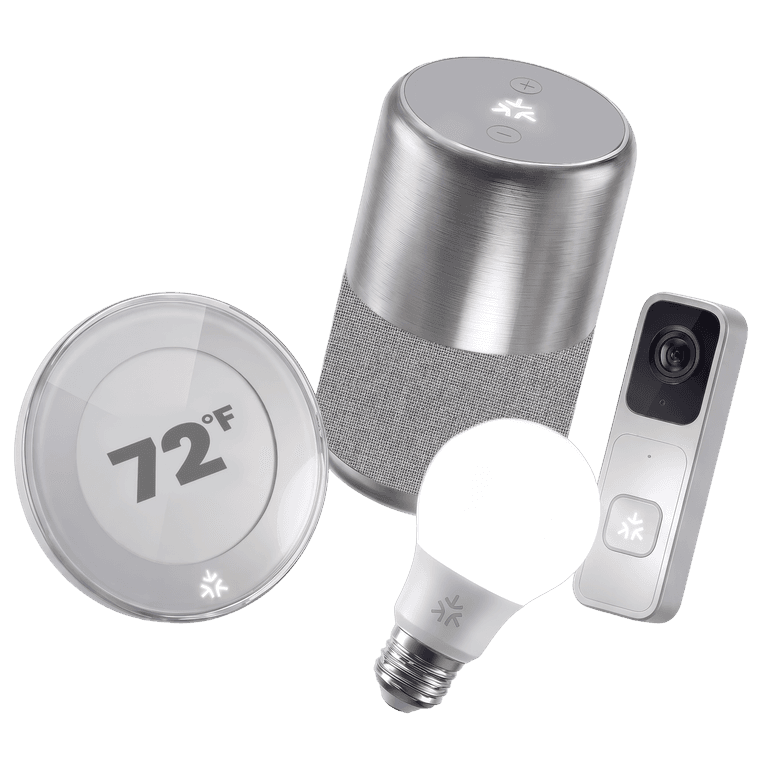
Matter is a smart home standard that lets devices from different brands work with Apple Home, Google Home, Amazon Alexa, SmartThings and Home Assistant, often all at once. It runs over Wi-Fi, Thread or Ethernet. Thread is a low-power mesh network for devices like sensors and locks, and it needs a Thread border router, built into many smart speakers and hubs.
For years, buying smart home gear meant checking whether each device worked with Alexa, Google or Apple, and hoping it still would next year. Matter is the industry's answer to that mess, and Thread is the wireless network that often comes with it.
The two names show up together on boxes, which makes them easy to confuse. In short: Matter is the common language devices speak, and Thread is one of the networks they can use to talk.
Below, I explain both using official information from the Connectivity Standards Alliance, which runs Matter, the Thread Group, and Apple, Google and Amazon's own setup guides. Starting your smart home? Our best smart plugs and video doorbells with no monthly fee guides are good first steps.
What Matter is
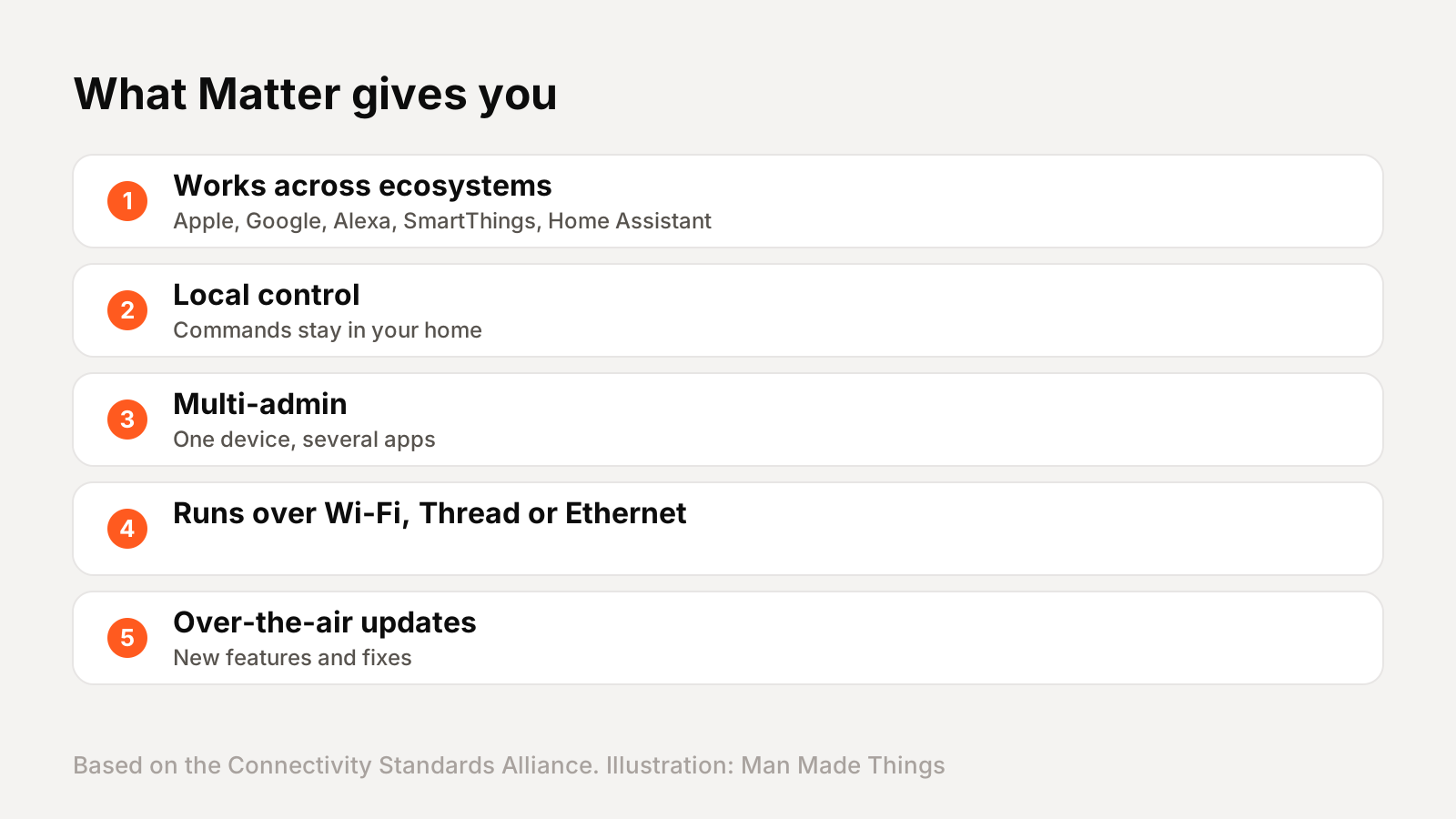
The Connectivity Standards Alliance describes Matter as an open smart home protocol that uses Bluetooth Low Energy for setup, and Wi-Fi, Thread and Ethernet for connecting devices. The CSA says Matter is deployed across Apple Home, Google Home, Amazon Alexa, Samsung SmartThings and Home Assistant, and supports more than 30 device types.
Three benefits stand out:
- It works across ecosystems. A Matter light can work with Alexa and Apple Home at the same time, thanks to a feature called multi-admin.
- It runs locally. The CSA calls Matter a local connectivity technology, so commands at home don't need to go through the cloud. For control away from home, you'll still need a hub, like a smart speaker.
- It gets updates. Devices can receive over-the-air updates for new features and security fixes.
Supported devices now include lights, plugs, locks, thermostats, sensors, blinds, robot vacuums, appliances, EV chargers and, since Matter 1.5, cameras.
What Thread is
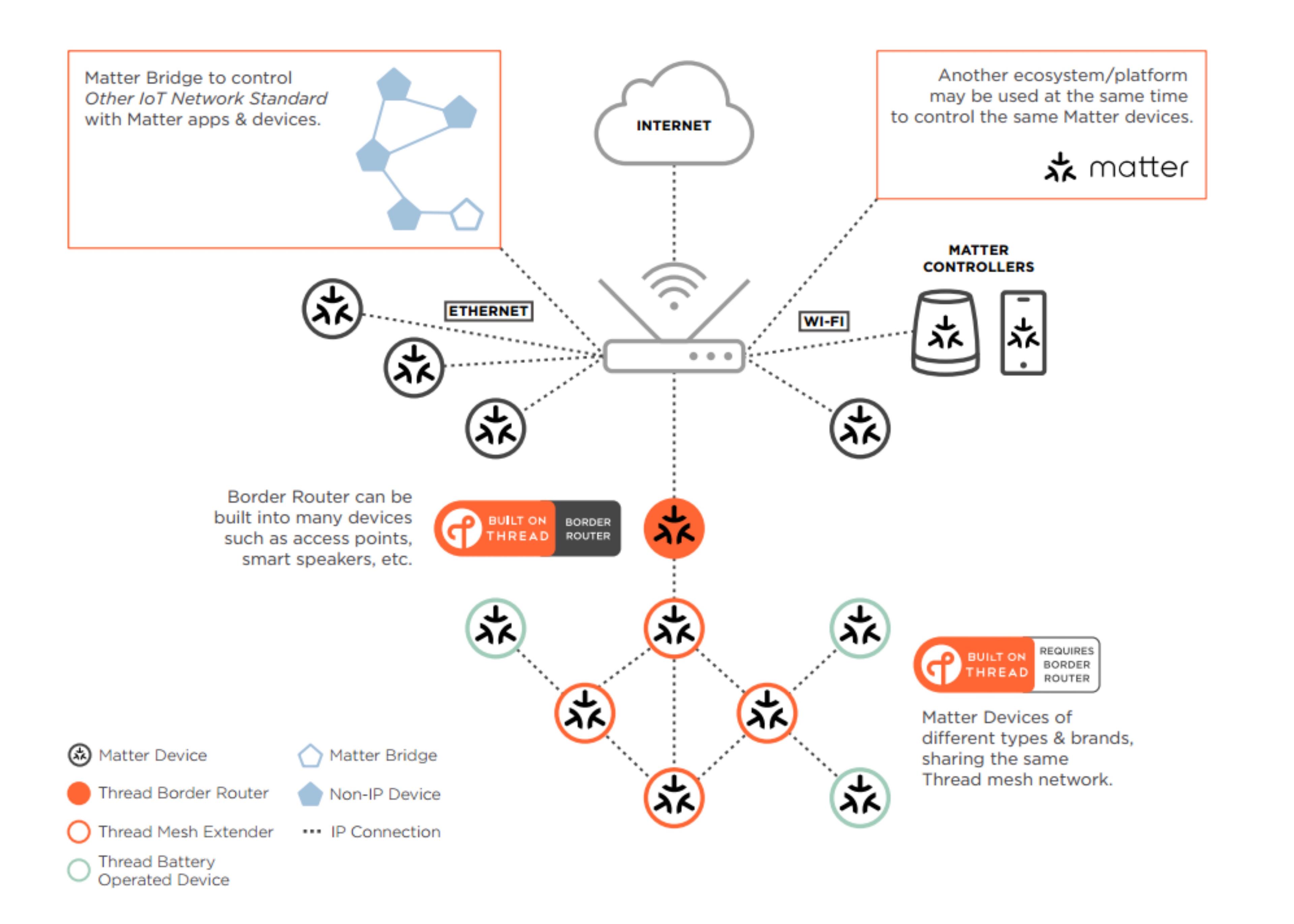
The Thread Group describes Thread as an open, IP-based mesh networking protocol designed specifically for smart homes, with secure, reliable, low-power connections. It's built on IPv6 and uses the same 2.4 GHz radio type as many other smart home devices.
What makes Thread special is the mesh. Plugged-in devices like lights and smart plugs act as routers, relaying signals for one another. Battery-powered devices like door sensors and locks sit at the edges, and the Thread Group says they can run for years on a battery. If one device goes offline, the network heals itself around it.
Thread isn't a replacement for Wi-Fi. The Thread Group calls it a complementary technology. Wi-Fi is great for high-bandwidth devices like cameras and TVs; Thread is better for small, low-power devices that need to respond quickly.
Do you need a Thread border router?
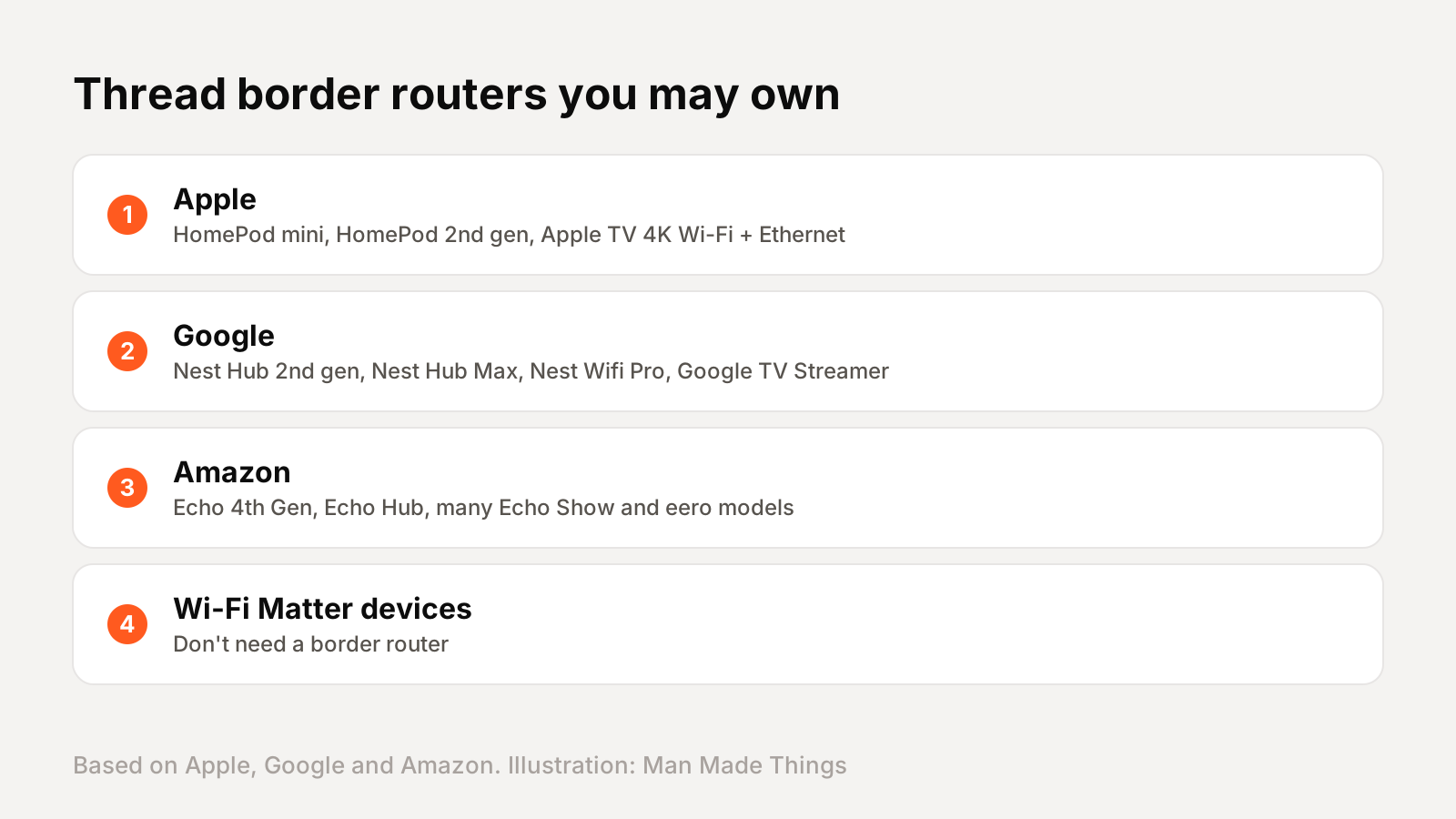
If you buy a Thread device, yes. The Thread Group says at least one Thread border router is required to connect a Thread network to Wi-Fi and the internet. Wi-Fi Matter devices don't need one.
The good news: you may already own one. A border router is a feature, not a separate box, and it's built into many devices:
- Apple: HomePod mini, HomePod (2nd generation) and the Wi-Fi + Ethernet Apple TV 4K, according to Apple.
- Google: Nest Hub (2nd gen), Nest Hub Max, Nest Wifi Pro, Google TV Streamer and the Google Home Speaker. Google notes that Nest Mini and Nest Audio support Matter over Wi-Fi but aren't Thread border routers.
- Amazon: Echo (4th Gen), Echo Hub, several Echo Show models and many eero routers, per Amazon's developer documentation.
Adding a second border router strengthens the mesh, the Thread Group says.
How to add a Matter device
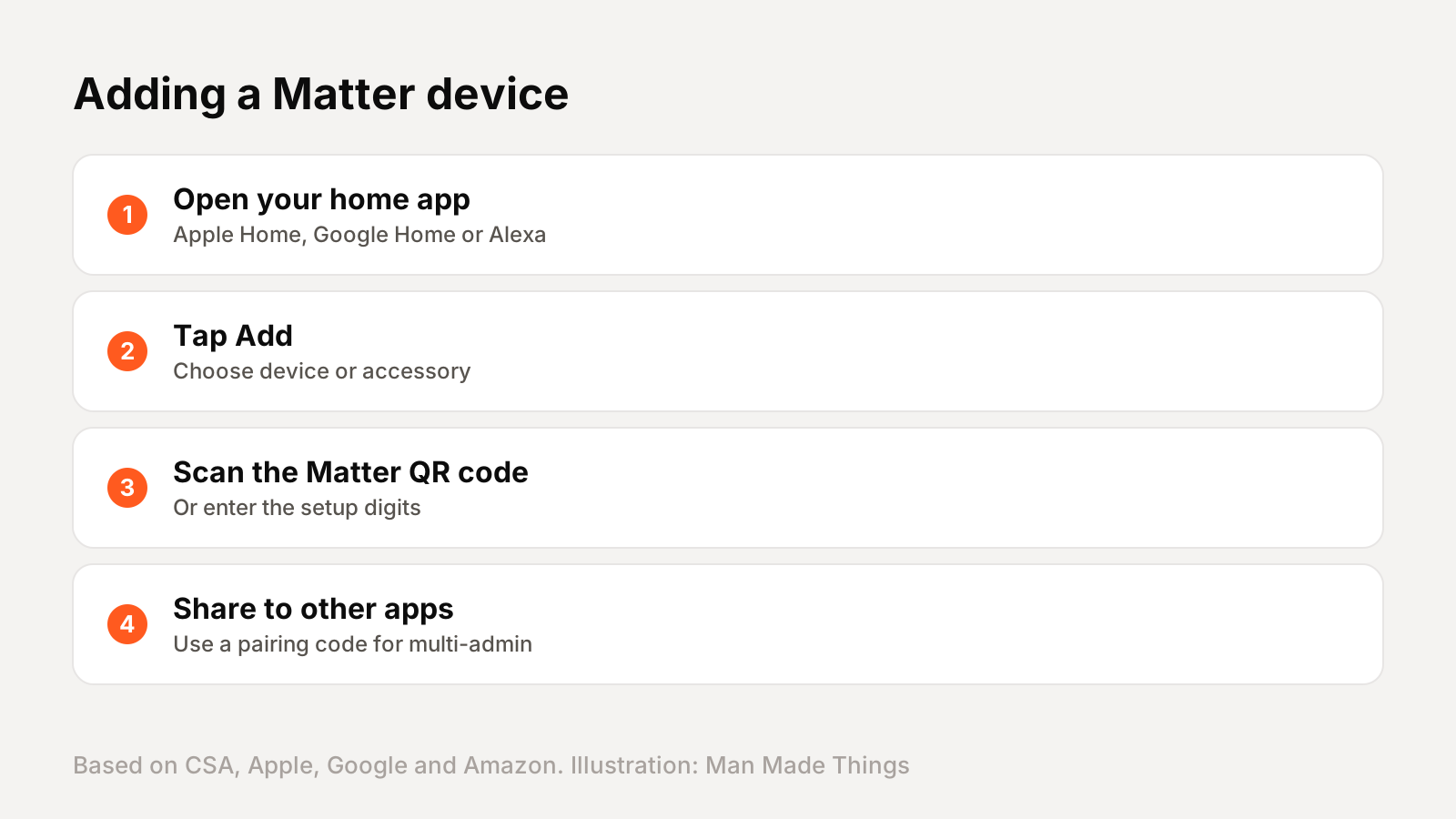
Setup is the same idea everywhere: scan a code. The CSA says Matter uses QR setup codes and numeric codes, plus Bluetooth for the initial connection.
- Apple Home: tap the Add button, choose Add Accessory and scan the code. Apple says iOS 18 or later can add and control Matter accessories even without a home hub, though it still recommends one.
- Google Home: tap Add, then Device, and scan the QR code. Google says you'll need a Matter-enabled hub and IPv6 turned on in your router.
- Alexa: set up a compatible Echo, then add the device in the Alexa app.
Sharing with a second ecosystem is where multi-admin comes in. In Google Home, for example, open the device settings and choose Linked Matter apps and services to generate a pairing code. Apple's Settings, General, Matter Accessories shows which services a device is connected to.
Smart home buying tips
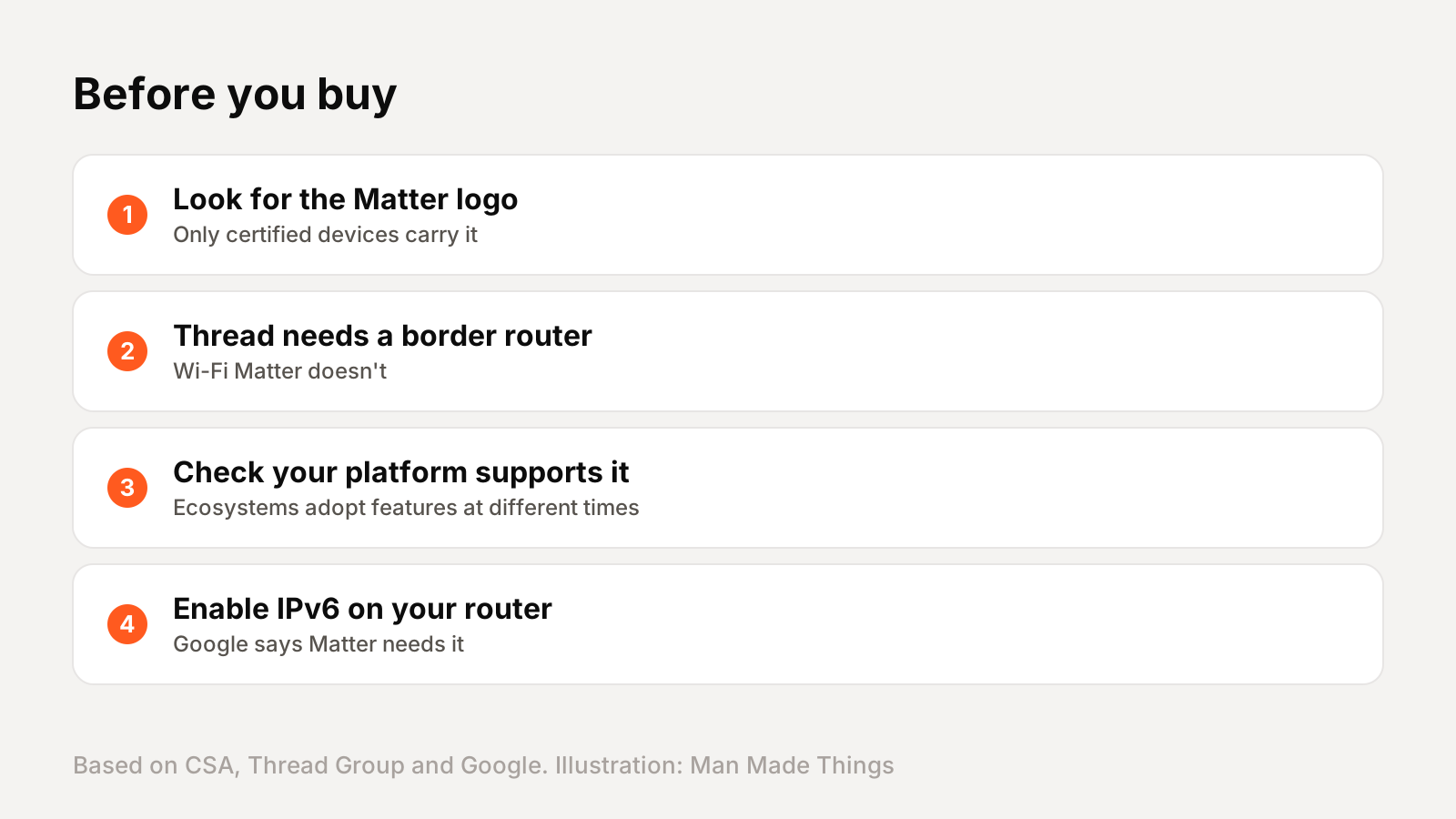
A few checks will save you headaches:
- Look for the Matter logo. The CSA says only certified devices carry it, and Google says to check the package for it.
- Check the network. Thread devices need a border router; Wi-Fi Matter devices don't. Thread is often better for battery devices.
- Check your ecosystem supports the device type. Platforms adopt new Matter features on their own schedules. Amazon, for example, says its Echo devices support a subset of Matter 1.5 device types.
- Turn on IPv6 on your router if Google Home asks. Google says Matter needs it to work properly.
- Keep a hub for remote access and automations.
Matter keeps improving. The latest version, Matter 1.6, adds easier NFC setup and a feature called Joint Fabric that lets several controllers manage one shared network. Buying Matter today means your devices should keep working as your setup grows.
Frequently asked questions
What is Matter in smart home?
+
An open standard from the Connectivity Standards Alliance that lets devices work across Apple Home, Google Home, Alexa, SmartThings and Home Assistant.
What is the difference between Matter and Thread?
+
Matter is the common language devices use; Thread is a low-power mesh network some Matter devices use to communicate. Matter also runs over Wi-Fi and Ethernet.
Do I need a Thread border router?
+
Only for Thread devices. Many smart speakers and hubs, like HomePod mini, Nest Hub (2nd gen) and Echo (4th Gen), have one built in.
Can a Matter device work with Alexa and Apple Home at once?
+
Yes. Matter's multi-admin feature lets you connect a device to more than one platform.
Sources
Editor-in-Chief
Rahul has been writing about gadgets and software since 2013, first at Thetechhacker and now at Man Made Things. He edits every review on the site and signs off on every verdict.
More from Rahul →
