The Best Video Doorbells With No Monthly Fee: Aqara and Eufy
Three video doorbells that record locally with no monthly fee: the HomeKit-ready Aqara G410, the dual-camera Eufy E340 and the $100 Eufy C31, plus what you need to wire one.
We may earn a commission when you buy through links on this page. Learn more
Quick answer
The Aqara Doorbell Camera Hub G410 ($144.99) is the best video doorbell with no monthly fee: 2K video, microSD storage up to 512GB, HomeKit Secure Video and a built-in Matter, Zigbee and Thread hub. The Eufy Video Doorbell E340 ($169.99) is the best battery pick, with dual cameras and 8GB of built-in storage. The Eufy C31 ($99.99) is the best budget pick, recording to microSD.
Most popular video doorbells are cheap to buy and expensive to own. Without a monthly plan, many won't save video at all, so you see a notification but can't go back and check who took the package. Over a few years, the subscription can cost more than the doorbell.
The fix is local storage. These doorbells save video to a microSD card, built-in memory or a base station inside your home, so you can watch recordings without paying a monthly fee. Cloud backup is still optional if you want it.
I picked three and checked every spec, and exactly what's free versus paid, on each brand's own US site. Looking to automate more of your home? Our best smart plugs guide is an easy place to start. These are research-based picks with no star scores. Let's get into it.
Our picks at a glance
1. Best overall
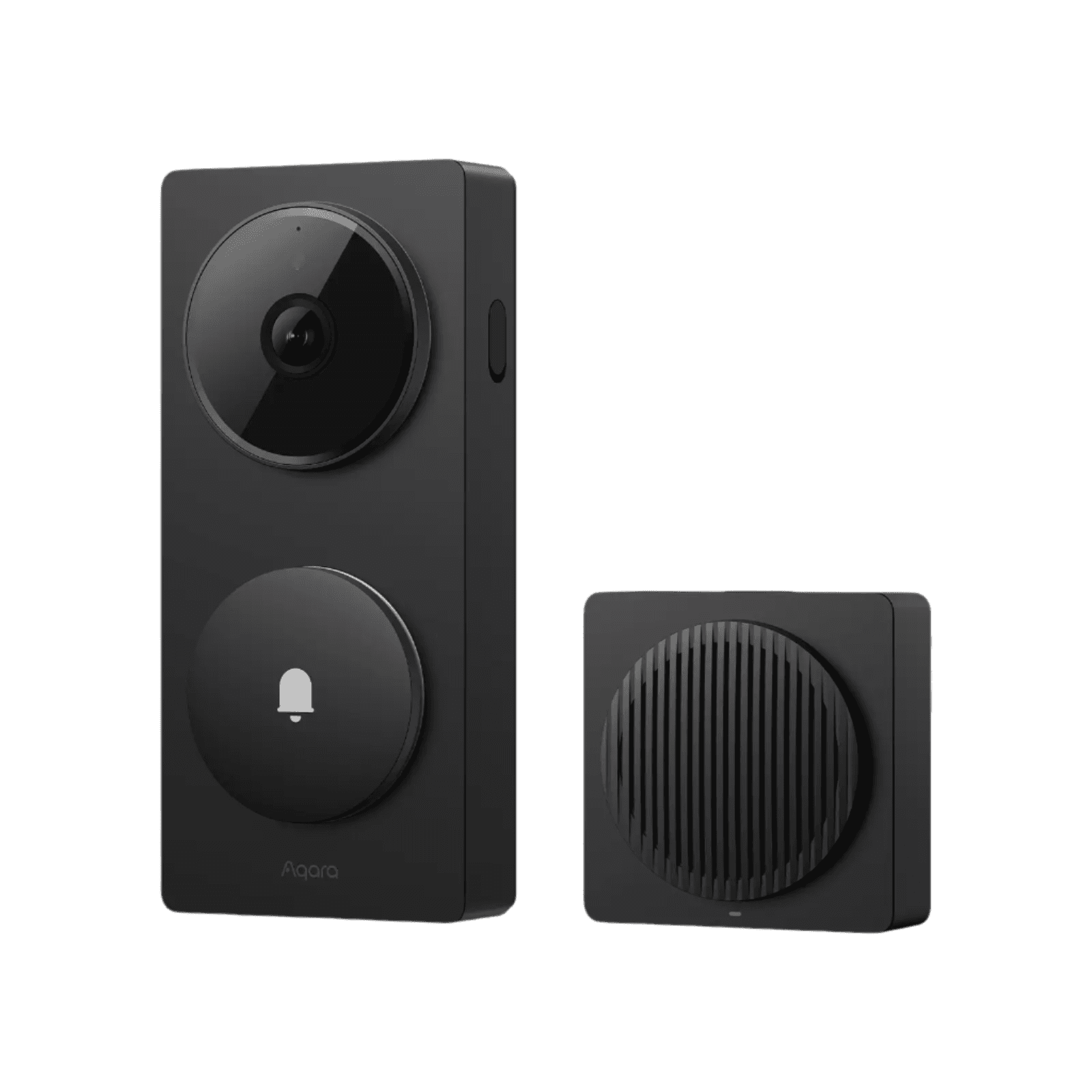
Aqara Doorbell Camera Hub G410
The G410 is the most capable doorbell here, and it's built for people who care about their smart home. It records 2K video to a microSD card of up to 512GB, does face recognition on the device and uses a mmWave radar sensor to detect people. Wire it in, and it can record 24/7.
It's also a smart home hub. It supports HomeKit Secure Video, works as a Matter controller and Thread border router, and connects Aqara's Zigbee sensors, while still showing live video on Alexa, Google and SmartThings displays. The 175-degree view in a tall 4:3 shape helps you see packages at your feet. A chime hub with a 95 dB speaker is included.
A few catches. Battery mode uses six disposable AA batteries rather than a rechargeable pack. 24/7 recording and RTSP need wired power, and HomeKit Secure Video is capped at 1200p. Cloud backup is a paid add-on.
Pros
- 01microSD up to 512GB, no fee
- 02HomeKit, Matter, Thread and Zigbee in one
- 03Wide 175° view in 4:3
- 04Chime included
Cons
- 01Battery mode uses disposable AAs
- 0224/7 recording needs wiring
- 03HomeKit video capped at 1200p
| Video | 2K, 175° field of view, 4:3, IR night vision |
|---|---|
| Power | 6 AA batteries (up to 5 months) or wired 12–24V AC |
| Storage | microSD up to 512GB (not included) |
| Smart home | HomeKit Secure Video, Matter controller, Zigbee hub, Thread border router |
| Also works with | Alexa, Google Home, SmartThings, Home Assistant |
| Chime | Indoor chime hub included |
| Warranty | 1 year |
2. Best battery-powered
Eufy Video Doorbell E340
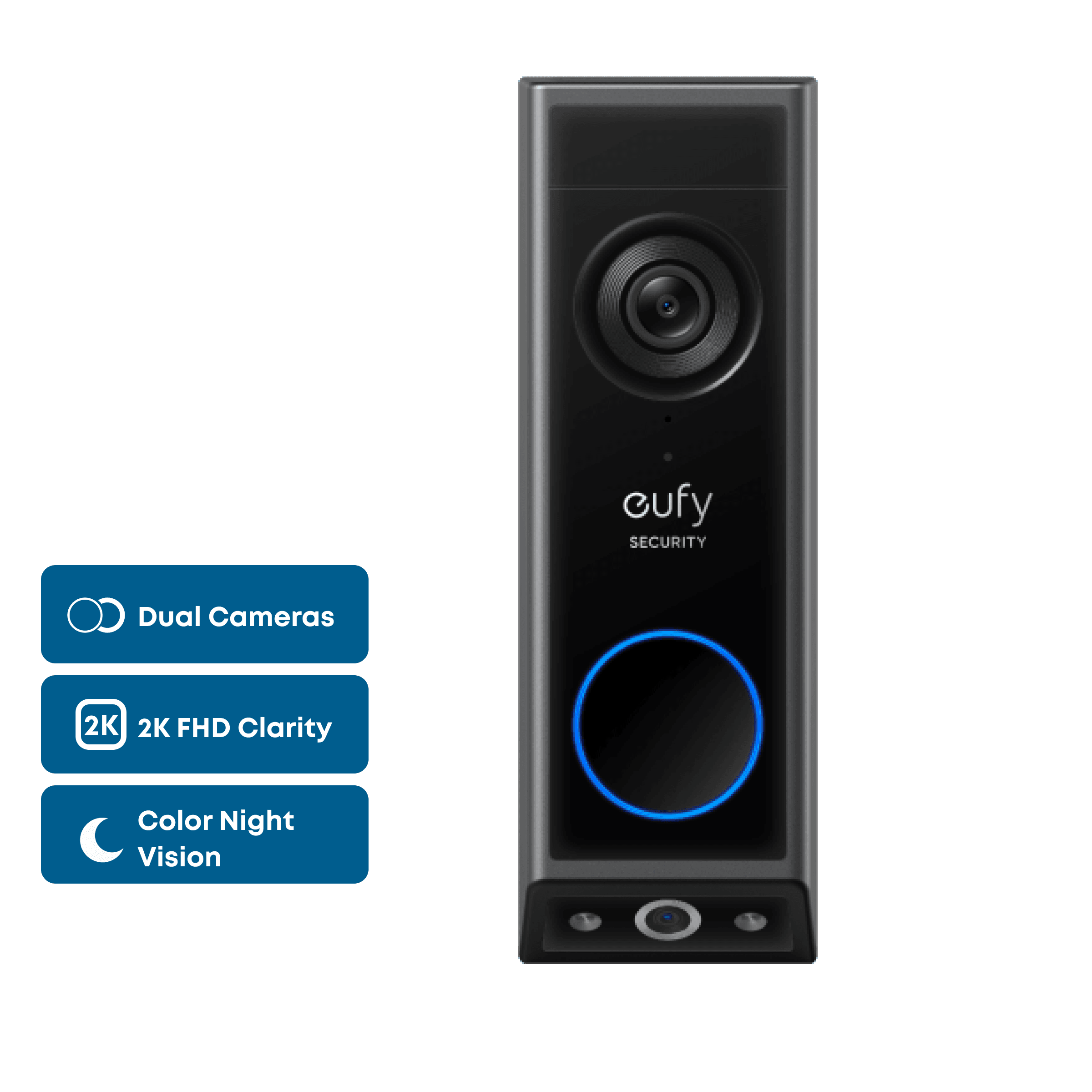
If you can't or don't want to wire a doorbell, the E340 is the one. It runs on a quick-release rechargeable battery that you pop out to charge, and it can also run on existing doorbell wiring, though the battery stays installed.
Its standout feature is a second camera that looks down at your doorstep, so you can see packages left right below the doorbell. Both cameras record in 2K, night vision is in color up to 16 feet, and it recognizes people, packages and faces.
Recordings go to 8GB of built-in storage, which Eufy says holds about 90 days at 30 short clips a day. Add a Eufy HomeBase for more. There's no HomeKit support, Wi-Fi is 2.4 GHz only, and you can't expand the storage on the doorbell itself. It's the priciest pick at list price, but Eufy runs frequent discounts.
Pros
- 01Dual cameras catch packages
- 02Rechargeable battery or wired
- 038GB built in, no card needed
- 04Color night vision
Cons
- 01No HomeKit
- 022.4 GHz Wi-Fi only
- 03Storage not expandable without a HomeBase
| Video | 2K, 160°, dual cameras (front + package view) |
|---|---|
| Night vision | Color, up to 16 ft |
| Power | Rechargeable quick-release battery or wired 8–24V |
| Storage | 8GB built in; works with HomeBase 2, 3 and S380 |
| Smart home | Alexa, Google Assistant (no HomeKit) |
| Wi-Fi | 2.4 GHz |
| Weather | IP65 |
3. Best budget
Eufy Video Doorbell C31
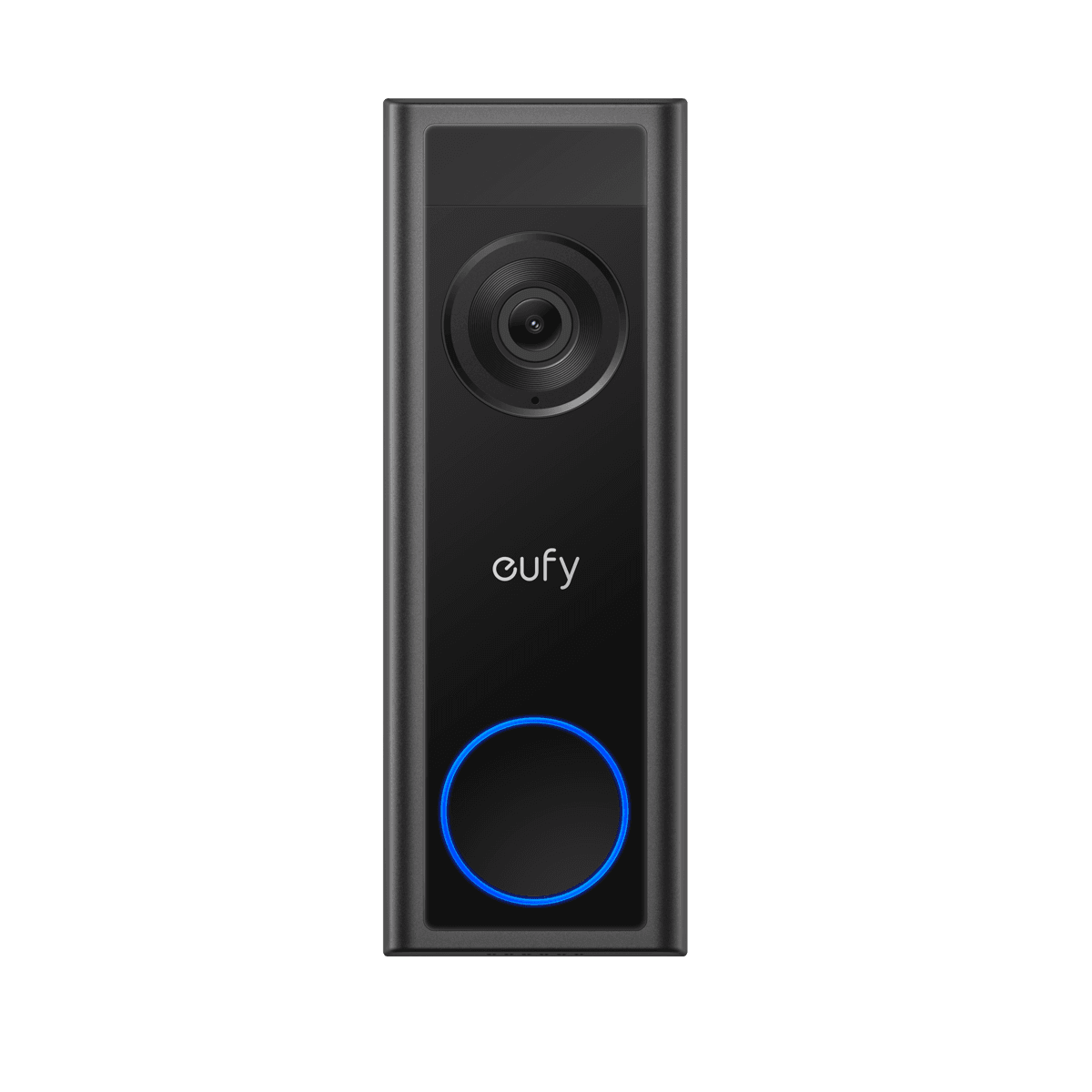
The C31 covers the basics well for $99.99. It records 2K video in a 4:3 frame, runs on a removable 6,500mAh battery or your existing doorbell wiring, and saves video to a microSD card up to 128GB or a Eufy HomeBase. Eufy says plainly that local recording needs no monthly subscription.
Wire it in and bypass your existing chime, and it can record 24/7 with a five-second pre-roll, so you catch the moments before motion is detected. It works with Alexa and Google, and Echo devices can act as a chime.
You give up some features to hit the price. Night vision isn't in color, there's no package or face detection, and there's no HomeKit. The microSD card isn't included, and 24/7 recording means giving up your old mechanical chime.
Pros
- 01Only $99.99
- 02microSD or HomeBase storage, no fee
- 03Battery or wired
- 0424/7 recording when wired
Cons
- 01No color night vision
- 02No package or face detection
- 0324/7 mode bypasses your old chime
| Video | 2K (2048×1536), 4:3, 160° |
|---|---|
| Power | 6,500mAh removable battery or wired 16–24V AC |
| Storage | microSD up to 128GB or HomeBase |
| Smart home | Alexa, Google Assistant |
| Detection | Person and motion |
| Wi-Fi | 2.4 GHz |
| Weather | IP65 |
Local vs cloud storage: what you give up
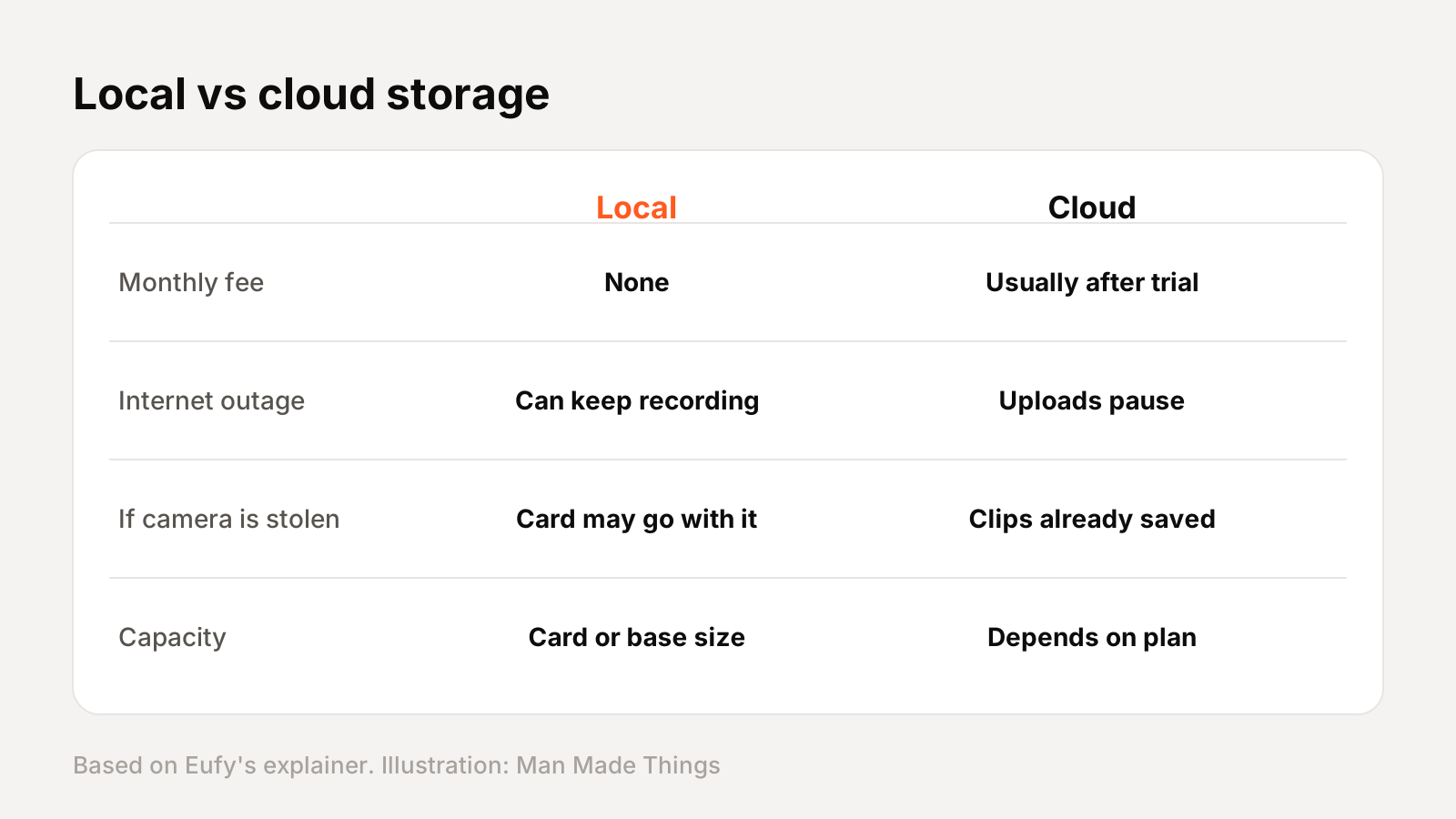
Eufy's own explainer lays out the trade-off fairly:
- Cloud storage keeps clips on the company's servers. It usually needs a subscription after a trial, and how long clips are kept depends on your plan.
- Local storage saves video on hardware in your home, like a microSD card, a base station or a video recorder. It's usually a one-time cost, and it can keep recording if your internet goes down, depending on the device.
Local isn't perfect. If someone steals the doorbell, a microSD card inside it goes too, while clips already uploaded to the cloud would be safe. That's why storage in a base station inside the house, like Eufy's HomeBase, is a nice middle ground. And all three picks still let you add cloud backup later if you want it.
What you need to wire a video doorbell
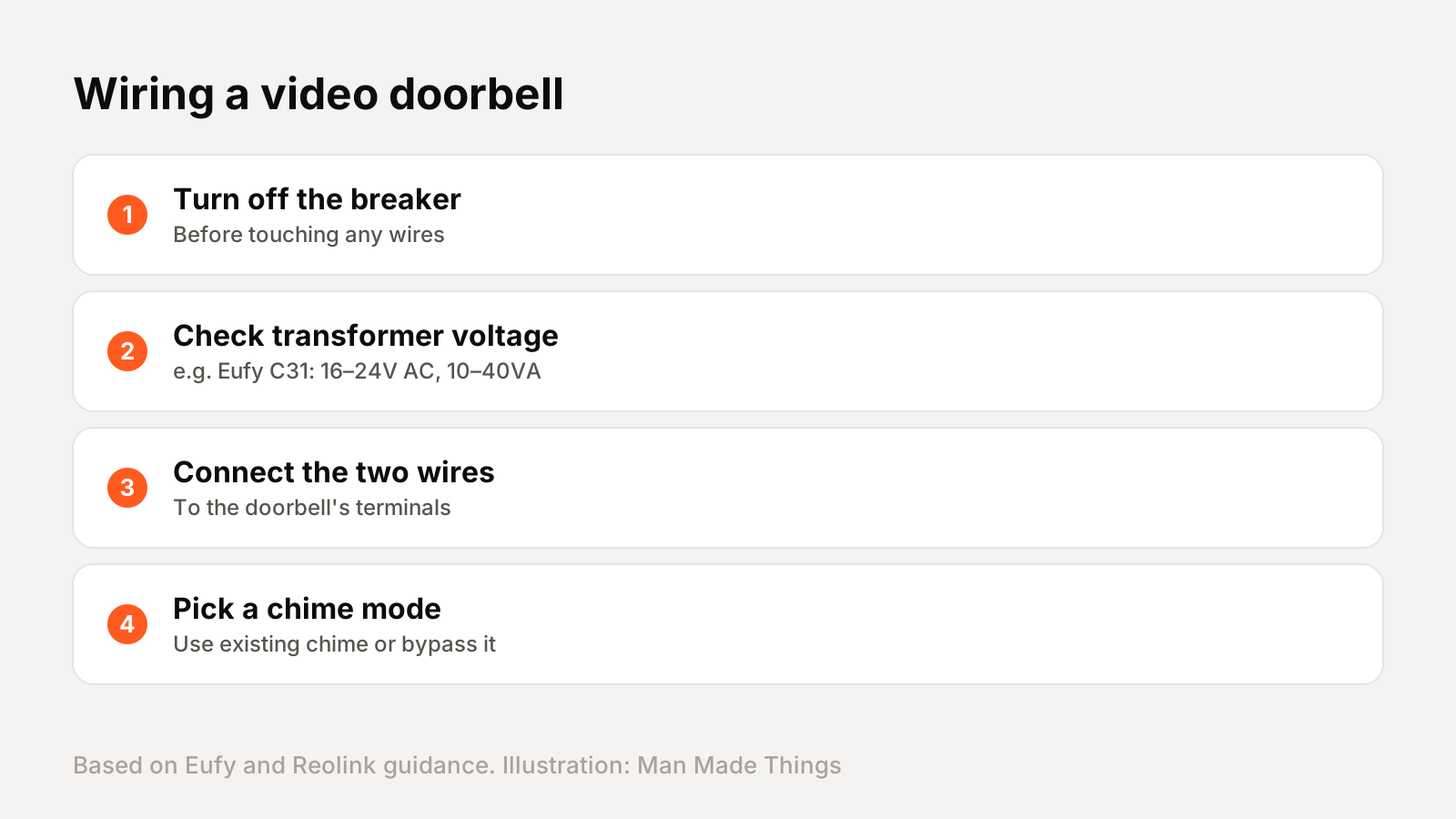
Most homes with a traditional doorbell already have low-voltage wiring and a small transformer. Video doorbells need that transformer to supply enough power, and each brand lists its range:
- Aqara G410: 12–24V AC.
- Eufy E340: 8–24V.
- Eufy C31: a 16–24V AC transformer rated 10VA to 40VA.
Eufy's first instruction is to turn off power at the circuit breaker before you touch any wiring. If your existing transformer doesn't meet the requirement, the doorbell may reboot or drain its battery, and you'll need a new transformer, a plug-in adapter where the brand offers one, or an electrician.
If you're unsure, battery mode is the easy answer. All three picks can run on battery power alone. Just remember that battery mode usually means motion-triggered clips rather than continuous recording, and you'll need to recharge or replace batteries every few months depending on how busy your front door is. Cold weather can also shorten battery life, so keep a spare charged if you live somewhere with harsh winters.
Frequently asked questions
What is the best video doorbell without a subscription?
+
The Aqara Doorbell Camera Hub G410. It records 2K video to a microSD card up to 512GB and supports HomeKit Secure Video and Matter.
Do Eufy doorbells need a subscription?
+
No. Eufy says local recording requires no monthly subscription. Cloud backup is an optional paid plan.
Can I install a video doorbell without wiring?
+
Yes. All three picks can run on battery power, though some features like 24/7 recording need wired power.
What voltage does a video doorbell need?
+
It varies by model. The Eufy C31 needs a 16–24V AC transformer, the Aqara G410 12–24V AC and the Eufy E340 8–24V.
Sources
Editor-in-Chief
Rahul has been writing about gadgets and software since 2013, first at Thetechhacker and now at Man Made Things. He edits every review on the site and signs off on every verdict.
More from Rahul →
