Wooting UwU Review: A Hall Effect Keypad Built for osu!
A research-based review of the Wooting UwU: Wooting's official specs, prices, warranty and how it compares with the rest of Wooting's analog keyboards.
We may earn a commission when you buy through links on this page. Learn more
Quick answer
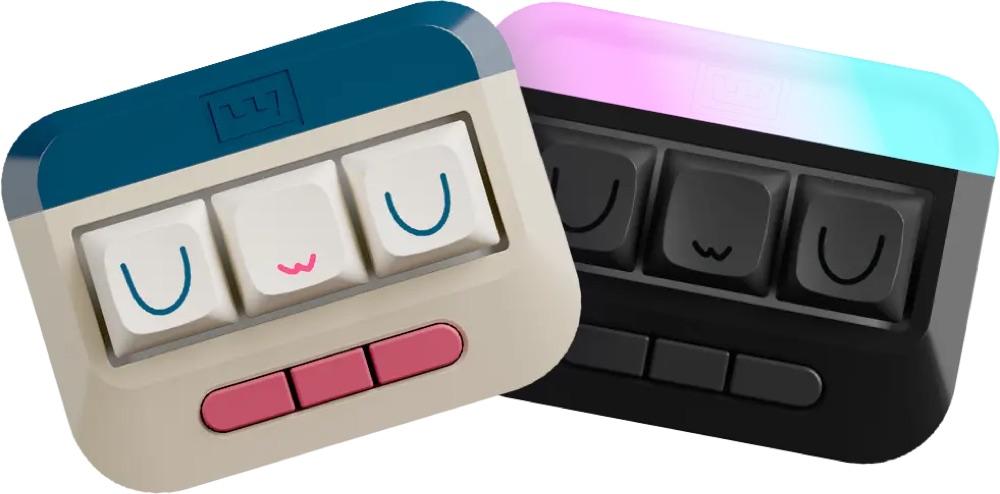
The Wooting UwU is Wooting's analog Hall Effect keypad, with a 4-year warranty. It's best for osu! and rhythm game players.
Wooting popularized analog Hall Effect keyboards for competitive gaming, with features like Rapid Trigger that many rivals have since copied. The UwU is its keypad option, though we couldn't find a published US price.
A note on how we review: I haven't completed a hands-on test of the UwU, so there's no star rating on this page. Everything below comes from Wooting's official product page and blog, with plain-English explanations and a comparison with the rest of Wooting's lineup. See every model in our Wooting keyboards guide, and for other brands, our best gaming keyboards.
Image: Wooting
Wooting
Wooting UwU
The UwU is a strong pick for osu! and rhythm game players.
Best for: osu! and rhythm game players
Pros
- 01Built for osu! and rhythm games
- 02Rapid Trigger and adjustable actuation
- 03Light and Medium switches included
- 044-year warranty
Cons
- 01Single-purpose device
- 02US price not published
What the UwU is
The UwU is Wooting's Hall Effect keypad, built for rhythm games. Wooting calls it "the low latency osu! keypad with rapid trigger, adjustable actuation point, and remappable keys," and pitches it with the line: "This is how we make sure you can blame skill, not hardware."
It comes pre-installed with Lekker Tikken Light switches, plus three Lekker Tikken Medium switches in the box if you want a heavier press. It's tiny at 7.5 x 5.7 cm and 63 g, with XDA-profile dye-sub PBT keycaps.
Wooting sells two versions: a Regular version and an RGB (Stealth) version, which adds a travel case. Both include four random collector keycaps.
UwU specs and what's in the box
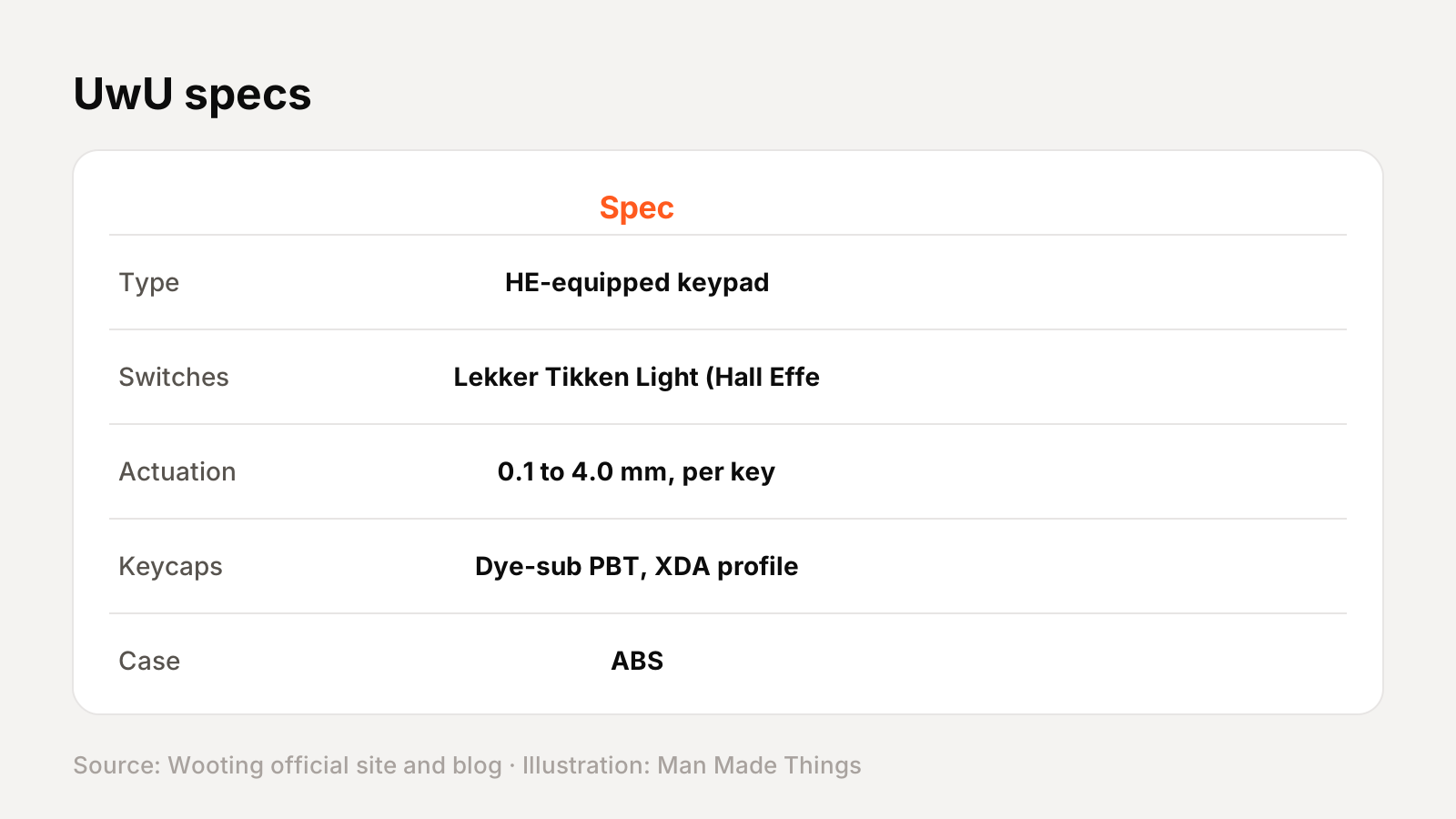
From Wooting's official product page:
| Spec | UwU |
|---|---|
| Type | HE-equipped keypad |
| Switches | Lekker Tikken Light (Hall Effect), plus 3 Tikken Medium included |
| Actuation | 0.1 to 4.0 mm, per key |
| Keycaps | Dye-sub PBT, XDA profile |
| Case | ABS |
| Switch plate | Polycarbonate |
| Cable | 2 m USB-C to A, nylon braided |
| Dimensions | 7.5 x 5.7 x 2.7 cm |
| Weight | 63 g |
In the box: The UwU, three Lekker Tikken Medium switches, a 2 m USB-C to A cable, spare screws, four random collector keycaps and a postcard (the RGB Stealth version adds a travel case).
Prices and versions
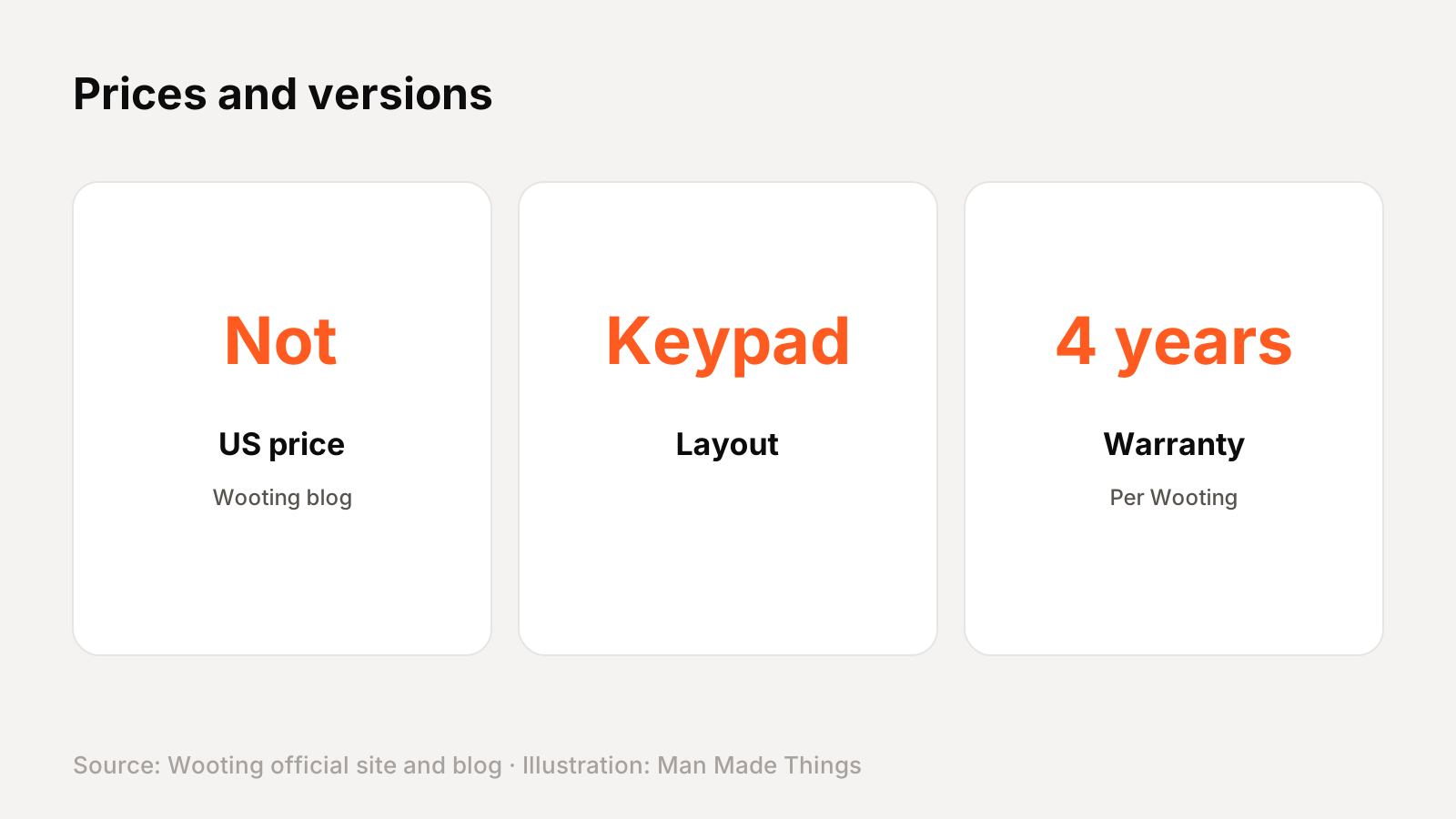
Wooting sells the UwU in Regular and RGB (Stealth) versions. We couldn't find a published US price, so we haven't listed one.
How it compares with other Wooting keyboards
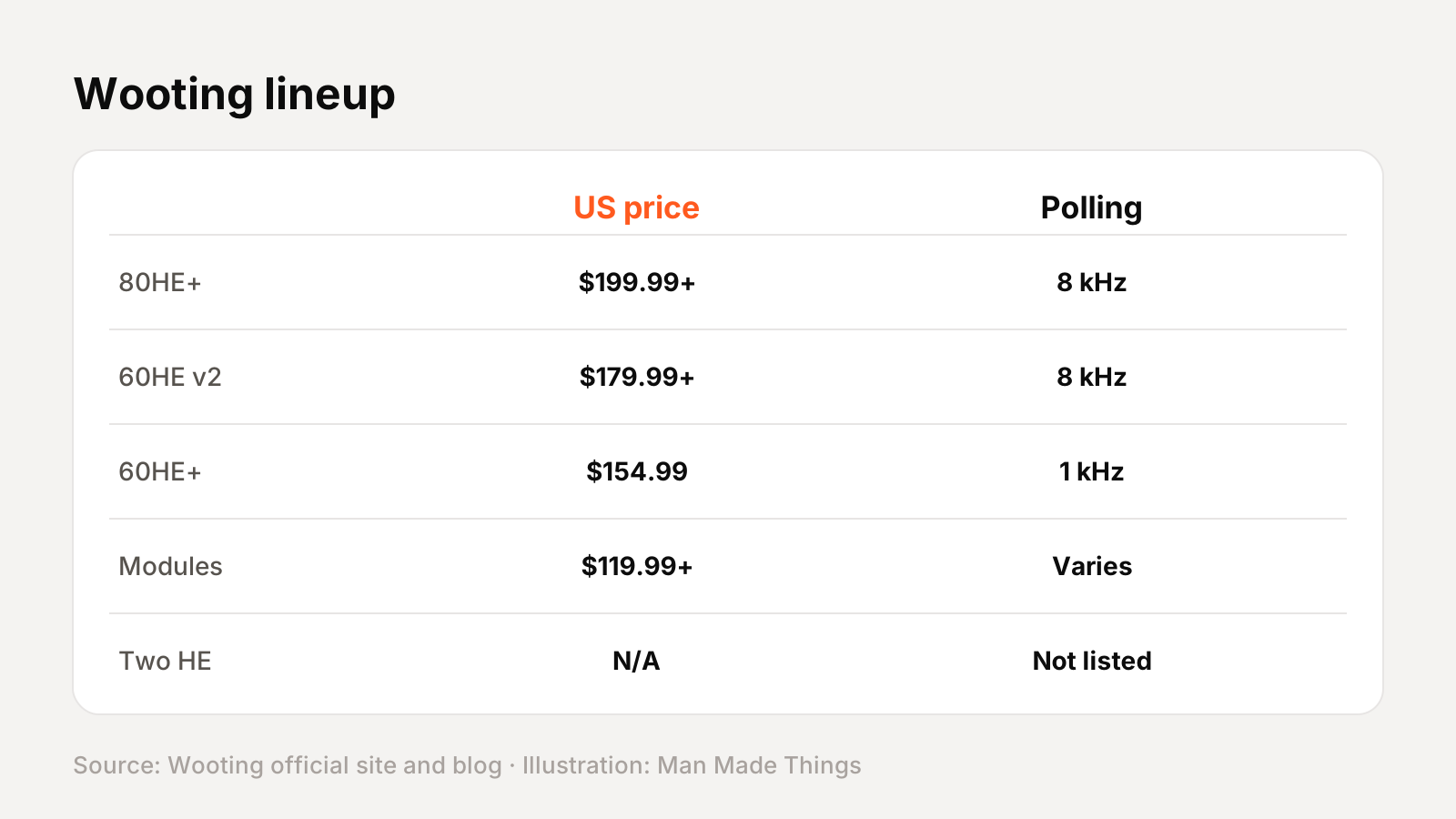
Wooting's current lineup, with US prices from Wooting's blog posts:
| Model | US price (Wooting) | Layout | Switches | Polling | Warranty |
|---|---|---|---|---|---|
| 80HE+ | $199.99 to $289.99 | 80% | Lekker Tikken Medium | 8 kHz | 4 years |
| 80HE | $199.99 at launch, now lower | 80% | Lekker L60 V2 | 8 kHz | 4 years |
| 60HE v2 | $179.99 to $239.99 | 60% | Lekker Tikken Medium | 8 kHz | 4 years |
| 60HE+ | $154.99 | 60% | Lekker L60s | 1 kHz | 4 years (limited) |
| Modules | $119.99 to $149.99 | 60% or 80% | Not included | Varies | 4 years |
| Two HE | Not published | Full size | Lekker L60s | Not listed | 2 years |
| UwU | Not published | Keypad | Lekker Tikken Light | Not listed | 4 years |
Wootility software, explained
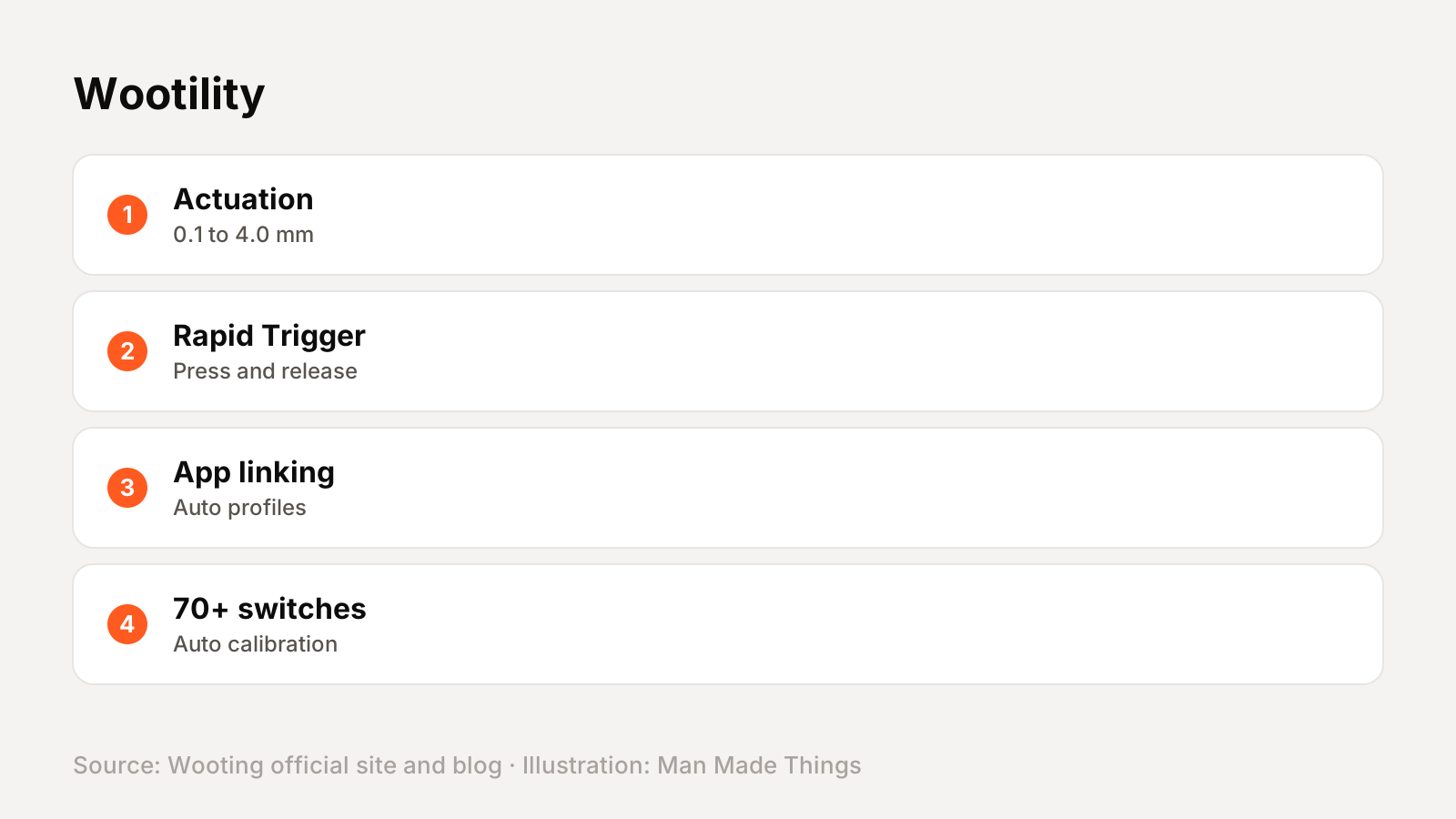
Every Wooting keyboard is set up in Wootility, Wooting's software, which runs in a browser (Wootility Web) or as a download. According to Wooting, it offers:
- Adjustable actuation for each key from 0.1 to 4.0 mm in 0.1 mm steps.
- Rapid Trigger with separate press and release sensitivity, a Continuous Rapid Trigger mode and per-key settings.
- App linking, which switches profiles automatically when a game or app is in focus.
- Automatic calibration: you select your switches and spacers and Wootility calibrates key detection.
- Support for over 70 switches, including color variations, with a request system for new ones.
- Per-key RGB and lighting effects.
Wooting also publishes an Analog SDK and RGB SDK on GitHub, so games and apps can read analog key input.
Analog keyboard terms, explained
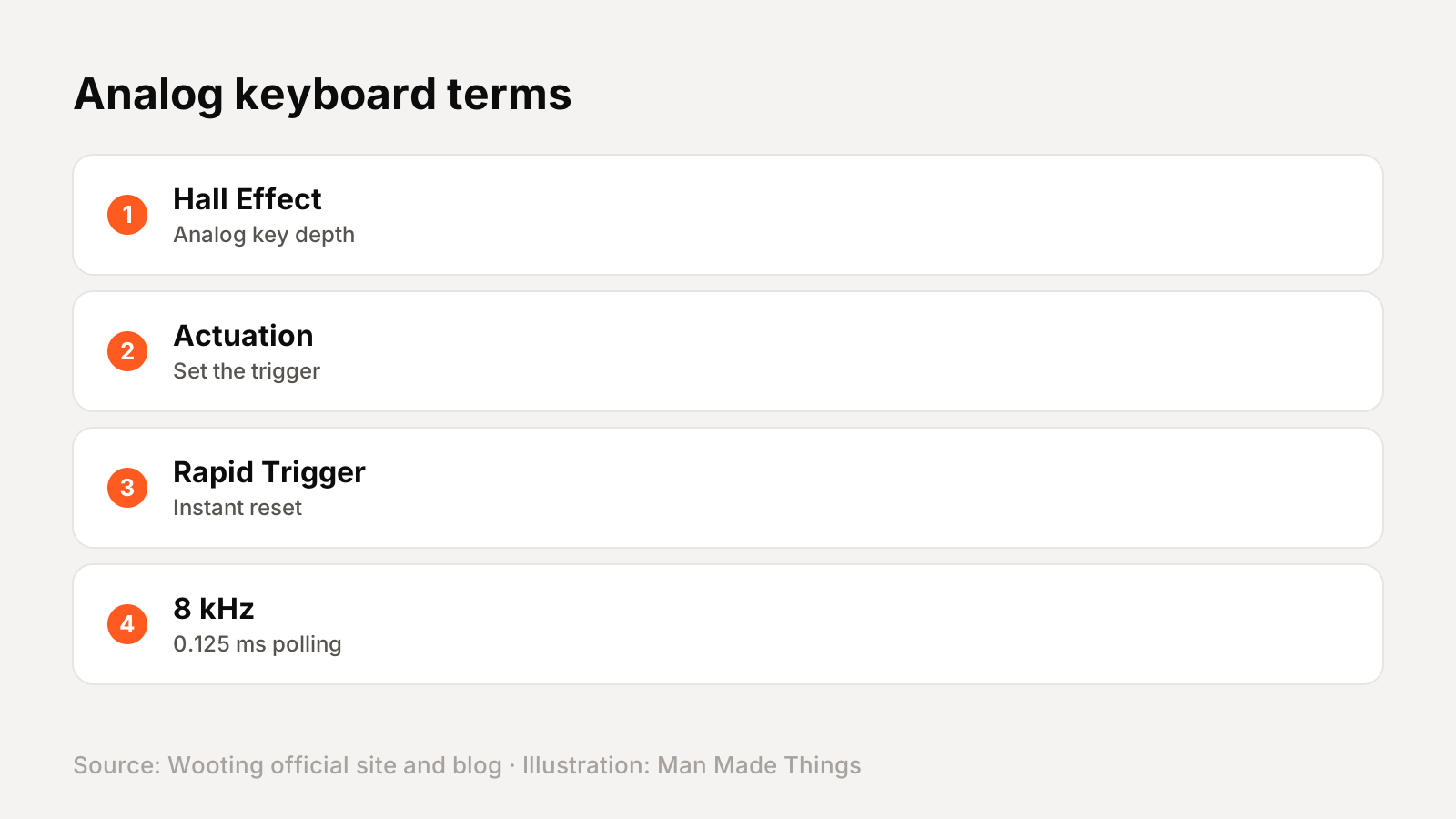
| Term | What it means |
|---|---|
| Analog Hall Effect | Each key's magnet is measured continuously, so the keyboard knows how far every key is pressed, not just whether it is |
| Adjustable actuation | You choose how deep a key must go before it registers, from 0.1 to 4.0 mm on Wooting boards |
| Rapid Trigger | The key resets as soon as it starts rising, so repeated taps and counter-strafes register faster |
| 8 kHz polling | The keyboard reports to the computer 8,000 times a second; Wooting quotes 0.125 ms input speed |
| Module / PCBA | The circuit board and plate without a case, switches or keycaps, for building your own |
| FR4 / PC / steel plate | The switch plate material; Wooting says FR4 gives a firm bottom-out without steel's metallic ping |
Getting the best from the UwU
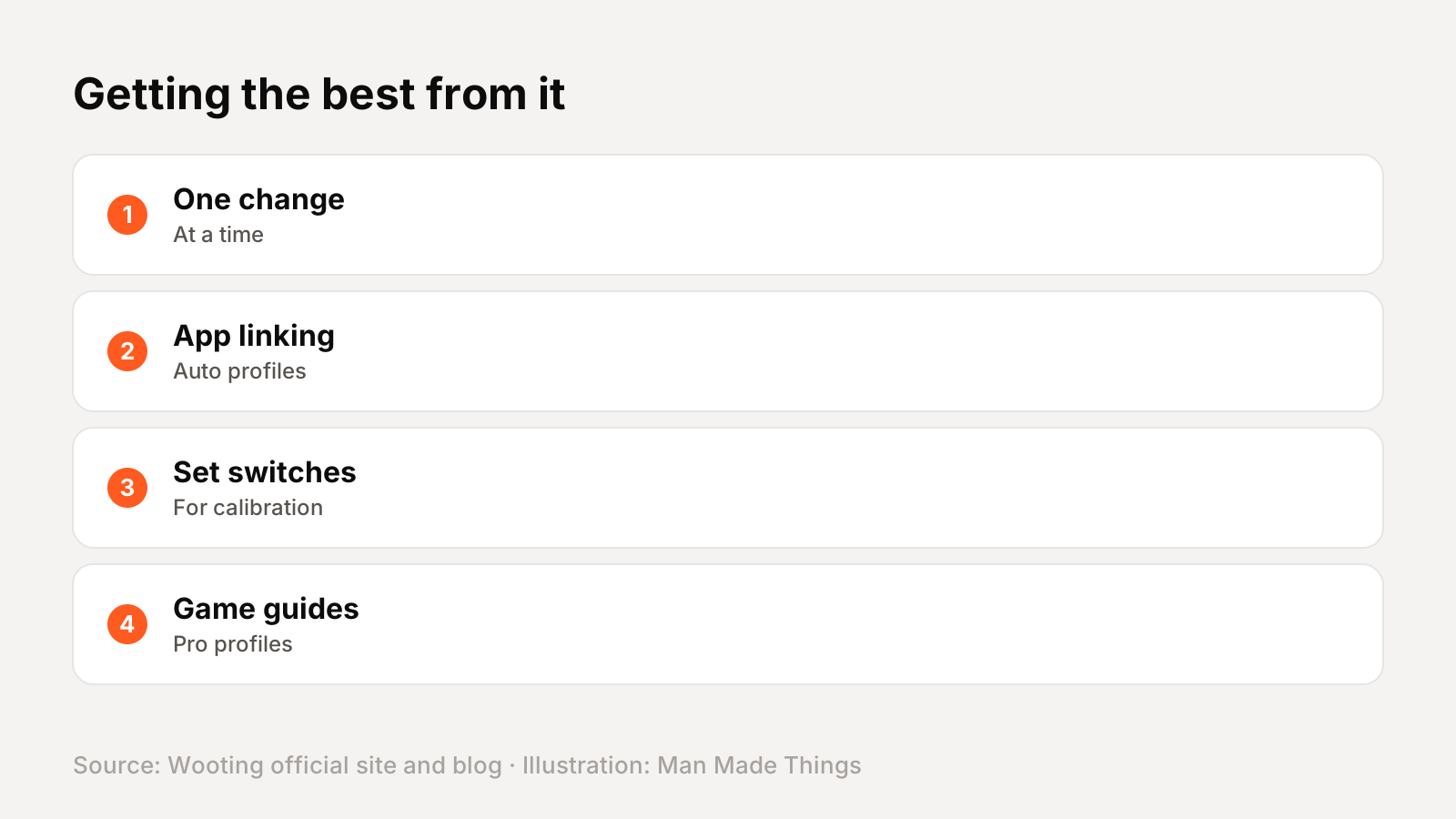
- Start with the default profile and change one setting at a time: actuation first, then Rapid Trigger sensitivity.
- Use app linking so your game profiles switch on automatically.
- Tell Wootility which switches you're using so it calibrates correctly, especially after swapping.
- Check Wooting's game guides for Valorant, CS2 and other games, which include pro player profiles.
Buying direct and warranty
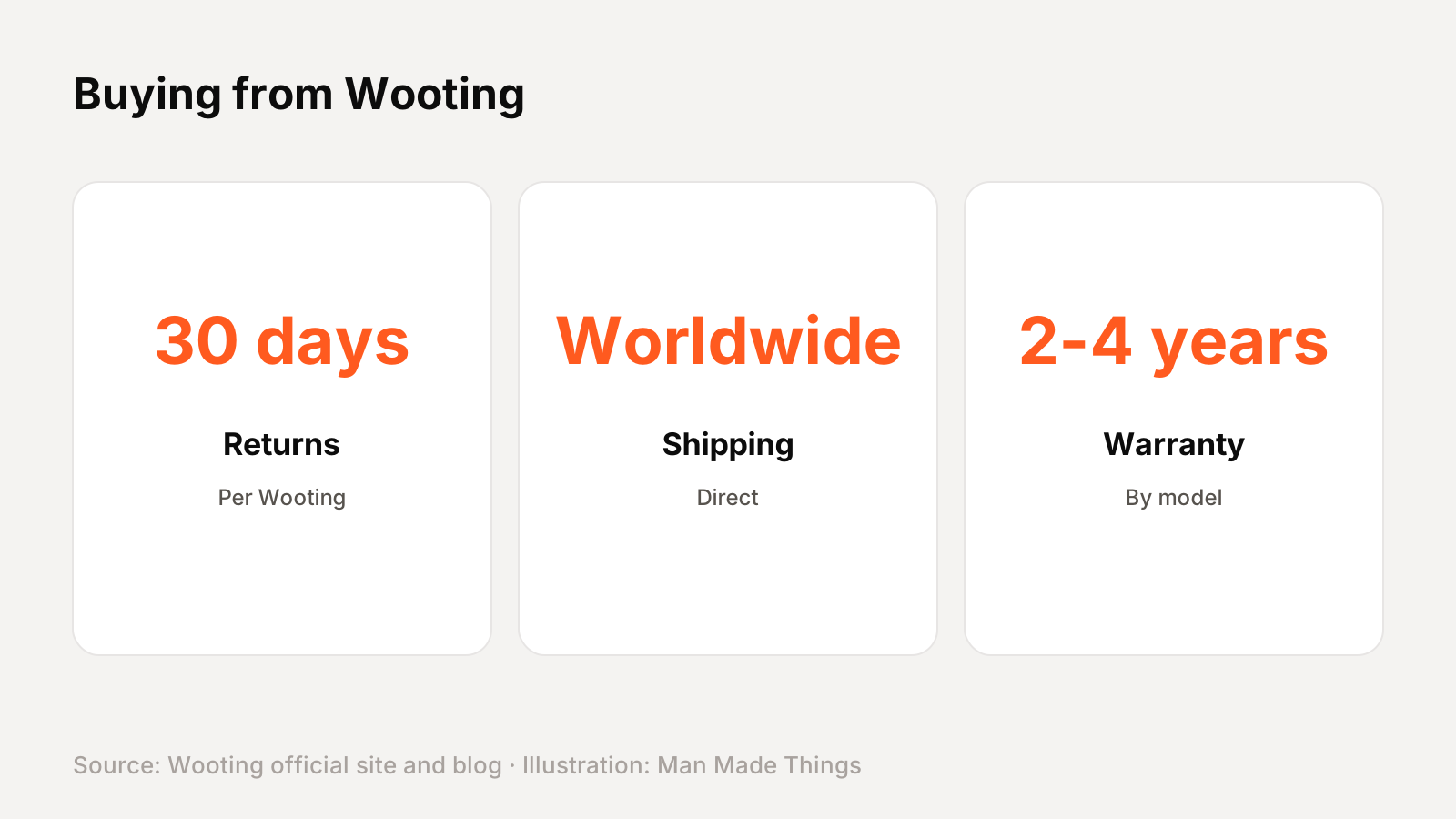
Wooting sells direct from wooting.io with worldwide shipping and a 30-day return policy. The UwU carries a 4-year warranty, per Wooting's product page. Wooting also runs an Outlet with discounted stock for some models.
Wooting's store shows prices in your local currency; the US prices on this page come from Wooting's own blog posts, so check the store for current pricing in your region.
Should you buy the UwU?
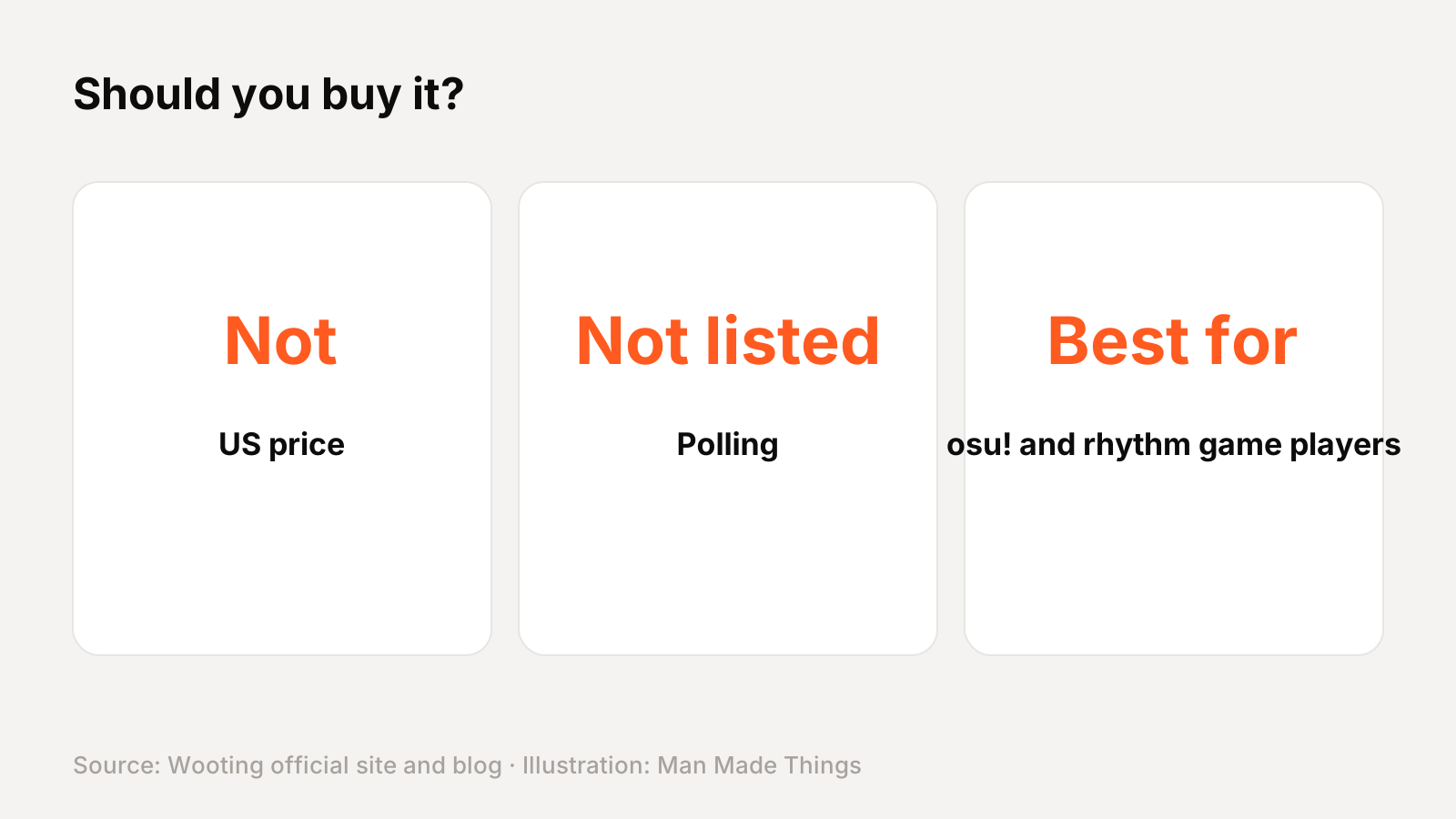
Buy it if: you're one of the osu! and rhythm game players.
What we like:
- Built for osu! and rhythm games
- Rapid Trigger and adjustable actuation
- Light and Medium switches included
- 4-year warranty
What to consider:
- Single-purpose device
- US price not published
Who should skip it: The 60HE v2 is a full gaming keyboard.
The bottom line: The UwU is a strong pick for osu! and rhythm game players.
Wooting UwU specs
| Type | HE-equipped keypad |
|---|---|
| Switches | Lekker Tikken Light (Hall Effect), plus 3 Tikken Medium incl |
| Actuation | 0.1 to 4.0 mm, per key |
| Keycaps | Dye-sub PBT, XDA profile |
| Case | ABS |
| Switch plate | Polycarbonate |
| Cable | 2 m USB-C to A, nylon braided |
| Dimensions | 7.5 x 5.7 x 2.7 cm |
Test report
Hands-on test report: in progress
We don't publish scores or test results until a real unit has gone through our routine: battery rundown at 50% volume, call quality outdoors, noise cancellation on a commute, fit over a full workday, and connection stability across devices. This review will be updated with measured results and a star rating once testing is complete.
Frequently asked questions
How much is the Wooting UwU?
+
We couldn't find a published US price; check Wooting's store for your region.
What warranty does the UwU have?
+
A 4-year warranty, per Wooting's product page, plus 30-day returns.
Is the UwU wireless?
+
No. Wooting's keyboards connect by USB-C cable.
What software does the UwU use?
+
Wootility, available as a web app or download.
Sources
Editor-in-Chief
Rahul has been writing about gadgets and software since 2013, first at Thetechhacker and now at Man Made Things. He edits every review on the site and signs off on every verdict.
More from Rahul →
