SteelSeries Apex 5 Review: Specs, Price and How It Compares
A research-based review of the SteelSeries Apex 5: SteelSeries' official specs, US price, features explained and how it compares with the rest of SteelSeries' keyboards.
We may earn a commission when you buy through links on this page. Learn more
Quick answer
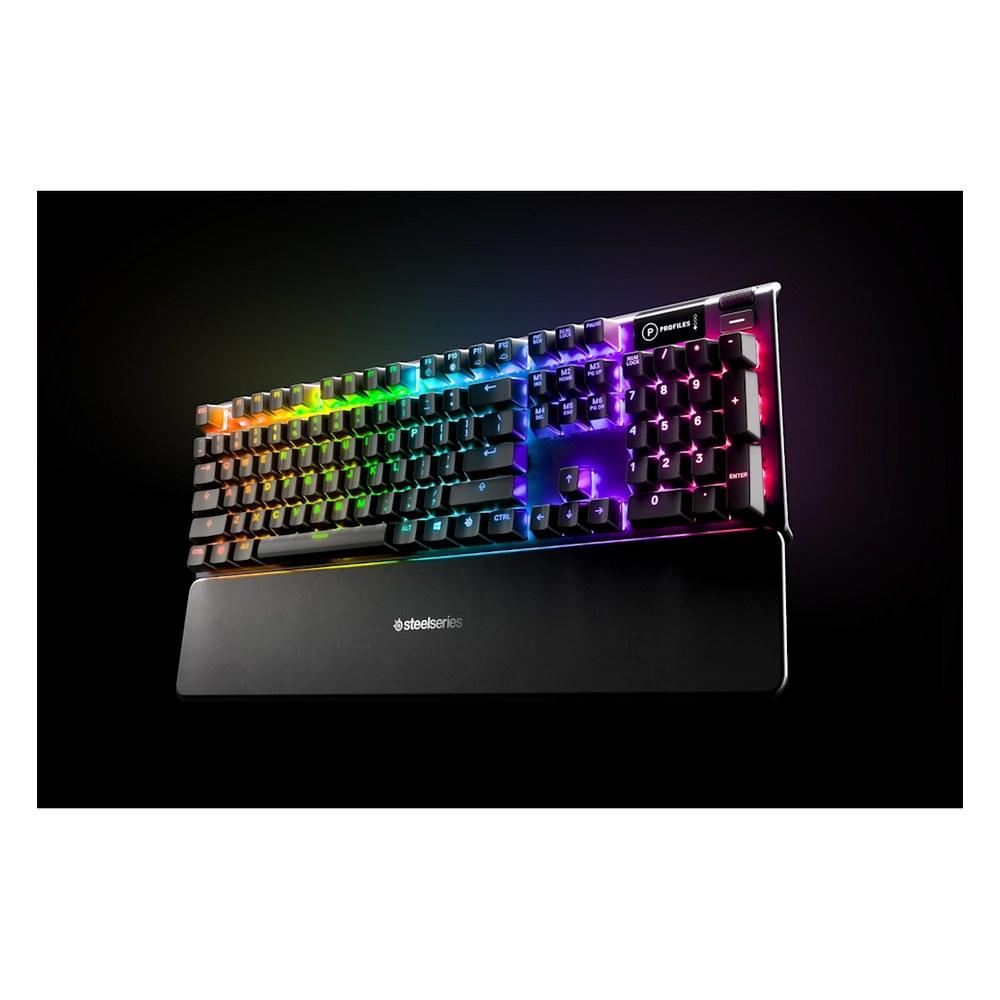
The SteelSeries Apex 5 is a full-size wired keyboard with Hybrid Blue mechanical switches, listed at $99.99 ($84 on sale when we checked) on SteelSeries' US store, with a 1-year warranty. It's best for budget buyers who want a display and clicky feel in a full-size board.
SteelSeries makes everything from $49.99 quiet membrane boards to a $299.99 wireless Hall Effect keyboard. The Apex 5 is a full-size keyboard with Hybrid Blue mechanical switches and a wired connection, listed at $99.99 ($84 on sale when we checked) on SteelSeries' US store.
A note on how we review: I haven't completed a hands-on test of the Apex 5, so there's no star rating on this page. Everything below comes from SteelSeries' official US product page and spec table, with plain-English explanations and a comparison with the rest of SteelSeries' lineup. See every model in our SteelSeries keyboards guide, and for other brands, our best gaming keyboards.
Image: SteelSeries
SteelSeries
SteelSeries Apex 5
The Apex 5 is a strong pick for budget buyers who want a display and clicky feel in a full-size board.
Best for: Budget buyers who want a display and clicky feel in a full-size board
Pros
- 01OLED Smart Display
- 02Aluminum frame
- 03Per-key RGB
- 04Magnetic wrist rest
Cons
- 01Hybrid switches, not fully mechanical
- 0220 million keypress rating is lower than the Apex 7's 50 million
- 0324-key rollover
What the Apex 5 is
The Apex 5 is SteelSeries' cheapest keyboard with an OLED Smart Display, listed at $99.99 and $84 when we checked. SteelSeries says the display "displays profiles, game info, Discord messages, and more."
It uses hybrid blue mechanical switches that SteelSeries says are "guaranteed for 20 million keypresses," with an "aircraft-grade aluminum alloy" frame, "16.8 million illumination colors per key" and a "premium magnetic wrist rest."
The Apex 7 and Apex 5 are SteelSeries' mechanical and hybrid boards with OLED Smart Displays and aluminum frames.
Apex 5 specs
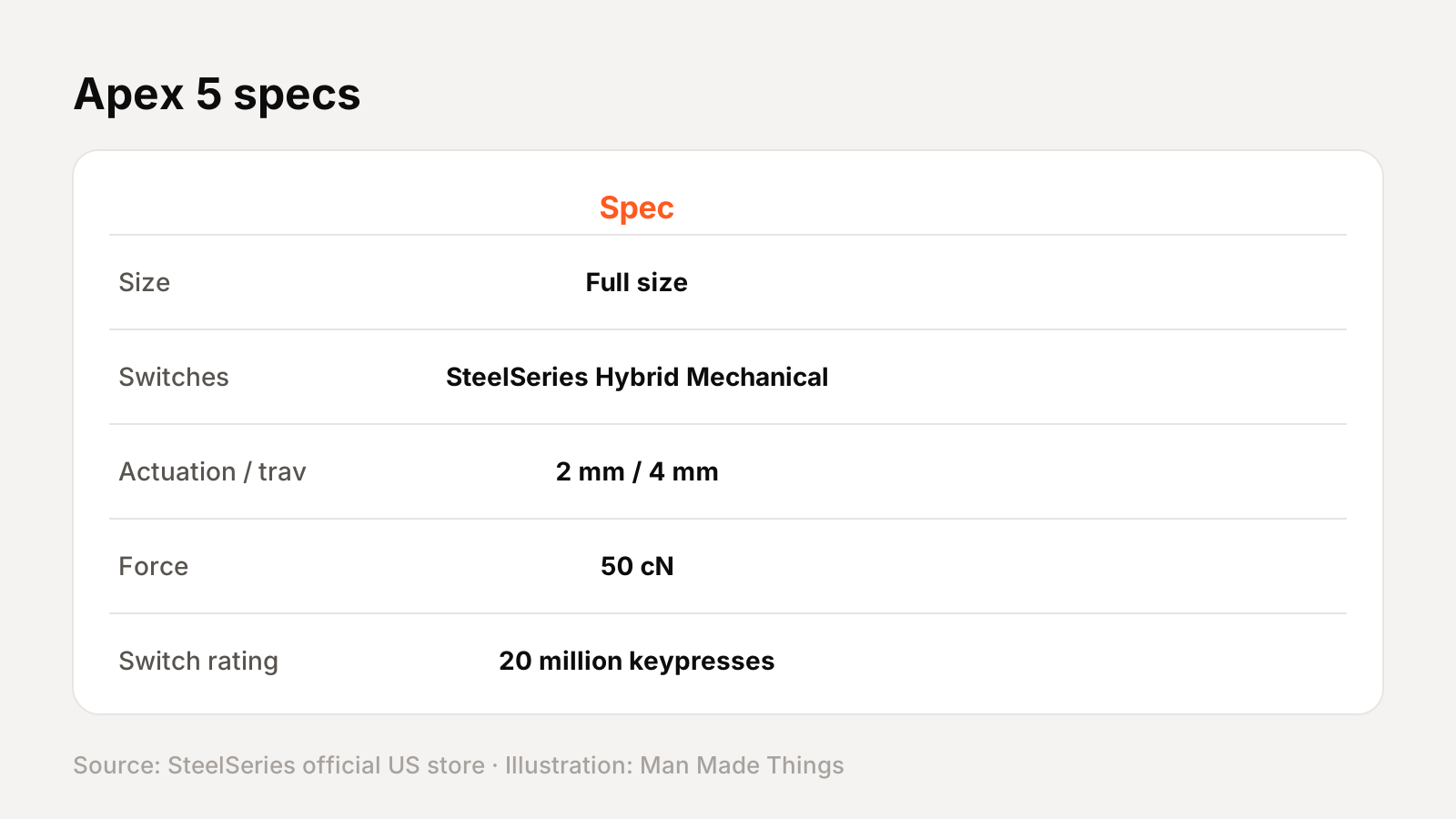
From SteelSeries' official US store spec table and product page:
| Spec | Apex 5 |
|---|---|
| Size | Full size |
| Switches | SteelSeries Hybrid Mechanical RGB (blue) |
| Actuation / travel | 2 mm / 4 mm |
| Force | 50 cN |
| Switch rating | 20 million keypresses |
| Display | OLED Smart Display |
| Frame | Aircraft-grade aluminum alloy |
| Rollover | 24-key |
| Lighting | Dynamic per-key RGB |
| Dimensions | 442.8 x 139.2 x 40.5 mm |
| Weight | 2.04 lb (about 925 g) |
| In the box | Keyboard, magnetic wrist rest |
| Warranty | 1 year (12 months) |
Prices and versions
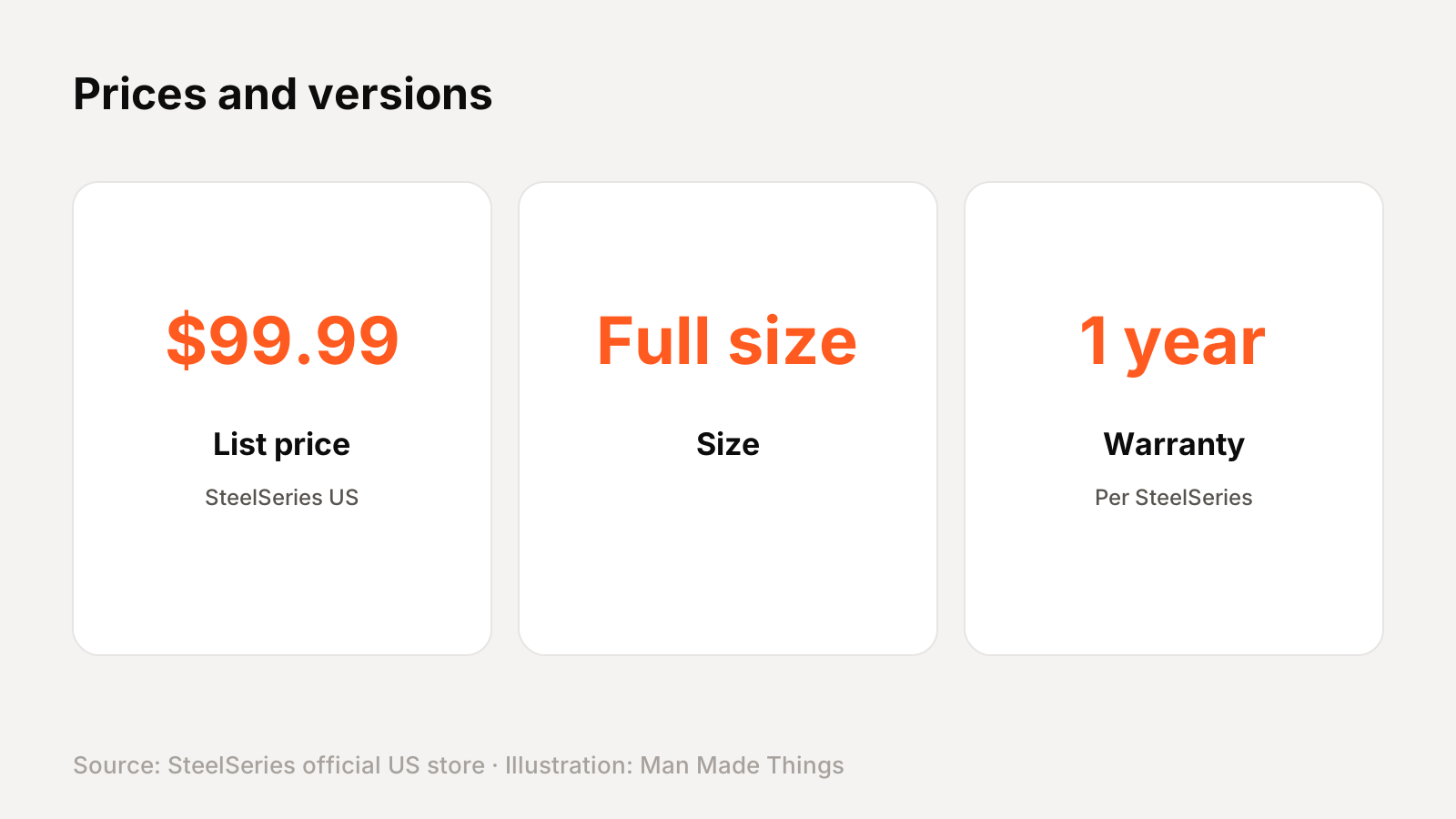
SteelSeries' US store lists one version of the Apex 5 at $99.99 list. It was $84 when we checked.
The Apex 7 TKL is $99.99 with full mechanical switches, and the Apex 3 is $54.99.
Key features, explained
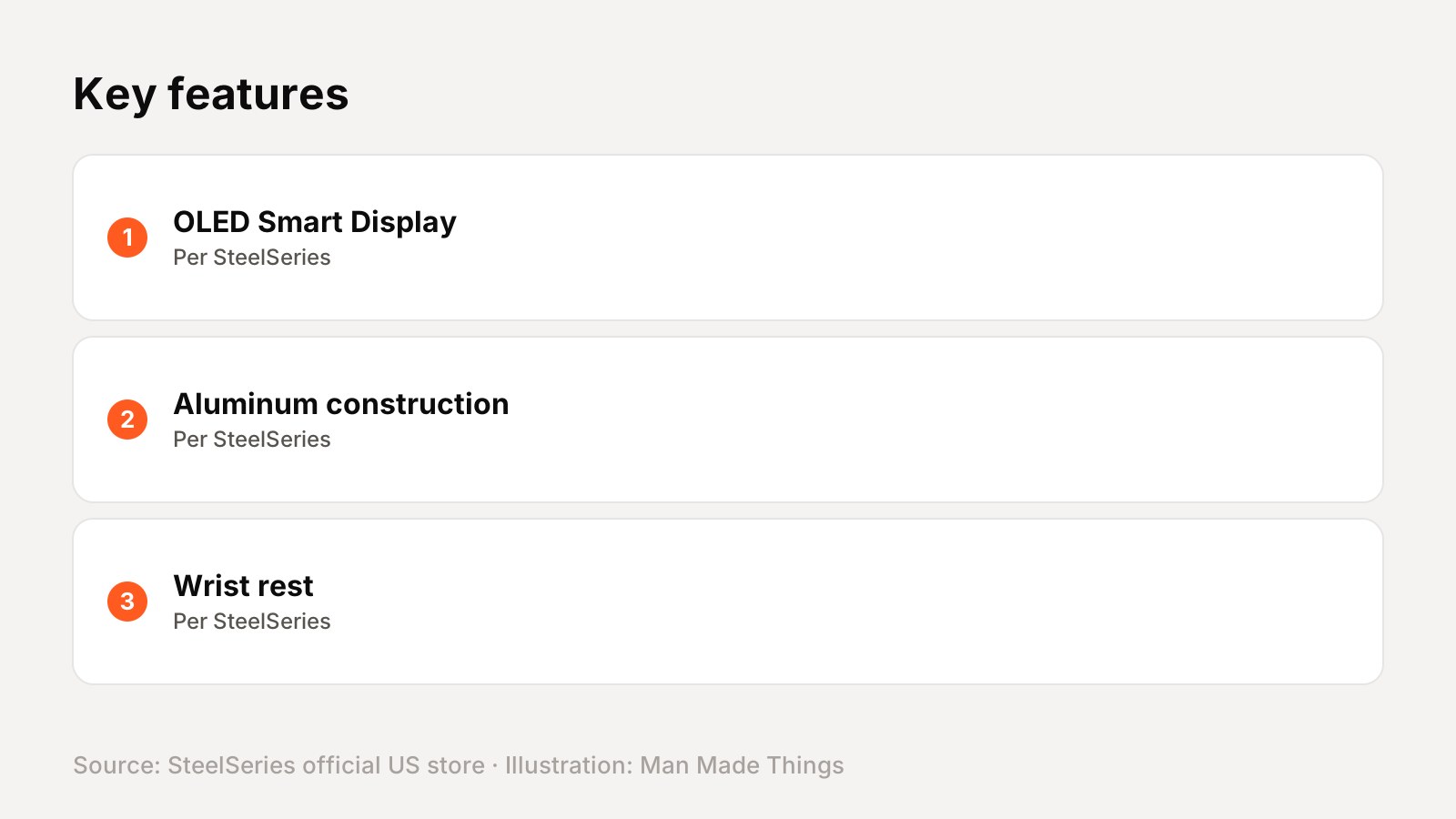
Here's what the main features on SteelSeries' product page actually do:
- OLED Smart Display: a small screen on the keyboard. SteelSeries says it can show information from games and apps and notifications such as Discord messages, and on Apex Pro boards it lets you change settings without leaving your game.
- Aluminum construction: SteelSeries lists an aluminum top plate or frame. On several models it calls it "Series 5000" or "aircraft-grade" aluminum.
- Wrist rest: included in the box. On the Apex 7, Apex 5, Apex 3 and original Apex Pro, SteelSeries describes it as magnetic.
The switches, explained
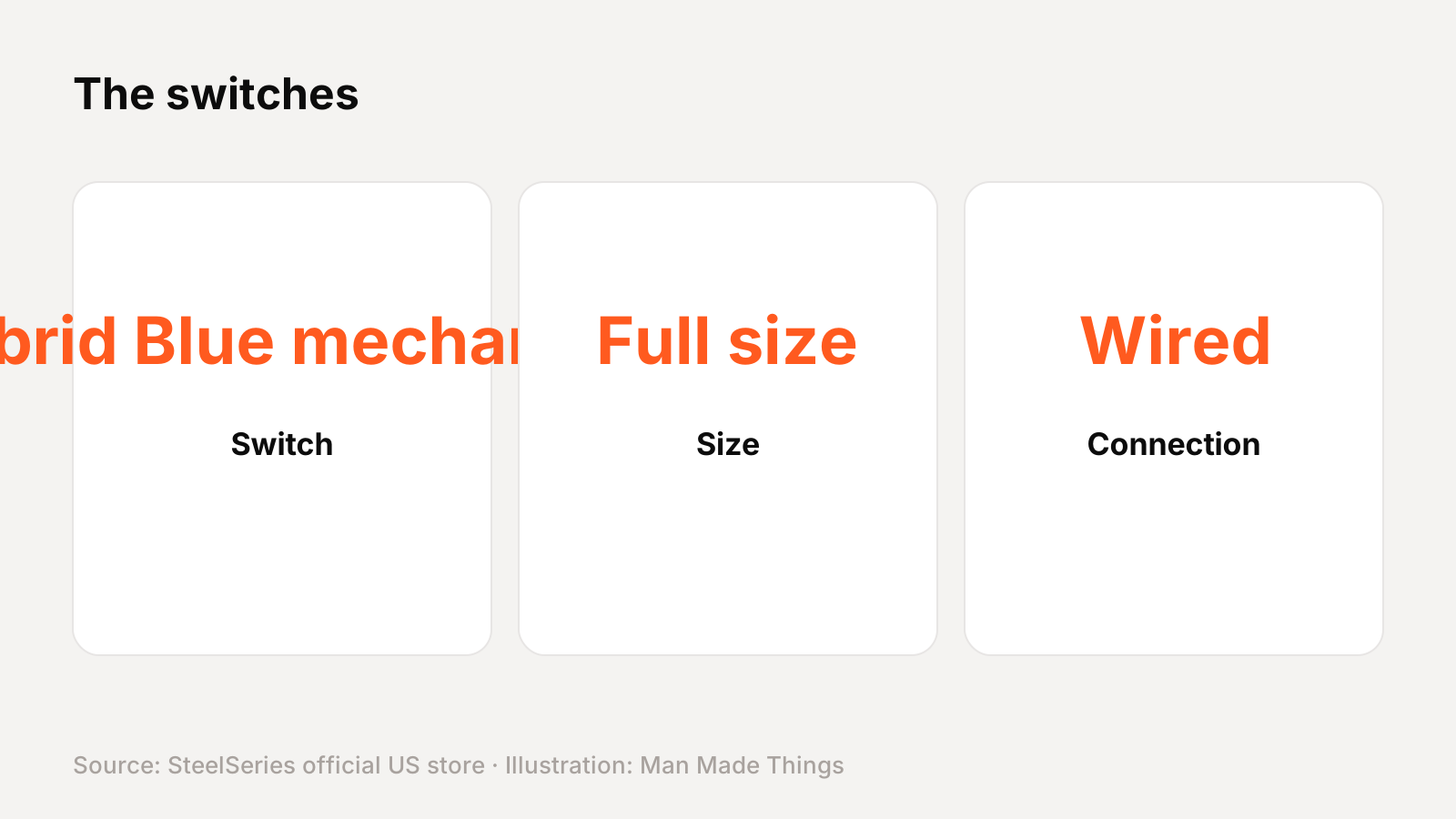
SteelSeries' Hybrid Mechanical switches are a blue, clicky-style switch. SteelSeries' spec table lists 2 mm actuation, 4 mm total travel, 50 cN of force and a 20 million keypress rating. "Hybrid" means they're not fully mechanical switches like the Apex 7's QX2.
How it compares with other SteelSeries keyboards
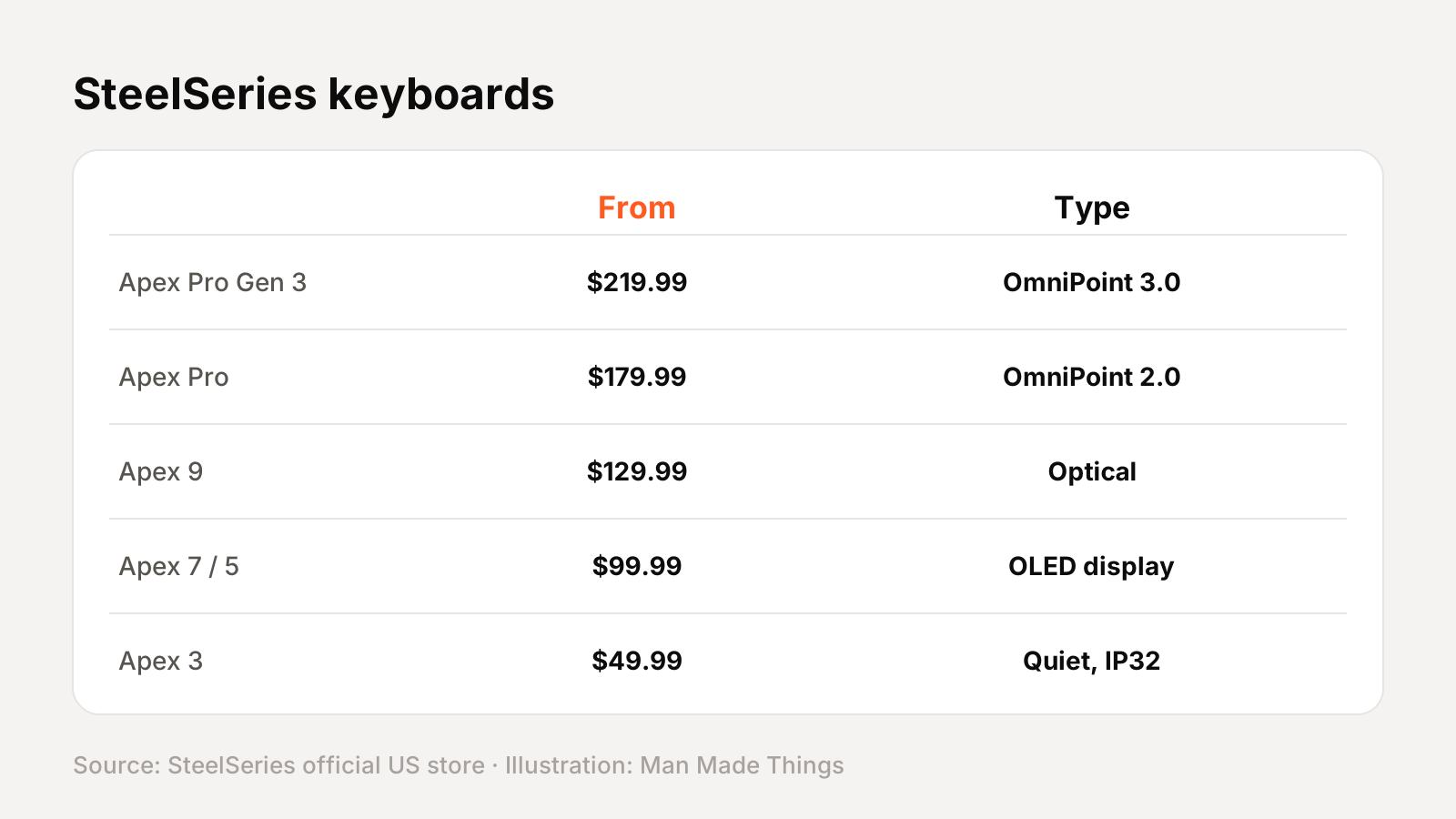
SteelSeries' current US keyboard lineup, with list prices from SteelSeries' store (several were on sale when we checked):
| Model | US list price | Size | Switches | Connection |
|---|---|---|---|---|
| Apex Pro Gen 3 | $259.99 | Full size | OmniPoint 3.0 magnetic | Wired |
| Apex Pro TKL Gen 3 | $239.99 | Tenkeyless (TKL) | OmniPoint 3.0 magnetic | Wired |
| Apex Pro TKL Wireless Gen 3 | $299.99 | Tenkeyless (TKL) | OmniPoint 3.0 magnetic | Wireless |
| Apex Pro Mini Gen 3 | $219.99 | 60% | OmniPoint 3.0 magnetic | Wired |
| Apex Pro TKL (2023) | $189.99 | Tenkeyless (TKL) | OmniPoint 2.0 magnetic | Wired |
| Apex Pro TKL Wireless (2023) | $249.99 | Tenkeyless (TKL) | OmniPoint 2.0 magnetic | Wireless |
| Apex Pro | $199.99 | Full size | OmniPoint 2.0 magnetic | Wired |
| Apex Pro Mini | $179.99 | 60% | OmniPoint 2.0 magnetic | Wired |
| Apex Pro Mini Wireless | $239.99 | 60% | OmniPoint 2.0 magnetic | Wireless |
| Apex 9 TKL | $149.99 | Tenkeyless (TKL) | OptiPoint optical | Wired |
| Apex 9 Mini | $129.99 | 60% | OptiPoint optical | Wired |
| Apex 7 | $159.99 | Full size | QX2 Red mechanical | Wired |
| Apex 7 TKL | $99.99 | Tenkeyless (TKL) | QX2 Red mechanical | Wired |
| Apex 5 | $99.99 | Full size | Hybrid Blue mechanical | Wired |
| Apex 3 | $54.99 | Full size | Whisper-Quiet | Wired |
| Apex 3 TKL | $49.99 | Tenkeyless (TKL) | Whisper-Quiet | Wired |
How to choose within SteelSeries' Apex 7 and Apex 5 range
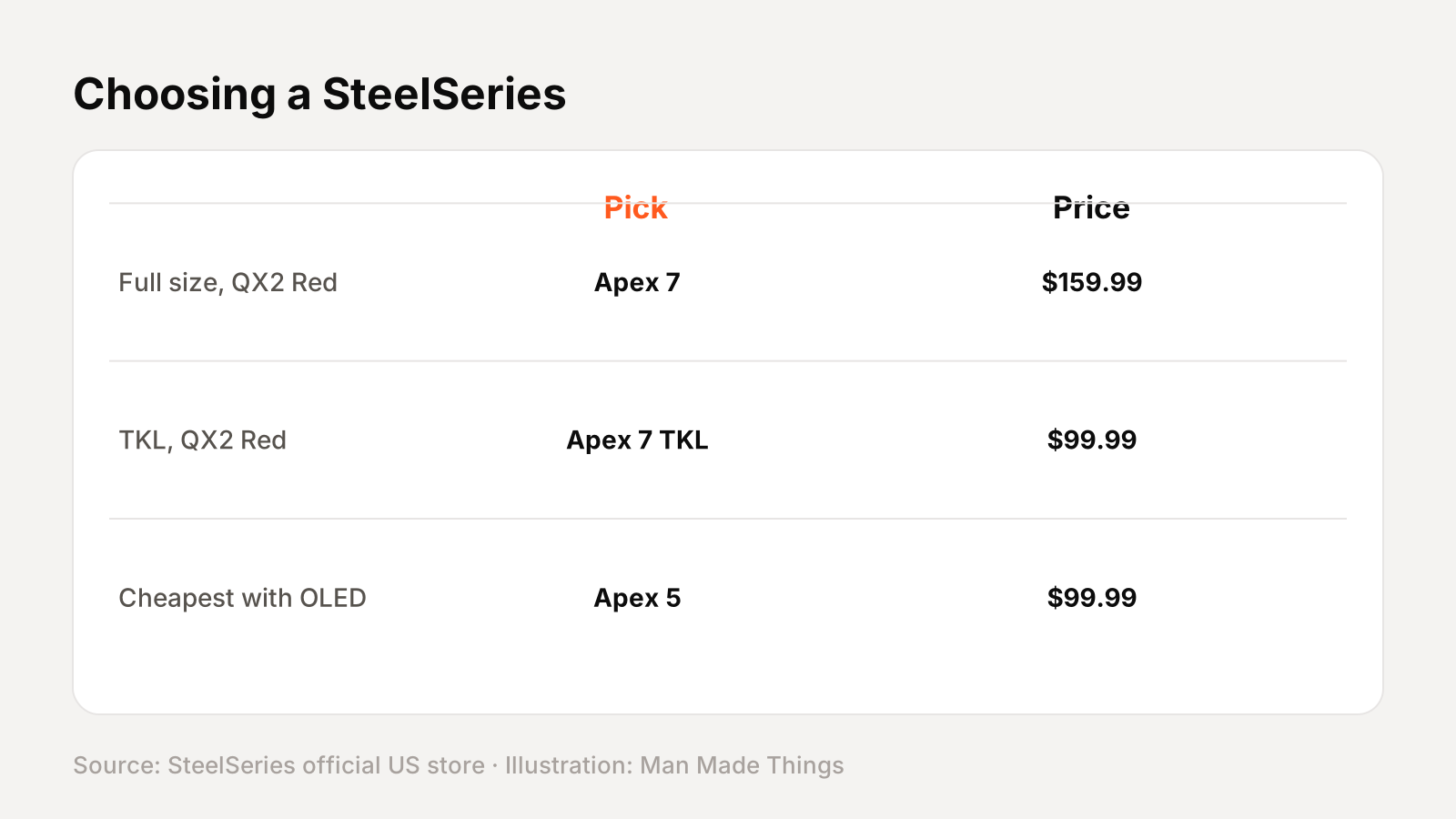
| If you want... | Consider |
|---|---|
| Full size, QX2 Red | Apex 7 ($159.99) |
| TKL, QX2 Red | Apex 7 TKL ($99.99) |
| Cheapest with OLED | Apex 5 ($99.99) |
SteelSeries GG, explained
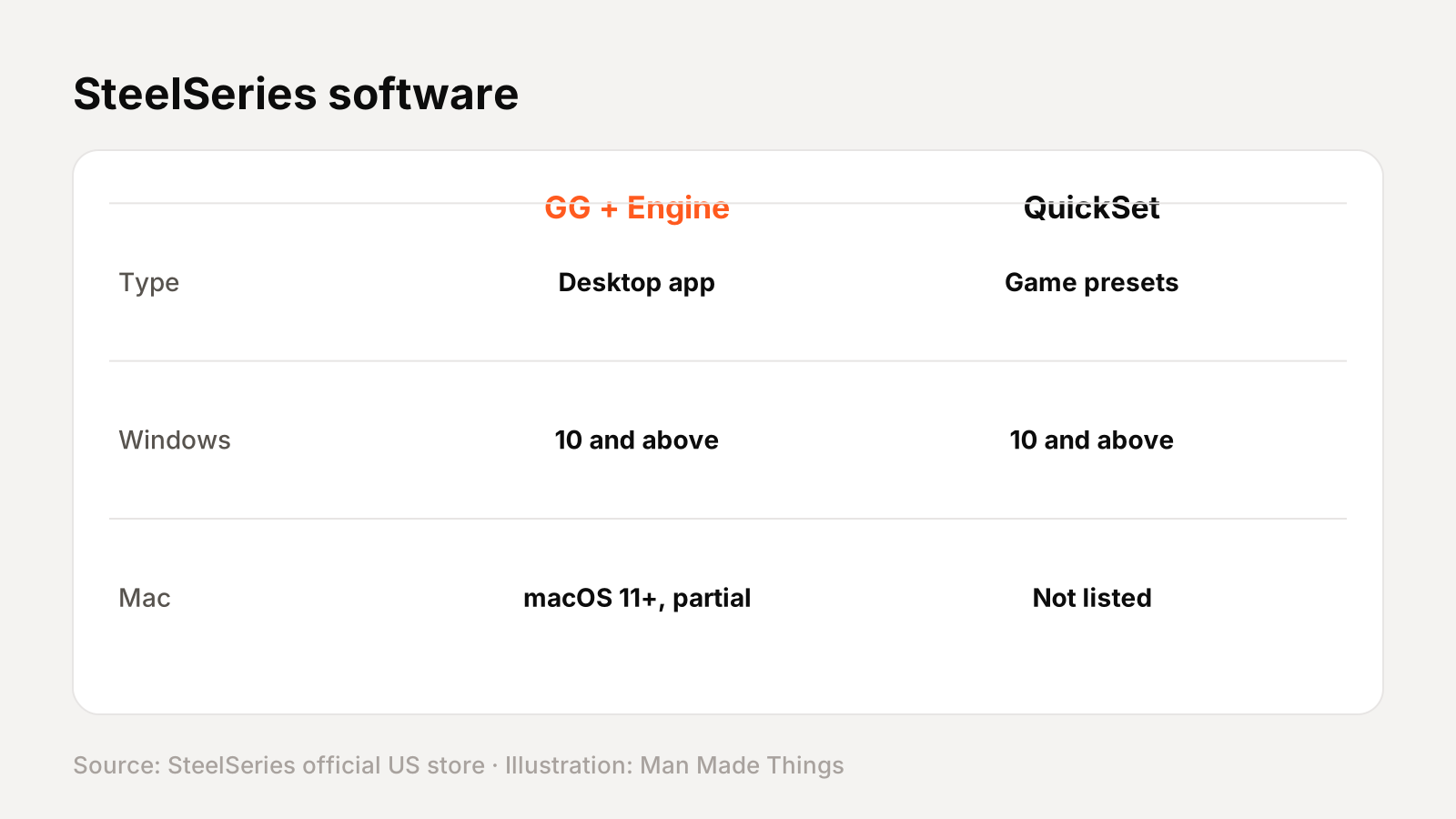
SteelSeries keyboards are set up in SteelSeries GG, SteelSeries' desktop app. Its Engine section handles key remapping, macros, lighting and actuation settings. SteelSeries lists GG + Engine for Windows 10 and above and macOS 11 and above, with a note that "not all software features" are supported on Mac.
On the Apex Pro boards, GG QuickSet adds per-game presets for actuation, Rapid Trigger and lighting. SteelSeries lists QuickSet for Windows 10 and above only.
Boards with onboard memory (5 profiles on the Apex Pro and Apex 9) store settings on the keyboard, so they work on other computers.
Keyboard terms, explained
| Term | What it means |
|---|---|
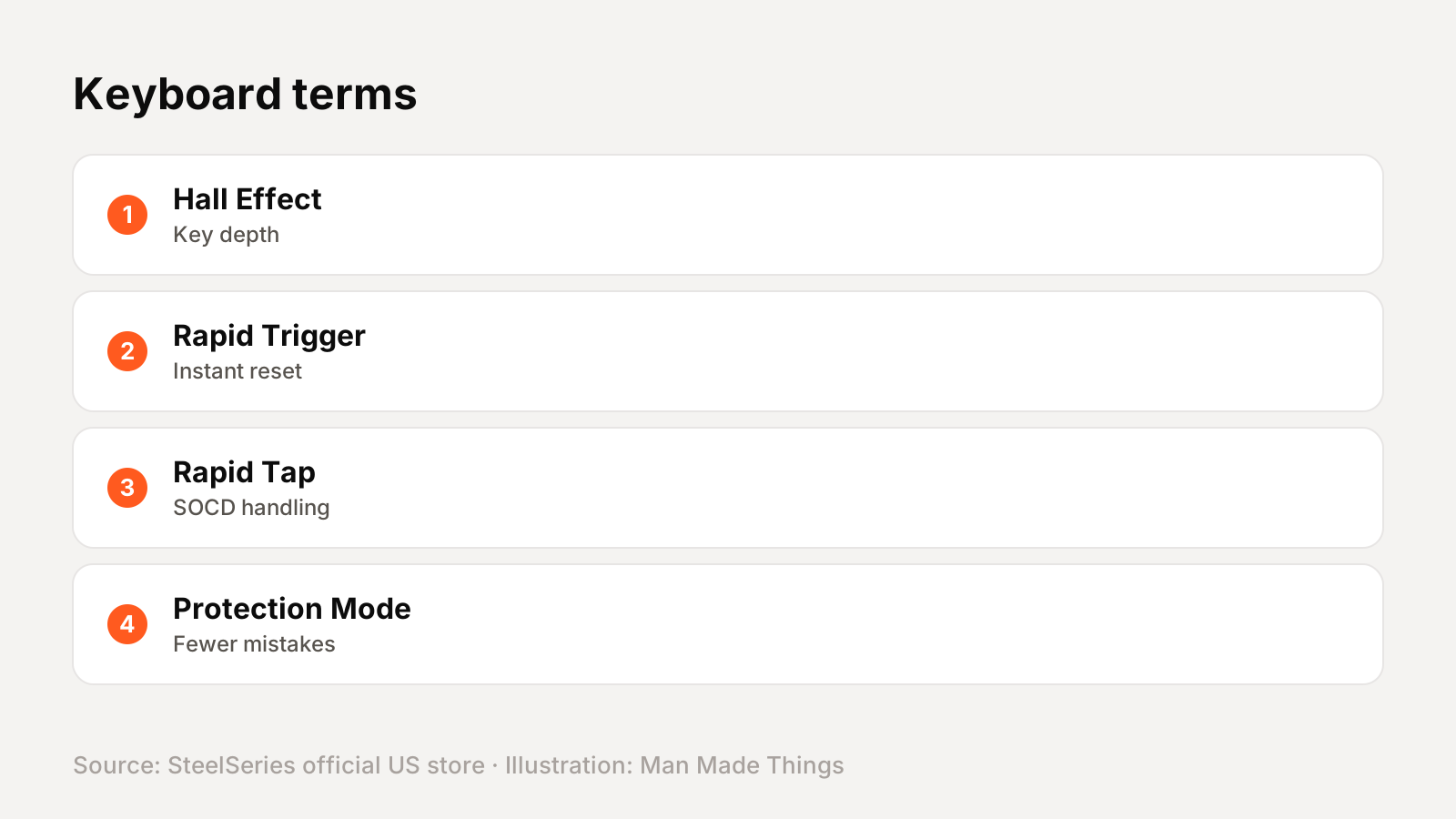
| Hall Effect / HyperMagnetic | Magnetic switches that measure how far each key is pressed |
| Actuation point | How far you press a key before it registers |
| Rapid Trigger | The key resets as soon as it starts rising, for faster repeated presses |
| Rapid Tap | SteelSeries' name for letting the newest of two opposing keys win (SOCD) |
| Protection Mode | Reduces sensitivity of nearby keys to prevent accidental presses |
| Optical switch | A switch that registers presses with light instead of metal contacts |
| Tenkeyless (TKL) | A full layout minus the number pad |
| 60% / Mini | A compact layout without the function row, arrows or number pad |
| IP rating | A standard rating for dust and water resistance |
Getting the best from the Apex 5
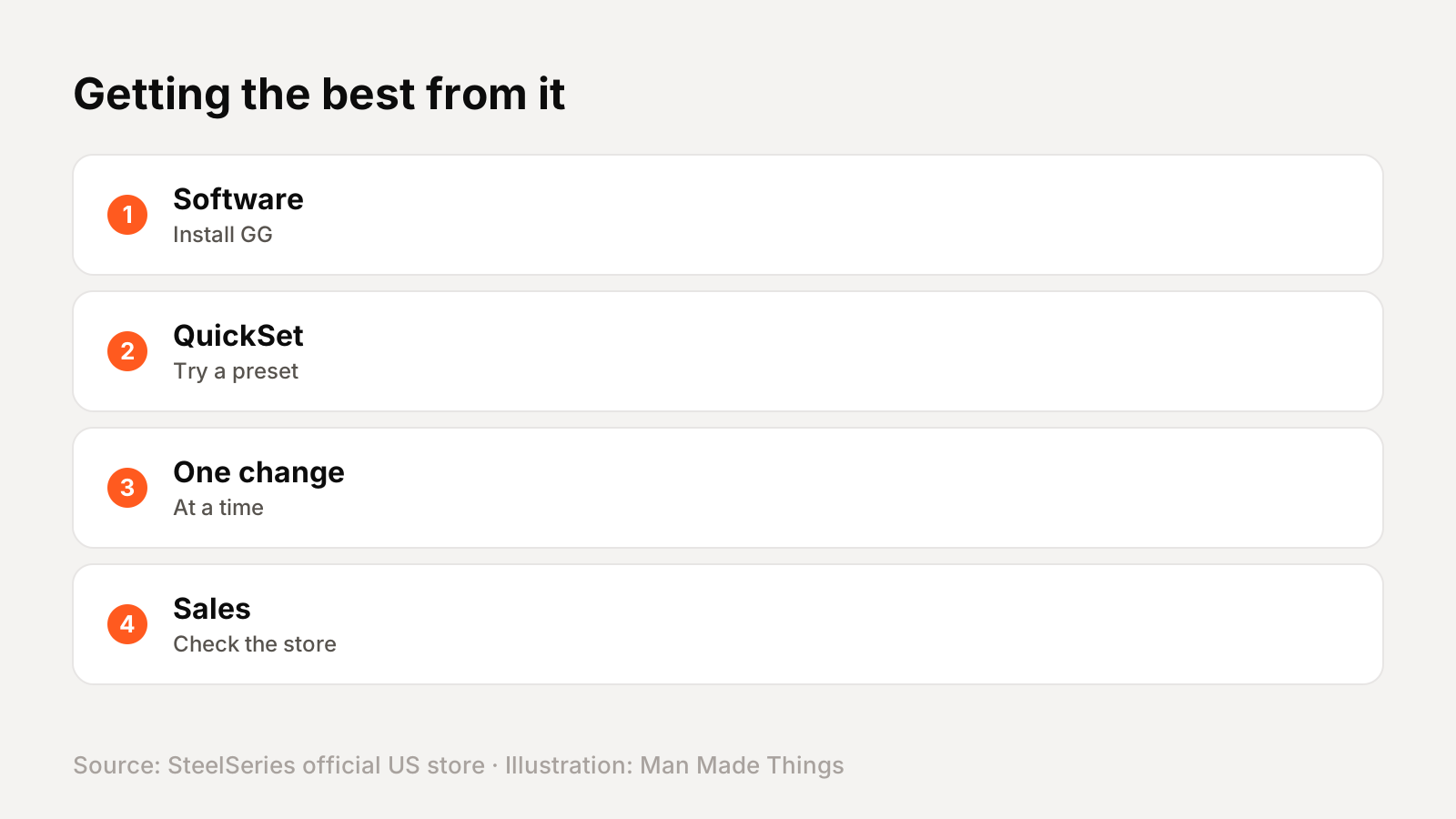
- Install SteelSeries GG and update the firmware before changing settings.
- Try a GG QuickSet preset on Apex Pro boards before tuning by hand.
- Change one setting at a time on Hall Effect boards: actuation first, then Rapid Trigger.
- Save profiles to onboard memory so they work on other computers.
- Check SteelSeries' store for sales; several models were discounted when we checked.
Buying and warranty
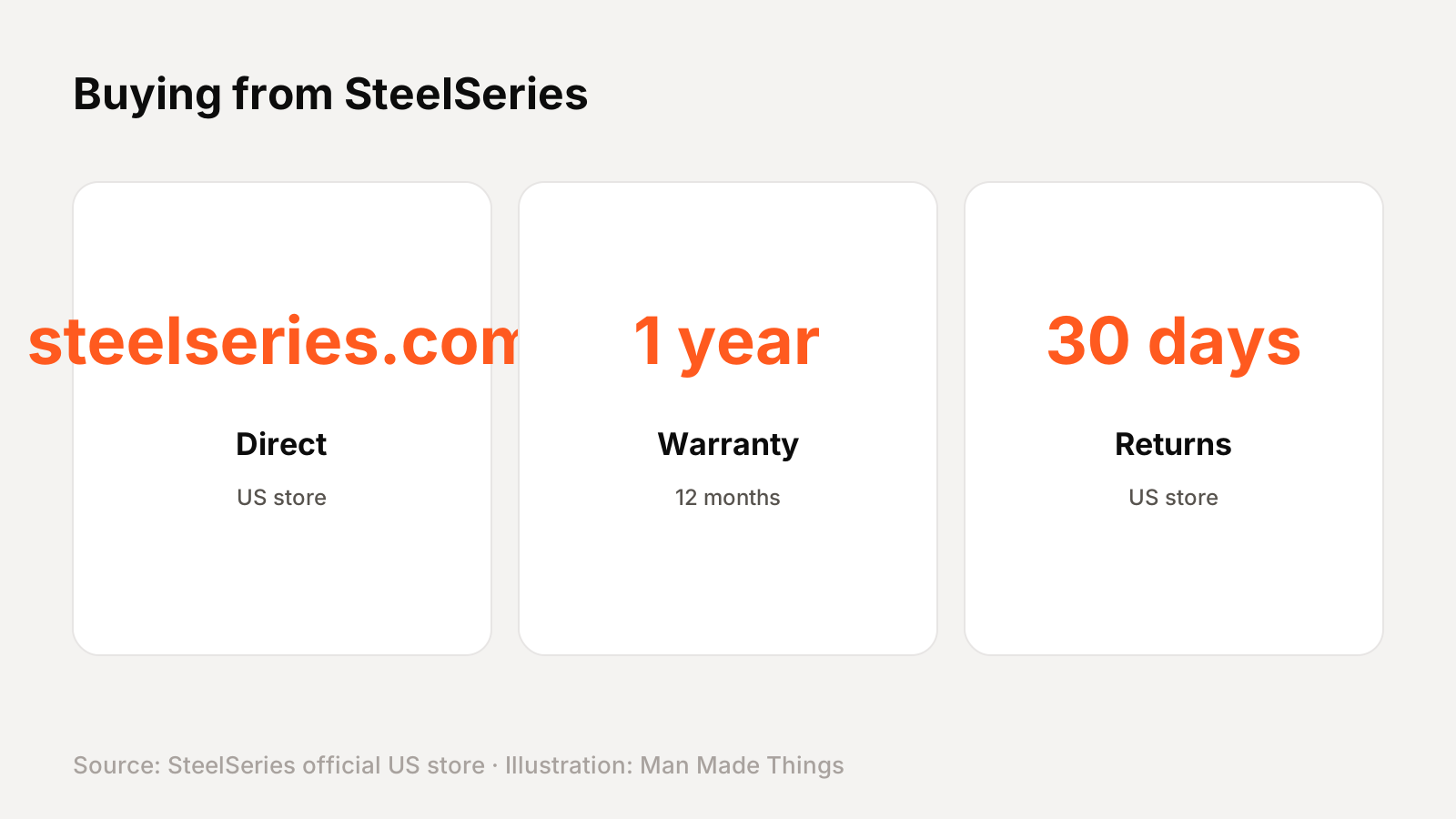
SteelSeries sells the Apex 5 direct from steelseries.com, and it's also sold by other retailers. SteelSeries' US product listing gives a 1-year limited warranty (12 months), and its US store lists a 30-day return period.
Prices on this page are from SteelSeries' US store in November 2026. SteelSeries' price history showed frequent short sales, so the price you pay may differ from the list price.
Should you buy the Apex 5?
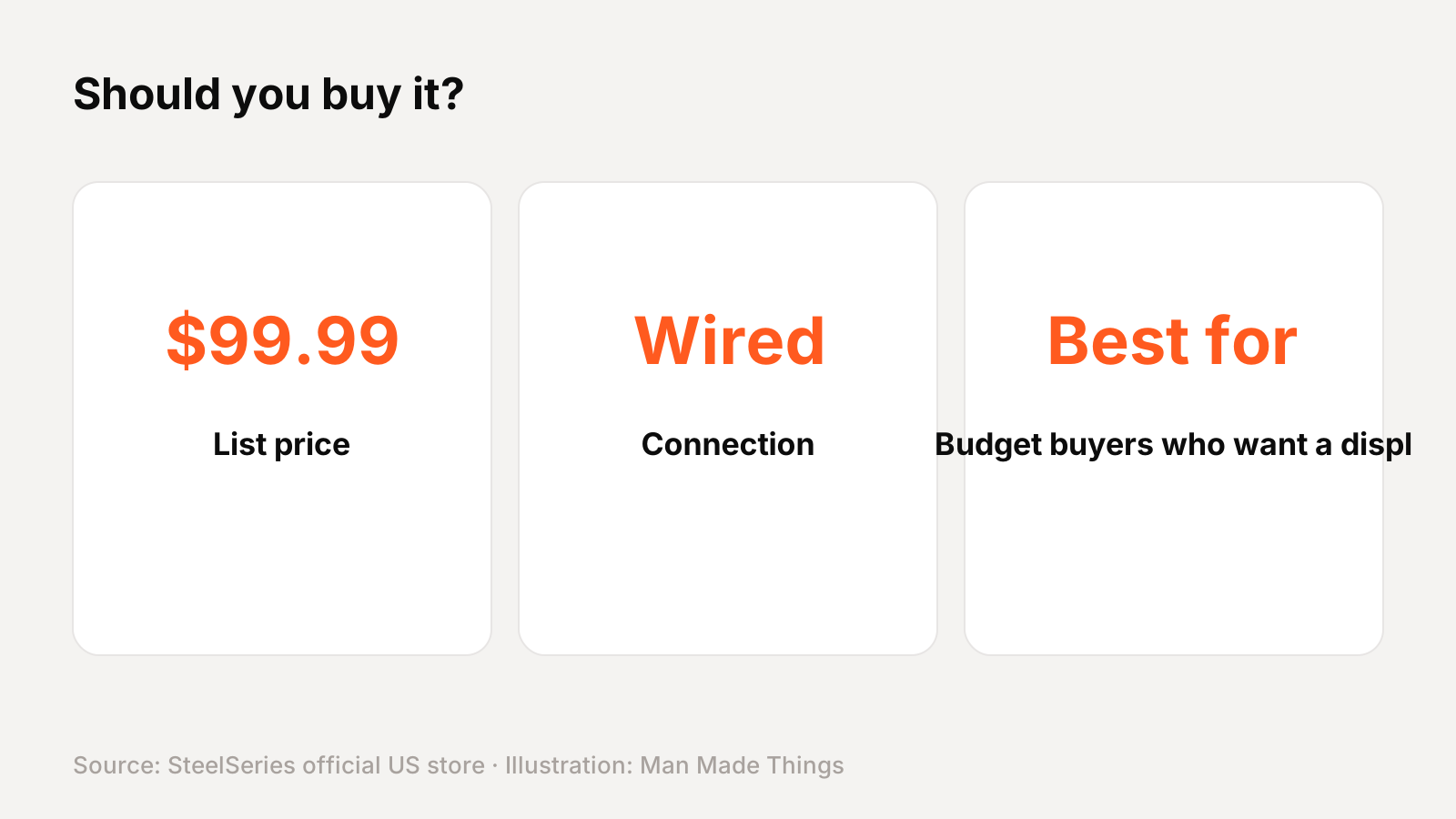
Who it's for: Budget buyers who want a display and clicky feel in a full-size board.
What we like:
- OLED Smart Display
- Aluminum frame
- Per-key RGB
- Magnetic wrist rest
What to consider:
- Hybrid switches, not fully mechanical
- 20 million keypress rating is lower than the Apex 7's 50 million
- 24-key rollover
Who should skip it: The Apex 7 TKL has fully mechanical switches for about $16 more.
The bottom line: The Apex 5 is a strong pick for budget buyers who want a display and clicky feel in a full-size board.
SteelSeries Apex 5 specs
| Size | Full size |
|---|---|
| Switches | SteelSeries Hybrid Mechanical RGB (blue) |
| Actuation / travel | 2 mm / 4 mm |
| Force | 50 cN |
| Switch rating | 20 million keypresses |
| Display | OLED Smart Display |
| Frame | Aircraft-grade aluminum alloy |
| Rollover | 24-key |
Test report
Hands-on test report: in progress
We don't publish scores or test results until a real unit has gone through our routine: battery rundown at 50% volume, call quality outdoors, noise cancellation on a commute, fit over a full workday, and connection stability across devices. This review will be updated with measured results and a star rating once testing is complete.
Frequently asked questions
How much is the SteelSeries Apex 5?
+
$99.99 ($84 on sale when we checked) on SteelSeries' US store when we checked in November 2026.
Is the Apex 5 wireless?
+
No, it's a wired keyboard.
What switches does the Apex 5 use?
+
SteelSeries Hybrid Mechanical RGB (blue).
What warranty does the Apex 5 have?
+
SteelSeries' US listing gives a 1-year (12-month) limited warranty.
Sources
Editor-in-Chief
Rahul has been writing about gadgets and software since 2013, first at Thetechhacker and now at Man Made Things. He edits every review on the site and signs off on every verdict.
More from Rahul →
