Mesh Wi-Fi vs Wi-Fi Extender: Which Fixes Dead Zones?
How Wi-Fi extenders and mesh systems differ, why extenders can halve your speed, where to place each, and when wired backhaul makes mesh even better, from NETGEAR, TP-Link, eero and Google.
We may earn a commission when you buy through links on this page. Learn more
Quick answer
A Wi-Fi extender is a cheap fix for one weak room: it rebroadcasts your router's signal, often under a separate network name, and basic dual-band models can halve your speed. A mesh system replaces your router with several nodes that form one network with one name, hand your devices off automatically and keep speeds up. For a whole home, mesh is better; for one dead zone, an extender is fine.
Almost every home has one: the bedroom where video buffers, the back porch where calls drop, the office upstairs that's just too far from the router. The two common fixes are a Wi-Fi extender and a mesh system, and they're often sold side by side as if they're the same thing.
They're not. An extender is a single add-on that repeats your existing signal. A mesh system replaces your router with a team of devices built to work together. The right choice depends on the size of your home and how many rooms have problems.
Below, I compare them using what the companies that make both, NETGEAR, TP-Link, eero and Google, publish on their own support pages. Building out your smart home? See our Matter and Thread explained guide.
How a Wi-Fi extender works
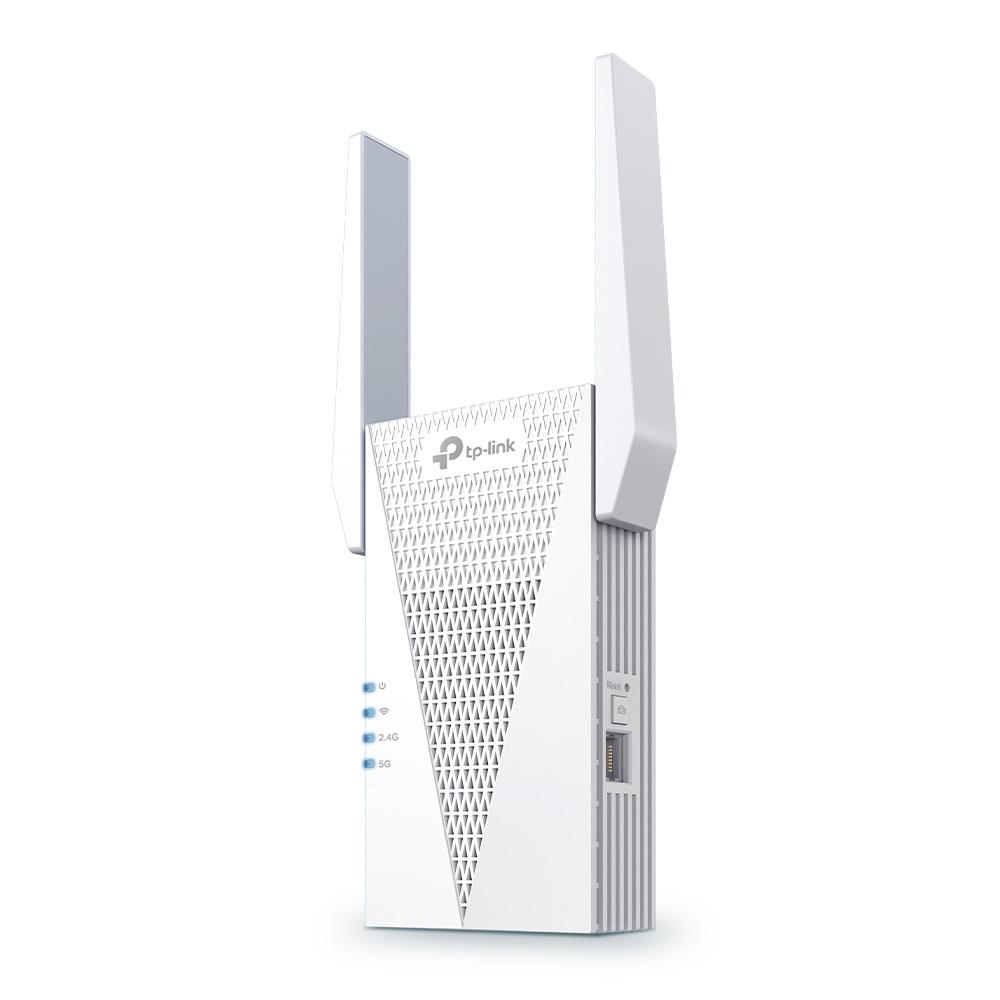
A range extender plugs into a wall outlet between your router and the dead zone. TP-Link says it picks up your router's signal and rebroadcasts it further into your home.
That works, but there are trade-offs:
- A second network name. NETGEAR says many extenders rebroadcast under a new name, like Home_EXT, so you may need to switch networks manually as you move around. Newer "mesh extenders" fix this by using your router's name; TP-Link calls this OneMesh or EasyMesh, and NETGEAR calls it One WiFi Name.
- Lower speed. NETGEAR explains that traditional dual-band extenders use a single channel to both receive and rebroadcast data, which may reduce available bandwidth by half.
Extenders are affordable, simple and good for one problem room. A Wi-Fi 6 model like TP-Link's RE715X also has an Ethernet port, so you can use it as a wired access point if you have a cable nearby.
How mesh Wi-Fi works
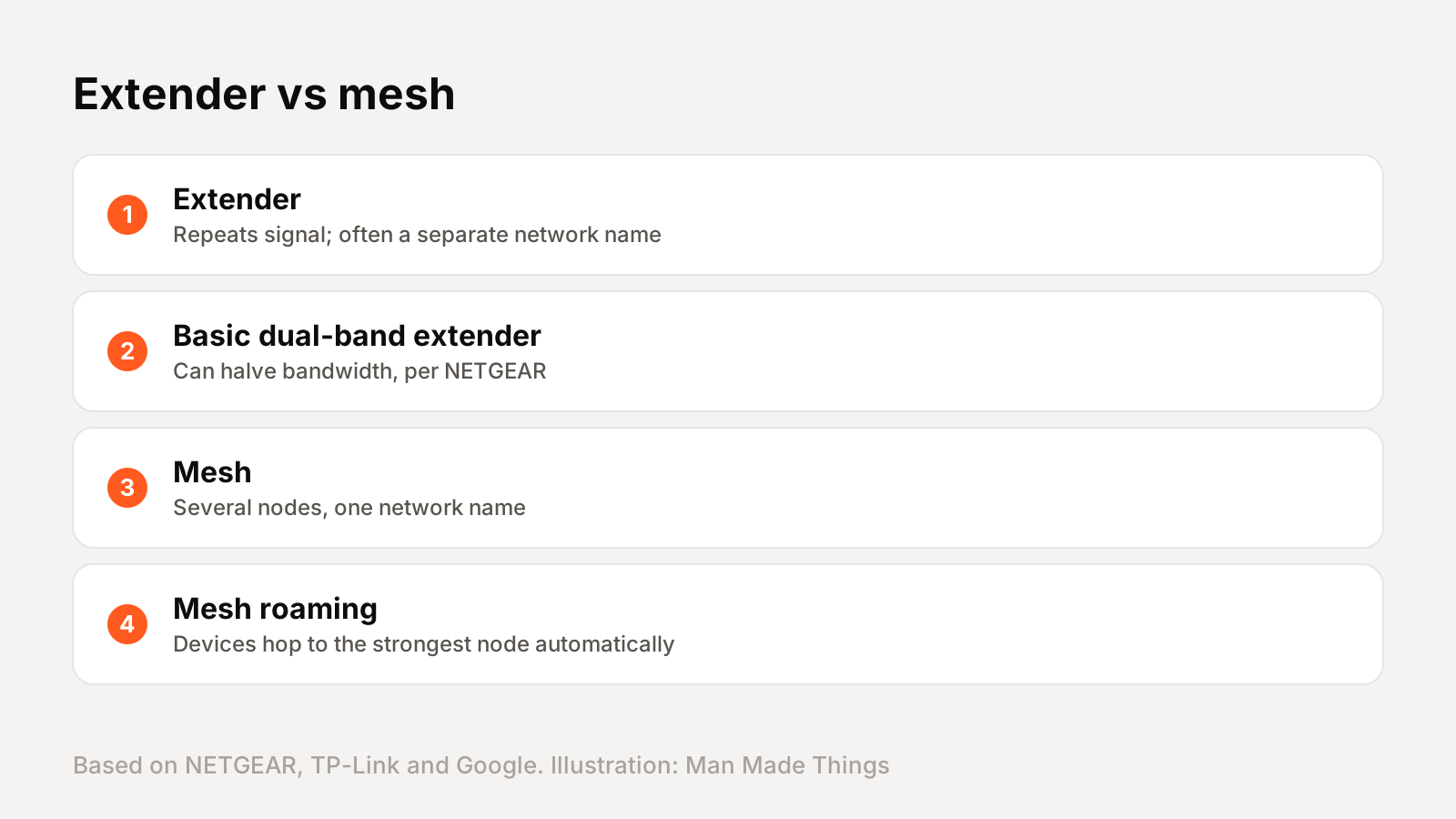
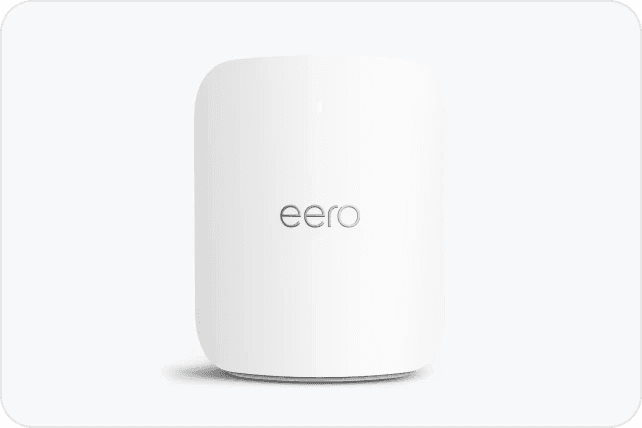
A mesh system replaces your router with two or more nodes placed around your home. Google describes mesh as a group of routers that act as a single network, so there are multiple sources of Wi-Fi instead of one router.
The differences that matter:
- One network name and password throughout the house, says TP-Link.
- Seamless roaming. TP-Link says devices automatically connect to the strongest node as you move from room to room. NETGEAR calls it seamless automatic hand-off.
- Faster links between nodes. NETGEAR says mesh systems like Orbi use tri-band or quad-band designs with dedicated backhaul channels to preserve speeds.
- Self-healing. Google says mesh networks can route around problems.
The Wi-Fi Alliance's EasyMesh standard even lets nodes from different brands work together, guiding devices to the best access point. The downside is cost: mesh kits are usually pricier than a single extender. eero's Pro 7, for example, is $299.99 for one unit and $549.99 for a two-pack.
Where to place an extender or mesh node
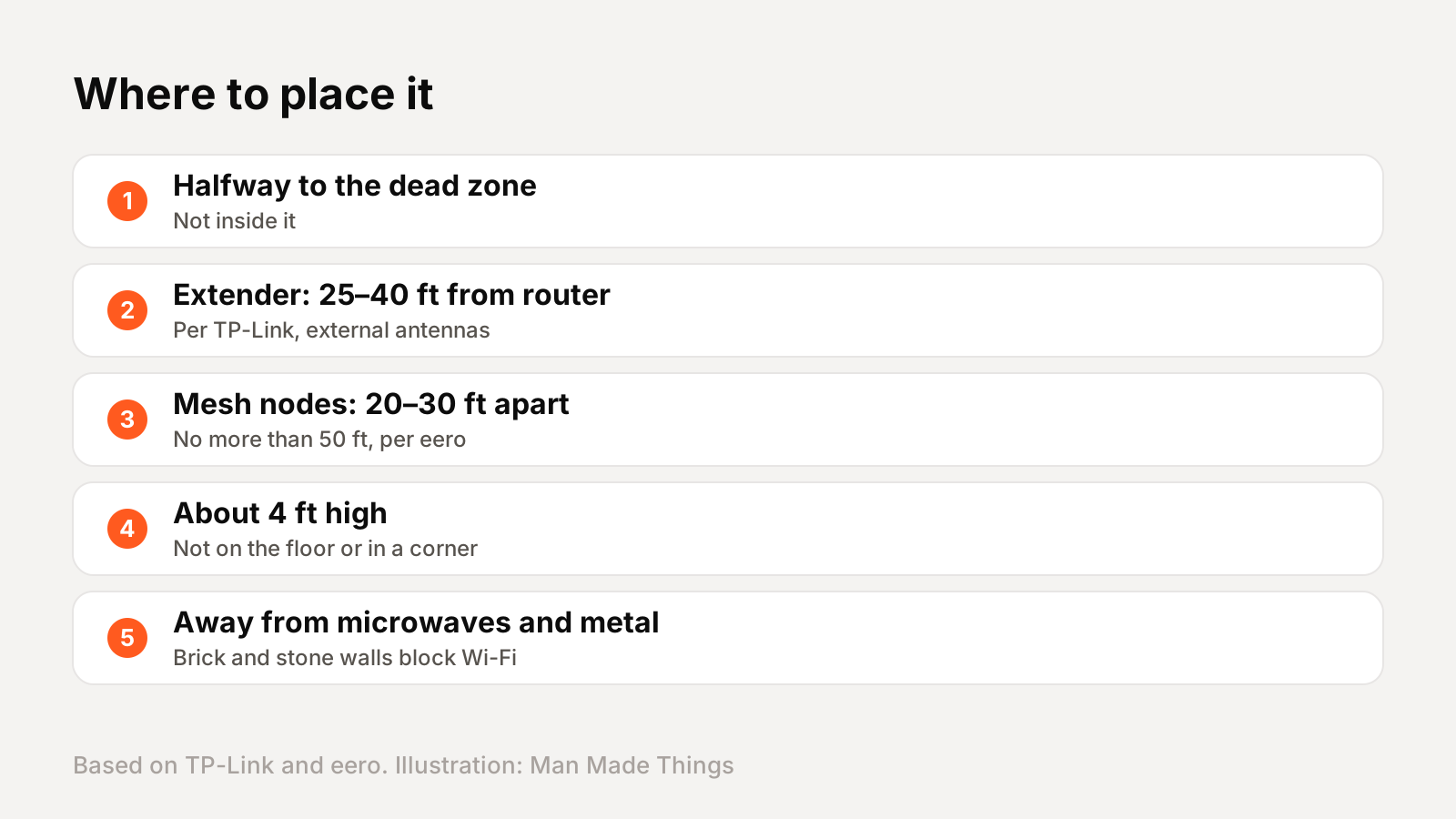
Placement matters more than the hardware. The most common mistake is putting the extender or node right in the dead zone, where it gets a weak signal to repeat.
Extenders: TP-Link says to place the extender roughly halfway between your router and the weak-signal area, about 25 to 40 feet from the router for models with external antennas, or 20 to 35 feet for internal-antenna models, where the router's signal is still strong. Put it at about the same height as your router, around four feet up, not on the floor or in a corner.
Mesh nodes: eero recommends placing nodes 20 to 30 feet apart, no more than 50 feet, in central spots. Like extenders, eero says not to put them directly in dead zones, but halfway between your main unit and the problem area.
For both, eero says to keep them away from microwaves, refrigerators, metal furniture, cordless phones and baby monitors, and notes that brick, stone and metal walls are hard for Wi-Fi to pass through.
The secret weapon: wired backhaul
If your home has Ethernet cables in the walls, use them. Mesh nodes connect to each other either wirelessly or by cable, and the cable is better.
eero says if your home is already wired with Ethernet, you'll want to use those connections, because they maximize your internet speeds and reduce wireless interference. It explains that wireless links between nodes are typically slower and more prone to interference, since they share the airwaves with your other devices. eero recommends Cat5e, Cat6 or Cat6a cable.
This is called wired backhaul, and it gives you the best of both worlds: fast, stable links between nodes, and the full Wi-Fi capacity left for your devices. Many mesh systems, including eero's Pro 7 with two 5 Gb Ethernet ports, support it.
Extenders can do something similar. TP-Link's RE715X has an access point mode that turns a wired connection into Wi-Fi, which avoids the speed loss of wireless repeating.
Which should you buy?
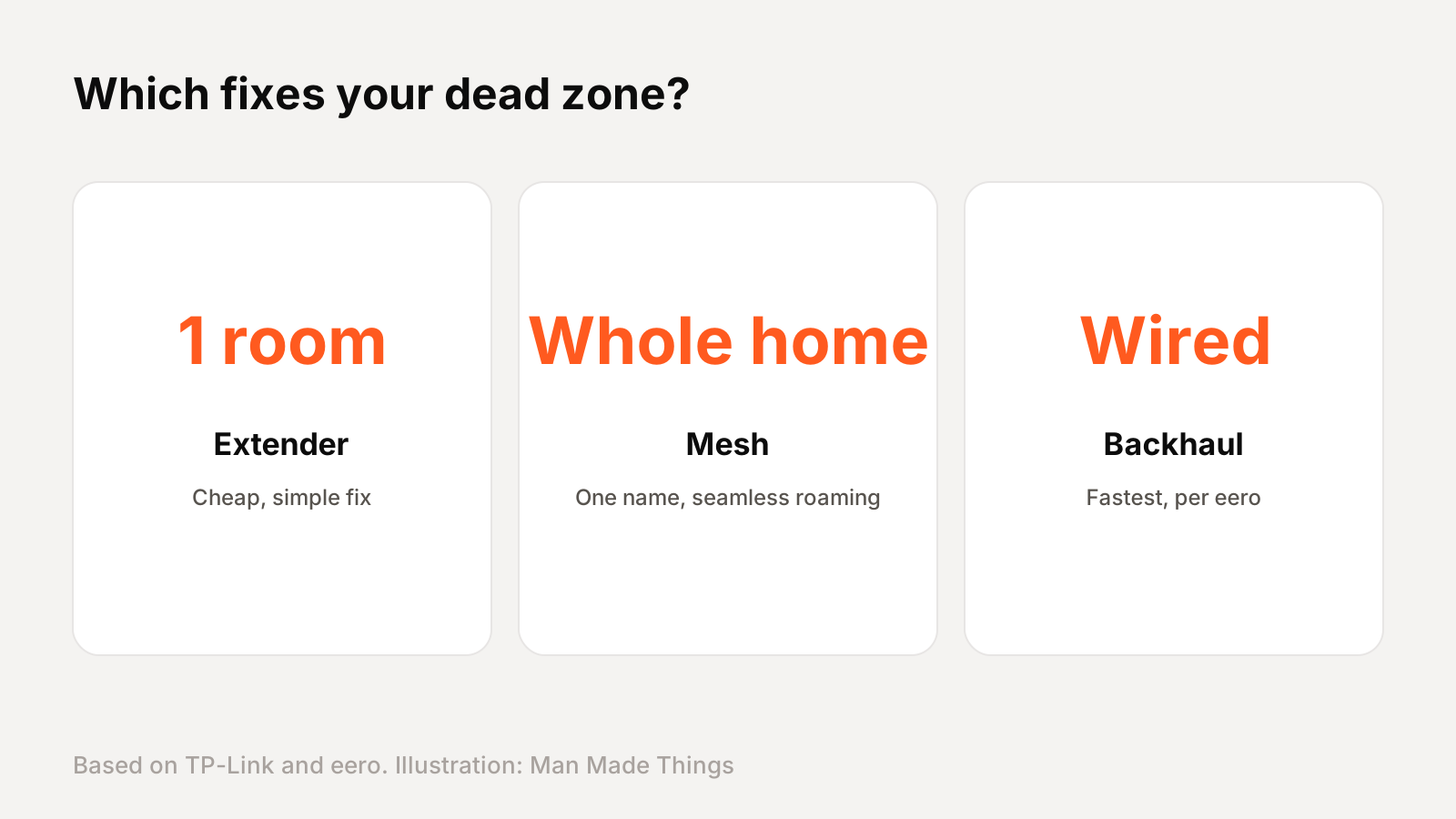
Buy an extender if:
- You have one weak room and your router is otherwise fine.
- You're on a tight budget.
- You can place it in a spot that still gets a strong router signal.
Choose a model that supports a single network name (EasyMesh or OneMesh) to avoid switching networks.
Buy a mesh system if:
- Your home is large or has several dead zones.
- You want one network name and seamless roaming.
- Your router is old anyway. TP-Link suggests one to two Deco units for homes up to 2,000 square feet and two to three for up to 4,000.
TP-Link, which sells both, calls its Deco mesh the recommended solution for whole-home coverage.
Before buying either, try moving your router to a more central, open spot. Sometimes that alone fixes the problem.
Frequently asked questions
Is mesh Wi-Fi better than an extender?
+
For whole-home coverage, yes. Mesh uses one network name and seamless roaming; basic extenders can halve bandwidth and use a separate name, per NETGEAR.
Do Wi-Fi extenders slow down internet?
+
Basic dual-band extenders can. NETGEAR says they use one channel to receive and rebroadcast, which may cut bandwidth in half.
Where should I put a Wi-Fi extender?
+
TP-Link says roughly halfway between the router and the weak area, about 25 to 40 feet from the router, at around four feet high.
What is wired backhaul?
+
Connecting mesh nodes with Ethernet. eero says it maximizes speed and reduces wireless interference.
Sources
- NETGEAR: WiFi extender vs mesh WiFi
- NETGEAR: Same network name on extenders
- TP-Link: Range extenders
- TP-Link: Where to place your Wi-Fi extender
- TP-Link: Deco mesh Wi-Fi
- TP-Link: RE715X
- eero: Where should I place my eeros?
- eero: Ethernet backhaul
- eero: Pro 7
- Google: What is a mesh network?
- Wi-Fi Alliance: Wi-Fi EasyMesh
Editor-in-Chief
Rahul has been writing about gadgets and software since 2013, first at Thetechhacker and now at Man Made Things. He edits every review on the site and signs off on every verdict.
More from Rahul →
