Ducky Zero 6108 Review: Specs, Price and How It Compares
A research-based review of the Ducky Zero 6108: Ducky's official specs, features explained and how it compares with the rest of Ducky's keyboards.
We may earn a commission when you buy through links on this page. Learn more
Quick answer
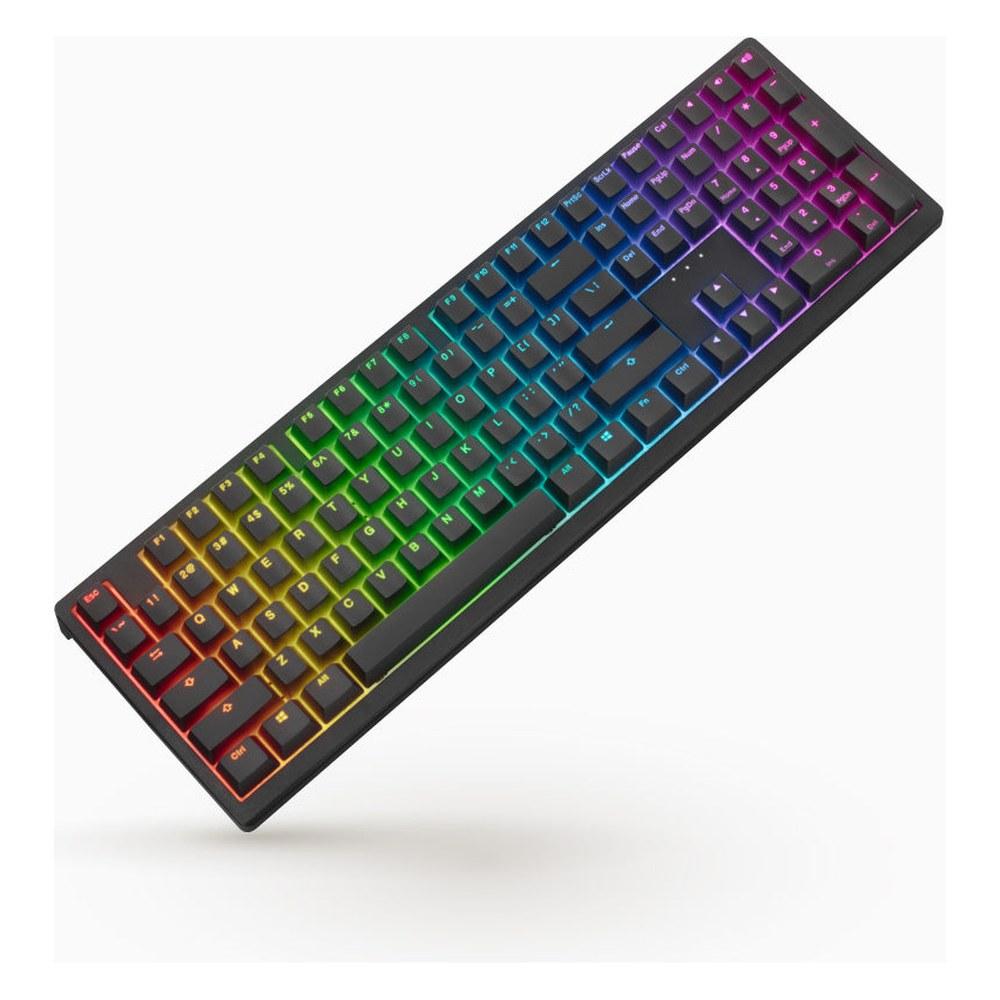
The Ducky Zero 6108 is a full-size wireless keyboard with Cherry MX2A switches, sold in the US through MechanicalKeyboards.com, where it was $65-75 on sale (list $99) when we checked. It's best for buyers who want a full-size wireless Ducky with Cherry switches on a budget.
Ducky is a Taiwanese keyboard maker best known for its One series. The Zero 6108 is a full-size keyboard with Cherry MX2A switches and wireless (2.4 GHz and Bluetooth) and wired connections. Ducky doesn't sell direct in the US; it lists MechanicalKeyboards.com as its US retailer, where it was $65-75 on sale (list $99) when we checked.
A note on how we review: I haven't completed a hands-on test of the Zero 6108, so there's no star rating on this page. Everything below comes from Ducky's official product page and its listed US retailer, MechanicalKeyboards.com, with plain-English explanations and a comparison with the rest of Ducky's lineup. See every model in our Ducky keyboards guide, and for other brands, our best gaming keyboards.
Image: Ducky
Ducky
Ducky Zero 6108
The Zero 6108 is a strong pick for buyers who want a full-size wireless Ducky with Cherry switches on a budget.
Best for: Buyers who want a full-size wireless Ducky with Cherry switches on a budget
Pros
- 01Tri-mode wireless with Cherry MX2A
- 02Hot-swappable
- 03PBT keycaps
- 04$65-75 when we checked
Cons
- 01No QUACK or gasket mount listed
- 02No polling rate listed
- 03Ducky doesn't state a warranty period
What the Zero 6108 is
The Ducky Zero 6108 is Ducky's full-size wireless keyboard. Ducky says it "offers tri-mode connectivity with USB, 2.4GHz Wireless, and Bluetooth, ensuring flexible connection options for all your devices."
MechanicalKeyboards.com lists Cherry MX2A switches, a hot-swap RGB PCB that "supports both 3-pin and 5-pin switches," a Q-Bounce synthetic pad and PU bottom foam, a 2,500 mAh battery and backlit double-shot PBT keycaps.
Ducky's wireless and value boards are the OK-M, Zero 6108 and Cushion 98, all with tri-mode wireless and hot-swap switches.
Zero 6108 specs
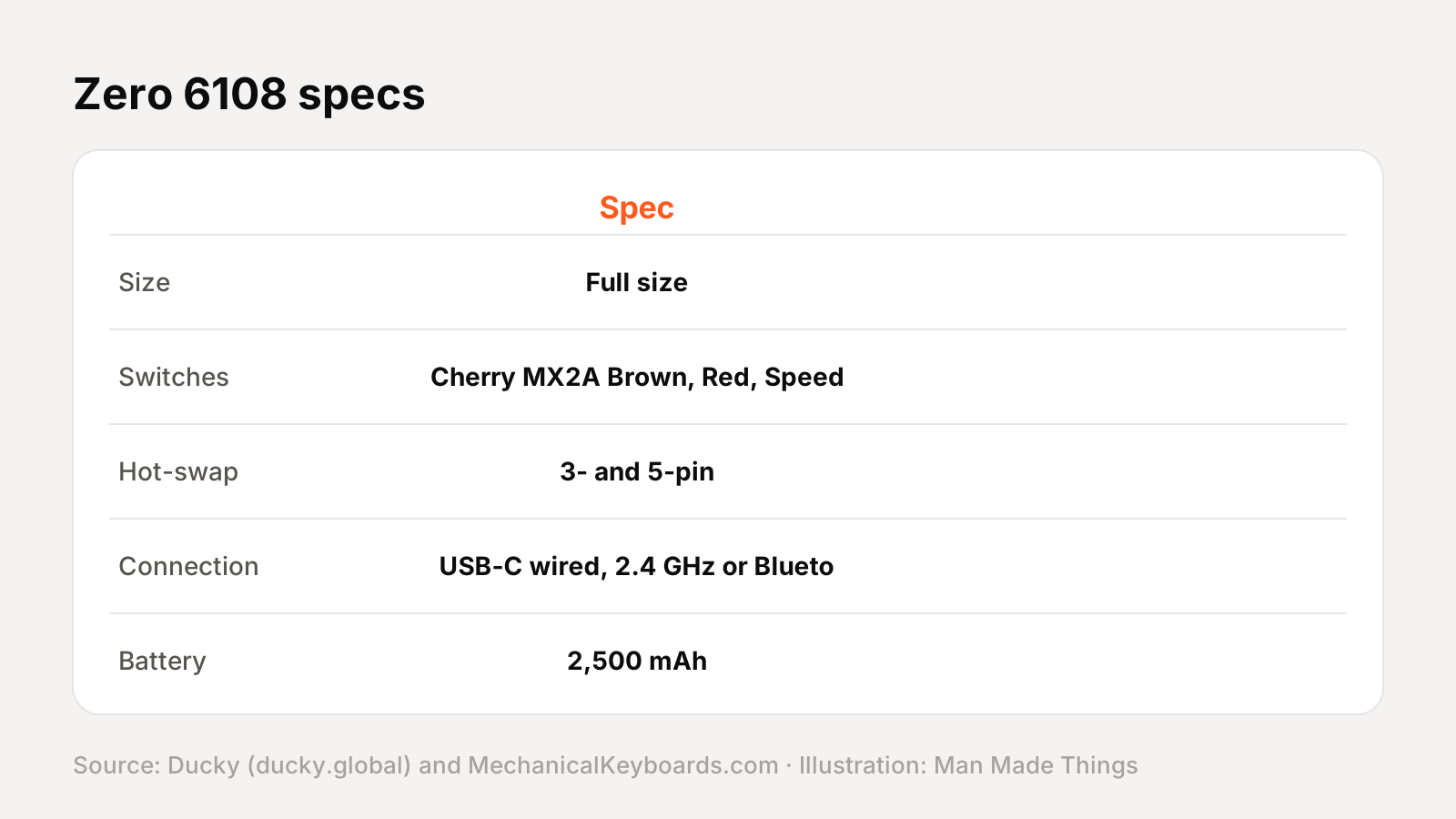
From Ducky's official product page and the spec list at MechanicalKeyboards.com, Ducky's listed US retailer:
| Spec | Zero 6108 |
|---|---|
| Size | Full size |
| Switches | Cherry MX2A Brown, Red, Speed Silver or Blue |
| Hot-swap | 3- and 5-pin |
| Connection | USB-C wired, 2.4 GHz or Bluetooth |
| Battery | 2,500 mAh |
| Dampening | Q-Bounce synthetic pad, PU bottom foam |
| Keycaps | Backlit double-shot PBT |
| Lighting | RGB |
| Feet | 3-level adjustable |
| Colors | Black, white |
Prices and versions
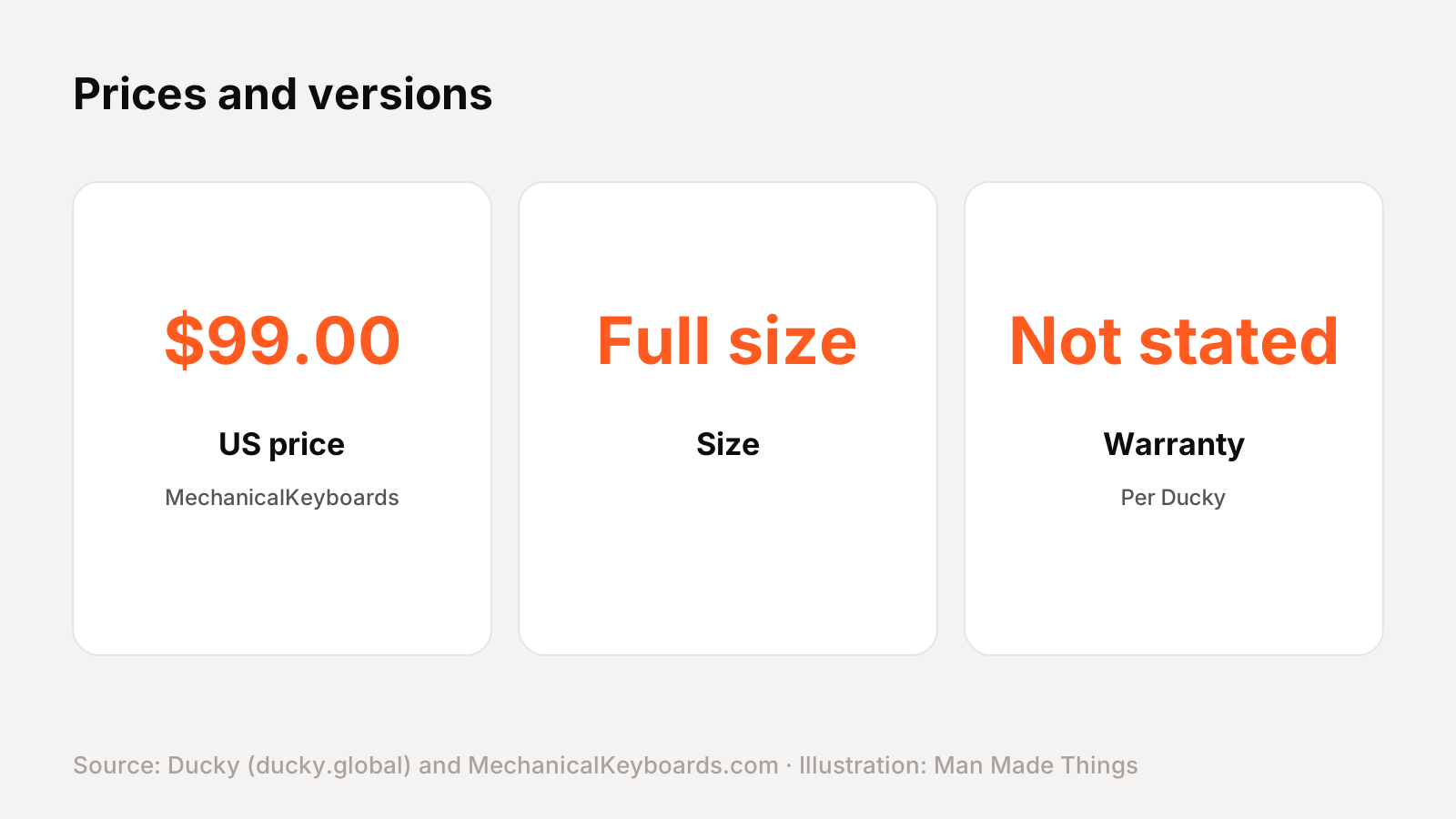
Ducky lists the Zero 6108 in black and white with Cherry MX2A switches. At MechanicalKeyboards.com it was $65-75 on sale, down from $99, when we checked.
Key features, explained
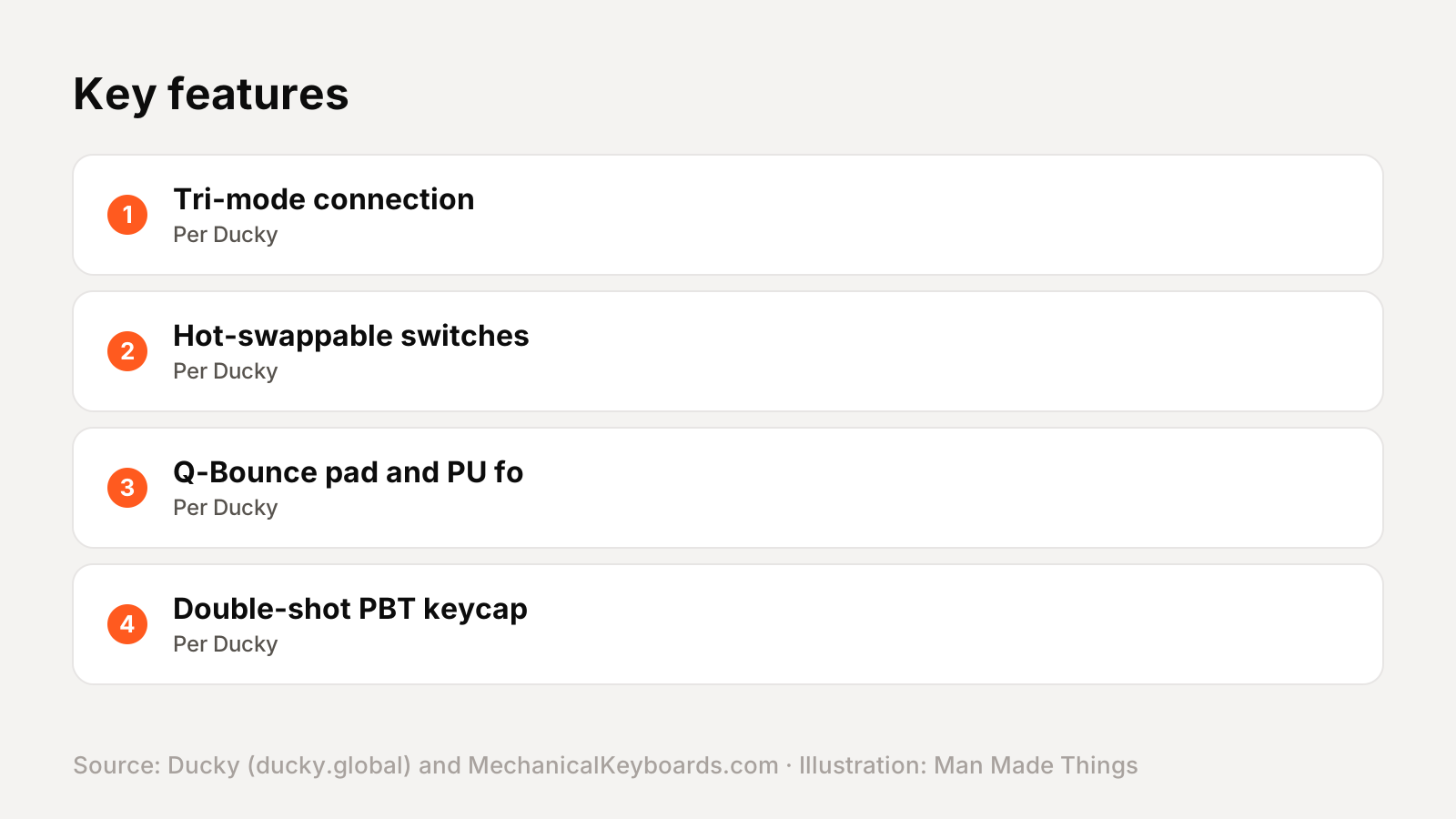
Here's what the main features Ducky lists actually do:
- Tri-mode connection: USB-C cable, 2.4 GHz wireless or Bluetooth.
- Hot-swappable switches: swap switches without soldering. The retailer says the sockets support both 3-pin and 5-pin switches.
- Q-Bounce pad and PU foam: dampening layers the retailer lists for better acoustics.
- Double-shot PBT keycaps: hard-wearing keycaps whose legends won't wear off.
The switches, explained
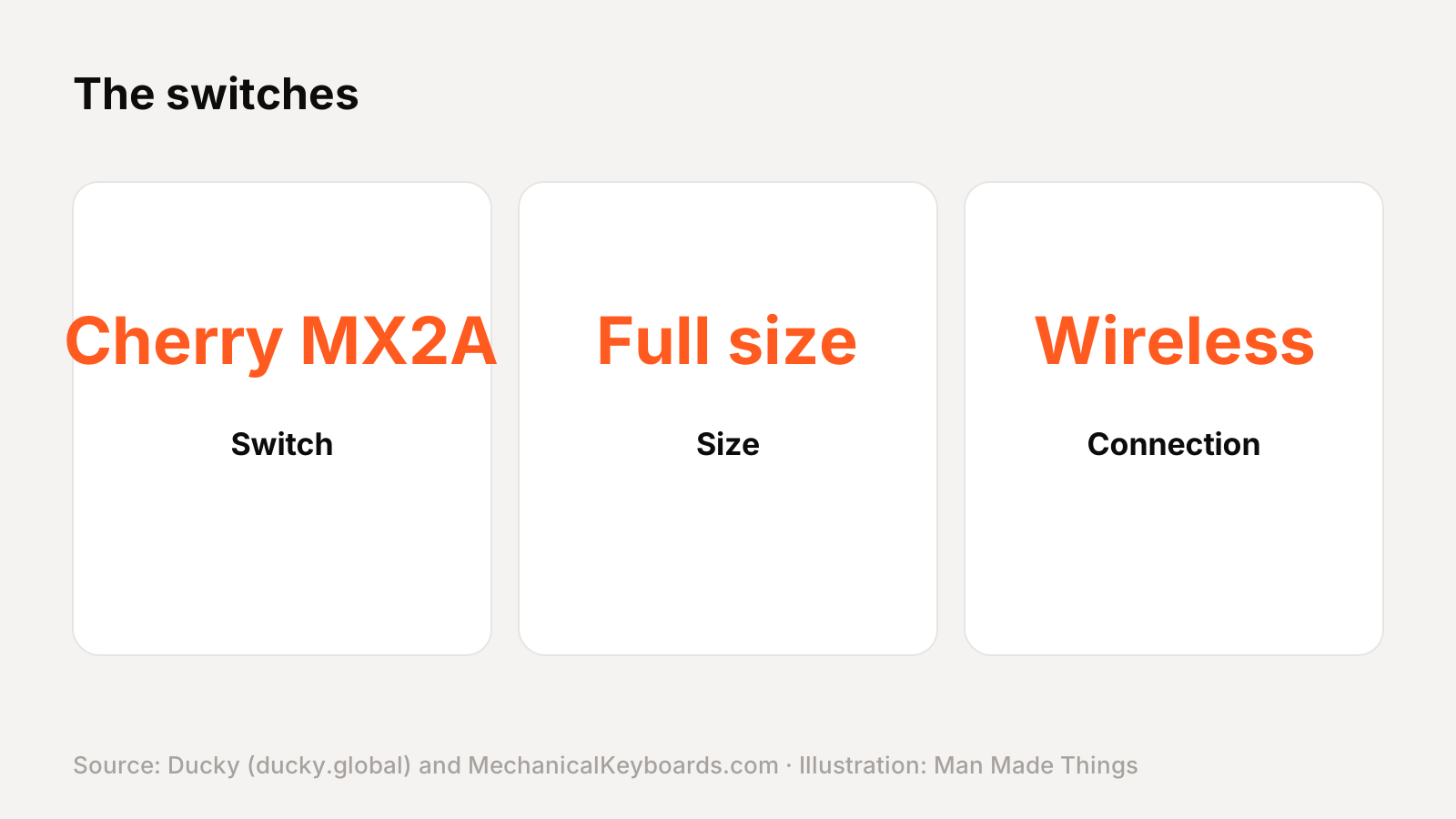
Cherry MX2A switches are Cherry's updated MX switches, with new lubrication and a redesigned spring for a smoother feel. Red is linear, Brown is tactile, Blue is clicky and Speed Silver is short-travel linear.
How it compares with other Ducky keyboards
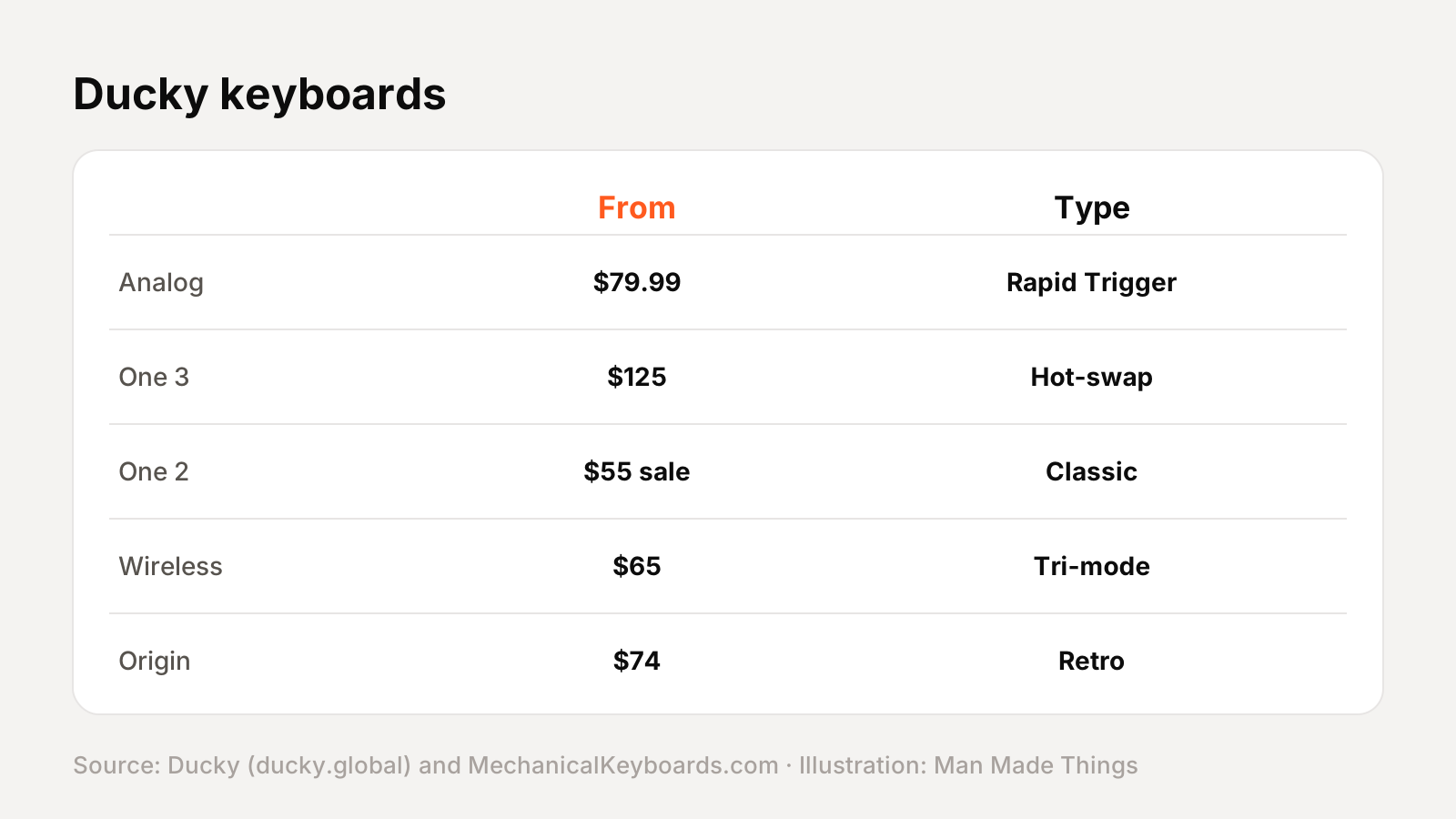
Ducky's current keyboard lineup, with US prices from MechanicalKeyboards.com (prices vary by switch and color):
| Model | US price (MechanicalKeyboards.com) | Size | Switches | Connection |
|---|---|---|---|---|
| One X Wireless | $119.00* | Full size | Ducky Inductive analog | Wireless |
| One X Mini Wireless | $99.00* | 60% | Ducky Inductive analog | Wireless |
| OK-HE | $89.99* | 65%, 75% or 98% | Haimu magnetic | Wired |
| OK-M | $69.00* | 65%, 75% or 98% | KTT mechanical | Wireless |
| Cushion 98 | $149.00* | 98% | Ducky Shush silent | Wireless |
| One 3 | $129.00* | Full, TKL, 65% (SF) or 60% (Mini) | Cherry MX | Wired |
| One 3 Pro | $149.00* | Full size or 60% (Mini) | Cherry MX2A | Wired |
| One 3 Aura | $129.00* | Full, TKL, 65% (SF) or 60% (Mini) | Cherry MX, Gateron or Kailh | Wired |
| One 2 Pro | $99.00* | Full size | Cherry MX2A or Kailh Box | Wired |
| One 2 Mini Pro | $79.00* | 60% | Cherry MX, Gateron or Kailh Box | Wired |
| One 2 TKL RGB | $135.00* | Tenkeyless (TKL) | Cherry MX or Kailh Box | Wired |
| One 2 SF RGB | $109.00* | 65% (SF) | Cherry MX or Kailh Box | Wired |
| Origin | $74.00* | Full size | Cherry MX | Wired |
| Zero 6108 | $99.00* | Full size | Cherry MX2A | Wireless |
| Tinker 75 | $119.00* | 75% | Cherry MX | Wired |
*Typical or list price; prices vary by switch, size and color, and many were on sale.
How to choose within Ducky's wireless and value range
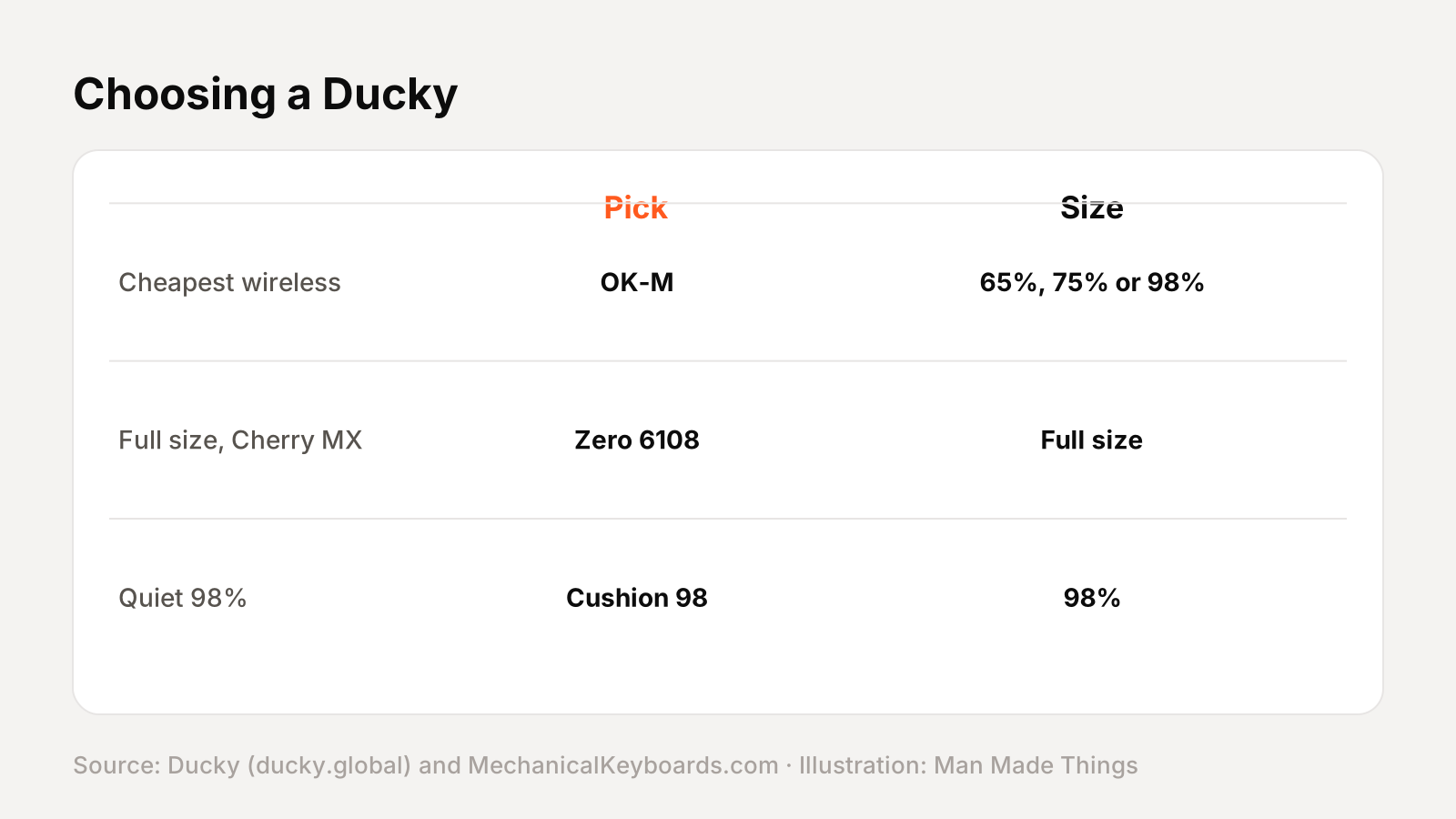
| If you want... | Consider |
|---|---|
| Cheapest wireless | OK-M (65%, 75% or 98%) |
| Full size, Cherry MX2A | Zero 6108 (Full size) |
| Quiet 98% | Cushion 98 (98%) |
Ducky software, explained
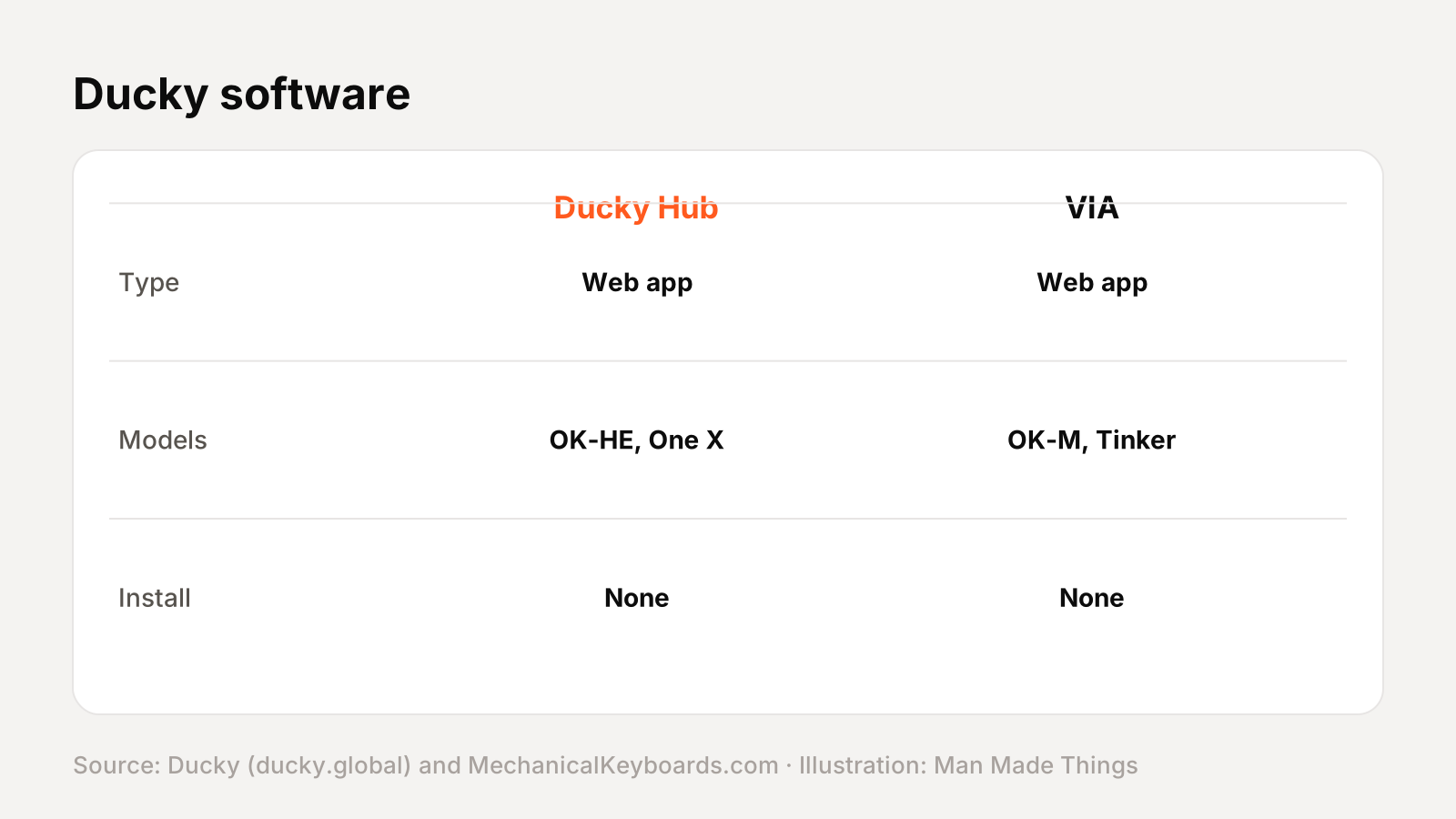
Ducky uses several setup tools, depending on the model:
- Ducky Hub / DuckyHub.io is Ducky's web-based software for the OK-HE, Cushion 98 and One X. Ducky says it lets you customize "actuation points, advanced key functions and macros instantly on any rig... no downloads required."
- VIA is a web-based remapping tool, supported by the OK-M, Cushion 98 and Tinker 75 (which also supports QMK).
- Ducky Macro lets you program macros on the keyboard itself on the One 2 and One 3 boards.
Many Ducky boards can also change lighting and settings with onboard Fn shortcuts.
Keyboard terms, explained
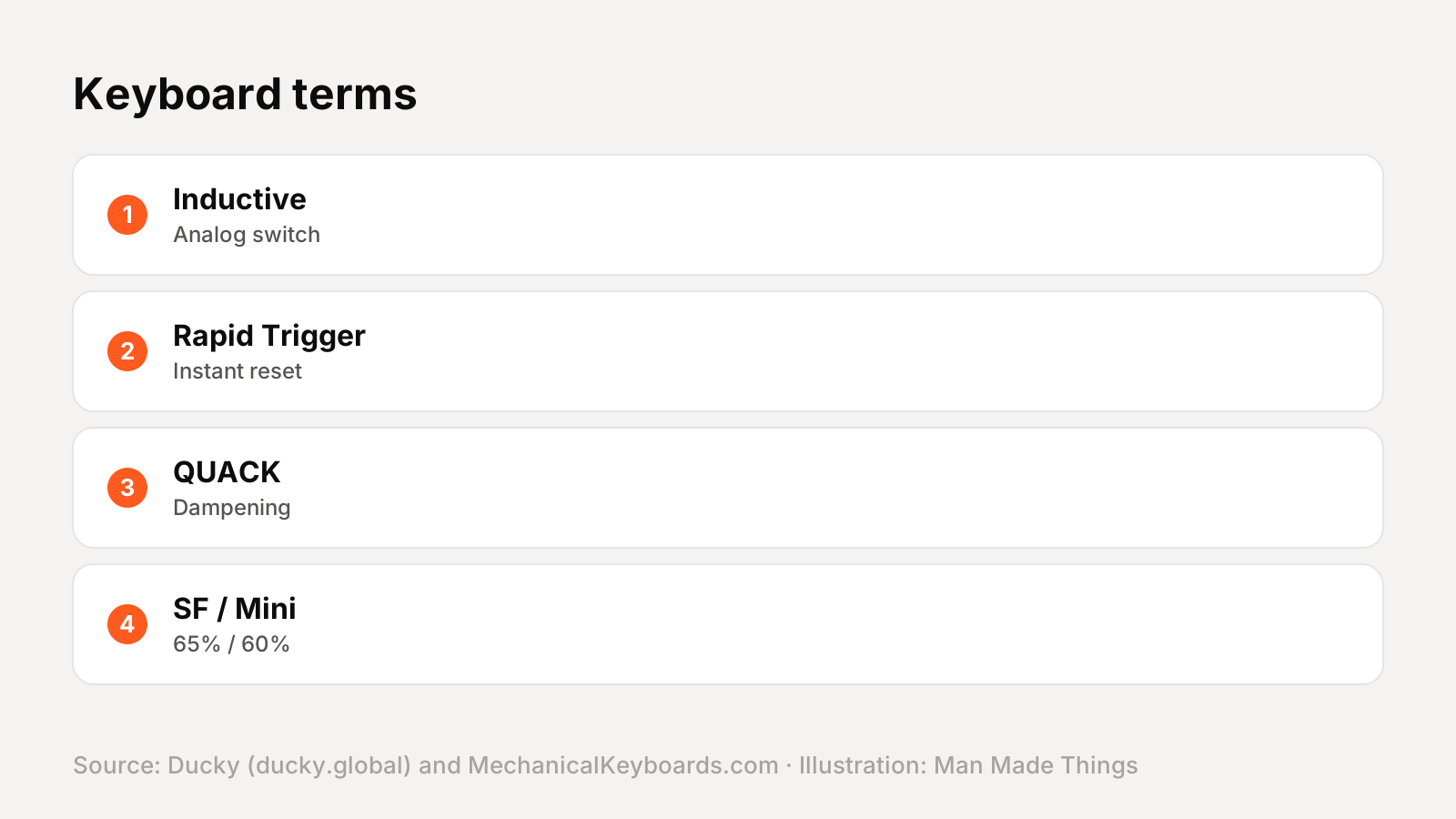
| Term | What it means |
|---|---|
| Inductive / Hall Effect | Analog switches that measure how far each key is pressed |
| Rapid Trigger | The key resets as soon as it starts rising, for faster repeated presses |
| SOCD | How the keyboard handles two opposing keys pressed together |
| QUACK Mechanics | Ducky's dampening design |
| Hot-swappable | Switches can be pulled and replaced without soldering |
| SF / Mini | Ducky's names for its 65% and 60% layouts |
| South-facing | Switch LEDs face the bottom, which helps keycap compatibility |
| PBT | A hard-wearing keycap plastic that resists shine |
Getting the best from the Zero 6108
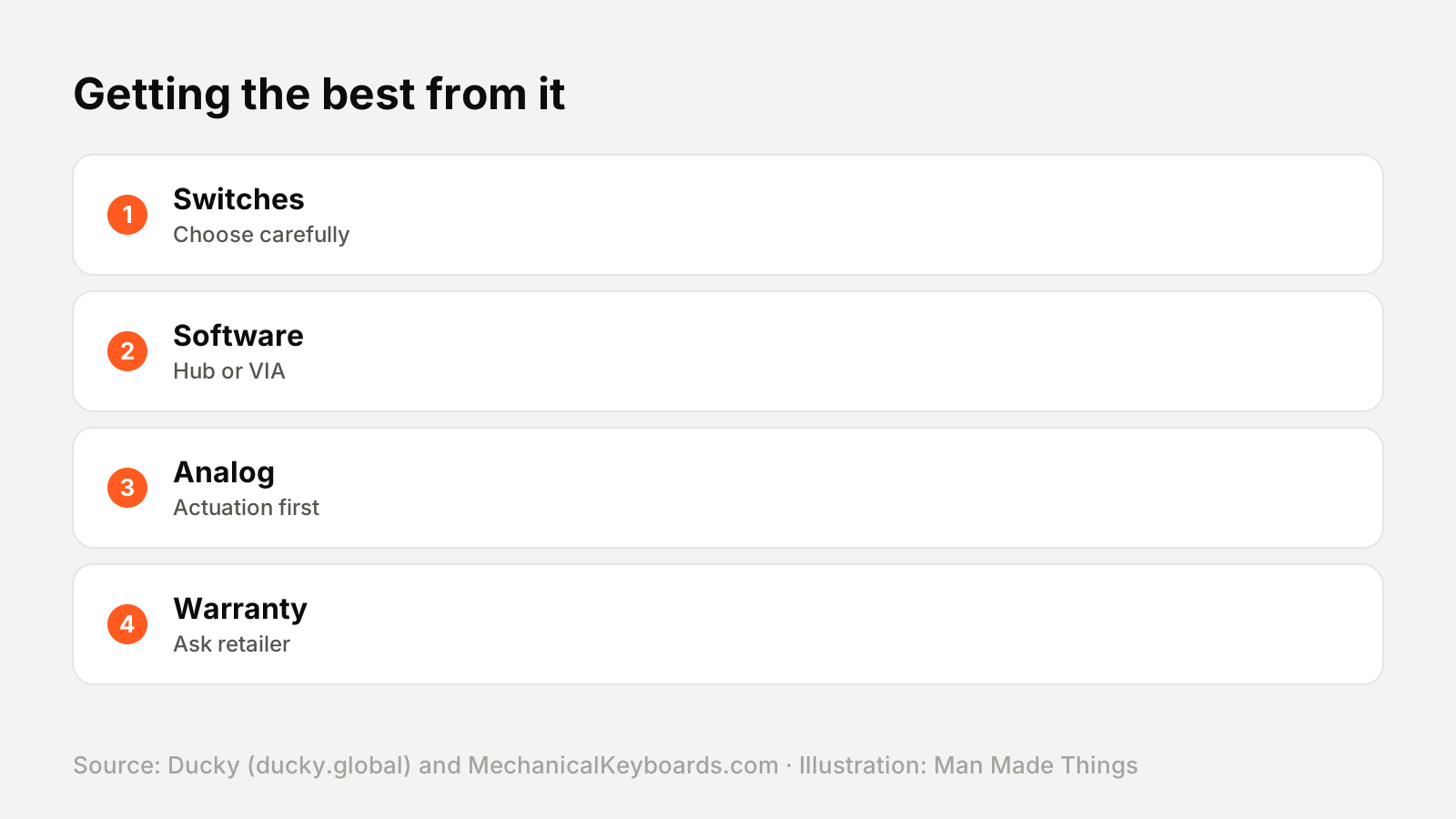
- Pick your switch carefully on One 2 boards; they aren't hot-swappable.
- Use Ducky Hub or VIA in your browser for remapping on newer boards.
- Set actuation first, then Rapid Trigger on the One X and OK-HE.
- Check stock and prices; Ducky's US retailer lists many versions, and prices vary by switch.
- Ask about warranty before buying, since Ducky's product pages don't state a period.
Buying and warranty
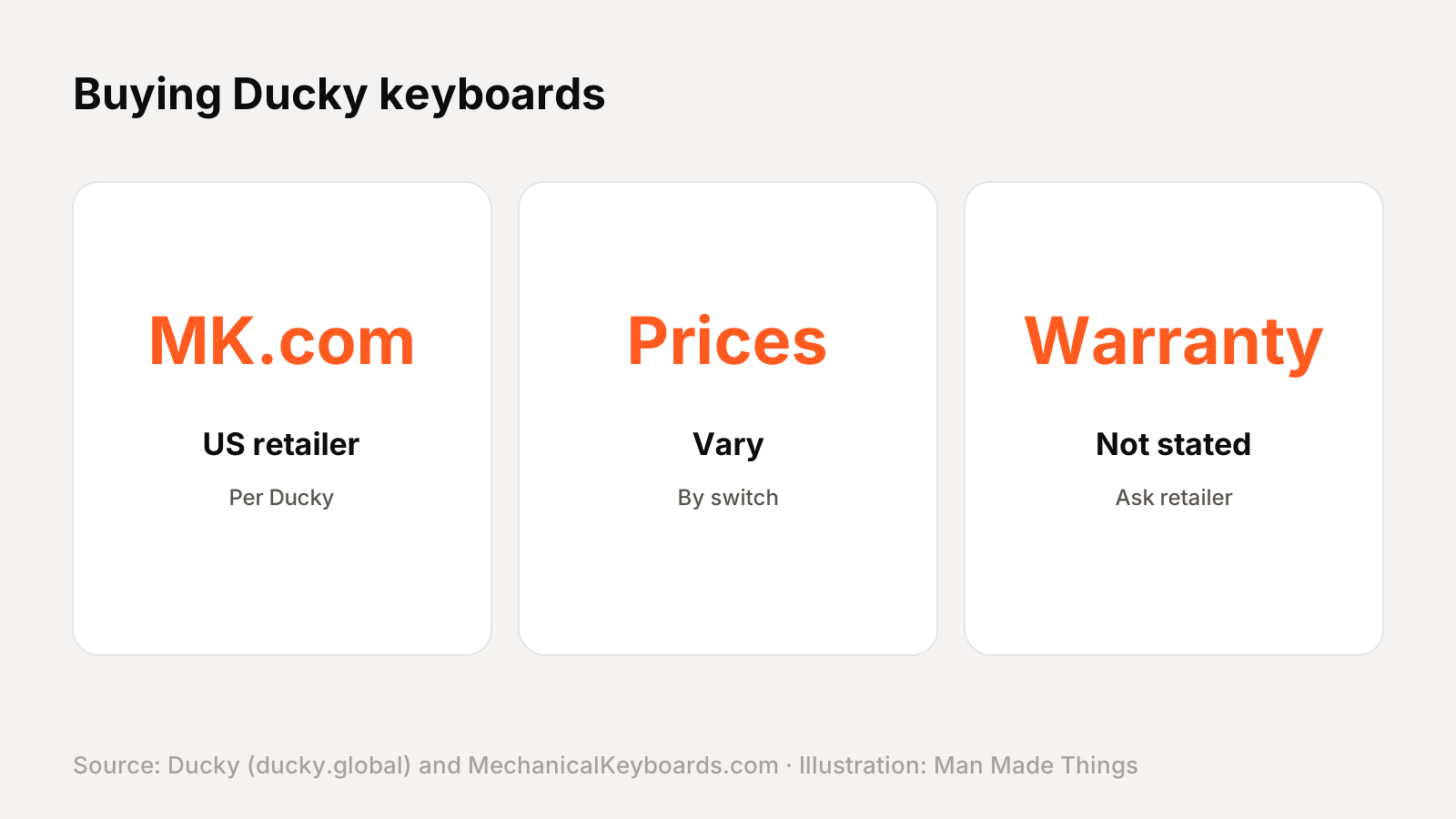
Ducky doesn't sell the Zero 6108 direct; its where-to-buy page lists MechanicalKeyboards.com, Amazon, iBUYPOWER and Micro Center for the US. Prices on this page are from MechanicalKeyboards.com in November 2026 and vary by switch, size and color.
Ducky's product pages don't state a warranty period, so check the retailer's warranty terms before you buy.
Should you buy the Zero 6108?
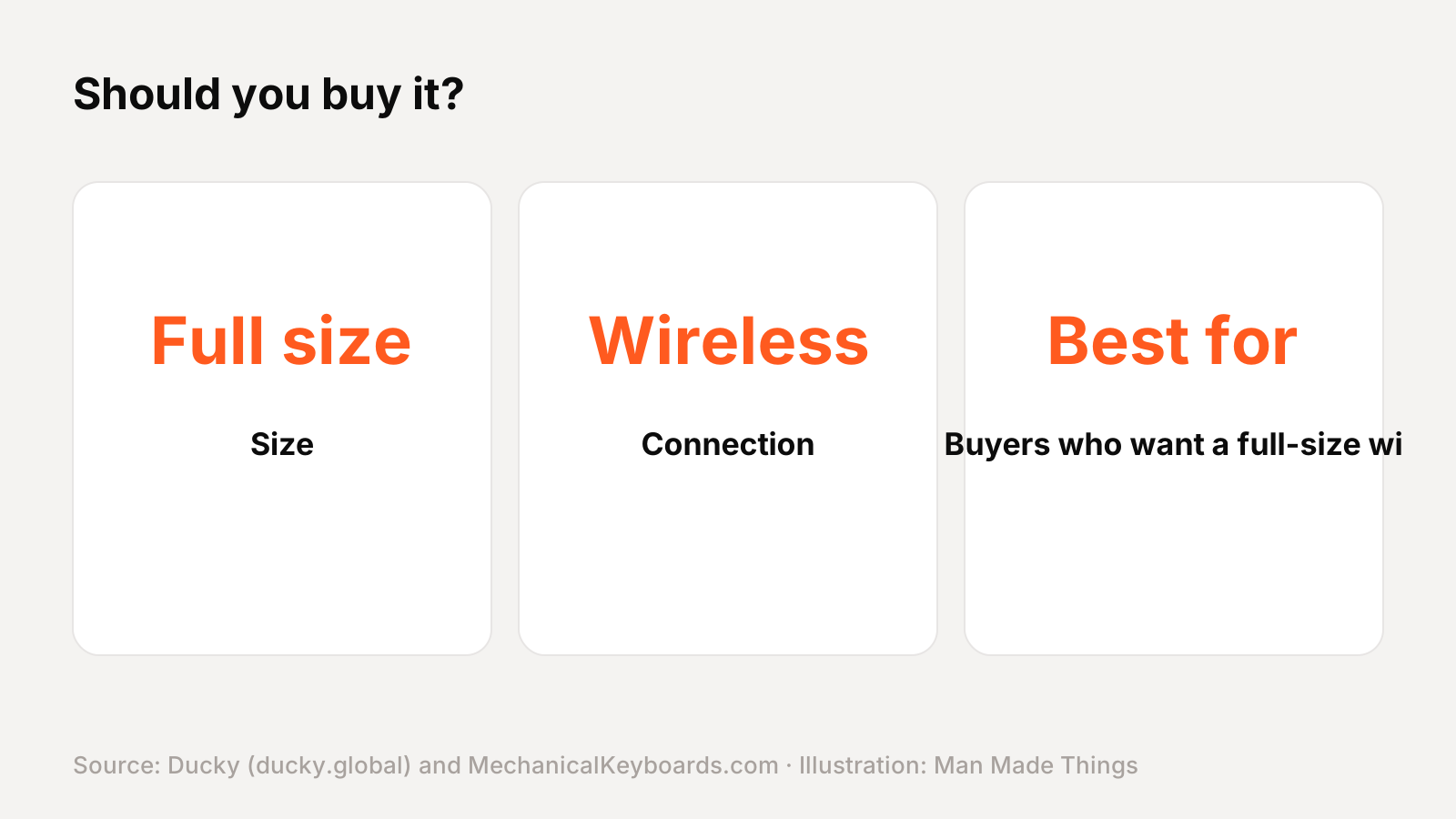
Who it's for: Buyers who want a full-size wireless Ducky with Cherry switches on a budget.
What we like:
- Tri-mode wireless with Cherry MX2A
- Hot-swappable
- PBT keycaps
- $65-75 when we checked
What to consider:
- No QUACK or gasket mount listed
- No polling rate listed
- Ducky doesn't state a warranty period
Who should skip it: The Cushion 98 adds a quieter Nest Mount and aluminum top.
The bottom line: The Zero 6108 is a strong pick for buyers who want a full-size wireless Ducky with Cherry switches on a budget.
Ducky Zero 6108 specs
| Size | Full size |
|---|---|
| Switches | Cherry MX2A Brown, Red, Speed Silver or Blue |
| Hot-swap | 3- and 5-pin |
| Connection | USB-C wired, 2.4 GHz or Bluetooth |
| Battery | 2,500 mAh |
| Dampening | Q-Bounce synthetic pad, PU bottom foam |
| Keycaps | Backlit double-shot PBT |
| Lighting | RGB |
Test report
Hands-on test report: in progress
We don't publish scores or test results until a real unit has gone through our routine: battery rundown at 50% volume, call quality outdoors, noise cancellation on a commute, fit over a full workday, and connection stability across devices. This review will be updated with measured results and a star rating once testing is complete.
Frequently asked questions
How much is the Ducky Zero 6108?
+
$65-75 on sale (list $99) at MechanicalKeyboards.com, the US retailer Ducky lists, when we checked in November 2026.
Is the Zero 6108 wireless?
+
Yes. Ducky lists the connection as USB-C wired, 2.4 GHz or Bluetooth.
What switches does the Zero 6108 use?
+
Cherry MX2A Brown, Red, Speed Silver or Blue.
What warranty does the Zero 6108 have?
+
Ducky's product page doesn't state a warranty period, so check the retailer's warranty terms before you buy.
Sources
Editor-in-Chief
Rahul has been writing about gadgets and software since 2013, first at Thetechhacker and now at Man Made Things. He edits every review on the site and signs off on every verdict.
More from Rahul →
