Corsair Skiff 100 Plus Review: Specs, Price and How It Compares
A research-based review of the Corsair Skiff 100 Plus: Corsair's official specs, US price, features explained and how it compares with the rest of Corsair's keyboards.
We may earn a commission when you buy through links on this page. Learn more

Quick answer
The Corsair Skiff 100 Plus is a full-size with g-keys wired keyboard with Rubber dome keys, listed at $69.99 on Corsair's US store, with a 2-year warranty. It's best for budget buyers who want macro keys and spill resistance.
Corsair makes everything from $44.99 membrane boards to a $349.99 keyboard with a built-in Stream Deck. The Skiff 100 Plus is a full-size with g-keys keyboard with Rubber dome keys and a wired connection, listed at $69.99 on Corsair's US store.
A note on how we review: I haven't completed a hands-on test of the Skiff 100 Plus, so there's no star rating on this page. Everything below comes from Corsair's official US product page and spec table, with plain-English explanations and a comparison with the rest of Corsair's lineup. See every model in our Corsair keyboards guide, and for other brands, our best gaming keyboards.
Image: Corsair
Corsair
Corsair Skiff 100 Plus
The Skiff 100 Plus is a strong pick for budget buyers who want macro keys and spill resistance.
Best for: Budget buyers who want macro keys and spill resistance
Pros
- 016 G-keys
- 02IP53 spill resistance
- 03Rotary dial
- 04Detachable palm rest
Cons
- 01Rubber dome switches
- 02Same price as the K55 RGB Pro
What the Skiff 100 Plus is
The Skiff 100 Plus is the Skiff 100 with six programmable G-keys. Corsair lists 10-zone RGB, a rotary dial and media controls, a detachable wrist rest and IP53 spill resistance.
Like the Skiff 100, it uses rubber dome switches ("quiet, responsive keys," per Corsair) and polls at 1,000 Hz. It weighs 715 g and connects over USB 2.0.
It's set up in iCUE, where you can program the G-keys with macros and shortcuts.
Corsair's budget keyboards (K55 and Skiff) use rubber dome switches and cost $44.99 to $69.99.
Skiff 100 Plus specs
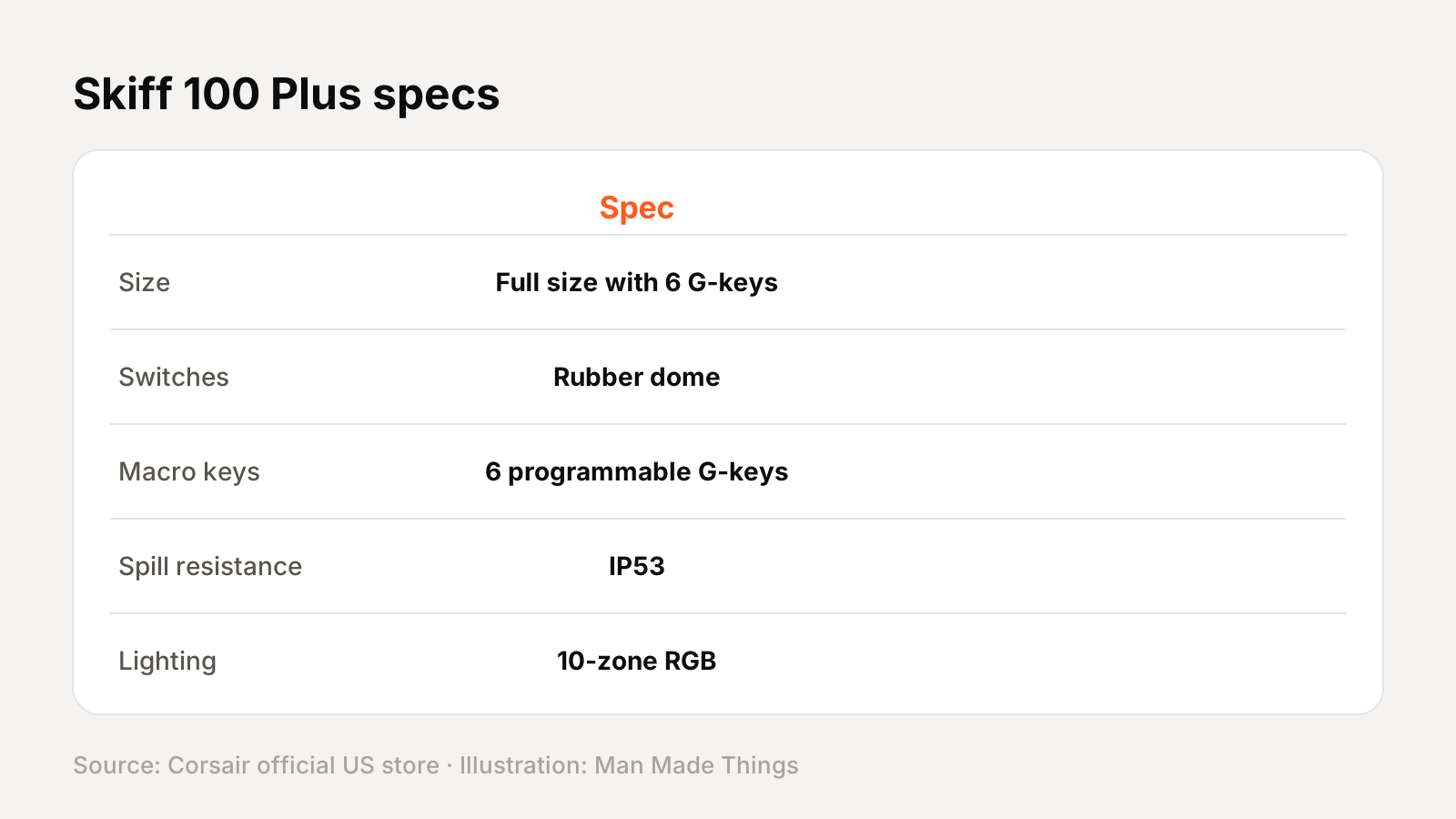
From Corsair's official US store spec table and product page:
| Spec | Skiff 100 Plus |
|---|---|
| Size | Full size with 6 G-keys |
| Switches | Rubber dome |
| Macro keys | 6 programmable G-keys |
| Spill resistance | IP53 |
| Lighting | 10-zone RGB |
| Controls | Rotary dial and media controls |
| Palm rest | Detachable |
| Polling rate | 1,000 Hz |
| Connection | Wired, USB 2.0 Type-A |
| Weight | 715 g |
Prices and versions
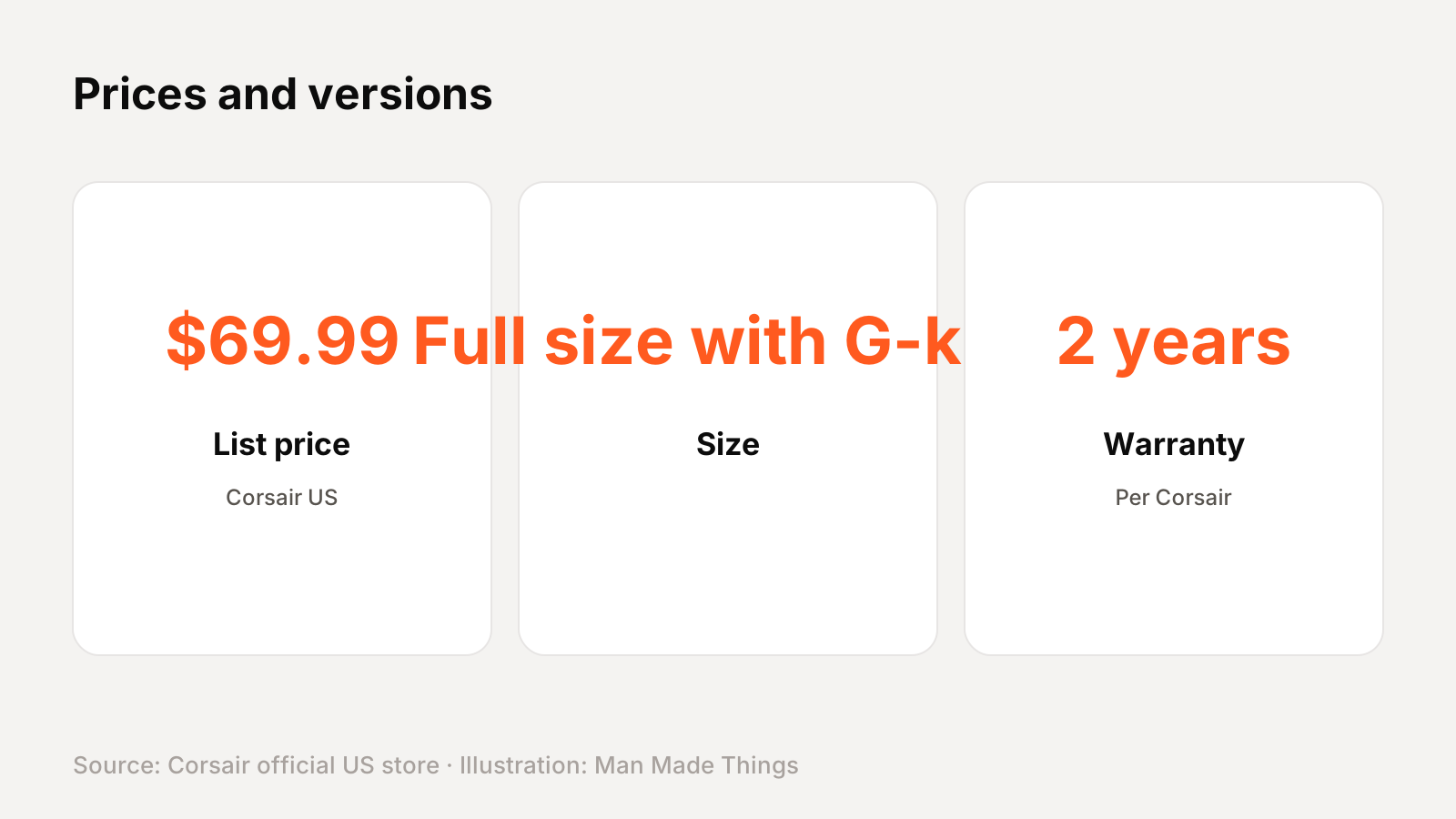
Corsair's US store lists one version at $69.99, $10 more than the Skiff 100.
Key features, explained
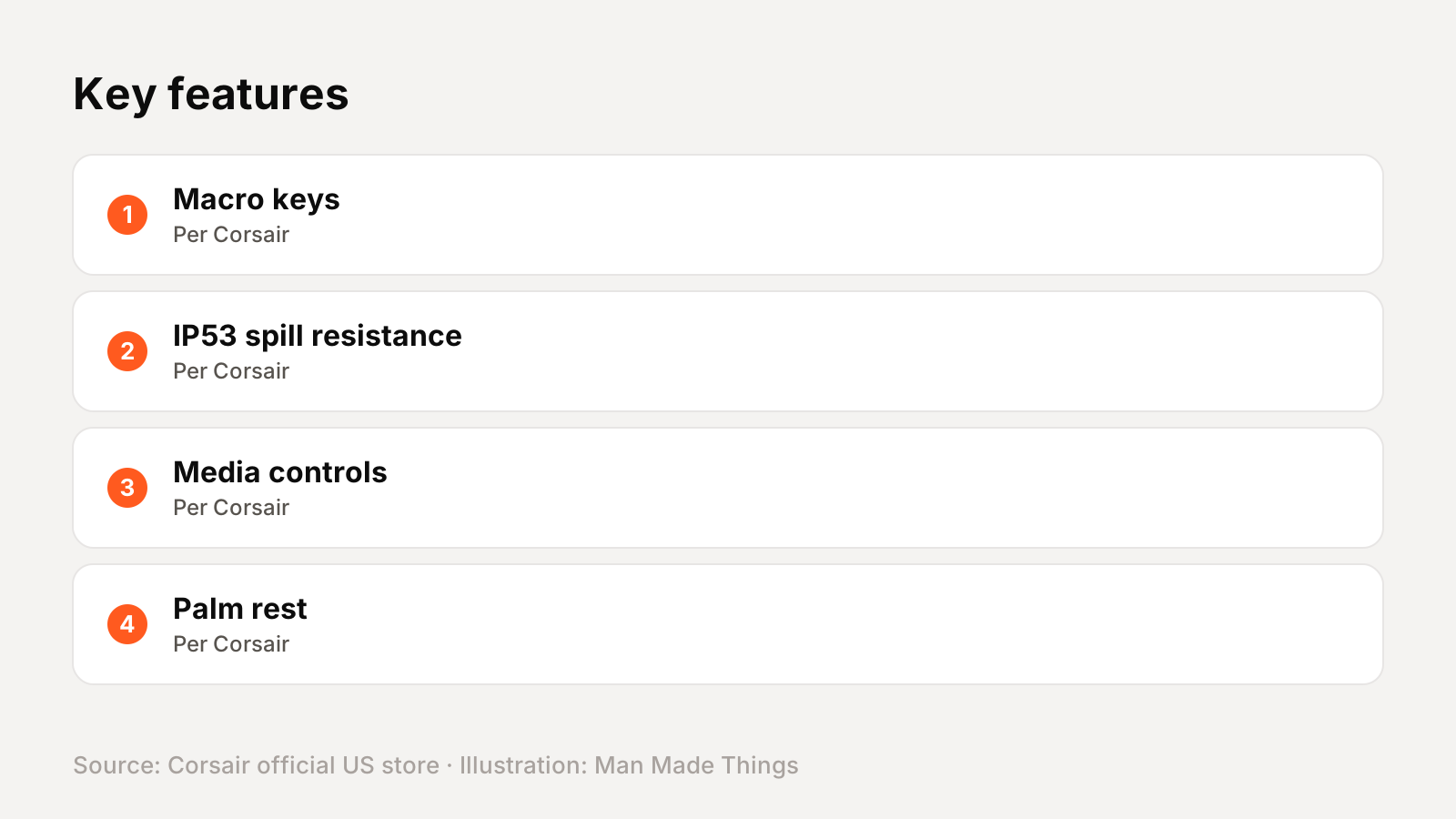
Here's what the main features on Corsair's product page actually do:
- Macro keys: dedicated keys you can program with key sequences, app launches or shortcuts.
- IP53 spill resistance: under the IP standard, the 5 means dust-protected and the 3 means protection against spraying water, so spills shouldn't be a disaster.
- Media controls: a roller or dial and media keys for volume and playback without leaving your game.
- Palm rest: included in the box, so you don't need to buy one separately.
- iCUE: Corsair's desktop software for remapping keys, recording macros, RGB lighting and syncing with other Corsair devices.
The switches, explained
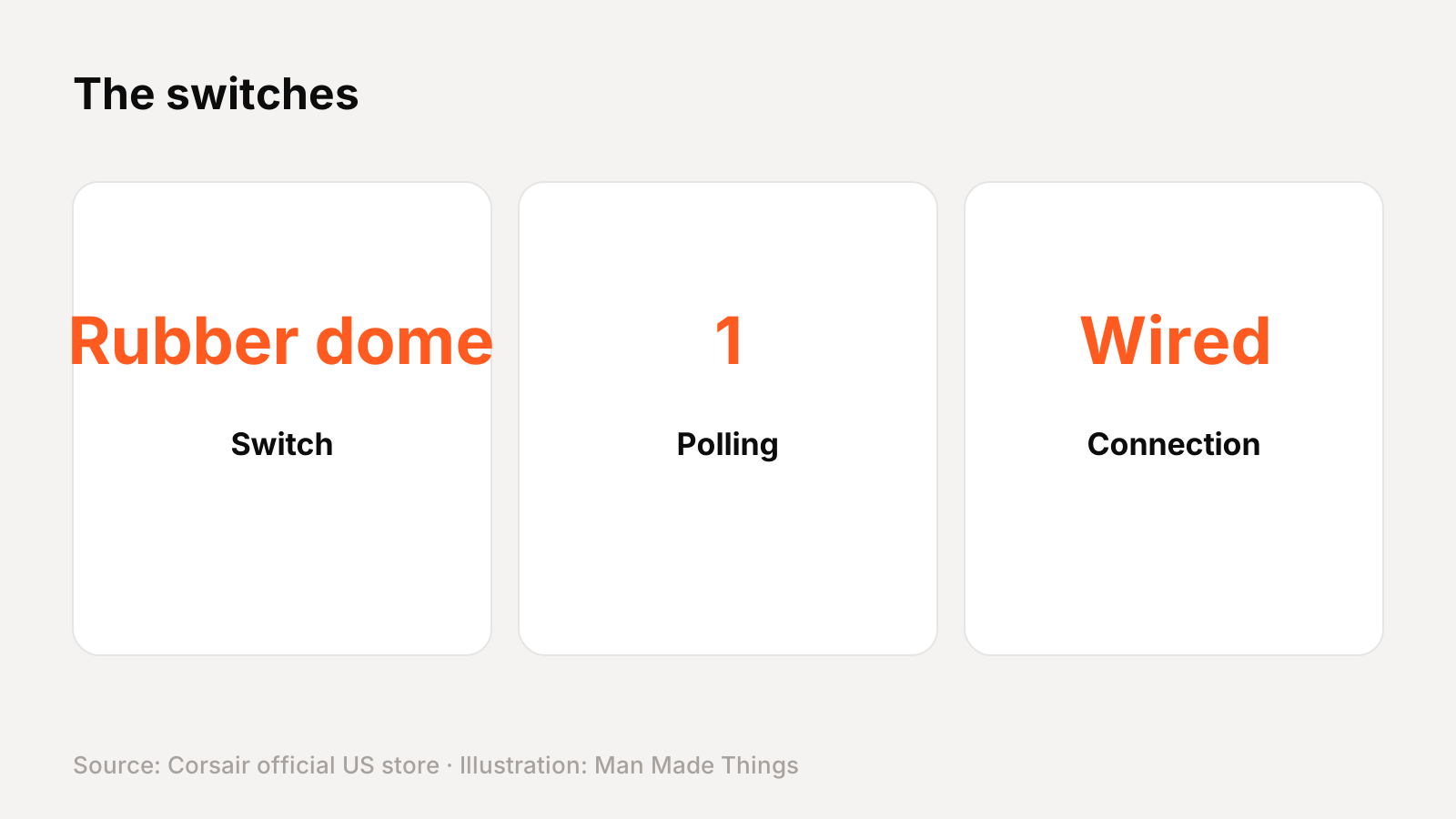
Rubber dome switches use a soft rubber membrane under each key. They're quieter and cheaper than mechanical switches, with a softer feel, but don't offer the same precision or customization.
How it compares with other Corsair keyboards
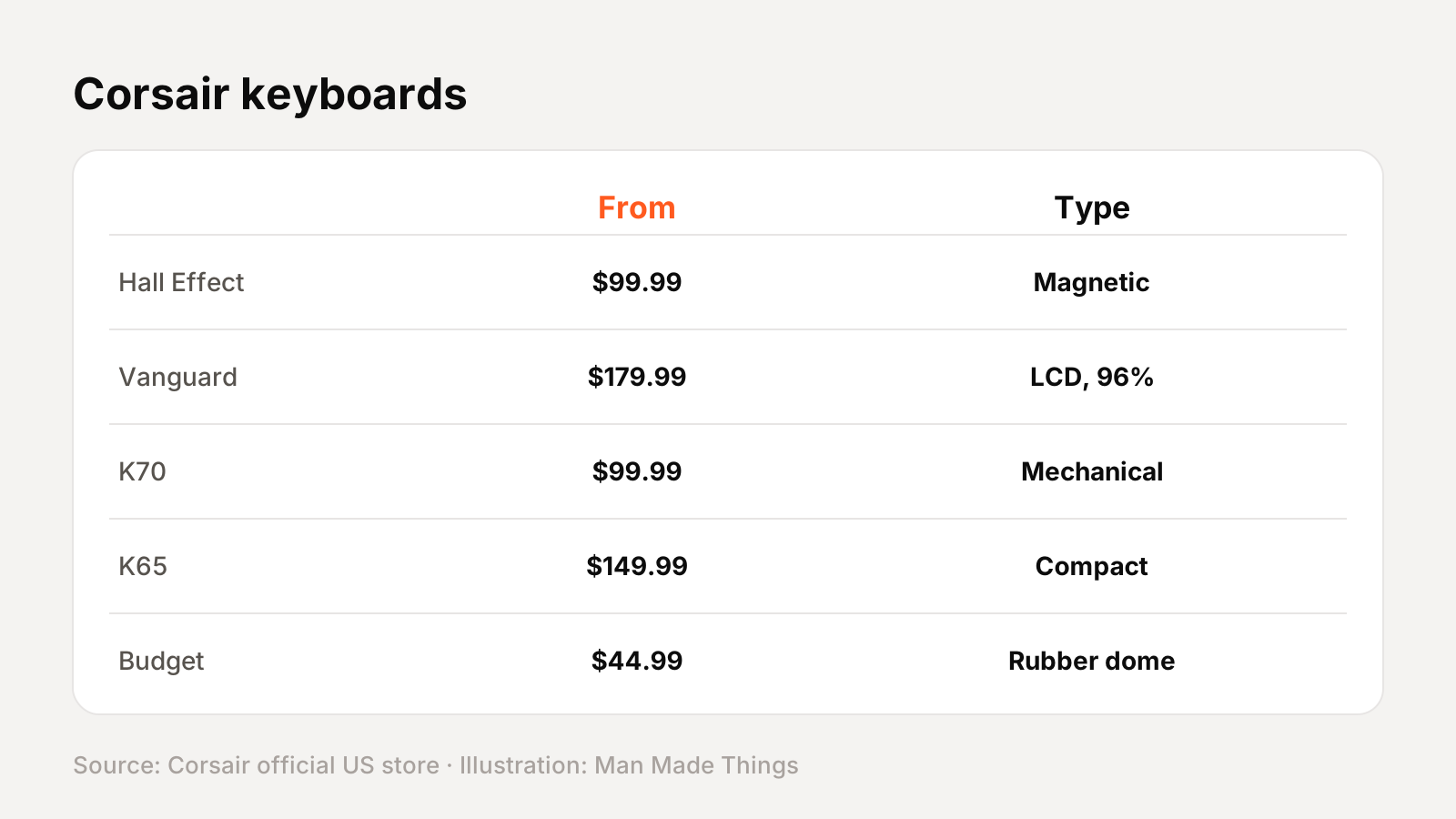
Corsair's current US keyboard lineup, with list prices from Corsair's store (many were on sale when we checked):
| Model | US list price | Size | Switches | Connection |
|---|---|---|---|---|
| Clipper Pro Mini 60 | $99.99 | 60% | MGX Hyperdrive Core magnetic | Wired |
| K100 Air Wireless | $329.99 | Full size, ultra-thin | Cherry MX Ultra Low Profile Tactile | Wireless |
| MAKR Pro 75 | $249.99 | 75% | MGX Hyperdrive magnetic | Wired |
| Galleon 100 SD | $349.99 | Full size, extended | MLX Pulse linear (hot-swap) | Wired |
| Vanguard 96 | $179.99 | 96% | MLX Fusion, Quantum, Pulse or Plasma | Wired |
| Vanguard 96 Wireless | $199.99 | 96% | MLX Plasma (hot-swap) | Wireless |
| Vanguard Pro 96 | $229.99 | 96% | MGX Hyperdrive magnetic | Wired |
| Vanguard Air 99 Wireless | $259.99 | 99%, low-profile | OPX Low Profile optical-mechanical | Wireless |
| K65 Plus Wireless | $159.99 | 75% | MLX Red or MLX Fusion tactile (hot-swap) | Wireless |
| K65 Pro Mini | $149.99 | 65% | OPX optical-mechanical | Wired |
| K70 Core | $99.99 | Full size | MLX Red linear | Wired |
| K70 Core TKL | $99.99 | Tenkeyless | MLX Red v2 linear | Wired |
| K70 Core TKL Wireless | $149.99 | Tenkeyless | MLX Red v2 linear | Wireless |
| K70 Pro TKL | $169.99 | Tenkeyless | MGX Hyperdrive magnetic | Wired |
| K70 RGB Pro | $159.99 | Full size | Cherry MX or OPX optical | Wired |
| K100 RGB | $289.99 | Full size with macro keys | Cherry MX Speed or OPX optical | Wired |
| K55 RGB Pro | $69.99 | Full size with macro keys | Rubber dome | Wired |
| K55 Core | $49.99 | Full size with macro keys | Rubber dome | Wired |
| K55 Core TKL | $44.99 | Tenkeyless | Rubber dome | Wired |
| Skiff 100 | $59.99 | Full size | Rubber dome | Wired |
| Skiff 100 Plus | $69.99 | Full size with G-keys | Rubber dome | Wired |
How to choose within Corsair's budget range
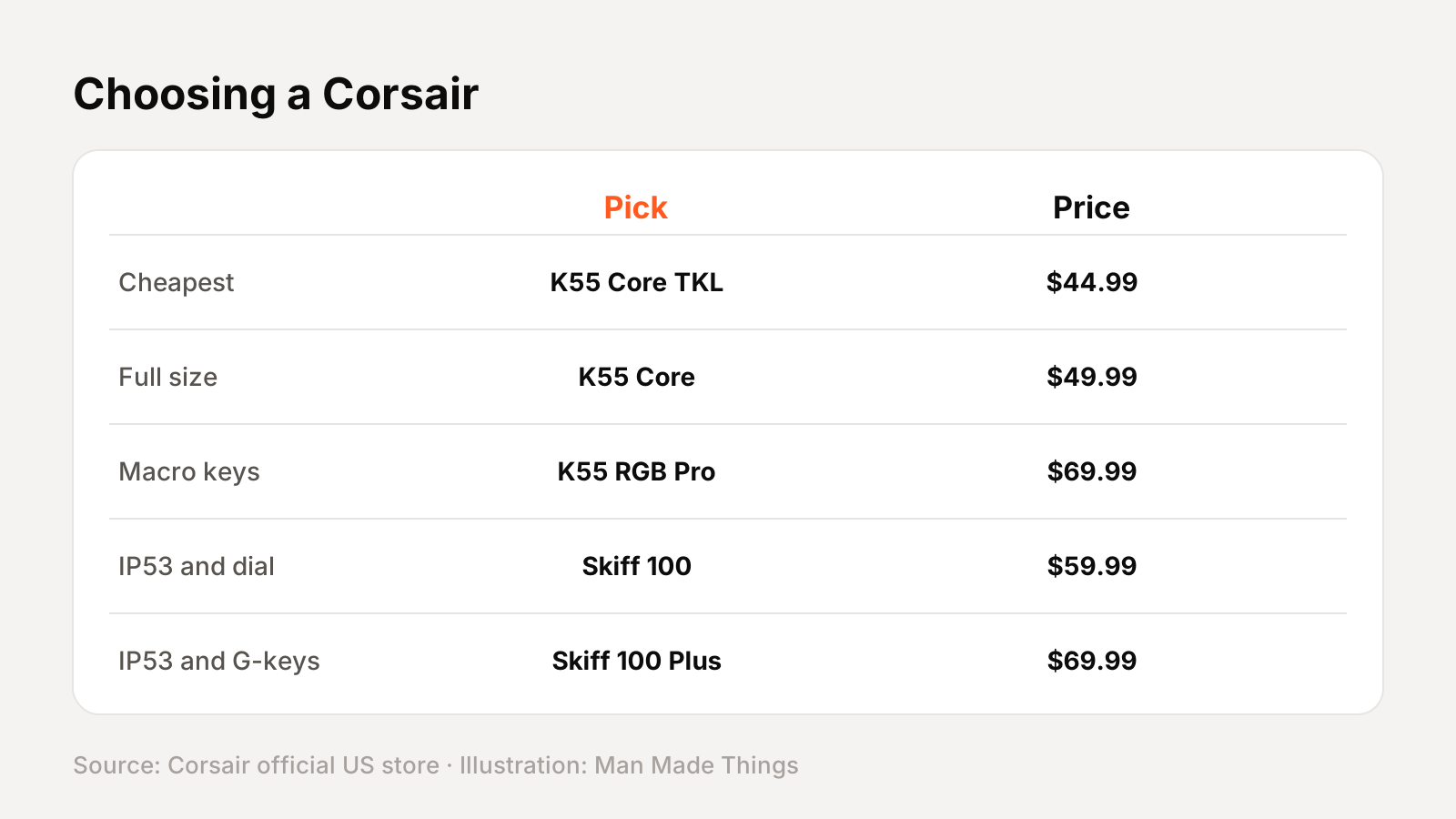
| If you want... | Consider |
|---|---|
| Cheapest | K55 Core TKL ($44.99) |
| Full size | K55 Core ($49.99) |
| Macro keys | K55 RGB Pro ($69.99) |
| IP53 and dial | Skiff 100 ($59.99) |
| IP53 and G-keys | Skiff 100 Plus ($69.99) |
iCUE and Web Hub, explained
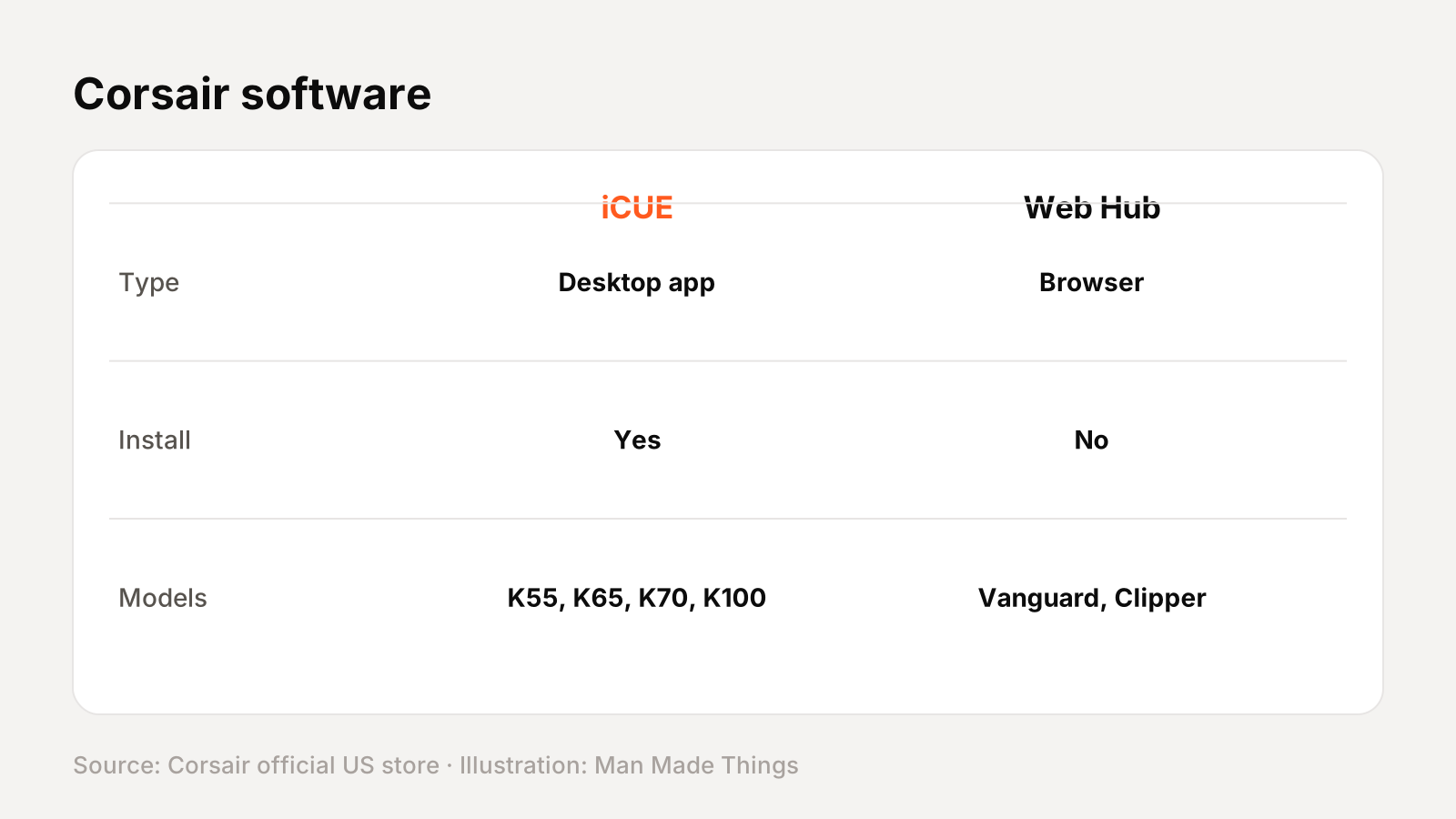
Corsair keyboards are set up in one of two programs, depending on the model:
- iCUE, Corsair's desktop software, handles key remapping, macros, per-key RGB and syncing lighting with other Corsair devices. Corsair's spec tables list it for the K55, K65, K70 and K100 boards.
- CORSAIR Web Hub runs in your browser. Corsair says you can "program macros, map buttons, personalize lighting, and more" with "no additional software installation." Corsair lists it for the Vanguard, Clipper, MAKR and Galleon boards.
Boards with onboard memory can store profiles on the keyboard, so your settings travel with it.
Keyboard terms, explained
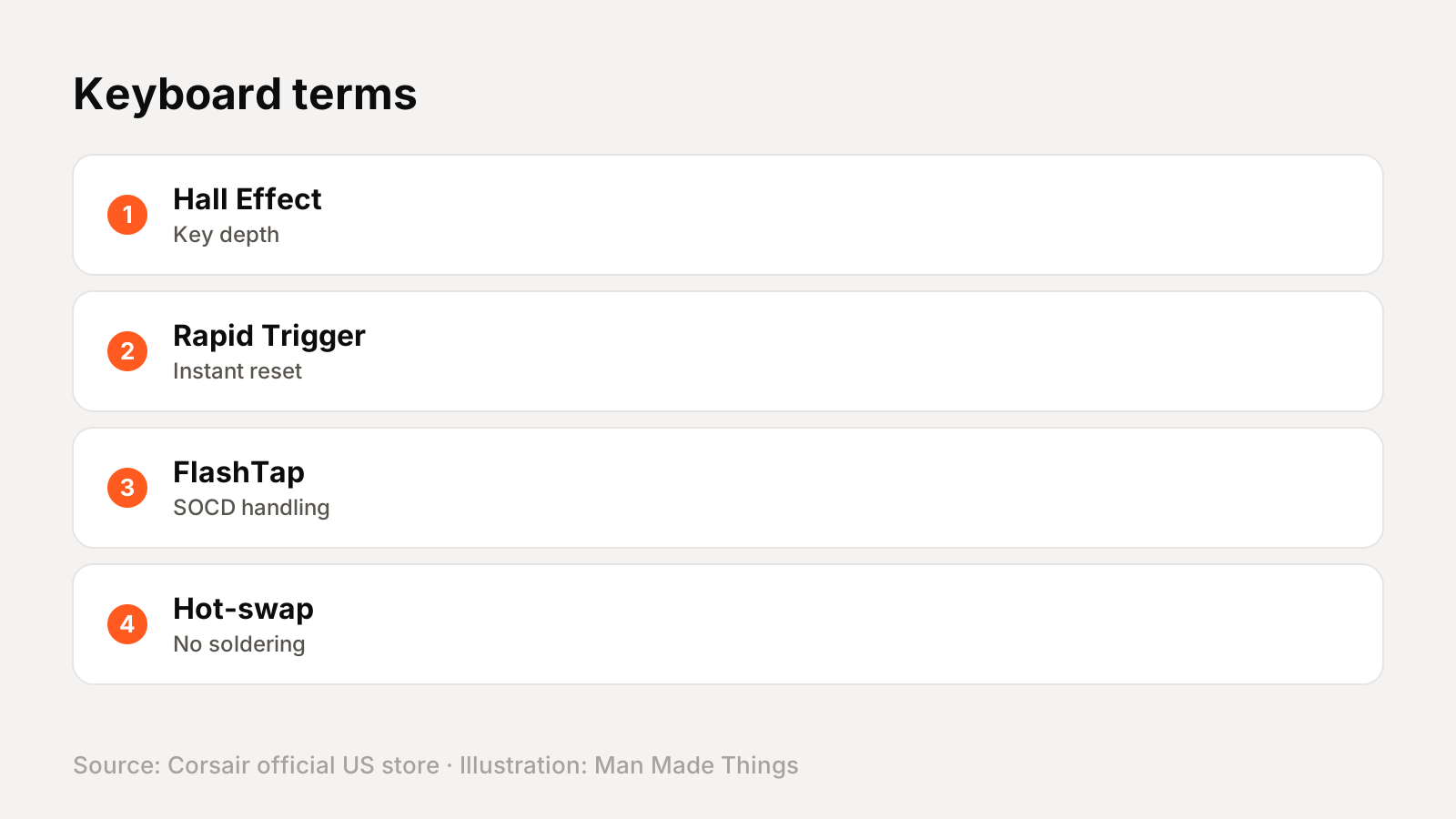
| Term | What it means |
|---|---|
| Hall Effect | Magnetic switches that measure how far each key is pressed |
| Rapid Trigger | The key resets as soon as it starts rising, for faster repeated presses |
| SOCD / FlashTap | How the keyboard handles two opposing keys pressed together |
| Polling rate | How often the keyboard reports to the PC; 8,000 Hz is eight times the usual 1,000 Hz |
| Optical-mechanical | Switches that register presses with light instead of metal contacts |
| Hot-swappable | Switches can be pulled and replaced without soldering |
| 96% / 99% | Compact layouts that keep a number pad but remove gaps between key groups |
| Tenkeyless (TKL) | A full layout minus the number pad |
| IP rating | A standard rating for dust and water resistance |
Getting the best from the Skiff 100 Plus
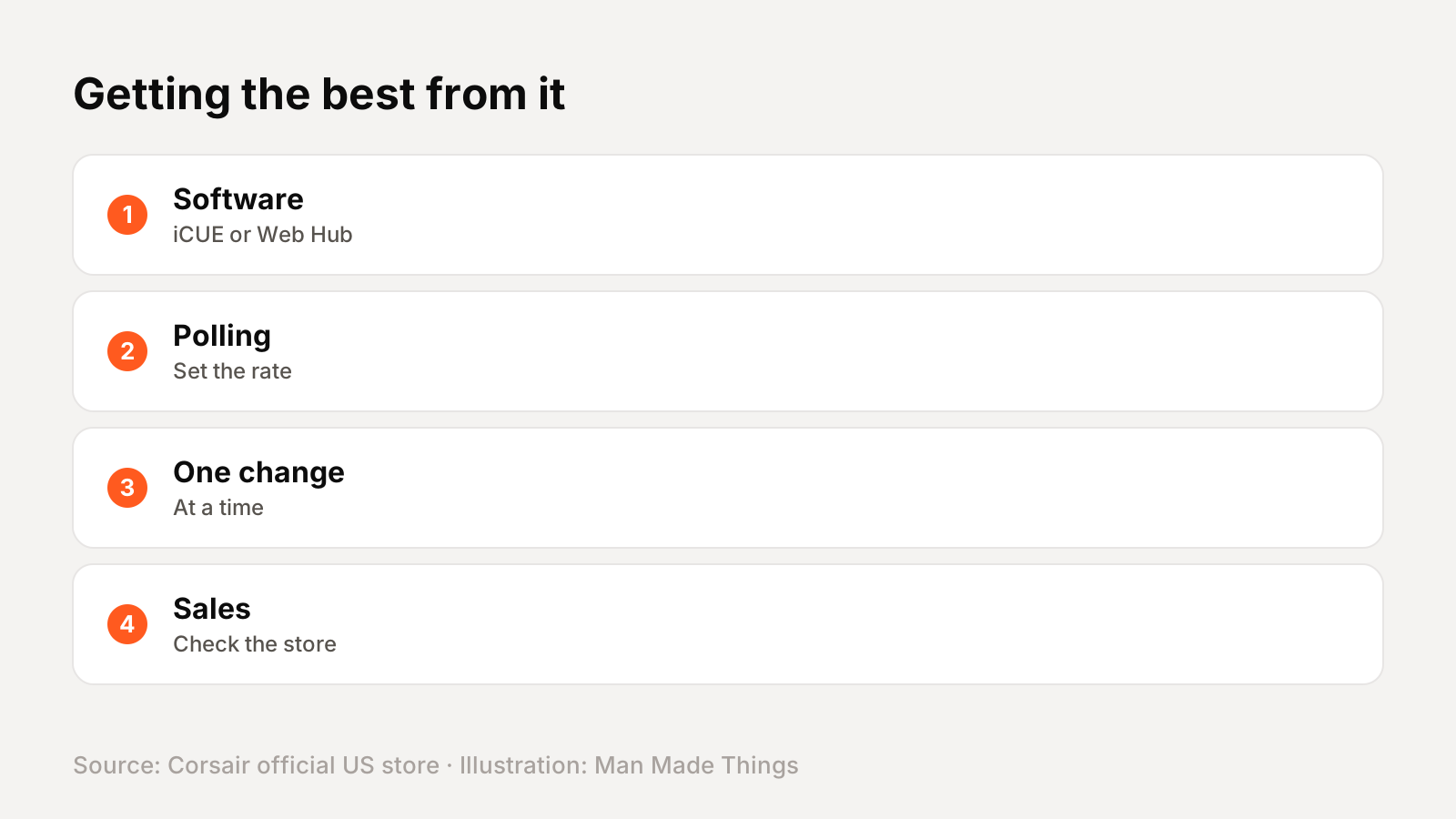
- Install iCUE or open CORSAIR Web Hub, depending on your model, and update the firmware.
- Set the polling rate on 8,000 Hz boards; higher rates use more CPU.
- Change one setting at a time on Hall Effect boards: actuation first, then Rapid Trigger.
- Save profiles to onboard memory so they work on other computers.
- Check Corsair's store for sales; many models were discounted when we checked.
Buying and warranty
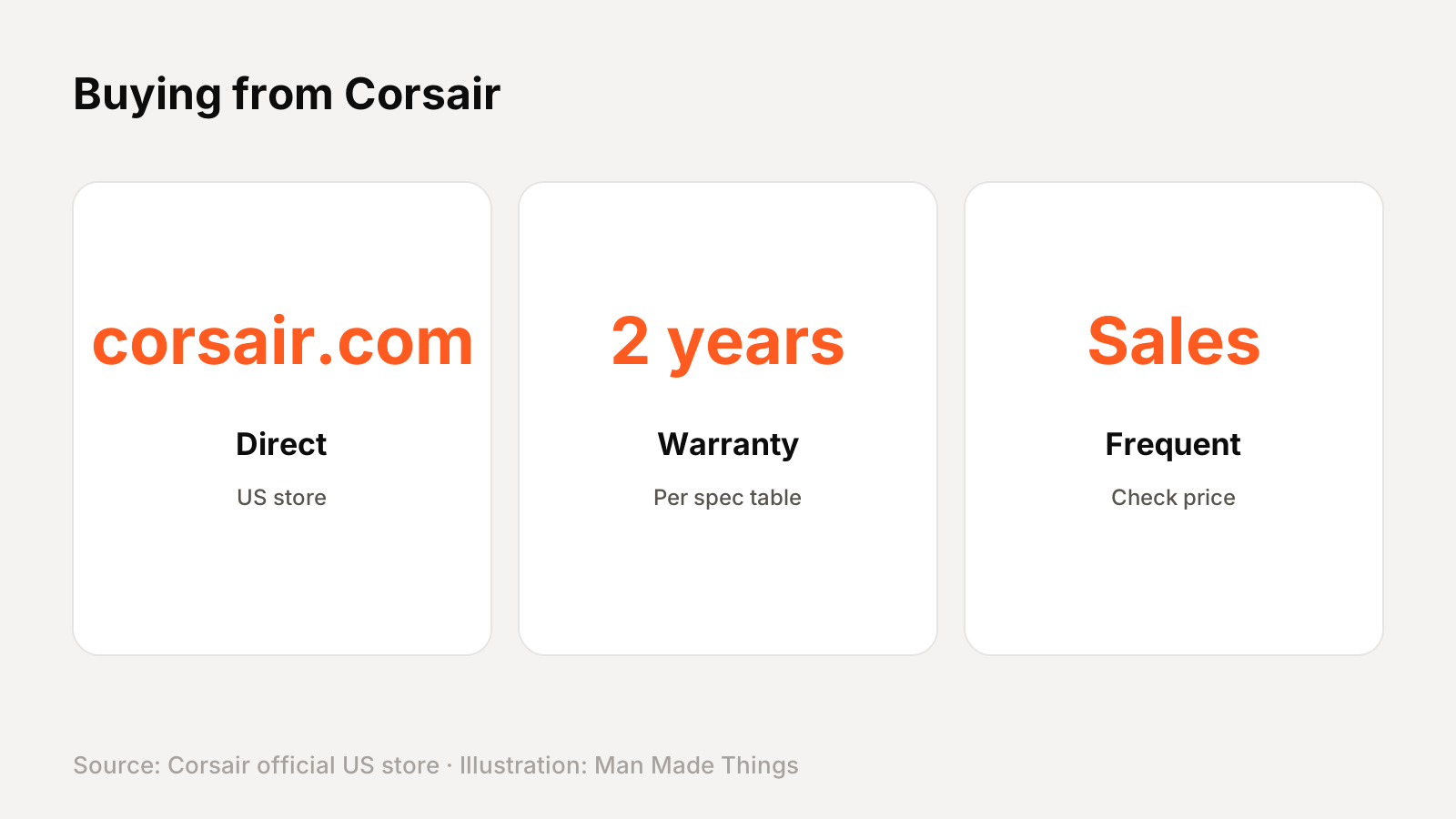
Corsair sells the Skiff 100 Plus direct from corsair.com, and it's also sold by other retailers. Corsair's spec table lists a 2-year warranty.
Prices on this page are from Corsair's US store in November 2026. Corsair runs frequent sales, so the price you pay may be lower than the list price.
Should you buy the Skiff 100 Plus?
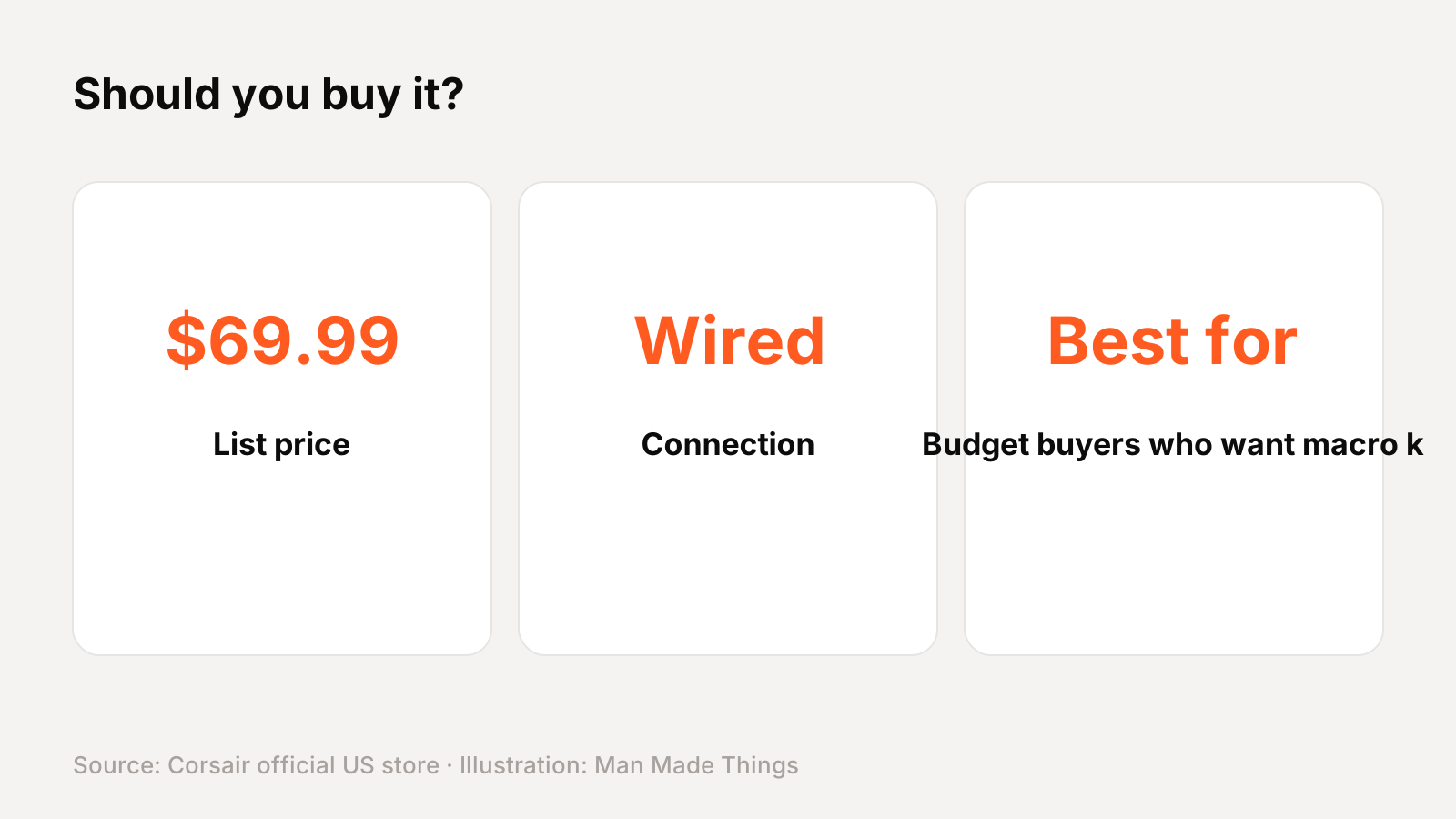
Who it's for: Budget buyers who want macro keys and spill resistance.
What we like:
- 6 G-keys
- IP53 spill resistance
- Rotary dial
- Detachable palm rest
What to consider:
- Rubber dome switches
- Same price as the K55 RGB Pro
Who should skip it: The K55 RGB Pro has six macro keys and a wrist rest for the same price.
The bottom line: The Skiff 100 Plus is a strong pick for budget buyers who want macro keys and spill resistance.
Corsair Skiff 100 Plus specs
| Size | Full size with 6 G-keys |
|---|---|
| Switches | Rubber dome |
| Macro keys | 6 programmable G-keys |
| Spill resistance | IP53 |
| Lighting | 10-zone RGB |
| Controls | Rotary dial and media controls |
| Palm rest | Detachable |
| Polling rate | 1,000 Hz |
Test report
Hands-on test report: in progress
We don't publish scores or test results until a real unit has gone through our routine: battery rundown at 50% volume, call quality outdoors, noise cancellation on a commute, fit over a full workday, and connection stability across devices. This review will be updated with measured results and a star rating once testing is complete.
Frequently asked questions
How much is the Corsair Skiff 100 Plus?
+
$69.99 on Corsair's US store when we checked in November 2026.
Is the Skiff 100 Plus wireless?
+
No, it's a wired keyboard.
What switches does the Skiff 100 Plus use?
+
Rubber dome.
What warranty does the Skiff 100 Plus have?
+
Corsair's spec table lists a 2-year warranty.
Sources
Editor-in-Chief
Rahul has been writing about gadgets and software since 2013, first at Thetechhacker and now at Man Made Things. He edits every review on the site and signs off on every verdict.
More from Rahul →
