MoErgo Glove80 Review: A Wireless Split With Concave Key Wells
A research-based review of the MoErgo Glove80 ($384): a split ergonomic keyboard with official specs, what they mean, how it compares with other distinctive keyboards and who it's for.
We may earn a commission when you buy through links on this page. Learn more
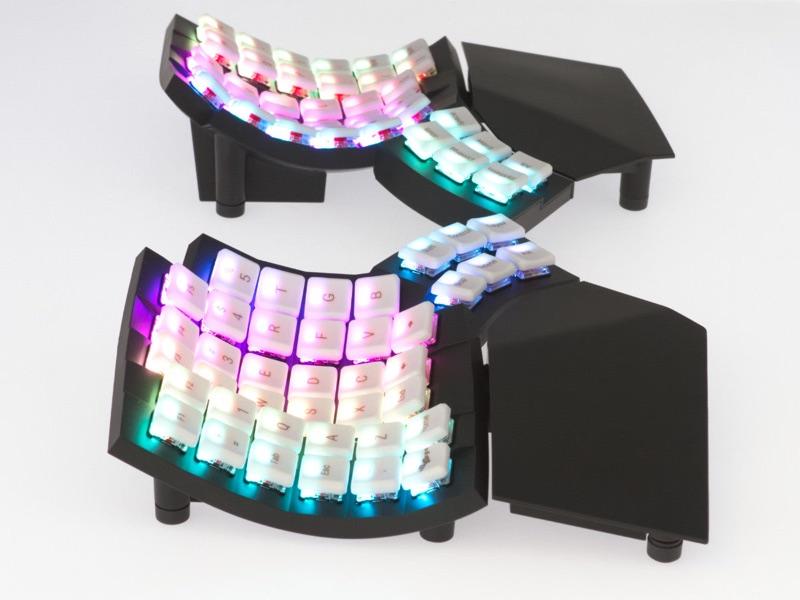
Quick answer
The MoErgo Glove80 is MoErgo's wireless, concave split ergonomic keyboard, priced at $384 for the Revision 2 with travel case, shipped from the USA (silent-switch version $425). The Glove80 is the most sculpted ergonomic keyboard here, for people who want maximum comfort and don't mind relearning to type.
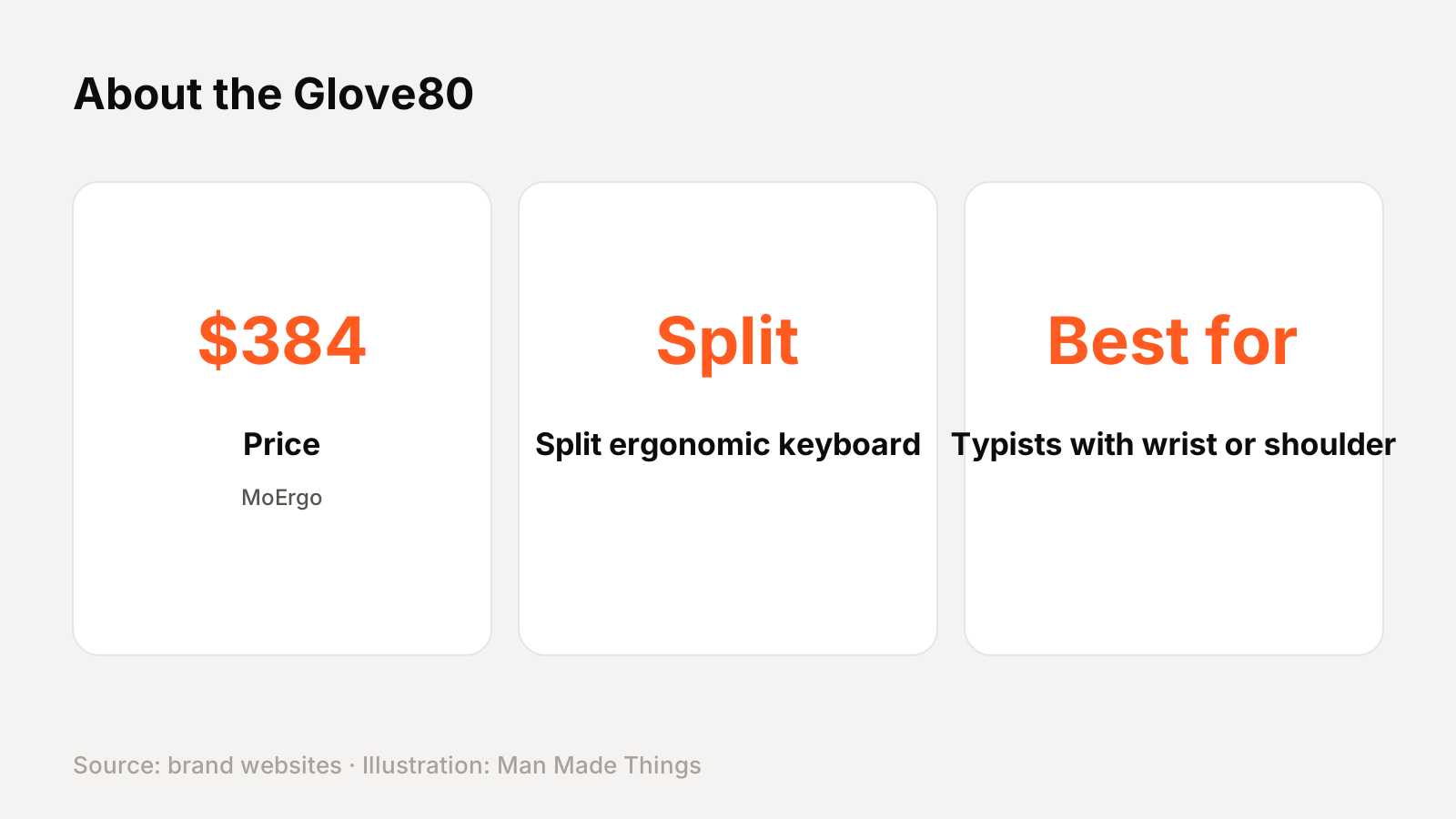
MoErgo is one of the keyboard makers doing something genuinely different, and the Glove80 is MoErgo's wireless, concave split ergonomic keyboard. It costs $384 for the Revision 2 with travel case, shipped from the USA (silent-switch version $425), as of November 2026.
A note on how we review: I haven't completed a hands-on test of the Glove80, so there's no star rating on this page. Everything below comes from MoErgo's official website, with plain-English explanations and a comparison with other distinctive keyboards. See the full roundup in our guide to unique keyboard brands.
Image: MoErgo
MoErgo
MoErgo Glove80
The Glove80 is the most sculpted ergonomic keyboard here, for people who want maximum comfort and don't mind relearning to type.
Best for: Typists with wrist or shoulder discomfort
Pros
- 01Concave key wells
- 02Wireless split
- 03Built-in tenting
- 0480 keys, fewer layers needed
Cons
- 01Big learning curve
- 02Bulkier than the Voyager
What the MoErgo Glove80 is
The Glove80 is a wireless, fully split ergonomic keyboard with concave key wells, a curved six-key thumb cluster that MoErgo says is patent pending, and built-in, continuously adjustable tenting. It's low-profile, at 20 mm from the desk to the top of the lowest keycap, and comes with 3D-sculpted detachable palm rests.
It has 80 keys with low-profile Kailh Choc v1 switches (rated at 70 million+ presses), per-key RGB lighting and open-source ZMK firmware with a web-based Layout Editor. It connects over Bluetooth LE 5.0 to four devices, plus USB-C.
MoErgo Glove80 specs and what's in the box
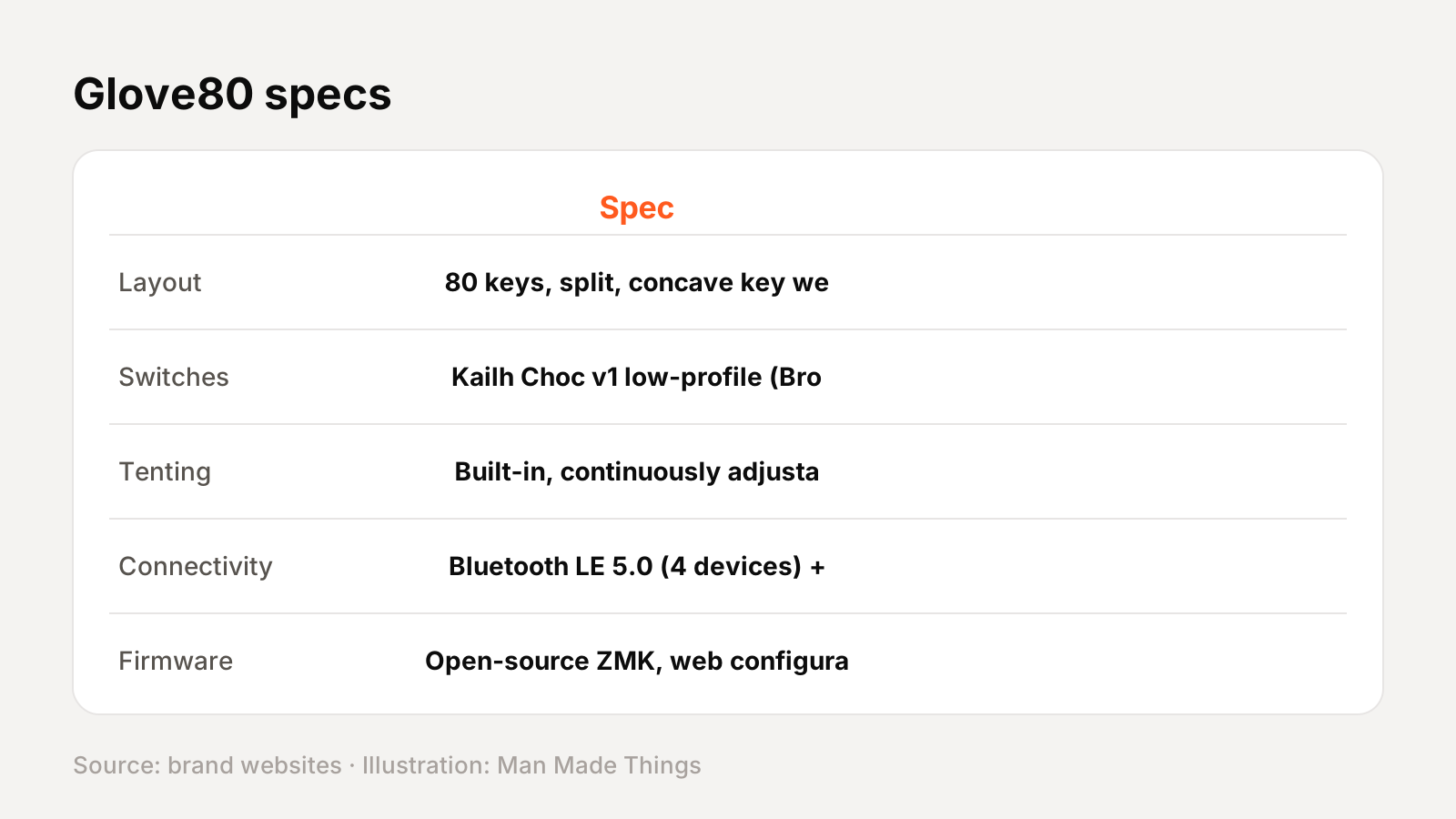
From MoErgo's official site:
| Spec | Glove80 |
|---|---|
| Layout | 80 keys, split, concave key wells |
| Switches | Kailh Choc v1 low-profile (Brown, Red, Red Pro, White; or silent) |
| Tenting | Built-in, continuously adjustable |
| Connectivity | Bluetooth LE 5.0 (4 devices) + USB-C |
| Firmware | Open-source ZMK, web configurator |
| Battery | LEDs off: 2-4 weeks left, 2 months+ right (MoErgo test) |
| Size | 372 x 168 x 60 mm |
| Weight | About 600 g |
In the box and options: A travel case is included with the Revision 2. MoErgo sells a silent-switch version (Cherry Blossom 30 gf or Plum Blossom 45 gf) for $425.
Price: $384 for the Revision 2 with travel case, shipped from the USA (silent-switch version $425).
More about the Glove80
Comparing with rivals: MoErgo publishes its own comparison of the Glove80 with the Kinesis Advantage360, Advantage2 and ZSA Moonlander. Its sibling Go60 is a smaller portable model.
Why a split ergonomic keyboard?
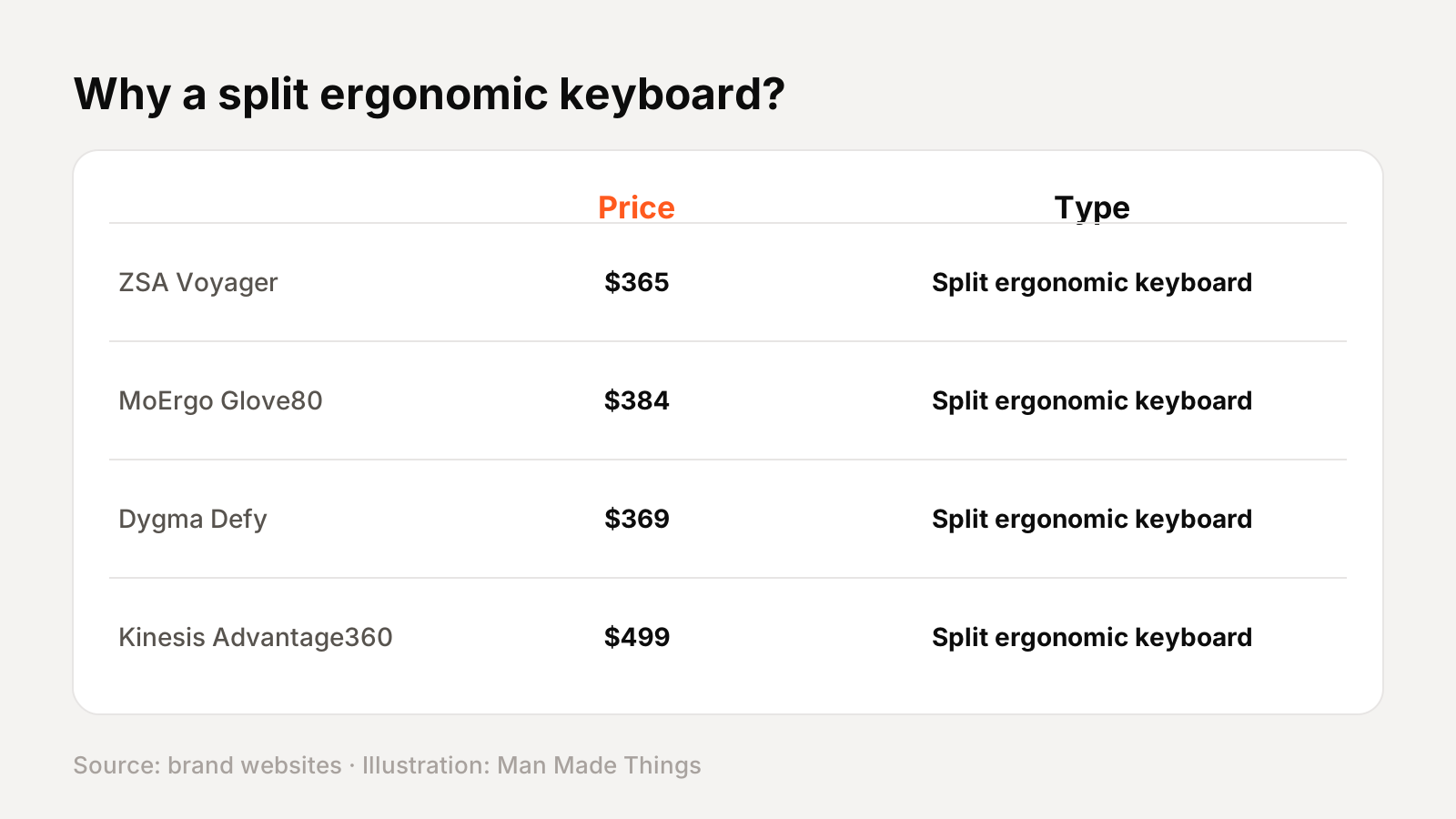
Split keyboards separate the two halves so your wrists stay straight and your shoulders open, and most add tenting (raising the inner edge) to reduce forearm twist. They take weeks to adapt to, but many people find them more comfortable.
| ZSA Voyager | MoErgo Glove80 | Dygma Defy | Kinesis Advantage360 | |
|---|---|---|---|---|
| Keys | 52 | 80 | 70 | 76 |
| Profile | Low (Choc) | Low (Choc), concave | MX + Choc | Contoured, MX-style |
| Wireless | No | Yes | Optional | Pro version |
| Tenting | Magnetic legs | Built-in | Optional add-on | Adjustable |
| Price | $365 | $384 | From $369 | $499 |
Fewer keys mean more reliance on layers; concave or contoured key wells reduce finger stretching.
How it compares with other unique keyboards
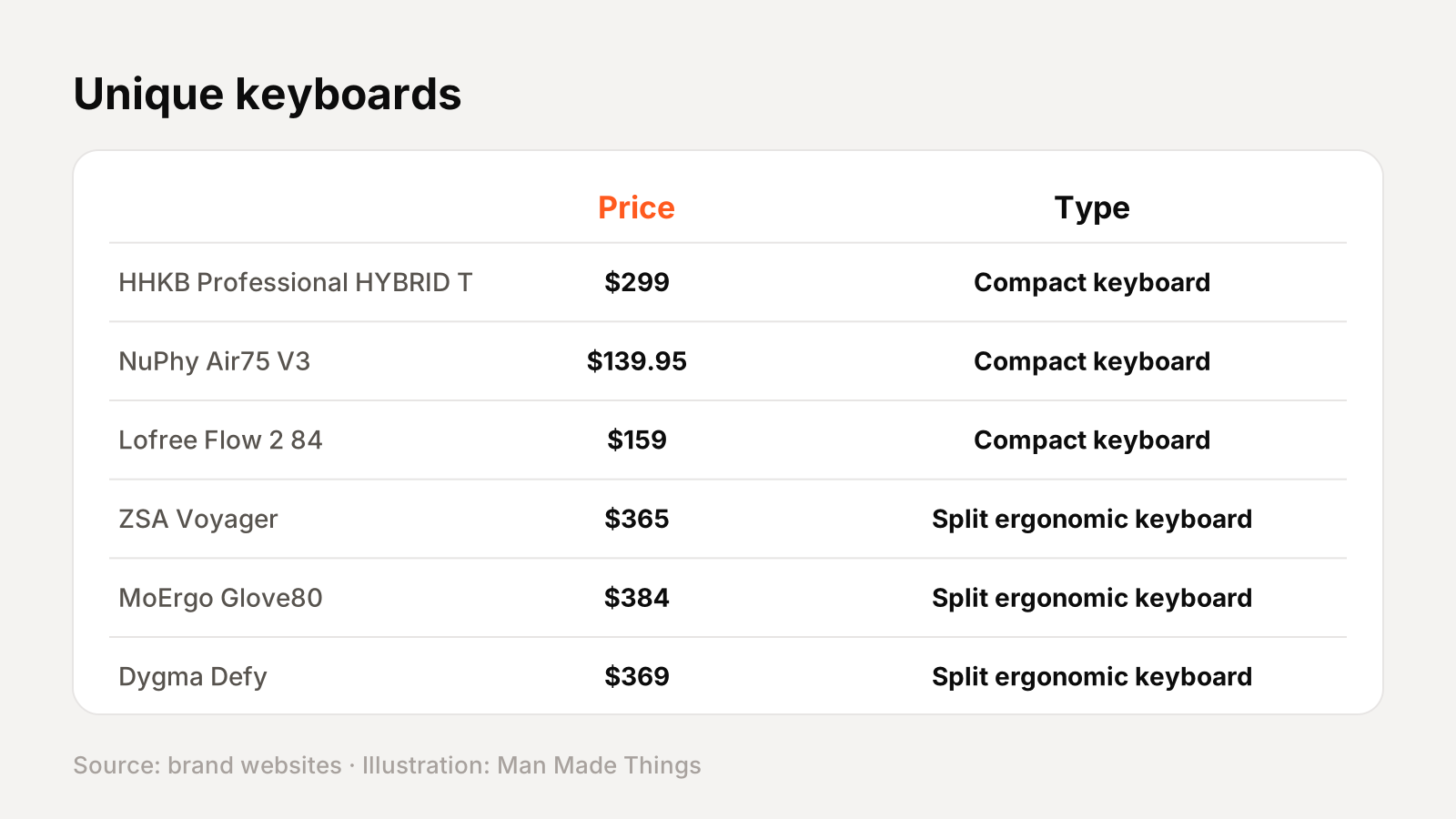
Every keyboard in our unique-brands roundup:
| Keyboard | Type | Price |
|---|---|---|
| HHKB Professional HYBRID Type-S | Compact keyboard | $299 |
| NuPhy Air75 V3 | Compact keyboard | $139.95 |
| Lofree Flow 2 84 | Compact keyboard | $159 |
| ZSA Voyager | Split ergonomic keyboard | $365 |
| MoErgo Glove80 | Split ergonomic keyboard | $384 |
| Dygma Defy | Split ergonomic keyboard | $369 |
| Kinesis Advantage360 | Split ergonomic keyboard | $499 |
Prices from each brand's official site, November 2026.
Keyboard terms, explained
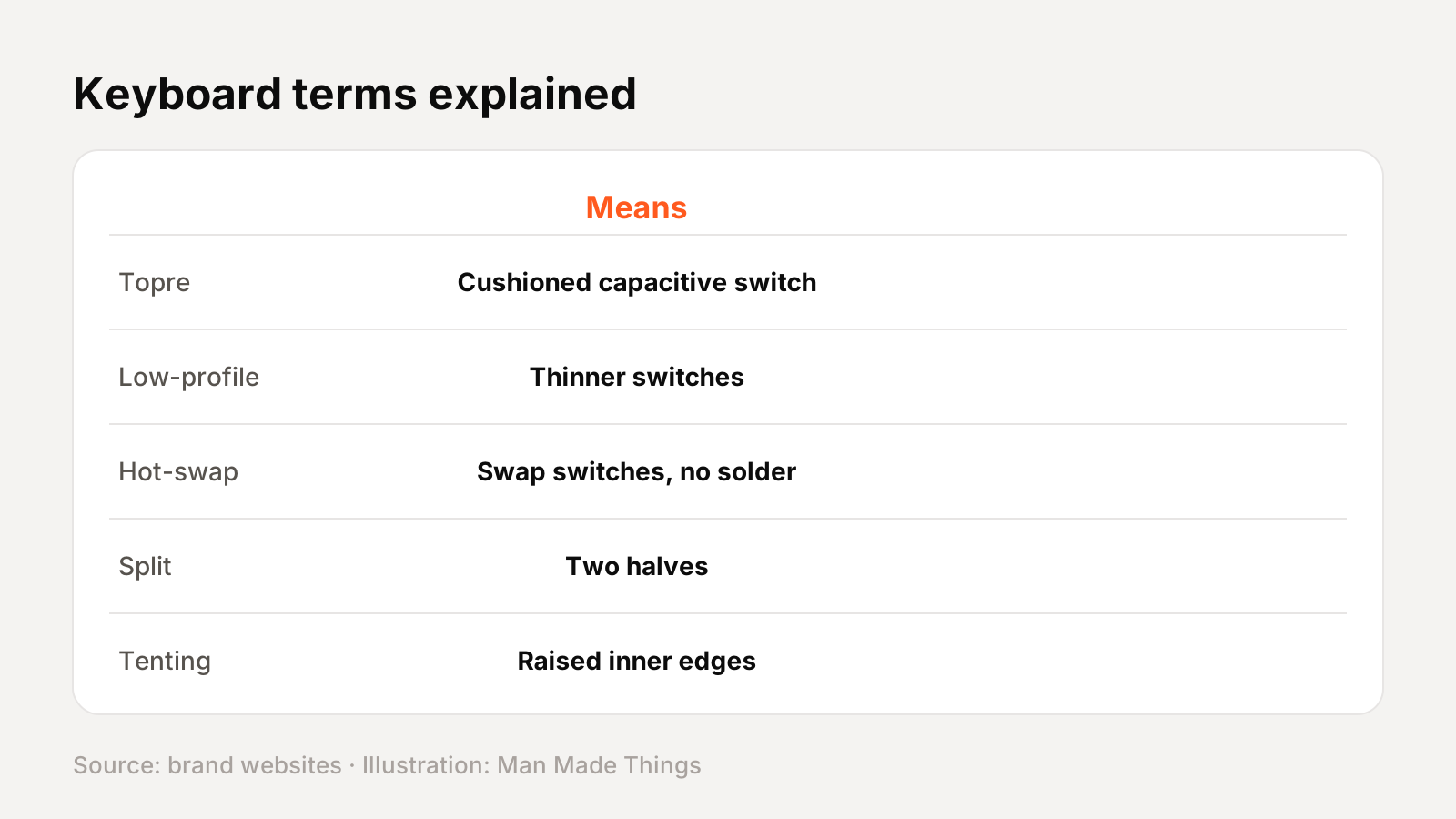
| Term | What it means |
|---|---|
| Topre | Electrostatic capacitive switches used by HHKB; HHKB describes them as giving a "silky smooth key press" |
| Low-profile | Shorter switches and keycaps for a thinner keyboard, such as Kailh Choc |
| Hot-swappable | Switches can be pulled out and replaced without soldering |
| Gasket mount | The plate sits on soft gaskets to soften typing feel and sound |
| Split | The keyboard is divided into two halves |
| Columnar / ortholinear | Keys arranged in straight columns or a grid instead of staggered rows |
| Tenting | Raising the inner edges of a split keyboard to reduce forearm rotation |
| QMK / ZMK / VIA | Firmware and tools for remapping keys, adding layers and macros |
| Layers | Alternate key functions activated by a held key, like a Shift for whole sets of keys |
| Polling rate | How often the keyboard reports to your computer; 1,000 Hz is common for wired and 2.4 GHz |
Getting the best from the Glove80
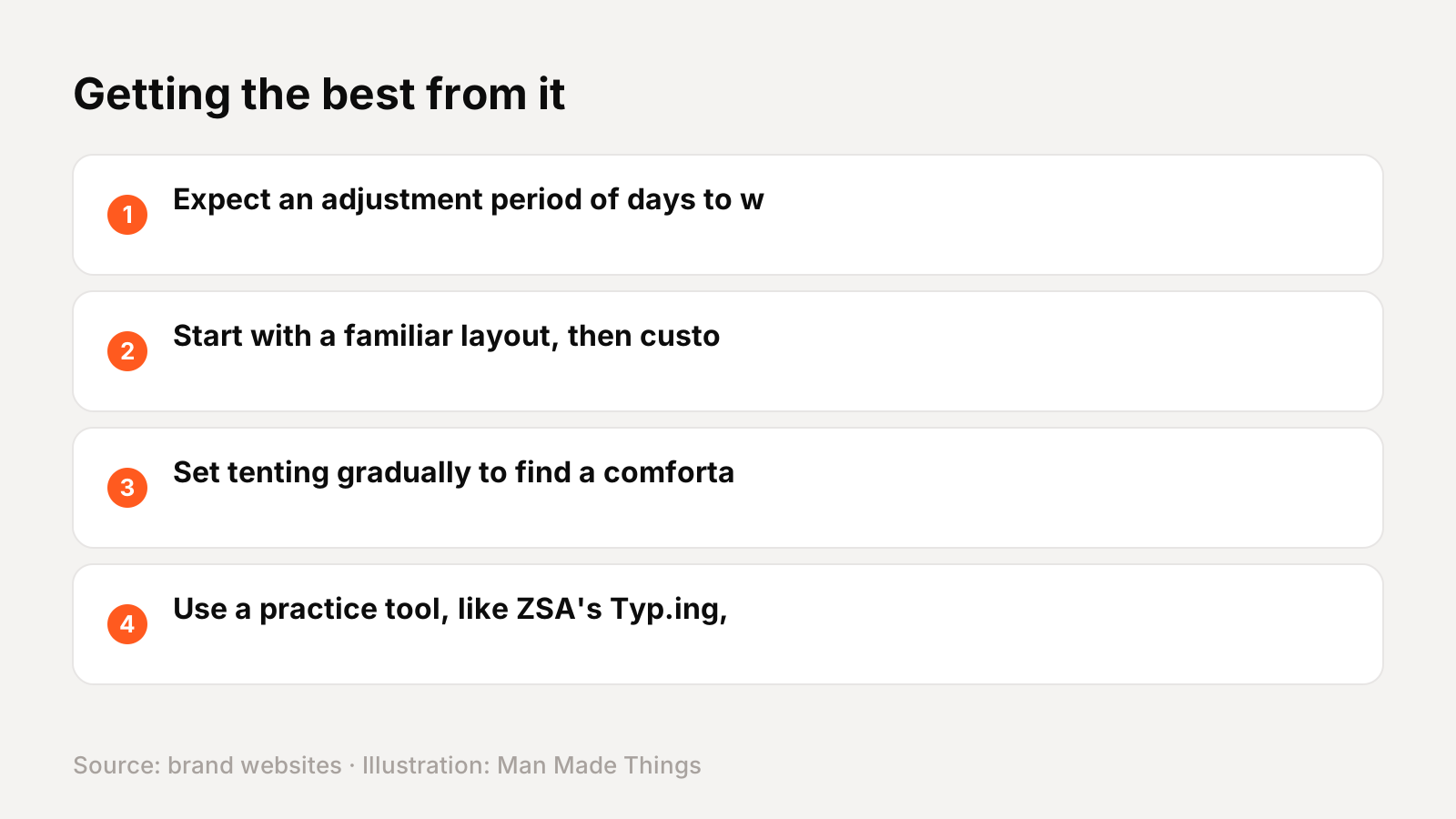
- Expect an adjustment period of days to weeks.
- Start with a familiar layout, then customize layers gradually.
- Set tenting gradually to find a comfortable angle.
- Use a practice tool, like ZSA's Typ.ing, to build muscle memory.
Buying direct and warranty
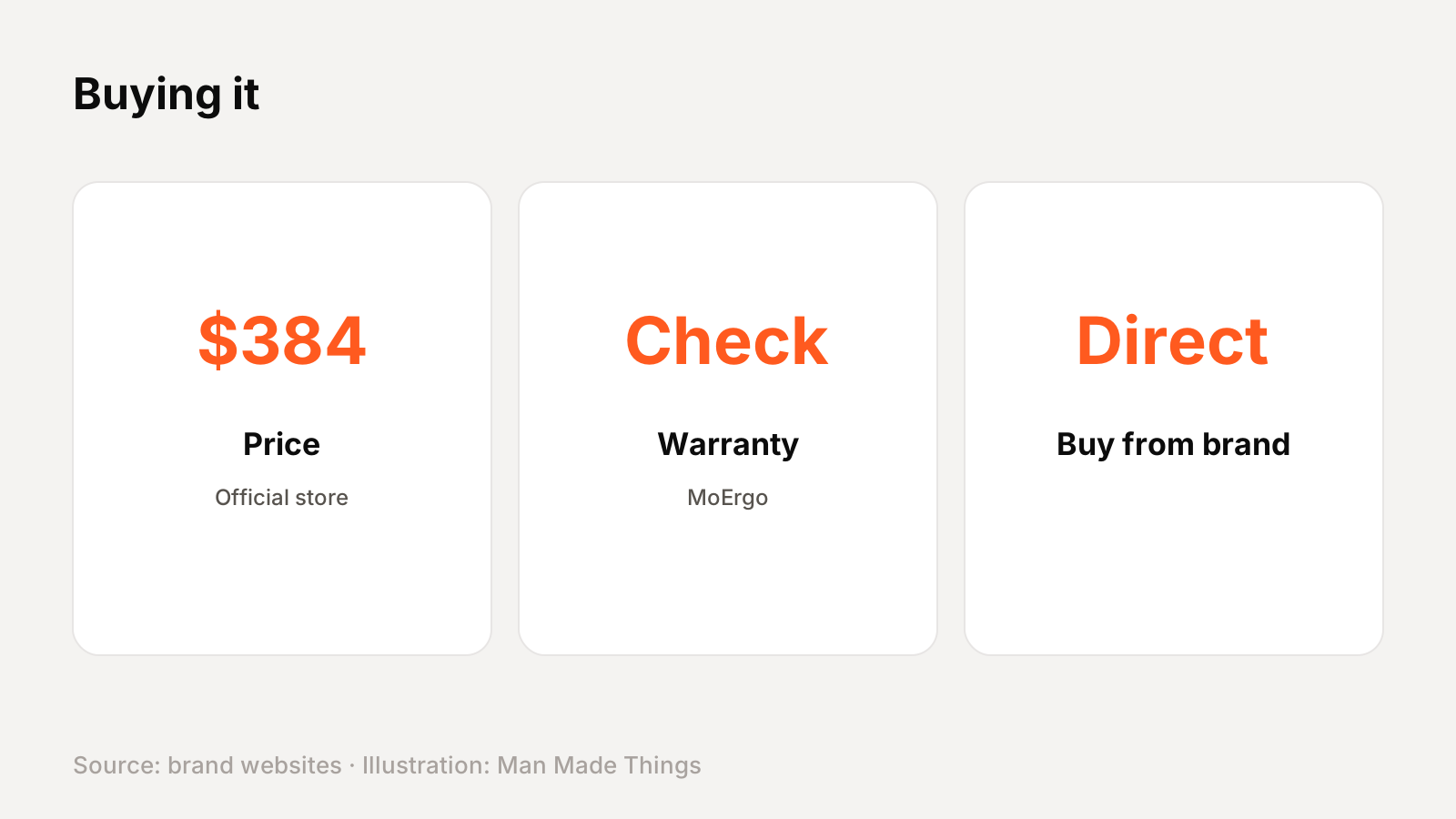
MoErgo sells the Glove80 directly at $384 for the Revision 2 with travel case, shipped from the USA (silent-switch version $425). Prices on enthusiast keyboards change with sales and configurations, so check the official page before buying.
Warranty: See MoErgo's warranty policy page.
Should you buy the MoErgo Glove80?
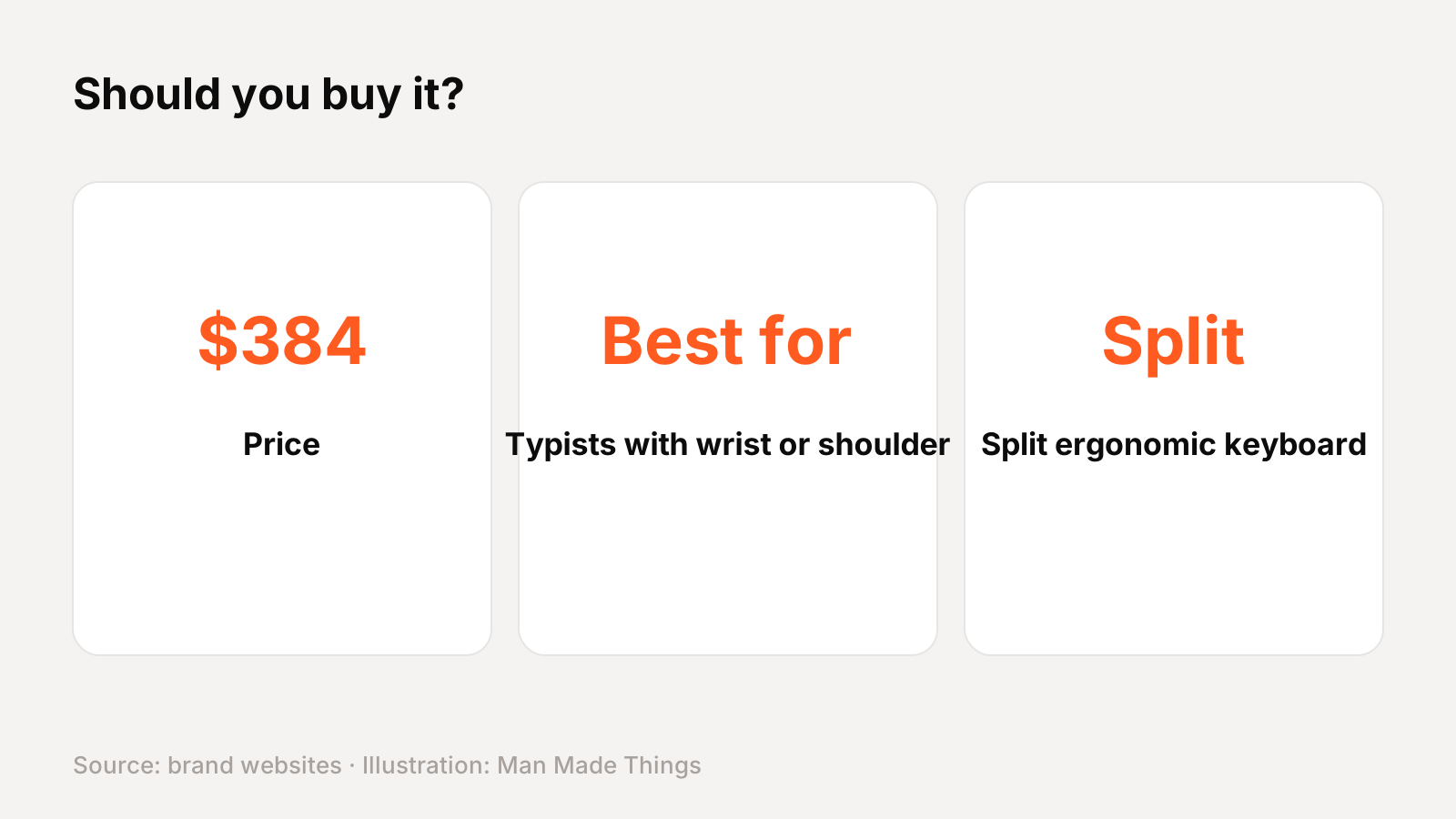
Buy it if: you're one of the typists with wrist or shoulder discomfort.
What we like:
- Concave key wells
- Wireless split
- Built-in tenting
- 80 keys, fewer layers needed
What to consider:
- Big learning curve
- Bulkier than the Voyager
Who should skip it: If you want something you can type on immediately, a compact board like the NuPhy Air75 V3 has a familiar layout.
The bottom line: The Glove80 is the most sculpted ergonomic keyboard here, for people who want maximum comfort and don't mind relearning to type.
MoErgo Glove80 specs
| Layout | 80 keys, split, concave key wells |
|---|---|
| Switches | Kailh Choc v1 low-profile (Brown, Red, Red Pro, White; or silent) |
| Tenting | Built-in, continuously adjustable |
| Connectivity | Bluetooth LE 5.0 (4 devices) + USB-C |
| Firmware | Open-source ZMK, web configurator |
| Battery | LEDs off: 2-4 weeks left, 2 months+ right (MoErgo test) |
| Size | 372 x 168 x 60 mm |
| Weight | About 600 g |
Test report
Hands-on test report: in progress
We don't publish scores or test results until a real unit has gone through our routine: battery rundown at 50% volume, call quality outdoors, noise cancellation on a commute, fit over a full workday, and connection stability across devices. This review will be updated with measured results and a star rating once testing is complete.
Frequently asked questions
How much is the MoErgo Glove80?
+
$384 for the Revision 2 with travel case, shipped from the USA (silent-switch version $425), November 2026.
What warranty does the MoErgo Glove80 have?
+
See MoErgo's warranty policy page.
Who is the MoErgo Glove80 for?
+
Typists with wrist or shoulder discomfort.
Sources
Editor-in-Chief
Rahul has been writing about gadgets and software since 2013, first at Thetechhacker and now at Man Made Things. He edits every review on the site and signs off on every verdict.
More from Rahul →
