Lofree Flow 2 for Mac Review: A Low-Profile Keyboard From $159
A research-based review of the Lofree Flow 2 for Mac ($159 to $169): Lofree's official specs, versions, prices and how it compares with the rest of Lofree's keyboards.
We may earn a commission when you buy through links on this page. Learn more

Quick answer
The Lofree Flow 2 for Mac is a low-profile keyboard in Lofree's Flow family, listed at $159 to $169 on Lofree's store in November 2026. It's best for mac users who want a keyboard to match their setup.
Lofree makes some of the best-looking keyboards around, from the aluminum Flow 2 to retro and transparent designs. The Flow 2 for Mac belongs to its Flow family, and Lofree's store listed it at $159 to $169 as of November 2026.
A note on how we review: I haven't completed a hands-on test of the Flow 2 for Mac, so there's no star rating on this page. Everything below comes from Lofree's official product page and spec sheet, with plain-English explanations and a comparison with the rest of Lofree's lineup. See every model in our Lofree keyboards guide.
Image: Lofree
Lofree
Lofree Flow 2 for Mac
The Flow 2 for Mac is a strong pick for mac users who want a keyboard to match their setup.
Best for: Mac users who want a keyboard to match their setup
Pros
- 01Mac-matching colors
- 02Aluminum unibody
- 03Touch bar
- 0484- or 100-key sizes
Cons
- 01Only Surfer switches
- 02Same price as the standard Flow 2
What the Flow 2 for Mac is
The Flow 2 for Mac is a colorful edition of Lofree's aluminum Flow 2, which Lofree says comes in "a vibrant spectrum of colors to flawlessly match your entire Apple ecosystem." Colors are Volt, Nebula, Petal and Silver, all with Surfer switches from Lofree's Cloud Series.
Like the standard Flow 2, it's crafted from a single block of aluminum with CNC-machined edges, low-profile hot-swappable switches, a touch bar and tri-mode connectivity with 1,000 Hz polling on wired and 2.4 GHz. It comes as an 84-key (75%) or 100-key (96%) model.
Flow 2 for Mac specs
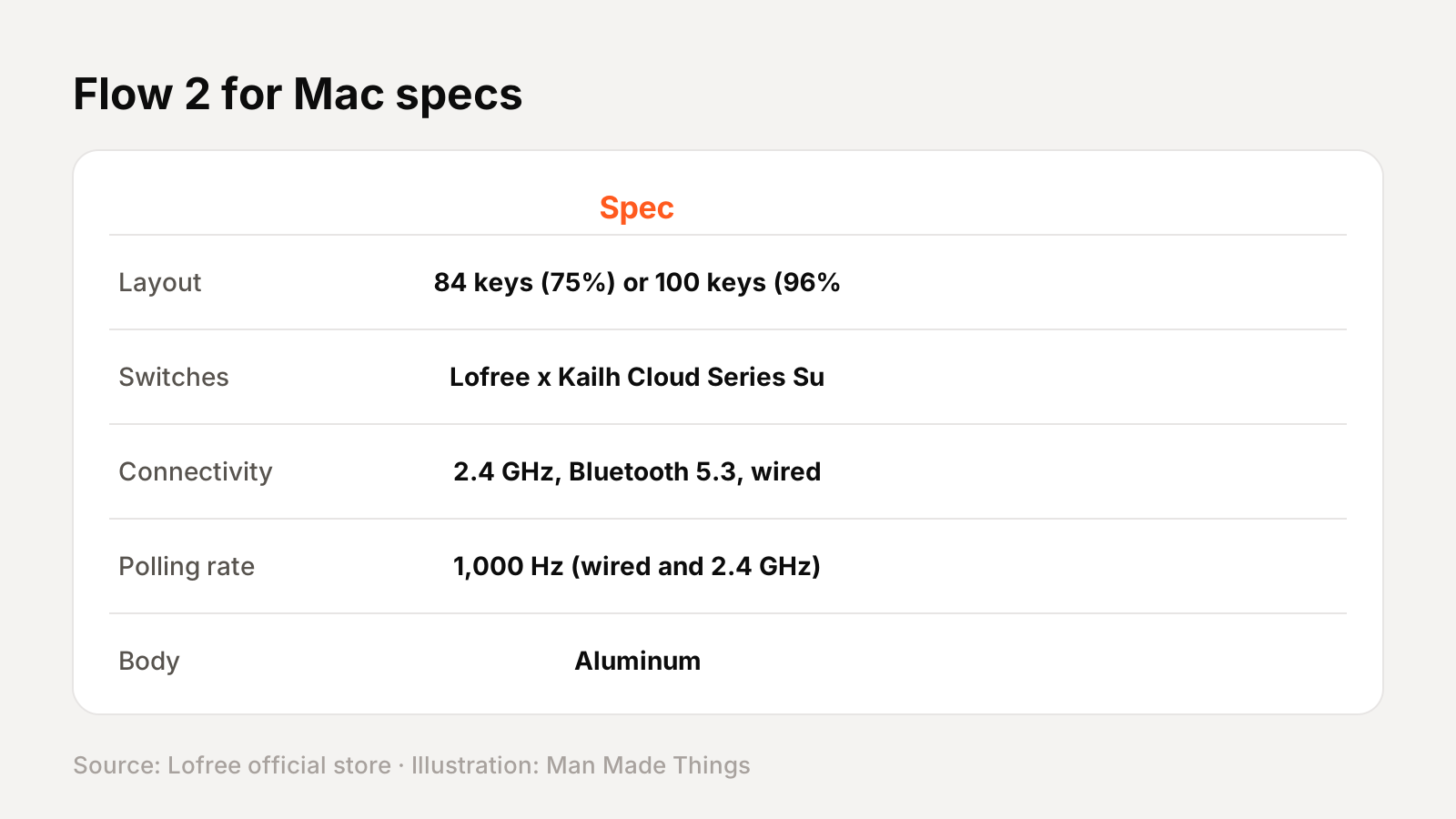
From Lofree's official spec sheet:
| Spec | Flow 2 for Mac |
|---|---|
| Layout | 84 keys (75%) or 100 keys (96%) |
| Switches | Lofree x Kailh Cloud Series Surfer, hot-swappable |
| Connectivity | 2.4 GHz, Bluetooth 5.3, wired USB-C |
| Polling rate | 1,000 Hz (wired and 2.4 GHz) |
| Body | Aluminum |
| Keycaps | PBT + PC double-shot |
| Battery | 3,000 mAh; up to 90 hours (84) or 120 hours (100) lights off |
| Size | 341.2 x 107 x 21.5 mm (84); 398.2 x 126 x 21.5 mm (100) |
| Weight | 745 g (84); 870 g (100) |
Versions and prices
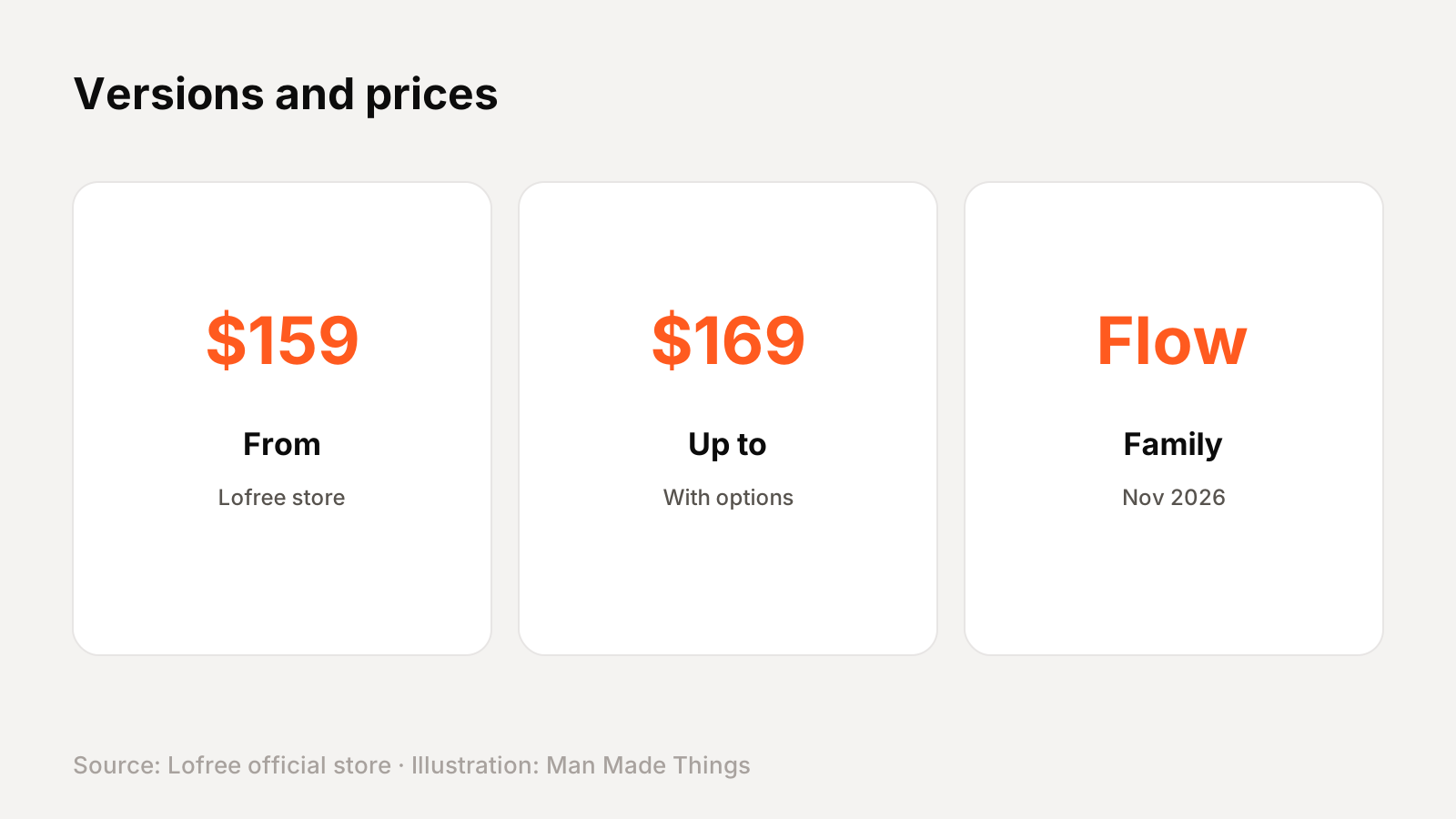
Lofree lists the Flow 2 84 for Mac at $159 and the Flow 2 100 for Mac at $169, in Volt, Nebula, Petal or Silver with Surfer switches.
Prices were checked on Lofree's official store in November 2026.
Lofree's keyboard families, explained
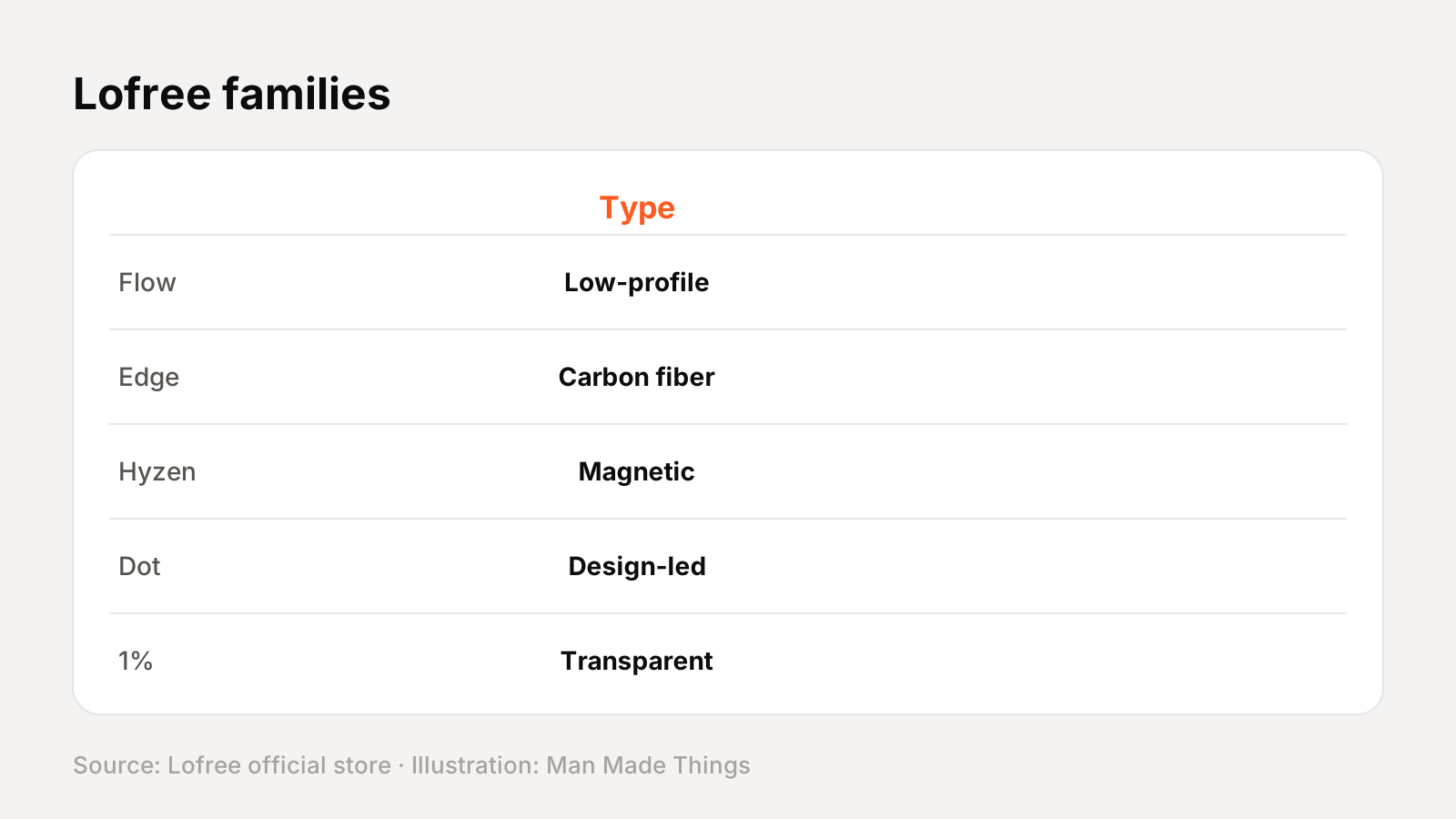
Lofree sells several distinct families. Here's how they differ, with the Flow 2 for Mac's family in bold:
| Family | What it is |
|---|---|
| Flow | Lofree's low-profile line: the original Flow, budget Flow Lite and Flow Lite 2, and the aluminum Flow 2 |
| Edge | An ultra-thin carbon fiber and magnesium low-profile board |
| Hyzen | Lofree's magnetic-mechanical keyboard with Nexus switches |
| Dot | Full-height, design-led 75% boards: Foundation, 1970s, Sugar Color 70s, Lipstick and 432Hz Polar Moss |
| Block | A Braun-inspired 98-key board with knobs |
| Tofu | A curved, AAA-powered board sold built or as a base |
| Wanderfree | A travel-case-inspired keyboard with a magnetic cover |
| 1% | Transparent and frosted 65% keyboards |
How the Flow 2 for Mac compares
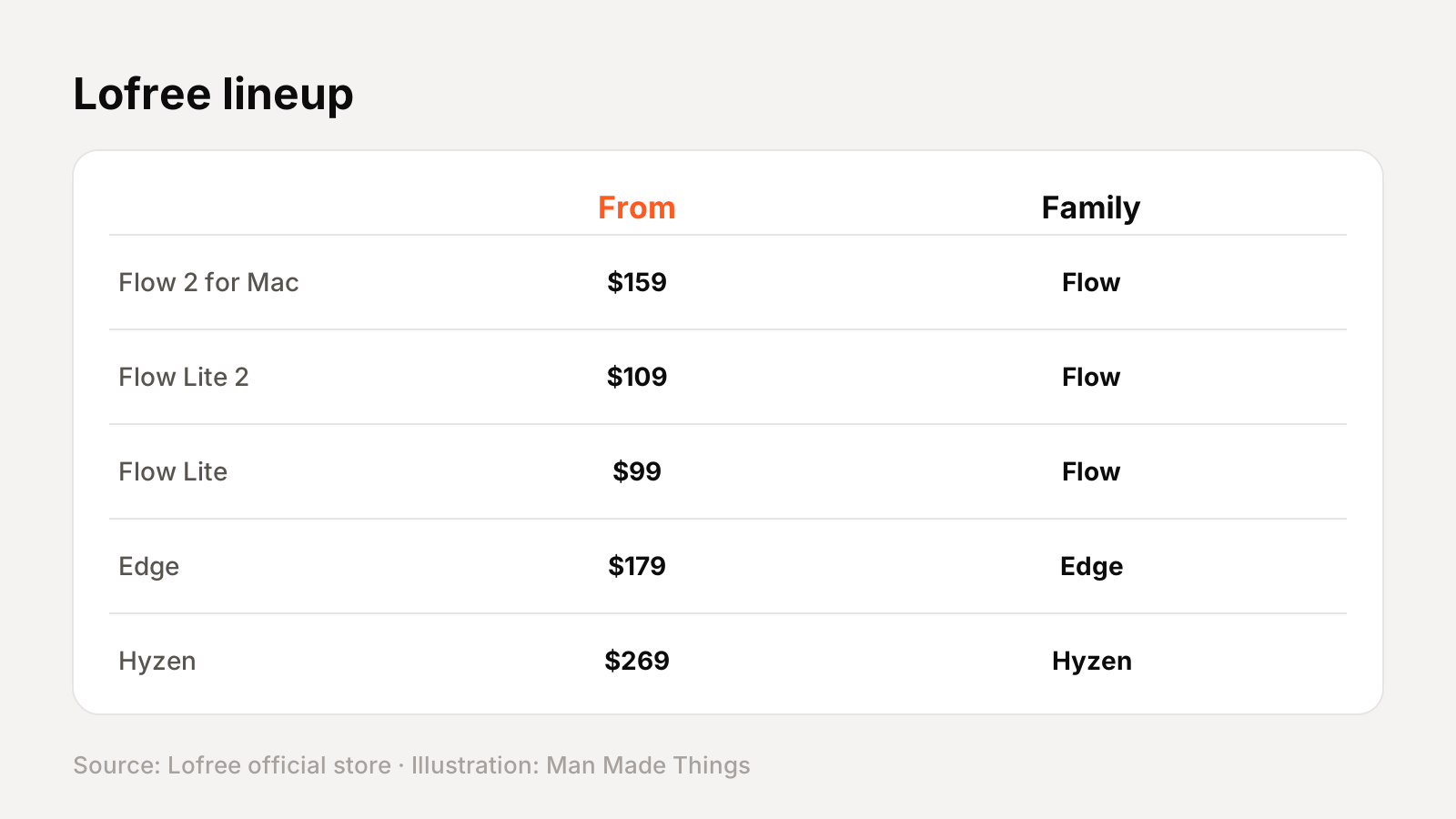
Every Lofree keyboard we've reviewed, with prices from Lofree's store:
| Model | Price from | Family | Layout |
|---|---|---|---|
| Flow Lite 2 | $109 | Flow | 84 keys (75%) or 100 keys (96%) |
| Flow Lite | $99 | Flow | 84 keys (75%) or 100 keys (96%) |
| Flow (original) | $119 | Flow | 84 keys (75%) or 100 keys (96%) |
| Flow 2 84 | $159 | Flow | 75% |
| Flow 2 68 | $139 | Flow | 65% |
| Flow 2 100 | $169 | Flow | 96% |
| Flow 2 for Mac | $159 | Flow | 84 keys (75%) or 100 keys (96%) |
| Edge | $179 | Edge | 75% |
| Hyzen | $269 | Hyzen | 65% |
| 1970s | $99 | Dot | 75% |
| Sugar Color 70s | $139 | Dot | 75% |
| Foundation | $179 | Dot | 75% |
| Lipstick | $189 | Dot | 75% |
| 432Hz Polar Moss | $199 | Dot | 75% |
| Block | $169 | Block | 98 keys |
| Tofu | $90 | Tofu | 68 keys (Tofu68) or 100 keys (Tofu100) |
| Wanderfree | $149 | Wanderfree | 75% |
| 1% | $219 | 1% | 65% |
Keyboard terms, explained
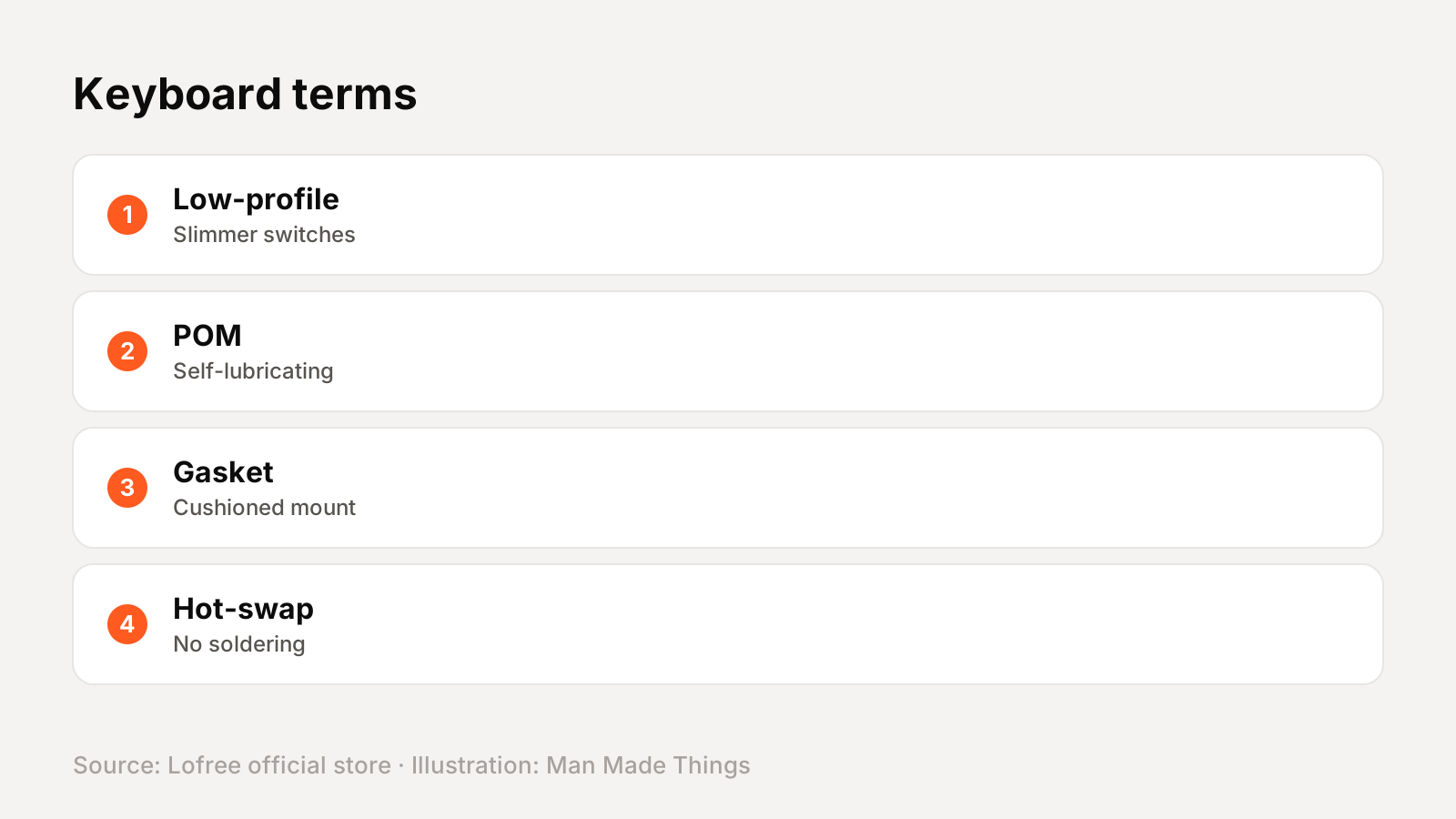
| Term | What it means |
|---|---|
| Low-profile | Shorter switches and keycaps for a slimmer keyboard, closer to a laptop's height |
| POM | A self-lubricating plastic; Lofree uses it in switch stems and housings for a smoother feel over time |
| Gasket mount | The plate sits on soft gaskets for a cushioned feel and softer sound |
| Hot-swappable | Switches pull out without soldering, so you can change them later |
| Tri-mode | Connects over 2.4 GHz, Bluetooth or a USB-C cable |
| Magnetic switch | A sensor measures the key's position with a magnet, allowing adjustable actuation and Rapid Trigger |
Getting the best from the Flow 2 for Mac
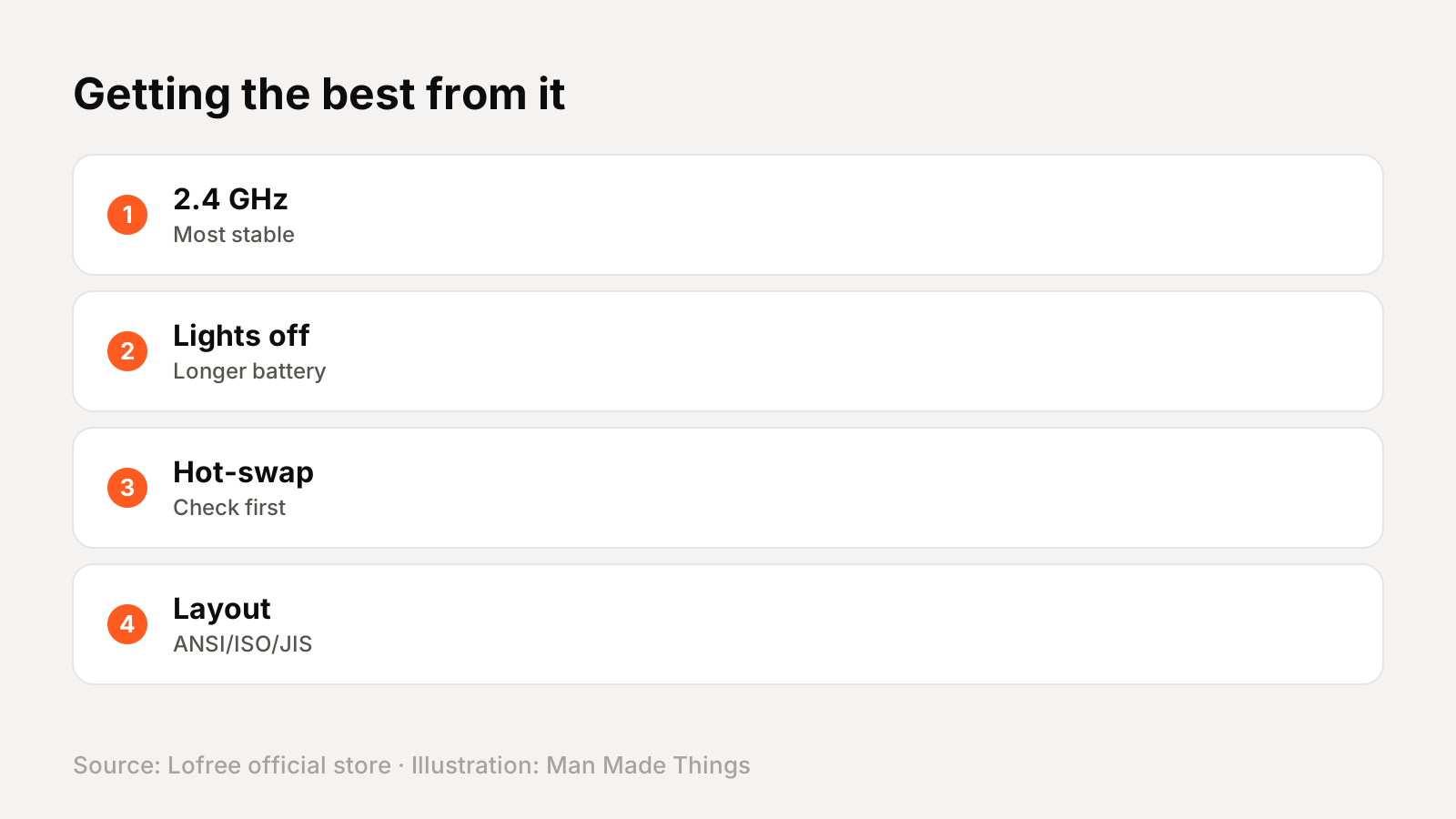
- Use 2.4 GHz for the most stable connection where the model supports it, and Bluetooth for tablets and phones.
- Turn off the backlight to stretch battery life; Lofree's longest battery figures are with lights off.
- Check hot-swap support before buying new switches: most Lofree boards have it, but the Edge and the original 1% don't.
- Pick your layout carefully: some models come in ANSI, ISO and JIS versions.
Buying direct
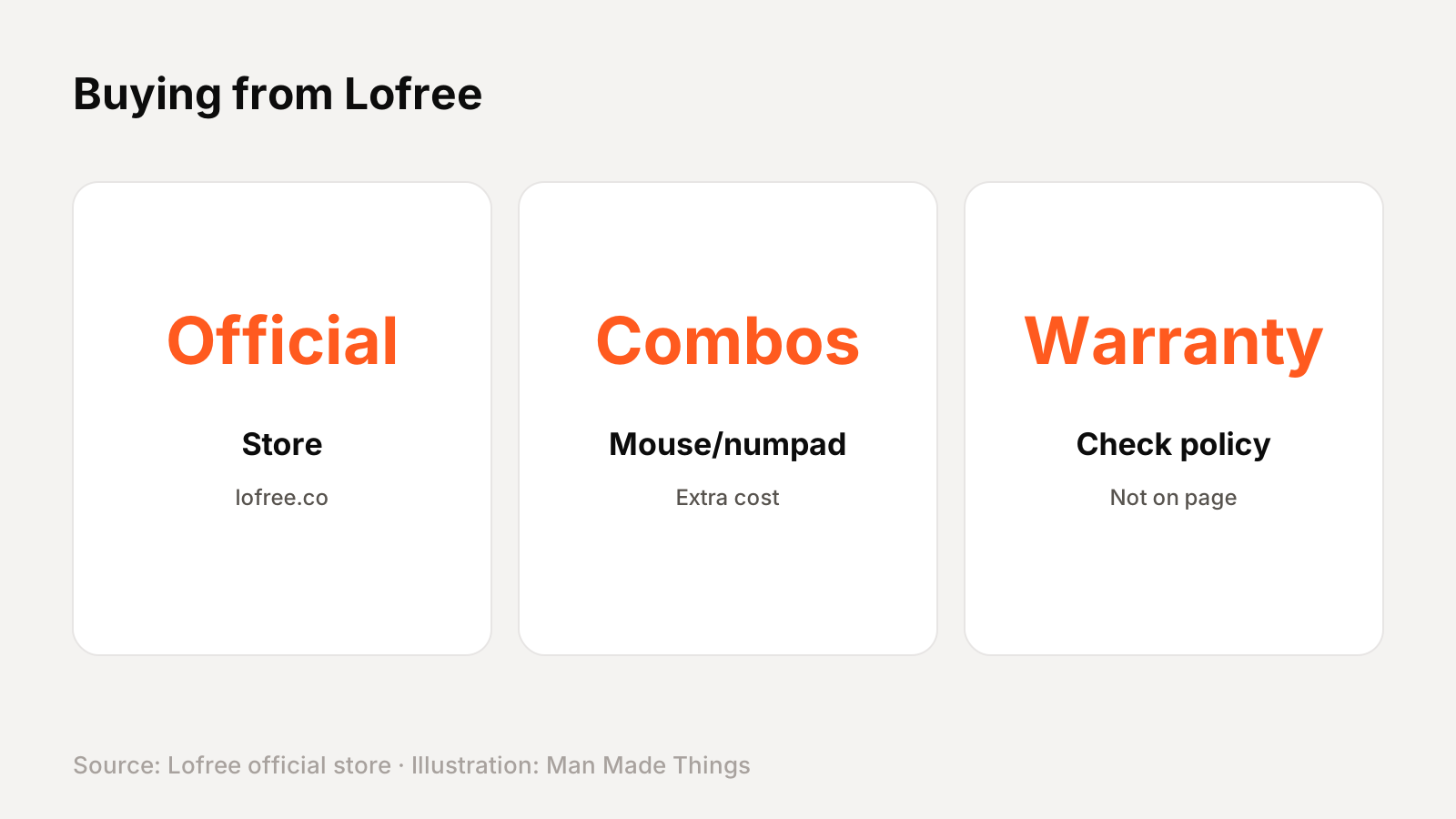
Lofree's official store listed the Flow 2 for Mac at $159 to $169 as of November 2026. Several older models are discounted from their original prices, and combos with Lofree mice or numpads cost extra.
Warranty: we couldn't find a warranty length on the product page, so check Lofree's warranty policy before buying.
Should you buy the Flow 2 for Mac?
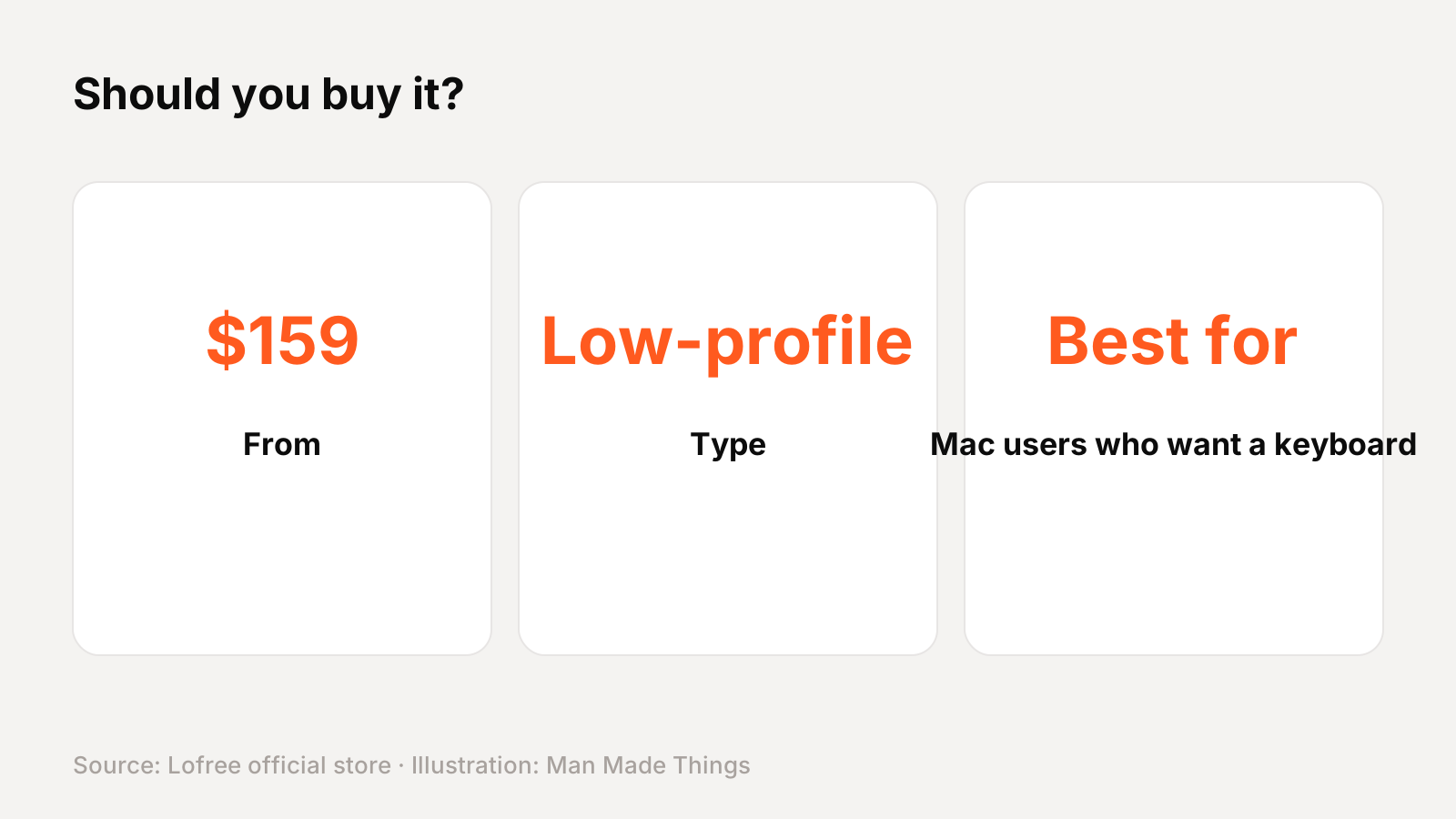
Buy it if: you're one of the mac users who want a keyboard to match their setup.
What we like:
- Mac-matching colors
- Aluminum unibody
- Touch bar
- 84- or 100-key sizes
What to consider:
- Only Surfer switches
- Same price as the standard Flow 2
Who should skip it: The Flow 2 84 comes in Space Gray or Silver with more switch choices. For other brands, see our guide to unique keyboard brands.
The bottom line: The Flow 2 for Mac is a strong pick for mac users who want a keyboard to match their setup, at $159 and up.
Lofree Flow 2 for Mac specs
| Layout | 84 keys (75%) or 100 keys (96%) |
|---|---|
| Switches | Lofree x Kailh Cloud Series Surfer, hot-swappable |
| Connectivity | 2.4 GHz, Bluetooth 5.3, wired USB-C |
| Polling rate | 1,000 Hz (wired and 2.4 GHz) |
| Body | Aluminum |
| Keycaps | PBT + PC double-shot |
| Battery | 3,000 mAh; up to 90 hours (84) or 120 hours (100) lights off |
| Size | 341.2 x 107 x 21.5 mm (84); 398.2 x 126 x 21.5 mm (100) |
Test report
Hands-on test report: in progress
We don't publish scores or test results until a real unit has gone through our routine: battery rundown at 50% volume, call quality outdoors, noise cancellation on a commute, fit over a full workday, and connection stability across devices. This review will be updated with measured results and a star rating once testing is complete.
Frequently asked questions
How much is the Lofree Flow 2 for Mac?
+
$159 to $169 on Lofree's store, November 2026.
Is the Flow 2 for Mac wireless?
+
Yes: 2.4 GHz, Bluetooth 5.3, wired USB-C.
Is the Flow 2 for Mac hot-swappable?
+
Yes.
What family is the Flow 2 for Mac in?
+
Lofree's Flow family.
Sources
Editor-in-Chief
Rahul has been writing about gadgets and software since 2013, first at Thetechhacker and now at Man Made Things. He edits every review on the site and signs off on every verdict.
More from Rahul →
