How to Clean Earbuds Safely (AirPods, Galaxy Buds and Pixel Buds)
How to clean AirPods, Galaxy Buds, Pixel Buds and other earbuds using the methods Apple, Samsung, Google and Jabra recommend, including the meshes, ear tips and charging case.
We may earn a commission when you buy through links on this page. Learn more

Quick answer
Remove the ear tips and rinse them with plain water. Wipe the earbuds with a soft, dry, lint-free cloth, and clean the meshes with a soft brush, following your brand's method. Never run earbuds under water or poke anything into the openings. Let everything dry completely, Apple says at least two hours after cleaning the meshes, before charging or wearing them.
Earbuds live in your ears for hours a day, so they collect earwax, sweat and pocket lint fast. A little buildup on the mesh doesn't just look bad. Samsung says debris can make audio sound muffled and even stop the earbuds from charging properly.
The problem is that the internet is full of cleaning hacks that can ruin them: toothpicks in the speaker, alcohol everywhere, rinsing under the tap. Earbuds have tiny openings for speakers and microphones, and liquid or sharp objects can damage them.
The good news is the manufacturers publish their own cleaning instructions, and they're simple. Below are the methods from Apple, Samsung, Google and Jabra. Rules differ a little by brand, so check which applies to yours. For our take on Apple's latest, see our AirPods Pro 3 review.
What not to do
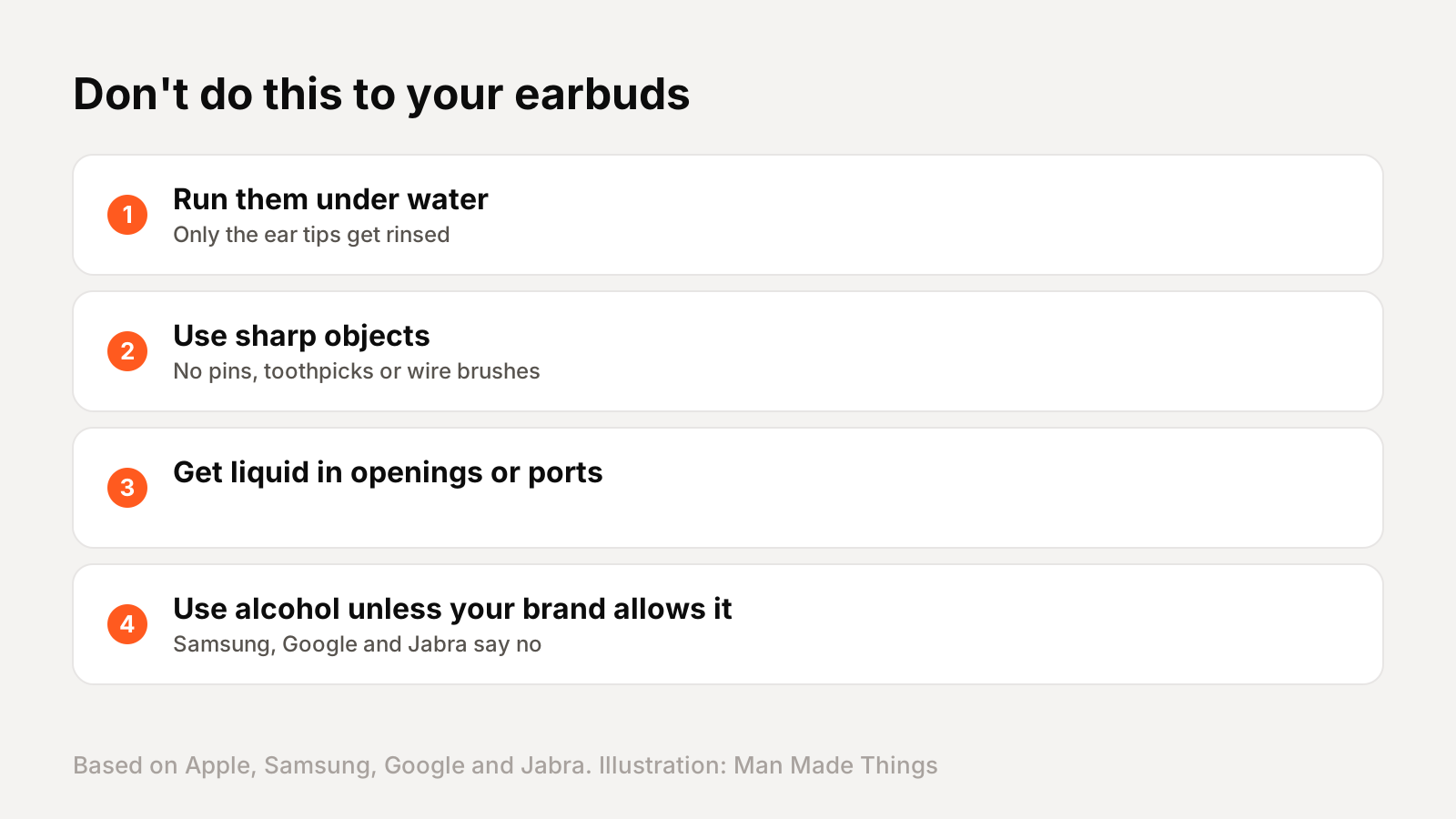
The brands agree on a few rules, and breaking them is how most earbuds get damaged:
- Don't run them under water or submerge them. Apple and Google both say this. The one exception is AirPods Pro 3, which Apple says can be briefly dunked in water with the ear tip hole sealed.
- Don't use sharp objects like pins or toothpicks, or abrasive materials. Samsung also warns against metal or wire brushes.
- Don't get liquid in the openings or charging ports.
- Be careful with alcohol. This is where brands disagree. Samsung, Google and Jabra say not to use alcohol on their earbuds. Apple allows a cloth slightly dampened with isopropyl alcohol only on the AirPods charging case.
Also, Google says not to clean the earbuds or case while they're charging.
How to clean AirPods and AirPods Pro
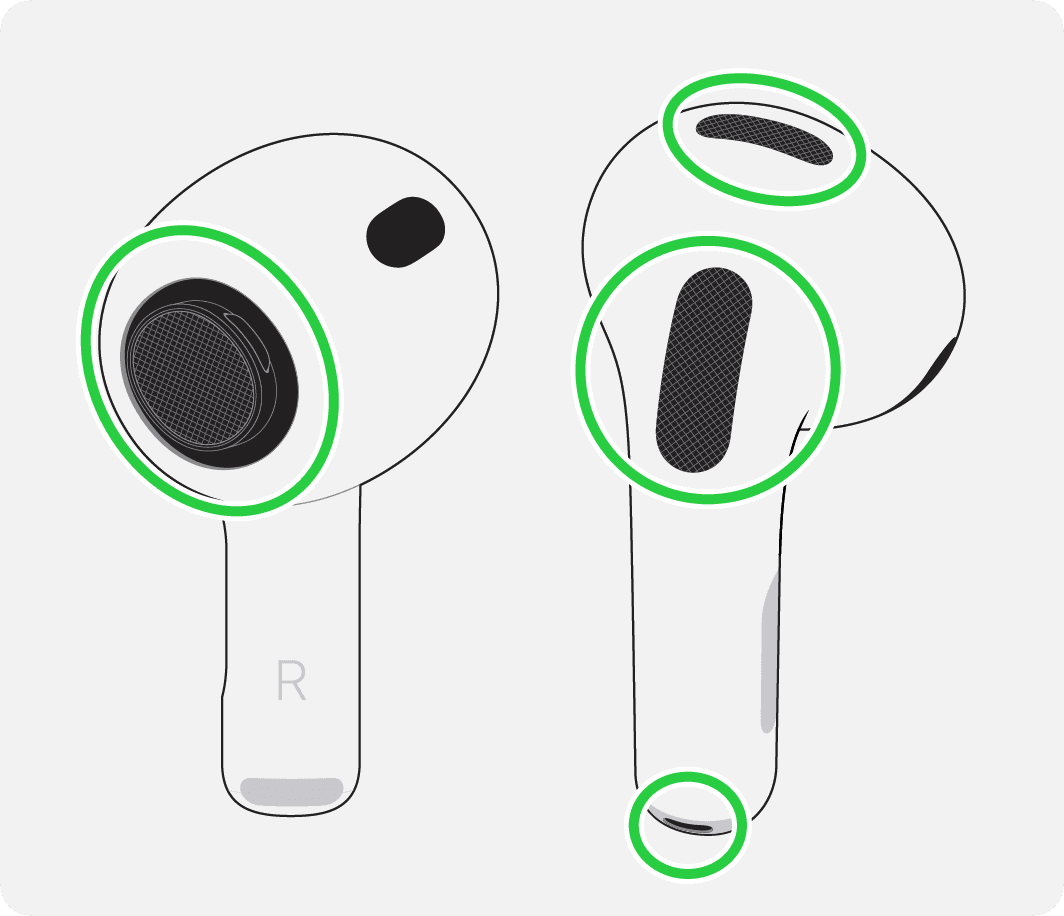
Apple's current method for the meshes is surprisingly specific. You'll need micellar water, distilled water, a soft children's toothbrush, two small cups and a paper towel. Apple also lists Belkin's AirPods Cleaning Kit as an option.
- Remove the ear tips on AirPods Pro.
- Dip the brush in micellar water, hold the AirPod with the mesh facing up and brush in circles for about 15 seconds.
- Blot it on a paper towel, and repeat for three rounds in total.
- Repeat the same steps with distilled water to rinse.
- Let them dry for at least two hours before charging or wearing them.
Only clean the meshes Apple marks in its diagrams. For the outside, wipe with a soft, dry, lint-free cloth, or one slightly dampened with fresh water after contact with sunscreen, lotion or sweat. Apple notes that cleaning after workouts can also help prevent skin irritation.
Ear tips and the charging case
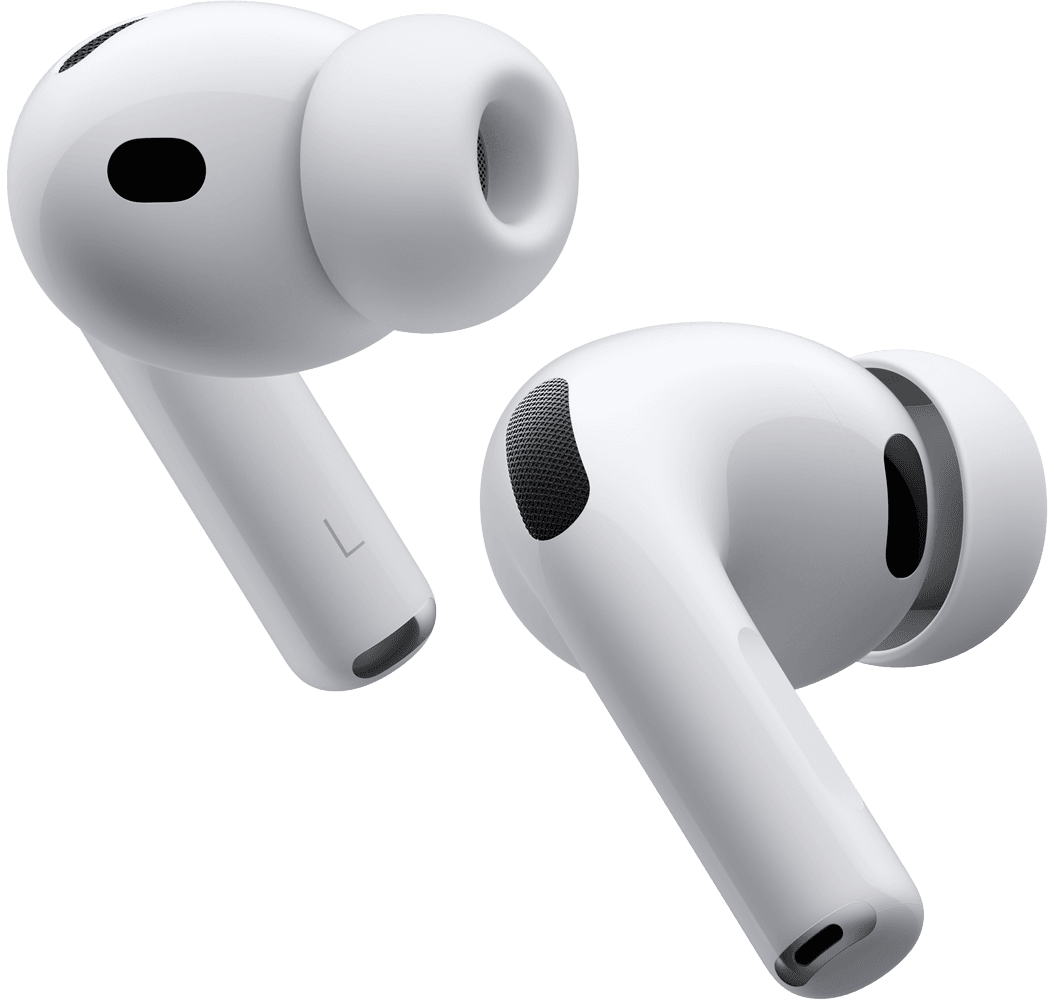
Ear tips get the dirtiest, and they're the easiest to clean. Apple says to pull them off and rinse them with plain water, without soap or household cleaners, then dry them with a lint-free cloth. Make sure they're completely dry before reattaching. AirPods Pro tips are oval, so line them up before clicking them back on.
Jabra recommends cleaning ear gels regularly and replacing them when they show signs of wear. Worn tips don't seal well, which affects both noise cancellation and bass.
The charging case collects lint in the port and around the contacts. Apple says to wipe it with a soft, dry, lint-free cloth, slightly dampened with isopropyl alcohol if needed, and to brush debris out of the charging port with a clean, dry, soft-bristled brush. Don't put anything into the charging port itself.
Samsung and Jabra both suggest a dry cotton swab for the charging contacts inside the case.
Galaxy Buds, Pixel Buds and other earbuds
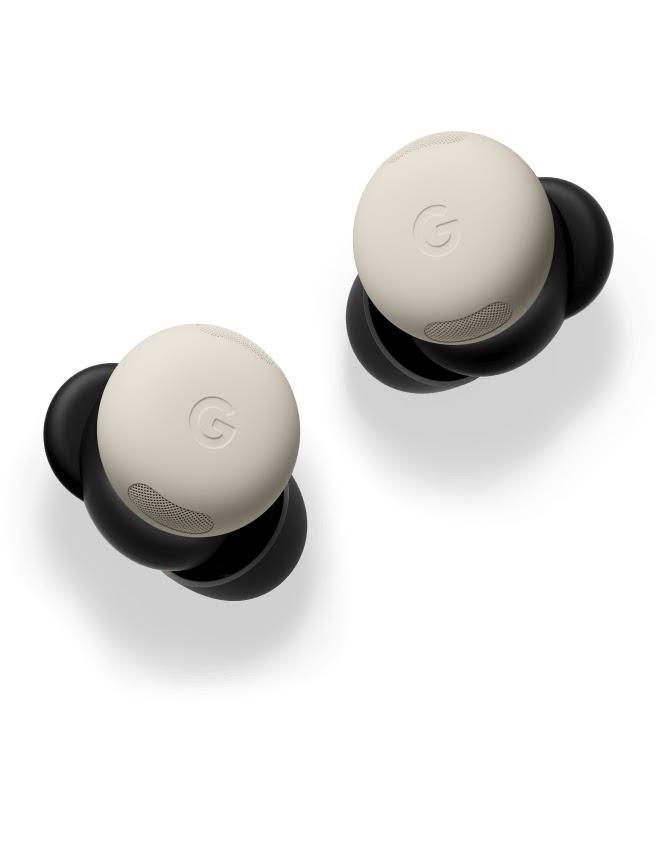
Samsung Galaxy Buds: Samsung says not to hold the earbuds upright while cleaning, and not to use alcohol or soapy water, so debris and liquid don't fall inside. Gently remove the tip, use a cotton swab and dry brush to remove debris, and wipe the inside of the tip with a soft, dry cloth. Then clean the charging contacts on the earbuds and in the case with a cotton swab.
Google Pixel Buds: Google's mesh method is similar to Apple's: micellar water or tap water and an extra-soft toothbrush, brushing in circles for 15 seconds, then air drying for up to two hours. Google says not to use any liquid, even water, inside the charging case.
Jabra: Jabra recommends a cloth with a little dish soap and water, wrung out well, followed by a water-only cloth, and says to avoid alcohol-based wipes and UV sanitizers.
For any other brand, check its support page first. When in doubt, dry cloth and soft brush only.
A note on earwax
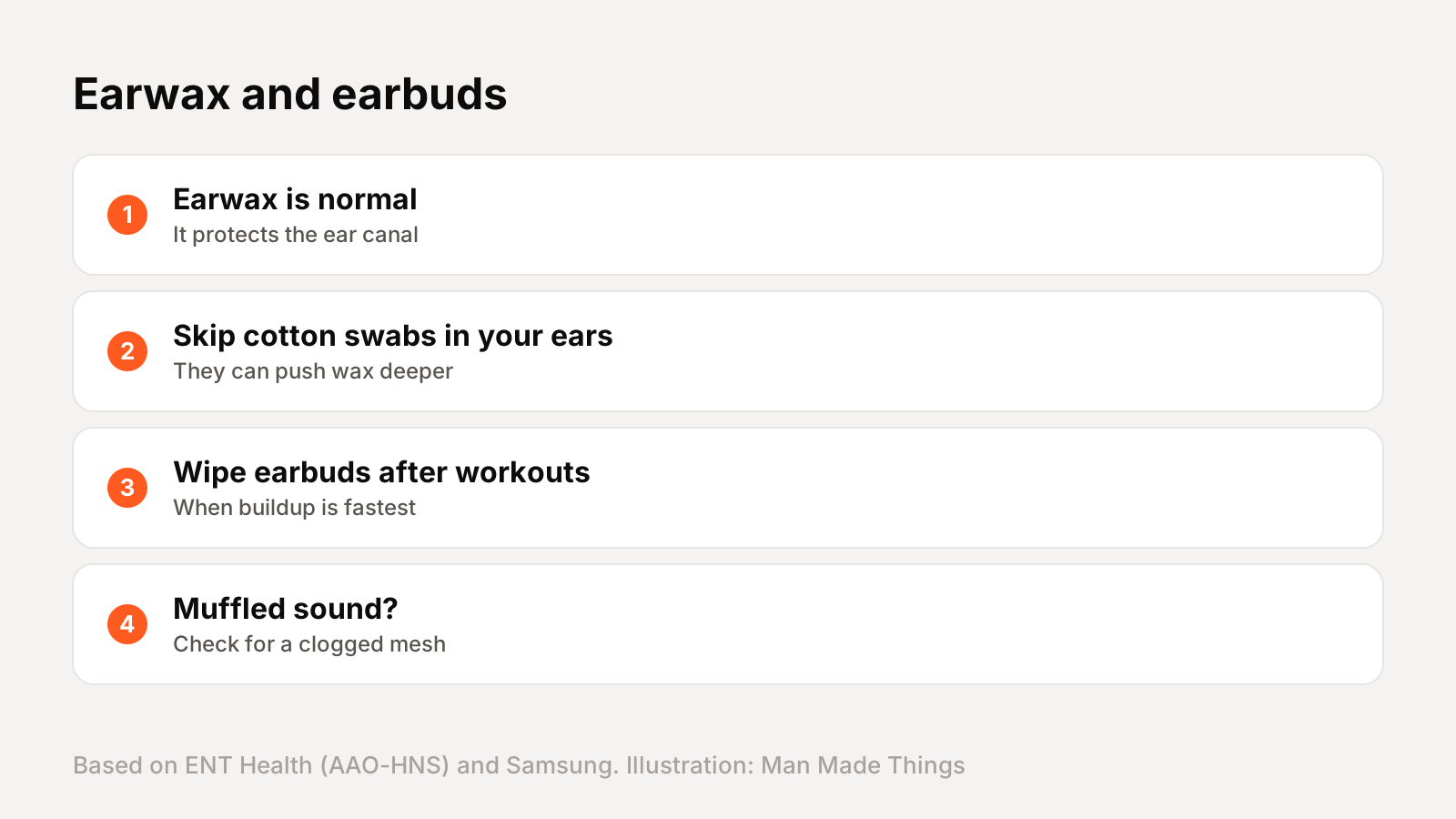
If your earbuds get waxy quickly, that's normal. ENT Health, run by the American Academy of Otolaryngology, says earwax is natural and protects the ear canal.
It also warns against using cotton swabs in your ears. They can remove some wax, but often push it deeper, which can worsen a blockage or injure the ear canal. So clean your earbuds, not your ear canals.
A few habits keep both clean:
- Wipe your earbuds after workouts, when sweat and wax build up fastest.
- Store them in the case rather than loose in a pocket or bag.
- Clean regularly. Google says regular cleaning helps with audio quality, consistent charging and even successful automatic updates.
If your earbuds suddenly sound muffled or one side is quieter, a clogged mesh is the most likely culprit, and a careful clean usually fixes it.
Frequently asked questions
How do you clean AirPods Pro?
+
Remove the tips and rinse them with water. Clean the meshes with micellar water and a soft brush, wipe the body with a lint-free cloth, and let them dry at least two hours.
Can I use alcohol to clean earbuds?
+
It depends on the brand. Samsung, Google and Jabra say no. Apple allows a cloth slightly dampened with isopropyl alcohol on the AirPods case.
Why do my earbuds sound muffled?
+
Usually earwax or debris on the mesh. Samsung says debris can muffle audio and even stop the earbuds from charging properly.
Can I rinse earbuds under water?
+
No. Apple and Google say not to run earbuds under water. Only the ear tips should be rinsed.
Sources
Editor-in-Chief
Rahul has been writing about gadgets and software since 2013, first at Thetechhacker and now at Man Made Things. He edits every review on the site and signs off on every verdict.
More from Rahul →
