The Best Robot Vacuums Under $500: iRobot Roomba and Roborock
Three robot vacuums under $500: the self-emptying Roomba 105, its vacuum-and-mop Combo sibling and the $250 Roborock Q7 L5, with what the suction numbers really mean.
We may earn a commission when you buy through links on this page. Learn more
Quick answer
The iRobot Roomba 105 Vac + AutoEmpty Dock ($449.99 list) is the best robot vacuum under $500: it maps your home with LiDAR and empties itself into a dock that holds up to 75 days of dirt. The Roomba 105 Combo ($469.99 list) adds mopping. The Roborock Q7 L5 ($249.99 list) is the best budget pick, with LiDAR mapping and a mop module, but no self-empty dock.
A robot vacuum won't replace a deep clean, but it changes how a home feels day to day. Crumbs under the table, dog hair along the hallway and dust under the bed just get handled while you're at work.
Under $500, you can now get features that used to cost twice as much: laser mapping that cleans in neat rows, room-by-room control in an app, and docks that empty the robot for you for weeks at a time. The trick is knowing which features are worth paying for.
I picked three, checked every spec and price on the brand's own US site, and noted where numbers are marketing claims. These are research-based picks with no star scores. Let's get into it.
Our picks at a glance
1. Best overall
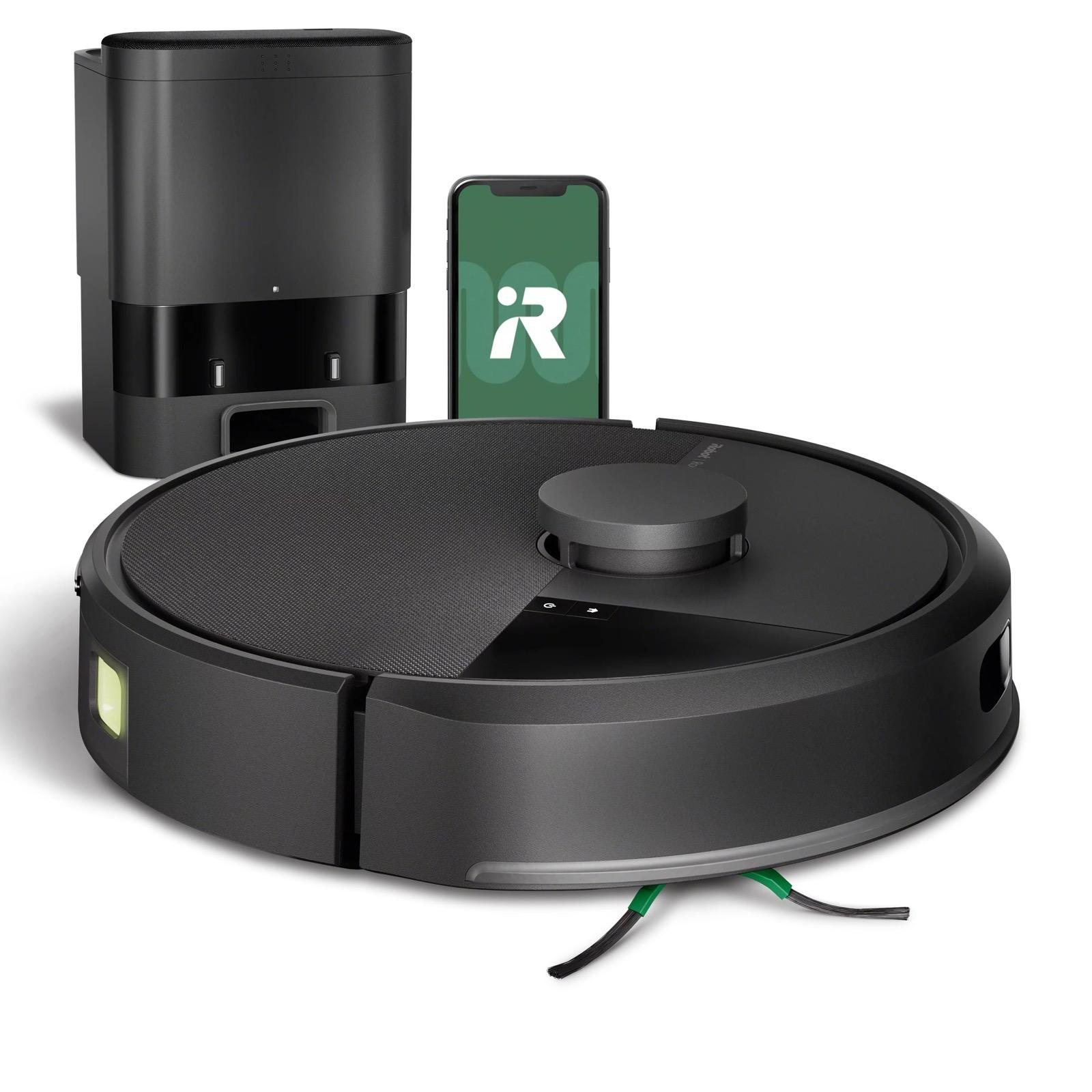
iRobot Roomba 105 Vac Robot + AutoEmpty Dock
This is the robot I'd buy for most homes. It uses LiDAR, a spinning laser, to map your rooms and clean in neat rows, even in the dark. iRobot says mapping takes about 10 minutes for 1,000 square feet, and it can save up to three maps if you have more than one floor.
The AutoEmpty dock is the feature that makes a robot vacuum genuinely hands-off. After each run, the robot empties its bin into a bag in the dock, which iRobot says holds up to 75 days of dirt. In the app, you can send it to specific rooms, set keep-out zones and adjust suction and passes.
A few notes. iRobot doesn't publish a suction figure in pascals, only a claim of 70 times more power than its older 600 series, so you can't compare it directly with other brands. It doesn't mop. And iRobot's sale price of $279.99 was time-limited when I checked, so look for deals. iRobot completed a court-supervised sale to its manufacturer, Picea, in January 2026 and says it continues under new ownership.
Pros
- 01LiDAR mapping, cleans in neat rows
- 02Self-empties for up to 75 days
- 03Room targeting and keep-out zones
- 04Works with Alexa, Siri and Google
Cons
- 01No mopping
- 02No suction figure in Pa to compare
- 03iRobot doesn't list runtime on the product page
| Navigation | ClearView LiDAR, up to 3 saved maps |
|---|---|
| Self-empty | AutoEmpty dock, up to 75 days |
| Suction | 4 levels (iRobot claims 70x the Roomba 600 series) |
| App | Room targeting, keep-out zones, scheduling, suction and passes |
| Voice | Works with Alexa, Siri and Google Assistant devices |
| Height | 4.09 in |
| Mopping | No |
2. Best vacuum and mop combo
iRobot Roomba 105 Combo Robot + AutoEmpty Dock
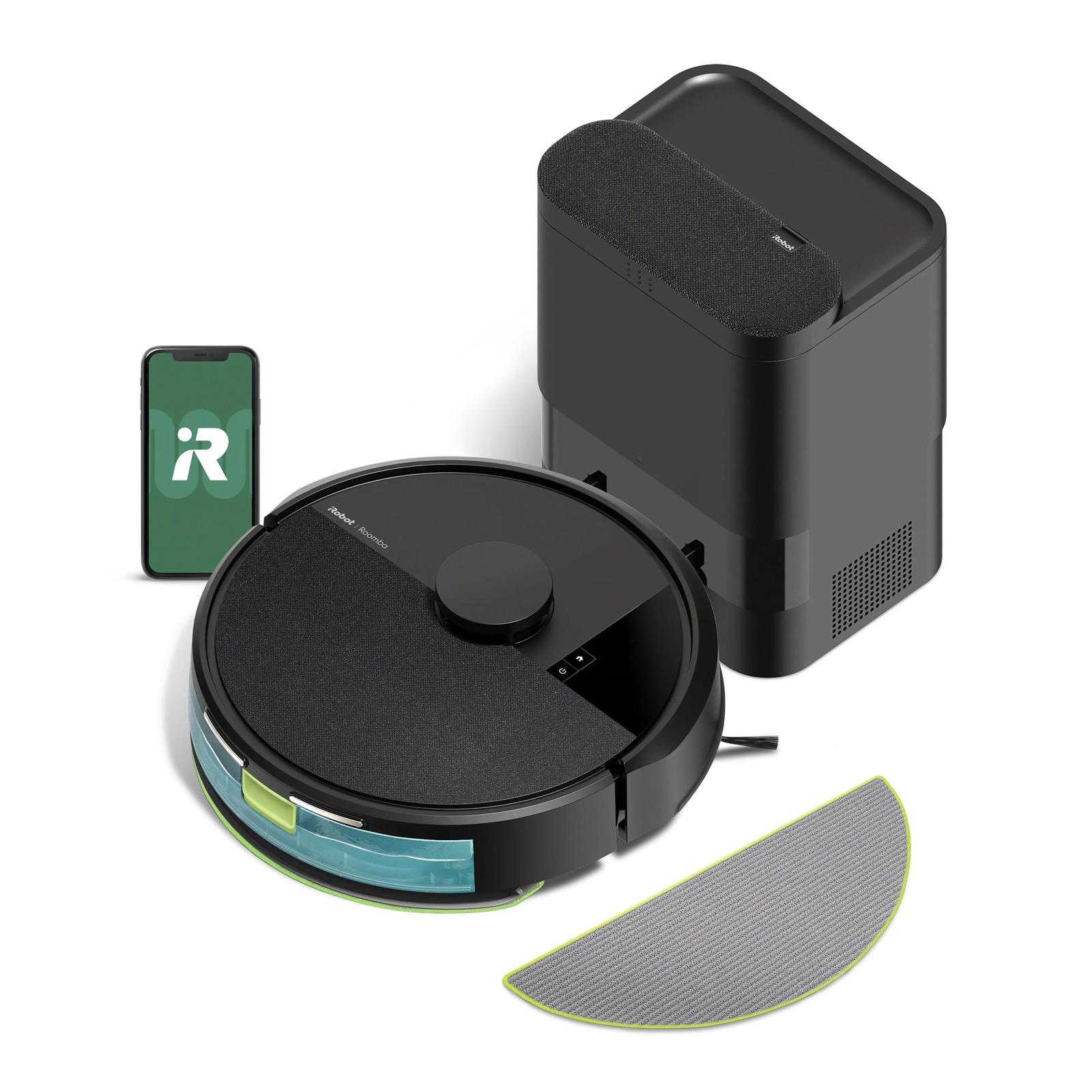
If you have hard floors, the Combo version is worth the extra $20. It does everything the regular Roomba 105 does, including LiDAR mapping and the 75-day AutoEmpty dock, and adds a mopping pad.
A small built-in pump keeps the microfiber pad evenly damp, with three water levels. You can vacuum, mop or do both in one pass. Carpet Detect means it won't mop your rugs, which is the big worry with cheap robot mops. The pads can be washed and reused up to 30 times, and a spare comes in the box.
Be realistic about robot mopping, though. A damp pad freshens floors and picks up light dirt, but it won't scrub dried spills like a person with a mop. There's also no mop lifting or pad washing, which pricier robots offer. iRobot was selling it for $299.99 in a time-limited sale when I checked.
Pros
- 01Vacuums and mops in one pass
- 02Carpet Detect avoids mopping rugs
- 03Self-empties for up to 75 days
- 04Reusable mop pads
Cons
- 01Light mopping, not scrubbing
- 02No mop lifting or pad washing
- 03Same suction-claim limitations as the 105
| Navigation | ClearView LiDAR, up to 3 saved maps |
|---|---|
| Self-empty | AutoEmpty dock, up to 75 days |
| Mopping | Microfiber pad, micro-pump, 3 liquid levels |
| Modes | Vacuum only, mop only, or both |
| Carpet | Carpet Detect stops mopping on rugs |
| Pads | Reusable up to 30 times, spare included |
| Voice | Works with Alexa, Siri and Google Assistant devices |
3. Best budget
Roborock Q7 L5 Robot Vacuum and Mop
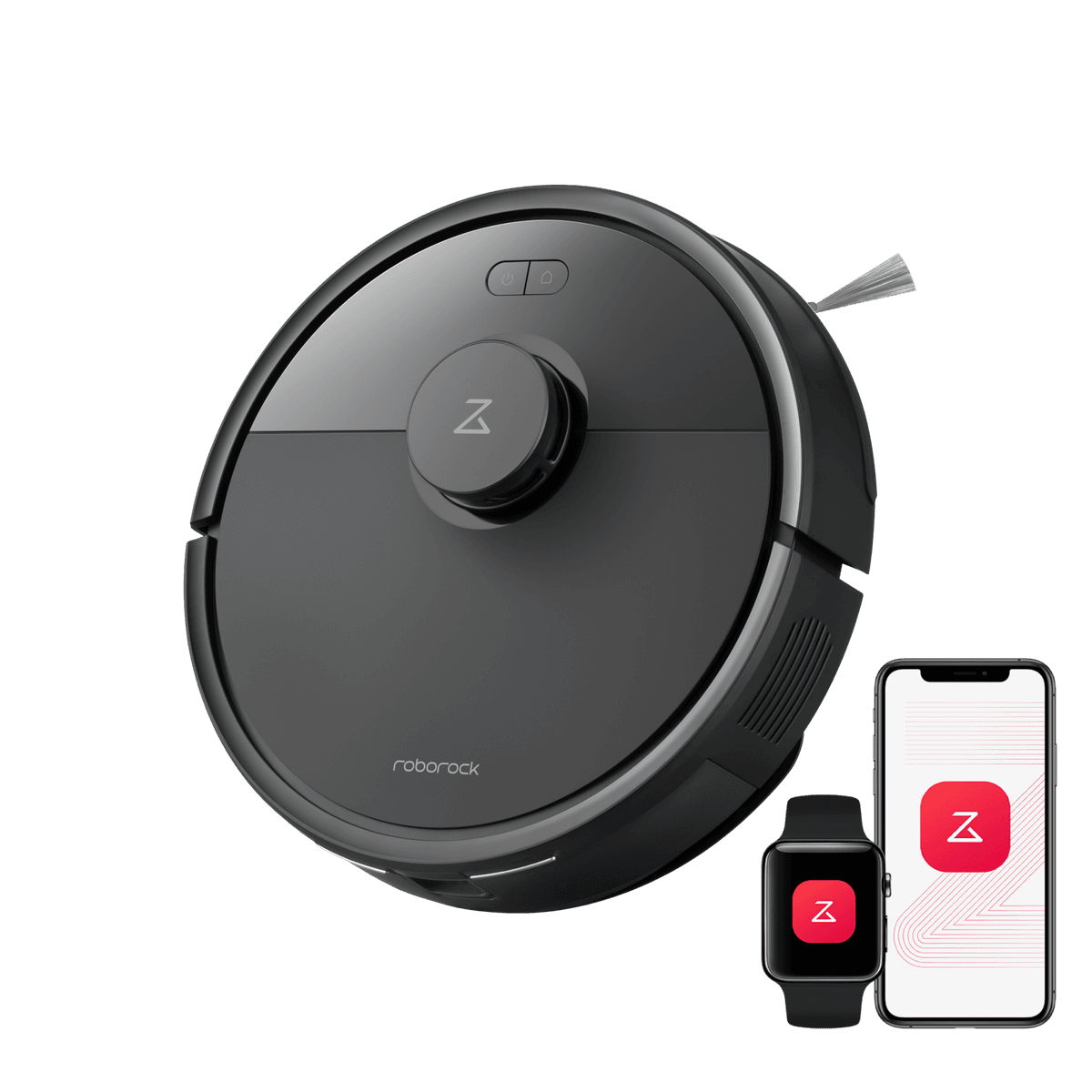
The Q7 L5 is proof that you don't need to spend much for a smart robot. For a $249.99 list price, you get LiDAR mapping, multi-floor maps, a mop module and anti-tangle brushes designed to stop hair wrapping around them, which is a real time-saver in homes with pets or long hair.
Roborock rates suction at 8,000 Pa, with automatic boost on carpet. That's from Roborock's own testing, so treat it as a guide rather than a guarantee. At 3.89 inches tall, it's also slightly lower than the Roombas, so it fits under a bit more furniture.
What you give up is the self-empty dock. You'll be emptying the bin by hand after most runs. Roborock was selling it for as little as $139.99 when I checked, which makes it an easy entry point into robot vacuums.
Pros
- 01LiDAR mapping at a budget price
- 028,000 Pa suction claim with carpet boost
- 03Anti-tangle brushes
- 04Low 3.89 in profile
Cons
- 01No self-empty dock
- 02Basic mopping with a shared bin and tank
- 03Suction is a brand-tested figure
| Navigation | PreciSense LiDAR, up to 3 saved maps |
|---|---|
| Suction | 8,000 Pa (Roborock's internal testing) |
| Brushes | Dual anti-tangle system |
| Mopping | Mop module, 3 water-flow levels |
| Self-empty | No, charging dock only |
| Height | 3.89 in |
| Warranty | 1 year |
Which features are worth paying for?
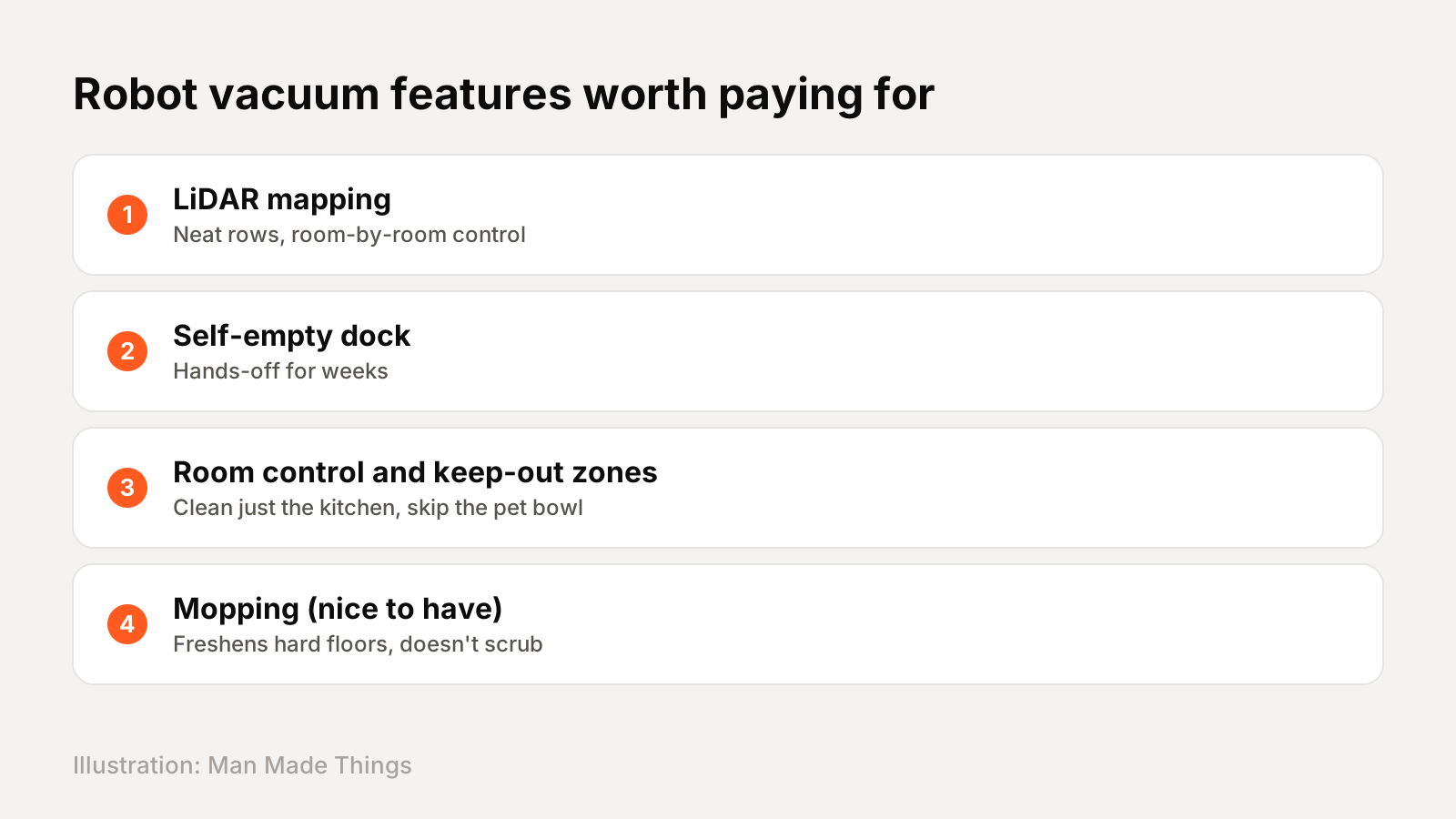
In my view, three features make the biggest difference:
- LiDAR mapping. Robots that map your home clean in efficient rows and let you control individual rooms. All three picks have it, which used to be rare under $500.
- A self-empty dock. This is what makes a robot genuinely hands-off. Without one, you empty a small bin after almost every run.
- Room control and keep-out zones. Being able to say "just clean the kitchen" or "stay away from the cat's water bowl" is what makes a robot easy to live with.
Mopping is nice to have, especially on hard floors, but budget robot mops only freshen floors. Don't buy a robot mainly for mopping at this price.
Don't trust suction numbers blindly
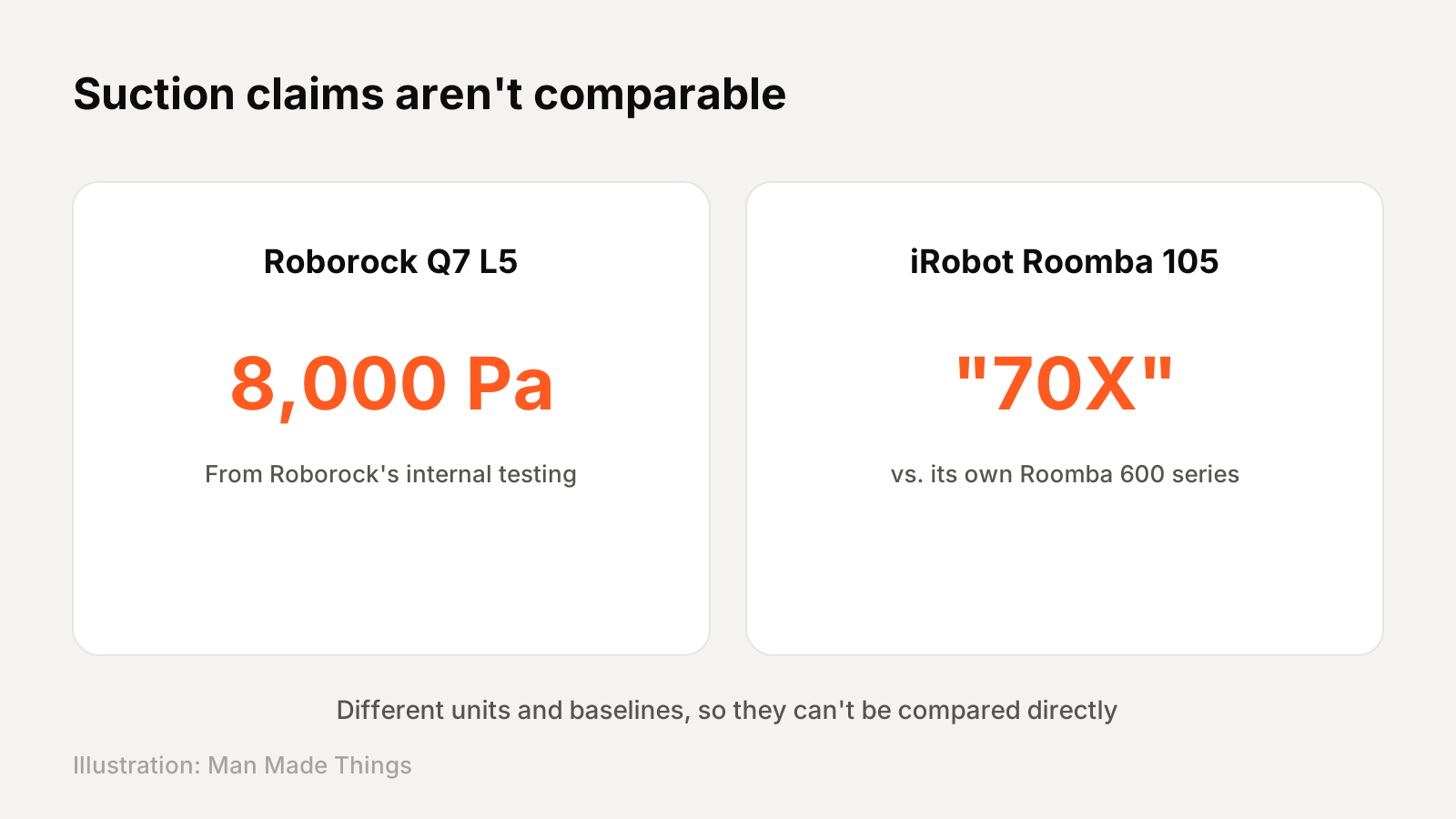
Suction is the spec brands love to shout about, and it's the hardest to compare.
Roborock lists 8,000 Pa for the Q7 L5 and notes the figure comes from its own internal testing. iRobot doesn't give a pascal figure at all for the Roomba 105. It says "70X more power-lifting suction" compared with its own older Roomba 600 series.
Those two claims can't be compared with each other. In practice, brushes, navigation and how well the robot handles edges matter at least as much as raw suction. Use the numbers as a rough guide within one brand's lineup, not across brands.
Keeping a robot vacuum running well
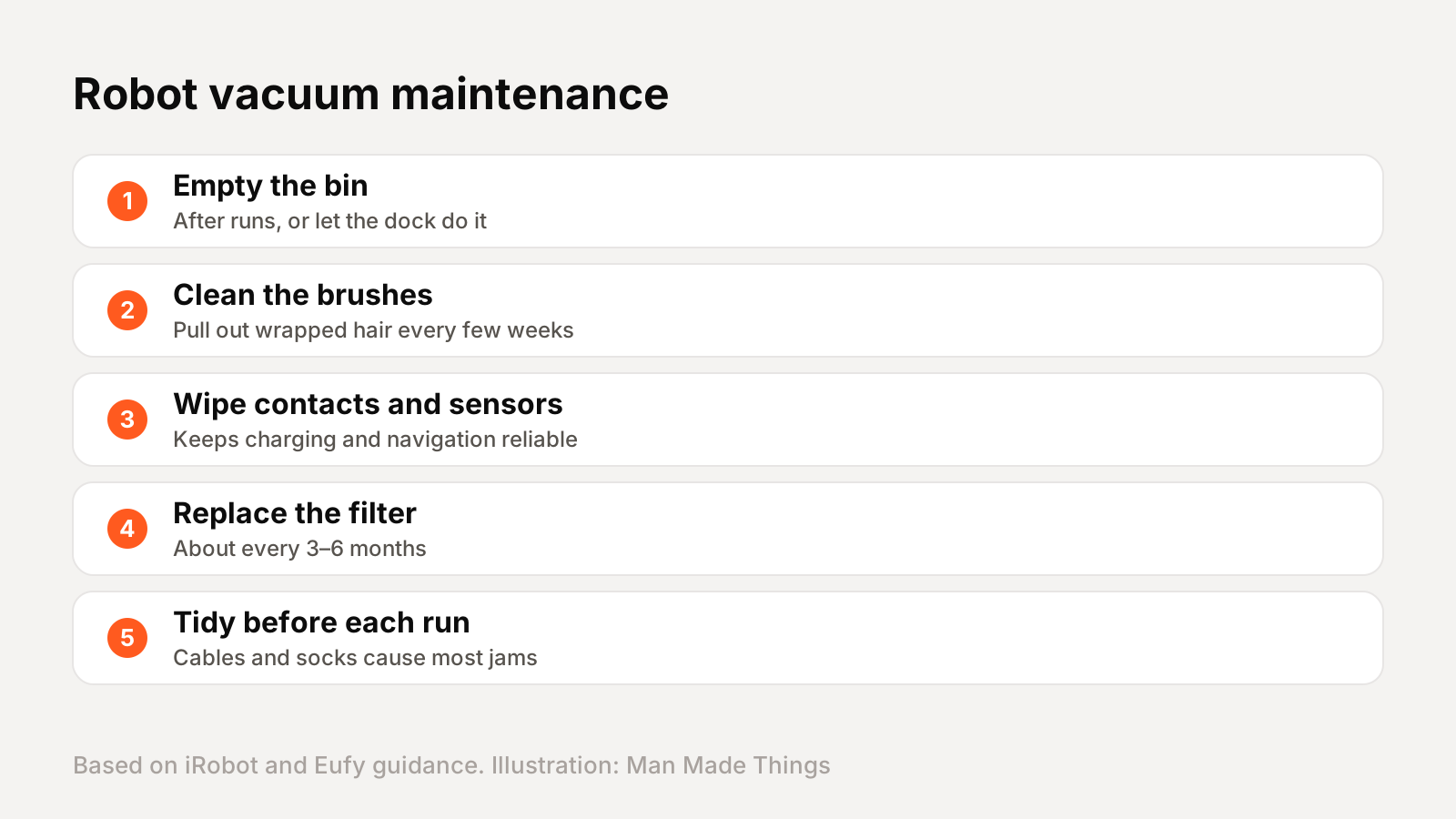
A robot vacuum needs a few minutes of care every week or two. iRobot's own guidance for the Roomba 105 is to wipe out the bin as needed, wipe the charging contacts, clean the brushes occasionally and change the filter every 3 to 6 months.
Eufy's guidance is similar: check the brushes every few weeks and expect to replace brushes and filters around every 3 months, sooner if you have pets or run the robot daily. Pull out any hair wrapped around the brushes, because tangles make the robot work harder and clean worse.
Also do a quick tidy before each run. Phone chargers, socks and pet toys are the main reasons robots get stuck.
Frequently asked questions
What is the best robot vacuum under $500?
+
The iRobot Roomba 105 Vac Robot + AutoEmpty Dock. It uses LiDAR mapping and empties itself into a dock that holds up to 75 days of dirt.
Are self-emptying robot vacuums worth it?
+
Yes, if you want a hands-off robot. Without a self-empty dock, you'll need to empty the small bin after most runs.
Do robot vacuum mops work?
+
They freshen hard floors and pick up light dirt, but budget robot mops don't scrub dried spills like a person with a mop.
How often should I replace a robot vacuum filter?
+
iRobot suggests changing the Roomba 105 filter every 3 to 6 months.
Sources
Editor-in-Chief
Rahul has been writing about gadgets and software since 2013, first at Thetechhacker and now at Man Made Things. He edits every review on the site and signs off on every verdict.
More from Rahul →
