AULA NEOS75 Review: An All-Aluminum Low-Profile Keyboard With a Screen and Knobs
A research-based review of the AULA NEOS75 ($299): a 75% low-profile mechanical keyboard with a CNC aluminum chassis, aluminum keycaps, a 2.3-inch color screen, metal knobs and tri-mode wireless, with AULA's official specs and how it compares with NuPhy and Lofree.
We may earn a commission when you buy through links on this page. Learn more
Quick answer
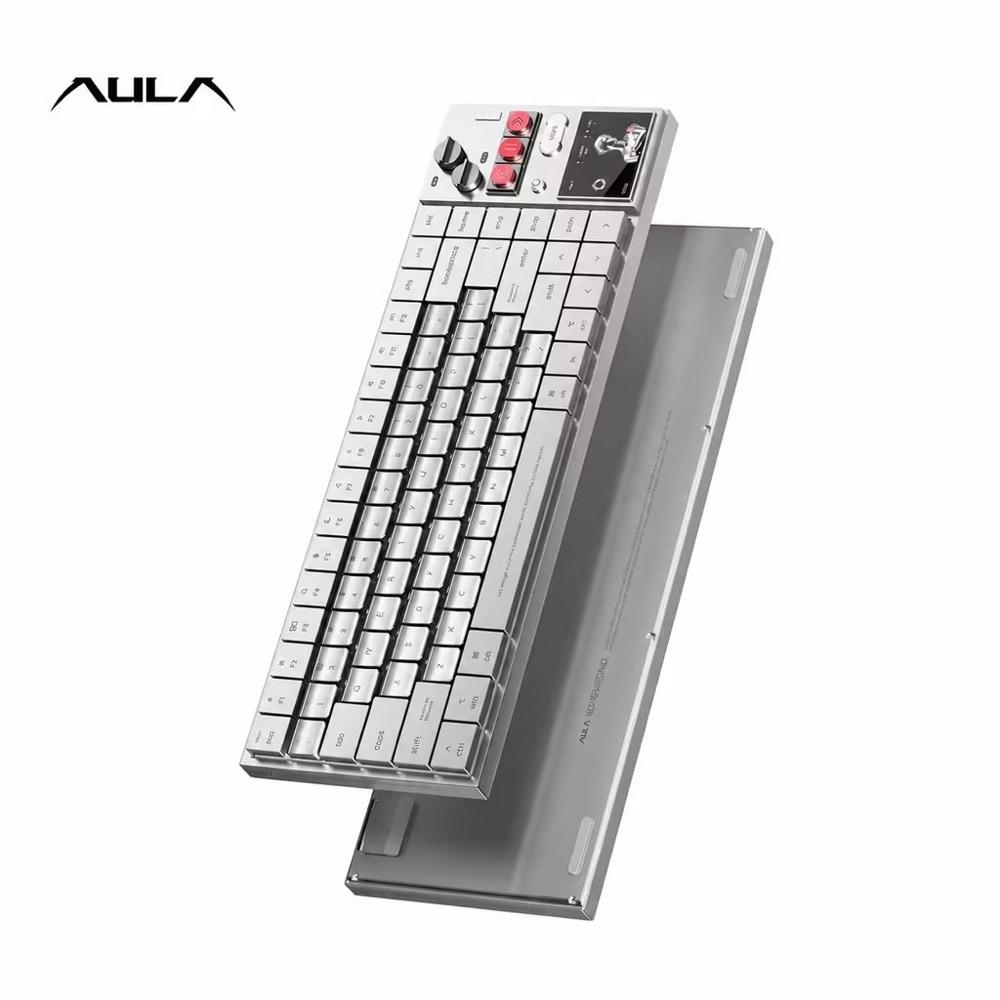
The AULA NEOS75 is a 75% low-profile mechanical keyboard with a one-piece CNC aluminum chassis, aluminum keycaps, AULA x Kailh hot-swappable switches, a 2.3-inch color screen, a metal knob module and tri-mode wireless with a 4,200 mAh battery. It costs $299 on AULA's official store, where only one of four versions was in stock when we checked. It's AULA's most premium keyboard yet, aimed at people who want a desk centerpiece more than a budget board.
AULA is best known for affordable gaming keyboards like the F75, which often sell for well under $100. The NEOS75 is something else: a $299, all-aluminum low-profile keyboard with a color screen, metal knobs and media buttons built into a control strip on the right side. AULA describes it as a "Neo-Renaissance styled" keyboard for "desktop art lovers."
It's clearly found an audience. AULA's official blog says the first batch of 200 units sold out in 16 minutes.
A note on how we review: I haven't completed a hands-on test of the NEOS75, so there's no star rating on this page. Everything below comes from AULA's official website, store and blog. For other distinctive keyboards, see our guide to unique keyboard brands.
Image: AULA
AULA
AULA NEOS75
The NEOS75 is AULA's showpiece: a premium aluminum low-profile board with a screen and knobs that few rivals match at any price.
Best for: Desk-setup enthusiasts who want a statement keyboard
Pros
- 01All-aluminum chassis and keycaps
- 02Color screen and metal knob module
- 03Hot-swappable low-profile switches
- 04VIA and AULA HUB 3.0 support
Cons
- 01$299 is a big step up for AULA
- 02Most versions out of stock when we checked
What the AULA NEOS75 is
The NEOS75 is a 75% low-profile mechanical keyboard built from a one-piece CNC aluminum chassis, with custom low-profile aluminum keycaps that AULA says have gently curved tops. On the right side sits a control area with a 2.3-inch color display, a metal knob module and physical buttons.
AULA says the screen can show battery status, connection details, the time, keyboard feedback, animations and custom visuals, and that the knob and buttons adjust volume, switch screen pages and access other functions. A proximity wake-up feature puts the display and lighting to sleep after inactivity and wakes them when your hand approaches, and a magnetic compartment stores the 2.4 GHz receiver.
AULA NEOS75 specs
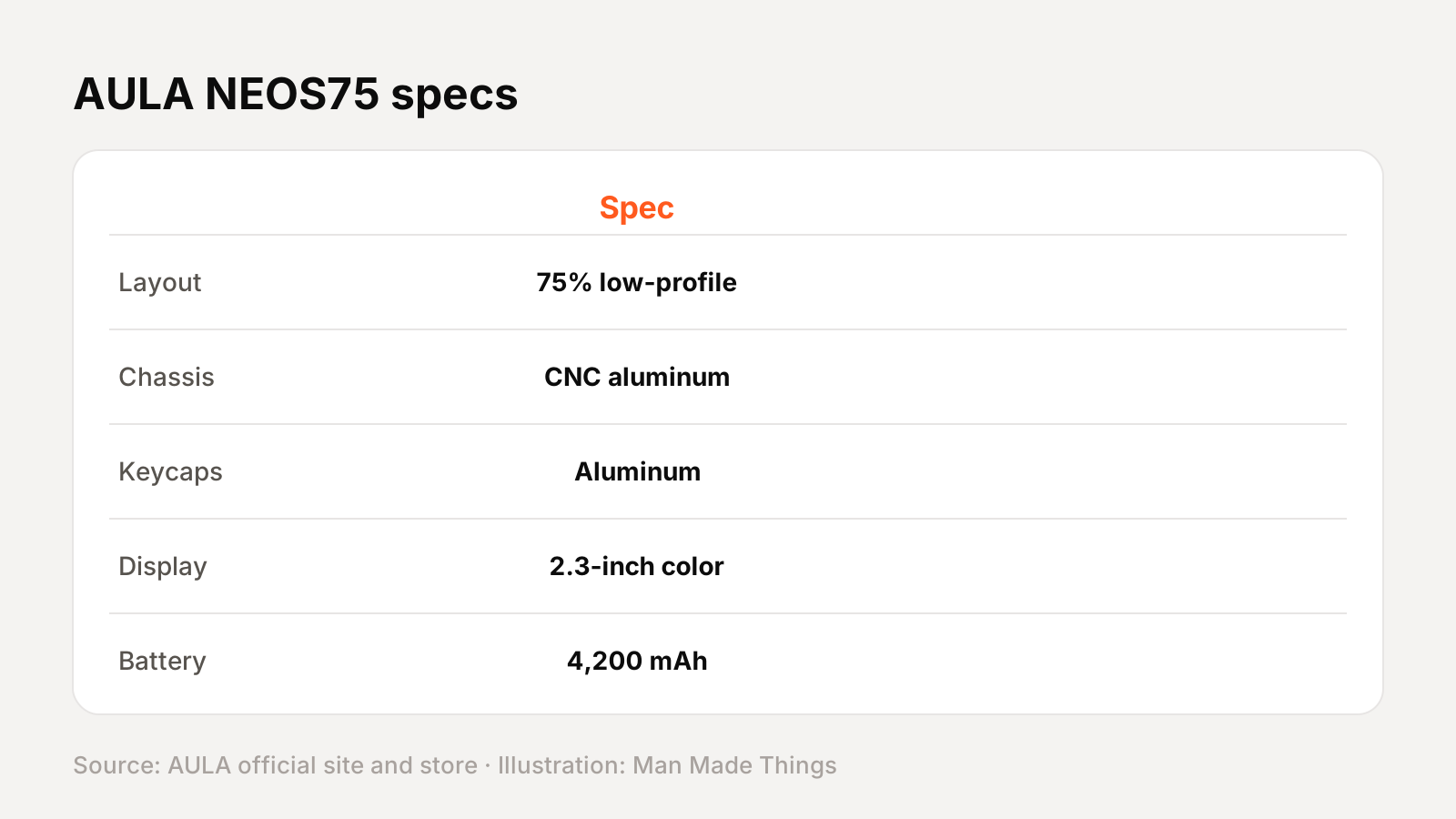
From AULA's official site, store and blog:
| Spec | AULA NEOS75 |
|---|---|
| Layout | 75%, low-profile |
| Chassis | One-piece CNC aluminum |
| Keycaps | Custom low-profile aluminum, curved tops |
| Switches | AULA x Kailh custom low-profile, full hot-swap |
| Mount | Gasket, six-layer dampening (PORON, IXPE, PET) |
| Display | 2.3-inch color screen |
| Controls | Metal knob module and physical buttons |
| Connectivity | Bluetooth, 2.4 GHz, wired |
| Battery | 4,200 mAh |
| Software | AULA HUB 3.0 and VIA |
| Compatibility | Windows, macOS, Linux, Android |
AULA's official pages don't list a polling rate, dimensions or weight, so we've left those out.
Switch options and versions
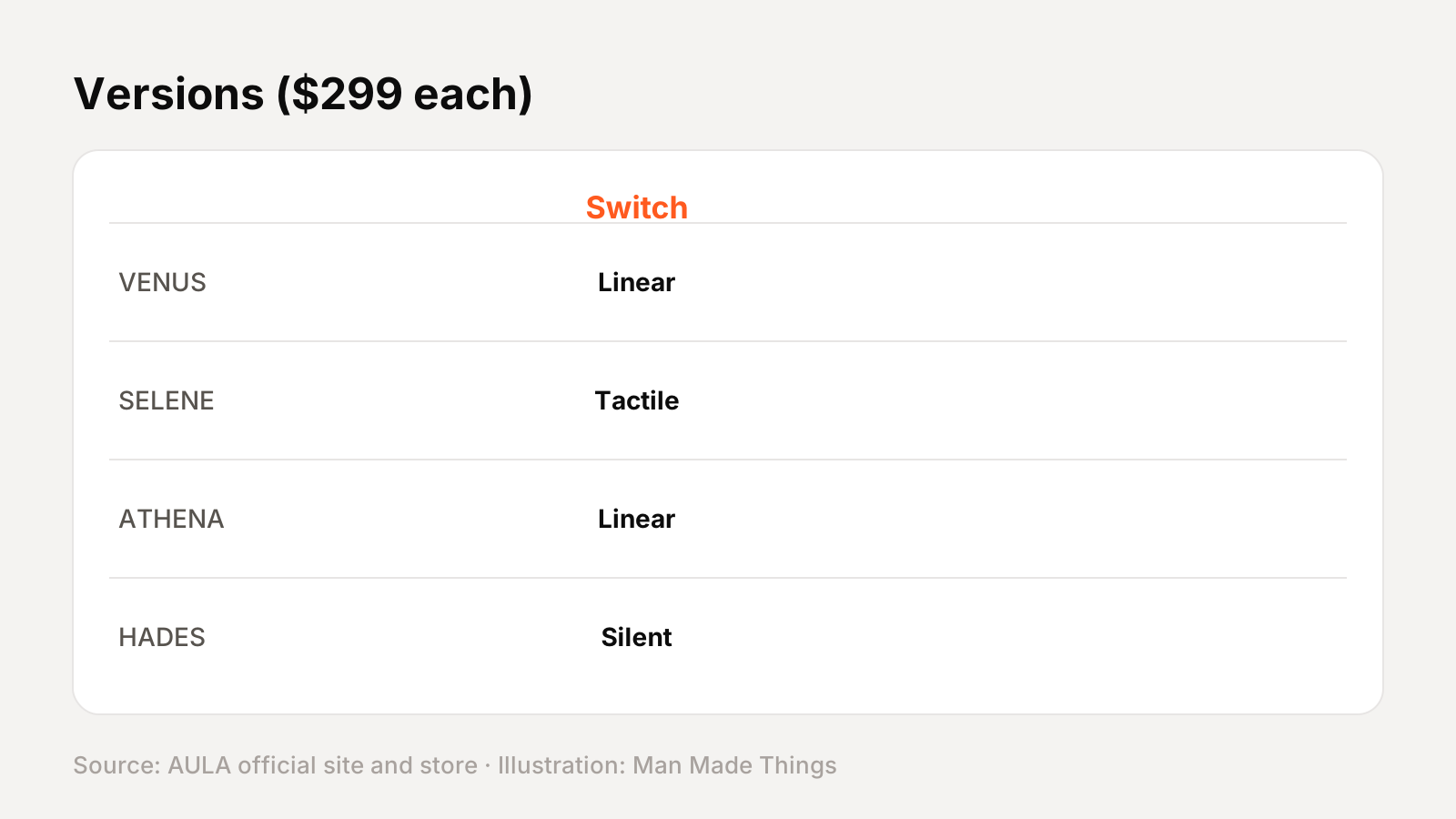
AULA's blog lists three custom low-profile switches made with Kailh:
- Feiyun Linear: smooth, with no tactile bump.
- Chayun Long-Pole: a more pronounced bottom-out feel.
- Jingyun Light-Sound: a more restrained sound.
AULA's US store sells four named versions at $299 each: VENUS (linear switch), SELENE (tactile switch), ATHENA (linear switch) and HADES (silent switch). When we checked, only ATHENA was in stock; AULA said "more units are in production." Because the switches are hot-swappable, you can change them later for other compatible low-profile switches without soldering.
How it compares with other low-profile keyboards
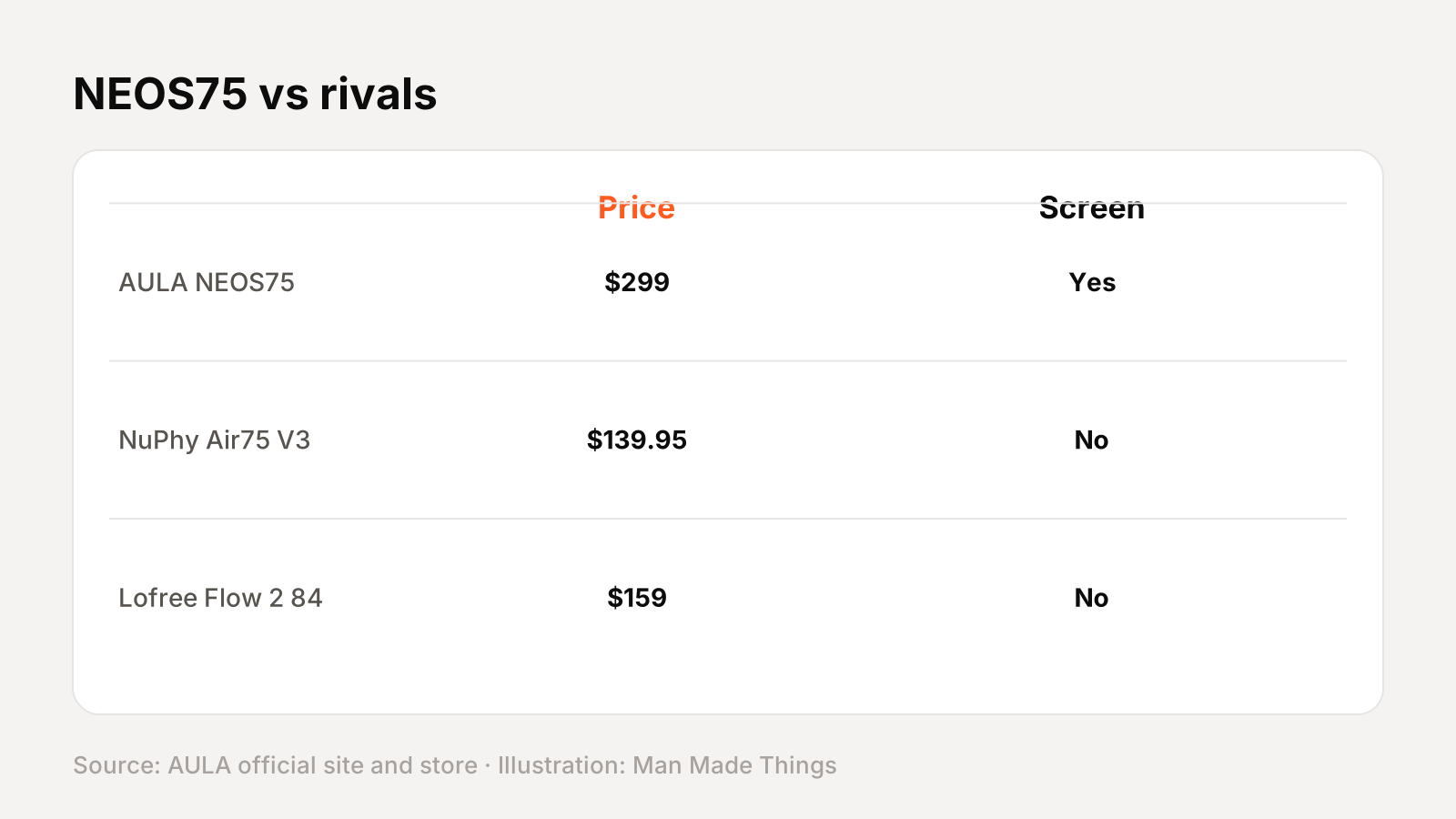
| AULA NEOS75 | NuPhy Air75 V3 | Lofree Flow 2 84 | |
|---|---|---|---|
| Price | $299 | $139.95 | $159 |
| Chassis | CNC aluminum | Aluminum top, ABS bottom | Aluminum |
| Keycaps | Aluminum | Double-shot PBT | PBT + PC double-shot |
| Screen | 2.3-inch color | No | No |
| Knob | Metal knob module | Yes | Touch bar instead |
| Battery | 4,200 mAh | 4,000 mAh | 3,000 mAh |
| Hot-swap | Yes | Yes | Yes |
The NEOS75 costs about twice as much as its closest low-profile rivals. What you get for that is an all-metal build, metal keycaps and the screen-and-knob control strip, which neither the NuPhy nor the Lofree offers.
Software and customization
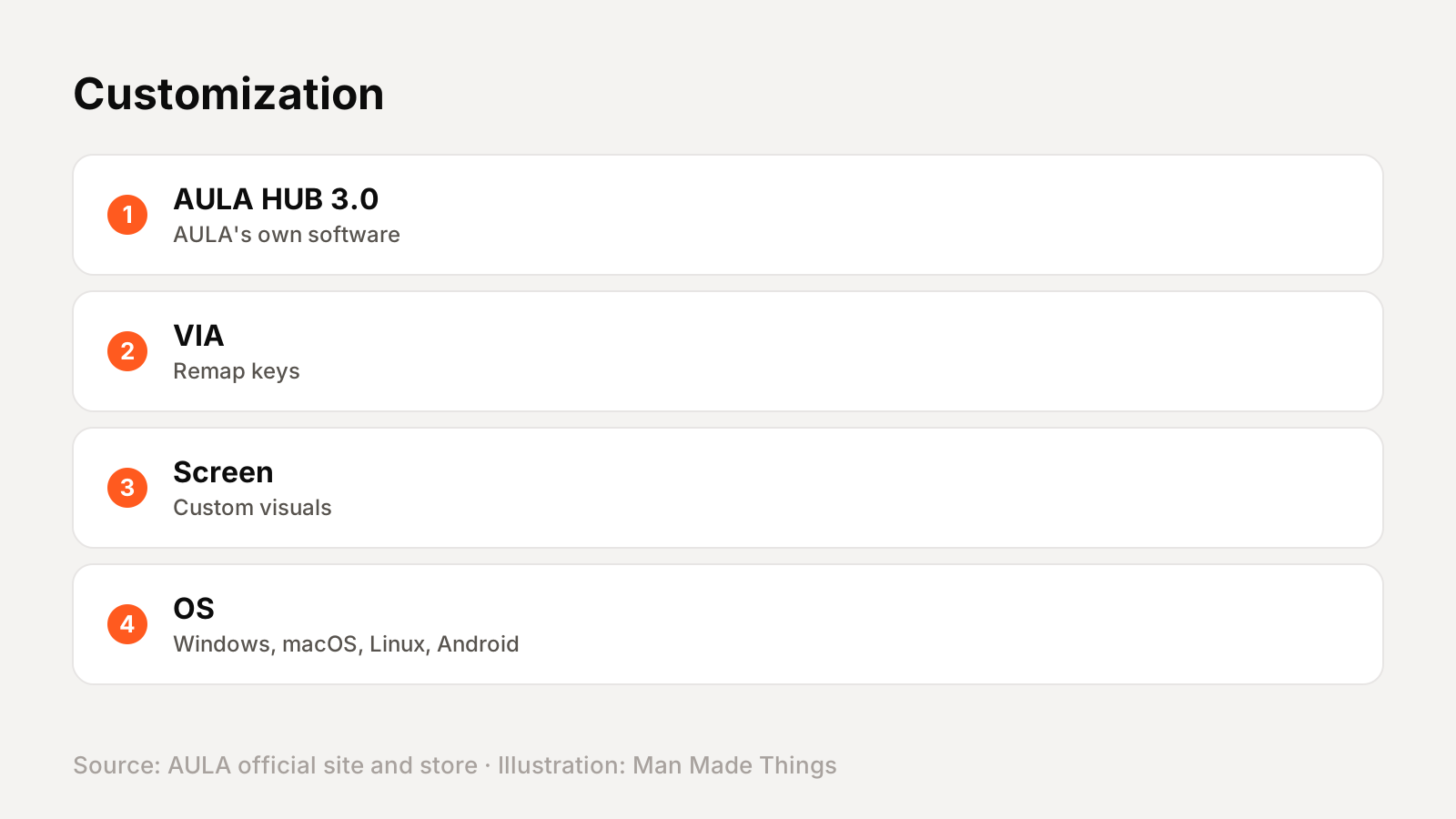
AULA supports the NEOS75 with its AULA HUB 3.0 software and VIA, which lets you remap keys and adjust settings. AULA lists Windows, macOS, Linux and Android support, and its FAQ notes that Mac is supported but some software functions may vary by operating system.
The control strip is the most customizable part: AULA says the screen can show custom visuals, and the knob and buttons control volume, screen pages and other supported functions.
Getting the best from the NEOS75
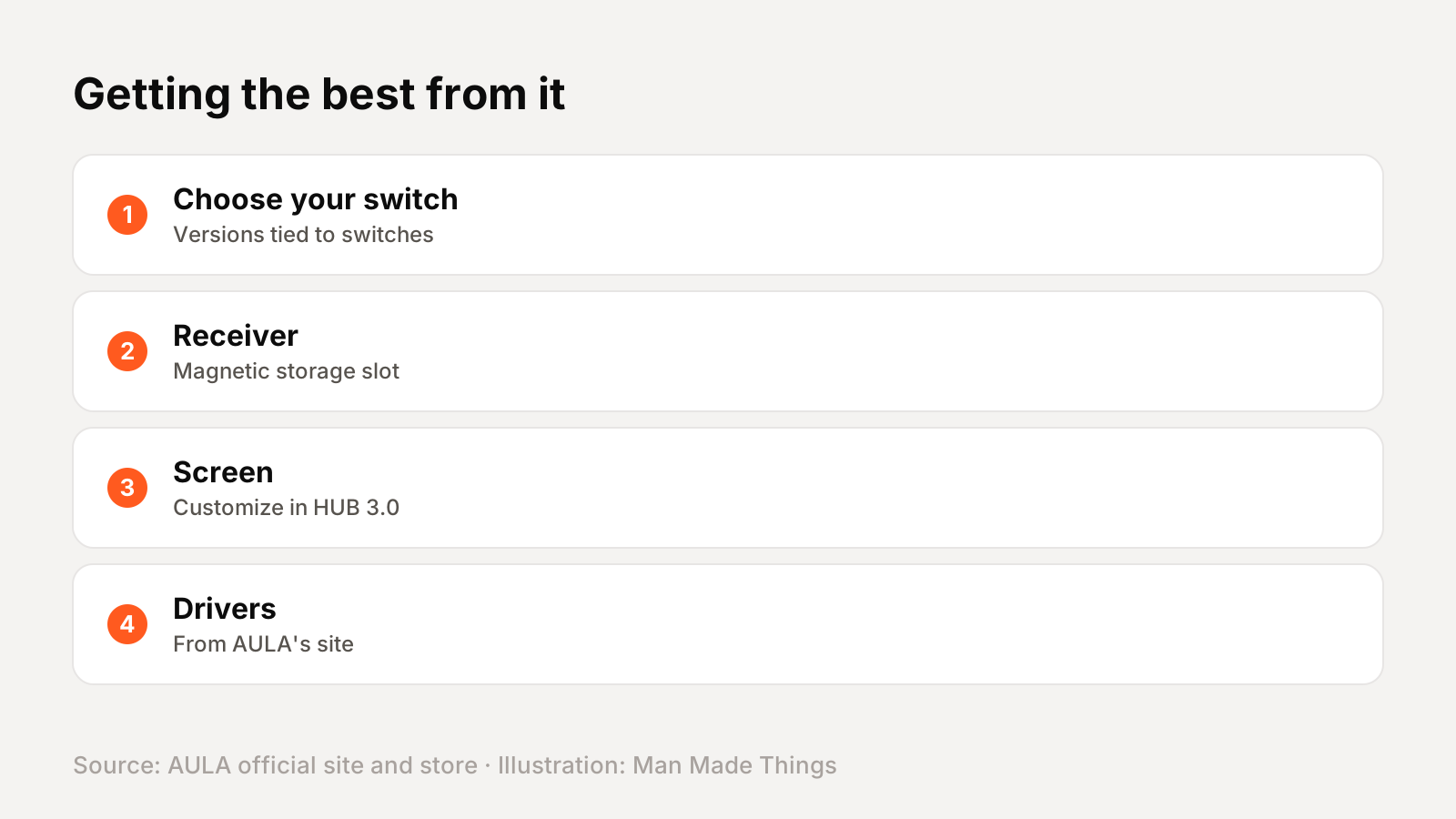
- Choose your switch carefully: the versions are tied to switch types, and stock varies.
- Store the 2.4 GHz receiver in its magnetic compartment so you don't lose it.
- Customize the screen with AULA HUB 3.0 for the information you actually use.
- Use VIA if you prefer a familiar, cross-platform remapping tool.
- Download drivers and manuals from AULA's official site.
Buying direct and warranty
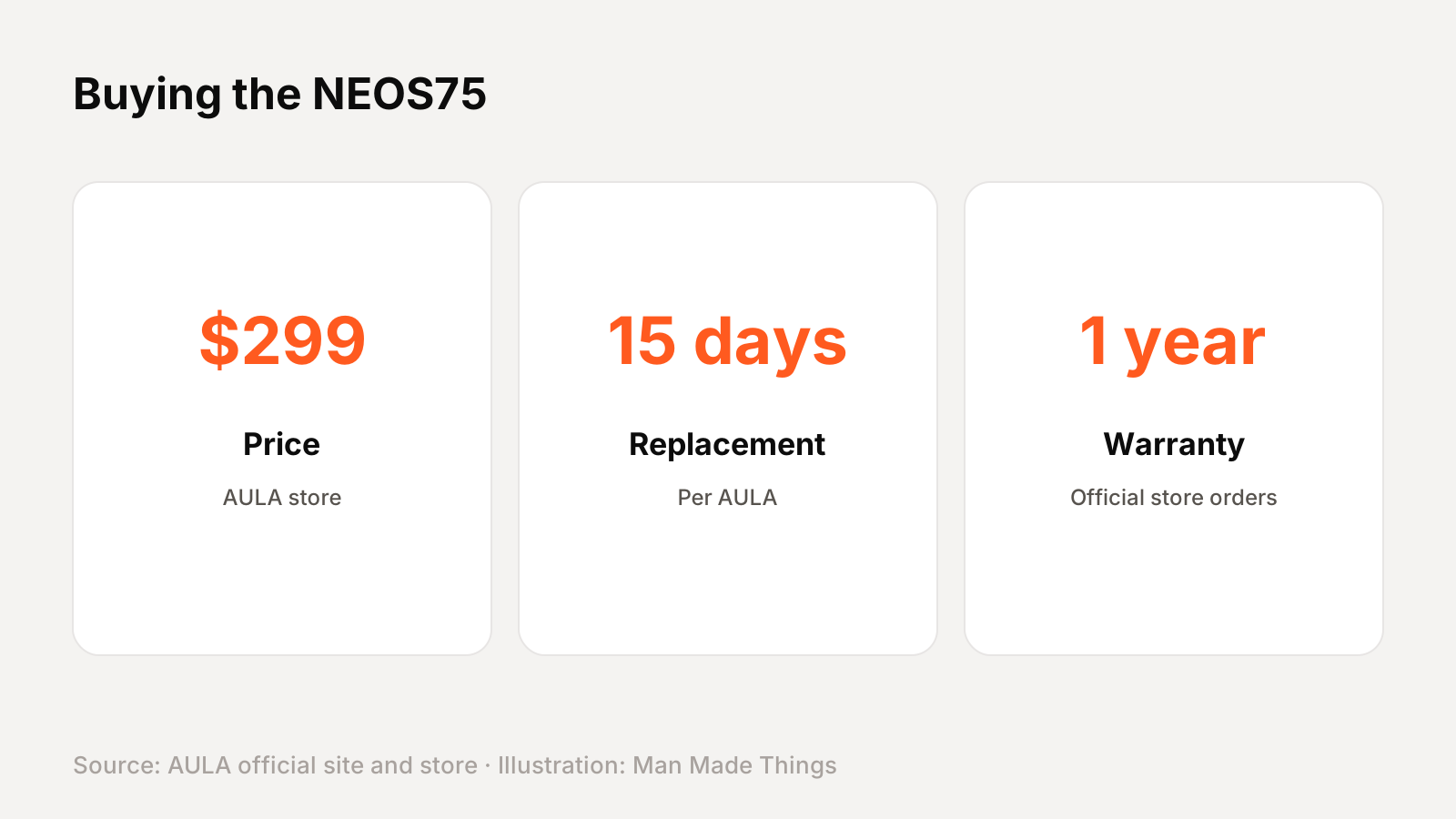
AULA's official store lists the NEOS75 at $299 and was running "Black Friday price protection through year-end" when we checked. AULA says it ships from the warehouse nearest to you.
Warranty: AULA's store offers a 15-day free replacement if the product becomes unusable within 15 days of delivery, and a 1-year warranty, which it says is exclusive to official store orders. That's a good reason to buy direct.
Should you buy the AULA NEOS75?
Buy it if: you want a statement keyboard for your desk, with an all-metal build, metal keycaps and a screen and knob you'll actually use.
What we like:
- All-aluminum chassis and keycaps
- Color screen and metal knob module
- Hot-swappable low-profile switches
- VIA and AULA HUB 3.0 support
What to consider:
- $299 is a big step up from AULA's usual prices
- Most versions were out of stock when we checked
- AULA doesn't publish weight or polling rate on its official pages
Who should skip it: If you just want a great low-profile keyboard for less, the NuPhy Air75 V3 costs less than half as much.
The bottom line: The NEOS75 is AULA's showpiece: a premium aluminum low-profile board with a screen and knobs that few rivals match at any price.
AULA NEOS75 specs
| Layout | 75%, low-profile |
|---|---|
| Chassis | One-piece CNC aluminum |
| Keycaps | Custom low-profile aluminum |
| Switches | AULA x Kailh low-profile, hot-swap |
| Mount | Gasket, six-layer dampening |
| Display | 2.3-inch color screen |
| Connectivity | Bluetooth, 2.4 GHz, wired |
| Battery | 4,200 mAh |
Test report
Hands-on test report: in progress
We don't publish scores or test results until a real unit has gone through our routine: battery rundown at 50% volume, call quality outdoors, noise cancellation on a commute, fit over a full workday, and connection stability across devices. This review will be updated with measured results and a star rating once testing is complete.
Frequently asked questions
How much is the AULA NEOS75?
+
$299 on AULA's official US store, November 2026.
Does the AULA NEOS75 have a screen?
+
Yes, a 2.3-inch color screen that AULA says can show battery, connection, time, animations and custom visuals.
Is the AULA NEOS75 hot-swappable?
+
Yes, it supports full-key hot-swap with compatible low-profile switches.
What warranty does the AULA NEOS75 have?
+
AULA offers a 1-year warranty on official store orders and a free replacement within 15 days of delivery if the product becomes unusable.
Sources
Editor-in-Chief
Rahul has been writing about gadgets and software since 2013, first at Thetechhacker and now at Man Made Things. He edits every review on the site and signs off on every verdict.
More from Rahul →
